Server VPN: What It Is, How It Works, and How to Choose One
Learn what a server VPN does, how it protects connections, and which setup best fits your privacy, access, and business needs.
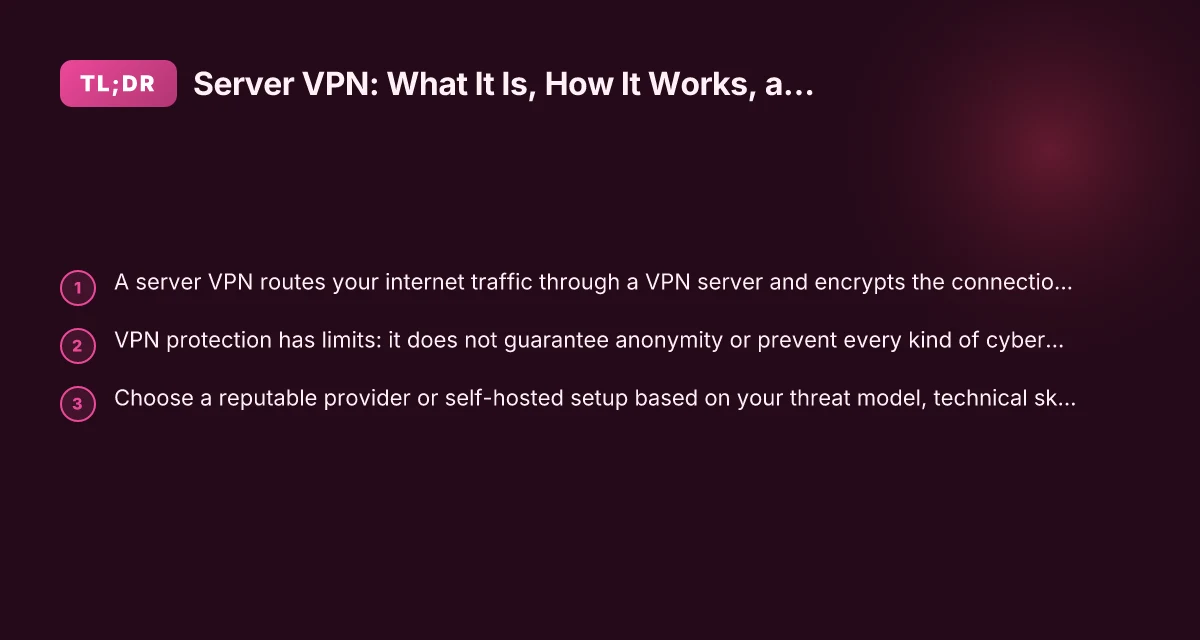
A server VPN is a system that sends your device’s internet traffic through a remote or privately managed VPN server. The connection between your device and the server is encrypted, which can help protect data on untrusted networks and make websites see the server’s IP address instead of your device’s public IP. People use server VPNs for privacy, secure remote access, and connecting to networks or services while traveling.

Editor's pick: NordVPN — fast, secure VPN — Strong encryption, a no-logs policy and apps for every device. 30-day money-back guarantee. Get NordVPN →
Commercial VPN vs. self-hosted VPN comparison
| Factor | Commercial VPN | Self-hosted VPN |
|---|---|---|
| Server management | Provider-managed | User-managed |
| Setup effort | Usually low | Usually higher |
| Server locations | Multiple regions may be available | Limited to chosen host locations |
| Ongoing maintenance | Handled by provider | Handled by user |
| Configuration control | Provider-defined options | Greater control |
| Shared infrastructure | Often shared with other customers | Dedicated to your deployment |
| Best suited for | Convenient access across locations | Custom control and private access |
Compiled November 2026; check the provider's site for current details.
| VPN | Obfuscation | From / month | Plan | Free plan | Refund | Alipay | UnionPay | Crypto | Website opens in China | Trustpilot | |
|---|---|---|---|---|---|---|---|---|---|---|---|
 ZoogVPN | Turn on manually Shadow | $2.49/mo | 27 months: $59.99 | Yes | 7 days | ✓ | ✓ | ✓ | ✓ | Official site blocked; our special link opens (4.4 s) | 4.2/5 (195 reviews) |
 NordVPN | Turn on manually Obfuscated Servers / NordWhisper | $3.49/mo | 27 months: $94.23 | No | 30 days | ? | ✗ | ✓ | ✓ | ✗ Blocked | 4.2/5 (51,628 reviews) |
 ExpressVPN | ✓ On by default all servers | $3.00/mo | 28 months: $84 | No | 30 days | ✗ | ✗ | ✓ | ✗ | ✗ Blocked | 4.4/5 (29,706 reviews) |
 Surfshark | ✓ On by default Camouflage, with OpenVPN | See site | See site | No | 30 days | ✗ | ✗ | ✗ | ✓ | ✗ Blocked | 4.3/5 (31,823 reviews) |
 Proton VPN | Turn on manually Stealth, free plan too | $2.99/mo | 12 months: $35.88 | Yes | 30 days | ✗ | ✗ | ✗ | ✓ | ✗ Blocked | 2.1/5 (1,040 reviews) |
 Astrill VPN | Turn on manually StealthVPN / OpenWeb | $12.50/mo | 24 months: $300 | No | See site | ✗ | ✗ | ✗ | ✓ | ✗ Blocked | 1.3/5 (110 reviews) |
 Private Internet Access | Turn on manually Shadowsocks, OpenVPN only | $2.03/mo | 40 months: $81.2 | No | 30 days | ✗ | ✗ | ✗ | ✗ | ✗ Blocked | 4.2/5 (11,033 reviews) |
 CyberGhost | Turn on manually selected servers | $2.19/mo | 28 months: $61.32 | No | 45 days | ✗ | ✗ | ✗ | ✓ | ✗ Blocked | 4.0/5 (24,178 reviews) |
 PureVPN | Turn on manually switch to OpenVPN | $1.69/mo | 60 months: $101.55 | No | 31 days | ? | ? | ✗ | ✓ | ✗ Blocked | 4.4/5 (17,994 reviews) |
 AdGuard VPN | ✓ On by default TrustTunnel | $2.99/mo | 24 months: $71.76 | Yes | 30 days | ✓ | ✗ | ✓ | ✓ | Official site blocked; our special link opens (3.7 s) | 4.3/5 (290 reviews) |
 Mullvad | Turn on manually QUIC / Shadowsocks / LWO | $5.61/mo | €5/mo | No | 14 days | ✗ | ✗ | ✗ | ✓ | ✗ Blocked | 3.2/5 (192 reviews) |
 Windscribe | Turn on manually Stealth / WStunnel | $5.75/mo | 12 months: $69 | Yes | See site | ✗ | ✗ | ✗ | ✓ | ✗ Blocked | 4.7/5 (13,355 reviews) |
 StrongVPN | Turn on manually Scramble, OpenVPN TCP | See site | See site | No | 30 days | ✓ | ✗ | ✗ | ✗ | ✗ Blocked | 4.4/5 (2,695 reviews) |
 LightXtreme 闪连 | Not listed | $7.08/mo | 12 months: $84.99 | Yes | 30 days | ✓ | ✓ | ✓ | ✓ | ✓ Yes (3.5 s) | No page |
Prices checked 2026-11-10 on each vendor's pricing page (cheapest long plan, USD). Check the vendor's checkout for the final price.
Obfuscation checked 2026-11-14 on each vendor's site and help center: "on by default" = nothing to set; "turn on manually" = switch protocol or mode in settings; "not listed" = the vendor describes no obfuscation.
Payment methods checked 2026-11-10 on each vendor's payment pages: all 14 take cards and PayPal; ✗ = not listed, ? = the vendor's own pages disagree.
China access: whether the official website opens from mainland China networks (tests the website only, not the VPN connection). Last checked 2026-11-18 01:02 Beijing time.
Trustpilot score and review count checked 2026-11-10.
What a server VPN is
VPN stands for virtual private network. A VPN server is the system that receives an encrypted connection from a VPN client, such as an app on your phone or computer. The server then forwards traffic to the internet or to a private network and sends responses back through the tunnel.
“Server VPN” can refer to two common setups:
- A commercial VPN service, which operates servers in multiple locations for subscribers.
- A self-hosted VPN server, which an individual or organization sets up to provide secure access to its own network.
In both cases, the VPN server is the point through which your traffic passes. It can protect the connection from your device to the server, but it does not make every part of your online activity private by itself.
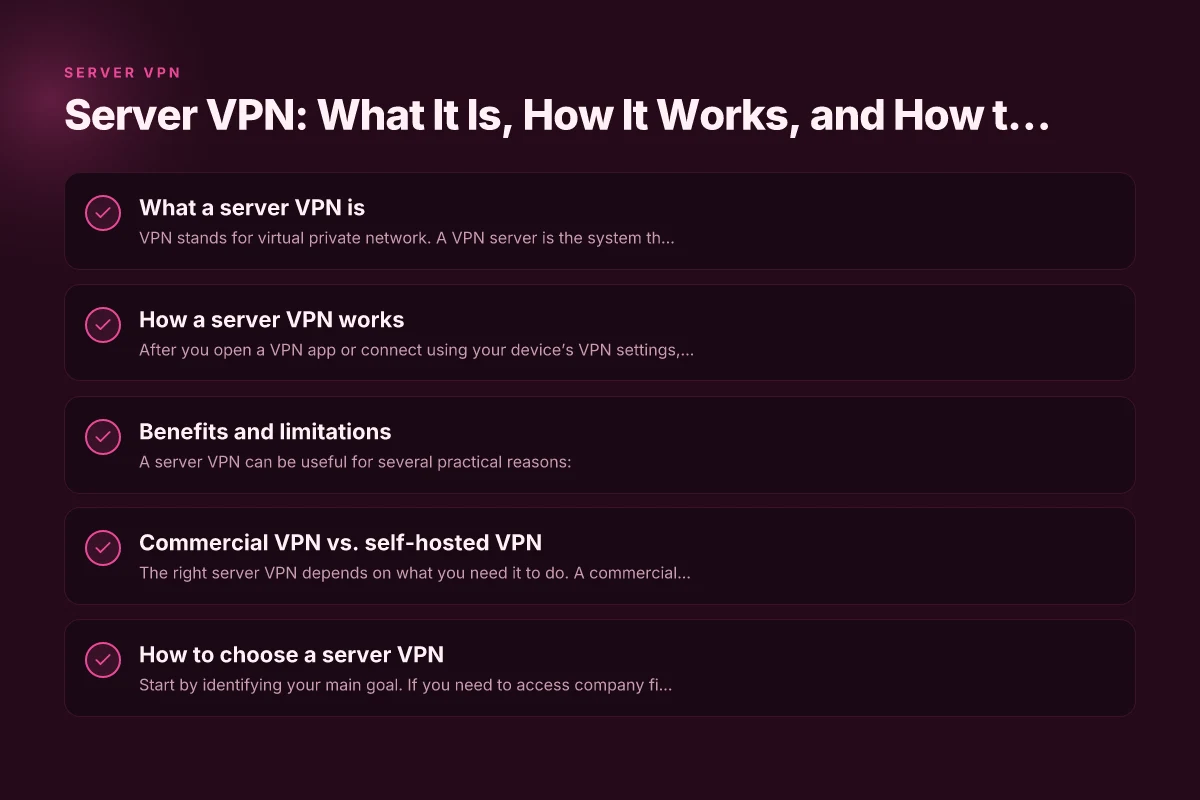
How a server VPN works
After you open a VPN app or connect using your device’s VPN settings, the client and server establish an encrypted tunnel. The client sends internet traffic through this tunnel to the VPN server. The server decrypts the traffic, forwards it to its destination, and returns the response through the connection. Online VPN: What It Is, How to Choose One, and When to Use It
For ordinary websites, encryption such as HTTPS continues to protect data between your browser and the site. A VPN adds a separate layer between your device and the VPN server. This is especially useful on public Wi-Fi, where other users on the same network may otherwise be able to observe some unencrypted traffic.
The destination website generally sees the VPN server’s IP address. Your internet provider can usually see that you are connected to a VPN server, but a properly configured VPN can prevent it from seeing the contents of traffic protected by the tunnel. The VPN provider or the operator of a self-hosted server may, in turn, be able to observe some connection details. Trust therefore shifts rather than disappears.
Benefits and limitations
A server VPN can be useful for several practical reasons:
- Safer connections on public Wi-Fi: The encrypted tunnel reduces exposure to local network snooping.
- Remote access: Employees can securely connect to company systems, and individuals can reach services on a private home network.
- IP address masking: Websites usually see the VPN server’s public IP rather than the user’s original public IP.
- Network routing: Organizations can direct traffic through approved security controls or access rules.
A VPN is not a complete security or anonymity solution. It does not automatically stop phishing, malware, tracking through cookies, or account-based identification. If you sign in to a personal account, a service can still associate your activity with that account. A VPN also cannot make a compromised device safe. How to Grow VPN Servers Safely and Reliably
Performance may change because traffic takes an additional route. Speed depends on factors such as server distance, server capacity, connection quality, and VPN protocol. Some sites may block known commercial VPN addresses, and some networks or services may restrict VPN connections.
Commercial VPN vs. self-hosted VPN
The right server VPN depends on what you need it to do. A commercial service is generally easier for changing locations and protecting traffic while traveling. A self-hosted server gives you more control over the server and can provide secure access to your own network, but it requires maintenance and does not offer the same separation from your home or business internet connection.
| Feature | Commercial VPN service | Self-hosted VPN server |
|---|---|---|
| Setup | Usually straightforward | Requires configuration and upkeep |
| Server locations | Often offers multiple countries or regions | Usually limited to locations you control |
| Control | Provider manages the infrastructure | You manage the server and settings |
| Privacy considerations | Depends on provider policies and practices | Depends on your hosting and network setup |
| Best suited to | Travel, public Wi-Fi, and location flexibility | Remote access to personal or business networks |
Neither option is automatically more private in every situation. With a commercial provider, you must assess the provider’s trustworthiness. With self-hosting, you are responsible for security updates, access controls, and protecting the server itself.
How to choose a server VPN How to Get a VPN: Choose, Install, and Set It Up
| Decision factor | What to check | Commercial VPN | Self-hosted VPN |
|---|---|---|---|
| Main purpose | Match the service to your use case | General-purpose privacy and access | Remote access to your own network |
| Server location | Choose a location that meets your needs | Select from provider locations | Choose a hosting location |
| Setup preference | Consider how much configuration you want | Provider handles most setup | You configure the server and clients |
| Maintenance capacity | Plan for updates and troubleshooting | Provider handles server maintenance | You maintain the server |
| Control needs | Decide how much customization matters | Limited to provider features | More configuration control |
| Trust requirements | Review who operates the server | Trust the VPN provider | Trust the host and manage your server |
| Connectivity needs | Check device and network compatibility | Check supported apps and protocols | Check client and server compatibility |
Compiled November 2026; check the provider's site for current details.
How to choose a server VPN
Start by identifying your main goal. If you need to access company files, choose the VPN method approved by your organization. If you want to connect to a home network, a self-hosted VPN may fit. If you want a convenient service for public Wi-Fi and multiple server locations, compare commercial providers.
Before choosing, check:
- Security: Look for modern, well-supported VPN protocols and clear information about encryption and leak protection.
- Privacy practices: Read the provider’s privacy policy and understand what connection or usage data it collects.
- Reputation and transparency: Consider independent security assessments, company background, and how clearly the service explains its limits.
- Performance: Test nearby servers and check whether the service meets your needs for video calls, downloads, or other demanding tasks.
- Compatibility: Confirm that it supports your devices, operating systems, and intended network.
- Administration: For self-hosting, make sure you can update the server, use strong authentication, restrict access, and monitor for problems.
Avoid choosing on server count or marketing claims alone. A large network does not prove that a provider has strong privacy practices or reliable security. Chrome VPN Settings: How to Set Up and Use a VPN in Chrome
Basic setup and safe use
For a commercial VPN, install the official app, review its settings, and connect to a suitable server. Enable features such as a kill switch or DNS leak protection if they are available and appropriate for your device. Keep the app and operating system updated, and check the connection before using sensitive services on an unfamiliar network.
For a self-hosted VPN, use a maintained VPN solution, secure the server with strong authentication, and expose only the necessary network access. Apply updates promptly and remove accounts or access keys that are no longer needed. Businesses should follow their security team’s configuration and access policies rather than creating an unmanaged connection.
A simple test can help confirm that the VPN is working: check your public IP address before and after connecting, and use a reputable DNS leak test if DNS privacy matters to you. These checks do not prove that a service is trustworthy, but they can reveal some common configuration issues.
Basic setup and safe-use checklist Cambiar VPN online gratis: How to Change Your VPN Location Safely
| Step | Action | Commercial VPN | Self-hosted VPN |
|---|---|---|---|
| Choose a service | Select a provider or hosting environment | Compare provider features and policies | Choose a host and server setup |
| Install or configure | Prepare the VPN server or app | Install the provider’s app | Configure the server and client |
| Secure access | Use strong account credentials | Protect the VPN account | Use strong credentials and secure keys |
| Connect a device | Add a compatible client | Sign in and select a server | Configure the client connection |
| Verify the connection | Confirm traffic uses the VPN | Check the app’s connection status | Check the client and server status |
| Keep it updated | Apply software and security updates | Update the app | Update server and client software |
| Review access | Remove access that is no longer needed | Review account and device access | Review users, keys, and firewall rules |
Compiled November 2026; check the provider's site for current details.
Recommendation
For most people who want convenient protection on public Wi-Fi or access to servers in different regions, a reputable commercial VPN is the simplest option. Choose based on transparent privacy practices, sound security, and reliable performance, not promises of total anonymity. If your main need is secure access to a private home or business network, use an approved self-hosted or organization-managed VPN and keep its server carefully maintained.