Cambiar VPN online gratis: How to Change Your VPN Location Safely
Learn how to change your VPN location for free, compare trusted options, and avoid risky online VPN services.
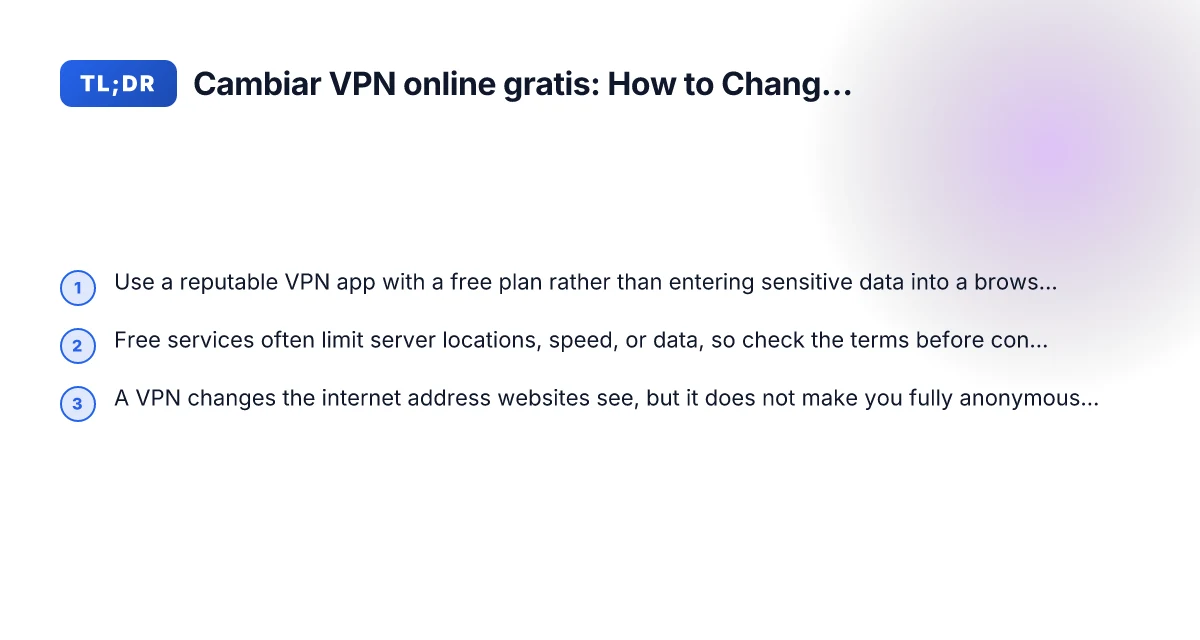
If you want to “cambiar VPN online gratis”, change your VPN location online for free, the safest approach is to use a reputable VPN app or browser extension with a free plan. Choose a country in the app, connect, then check your new IP address. Avoid unknown websites that ask you to upload files, install certificates, or share passwords to “change” your VPN.

Editor's pick: NordVPN — fast, secure VPN — Strong encryption, a no-logs policy and apps for every device. 30-day money-back guarantee. Get NordVPN →
Compare free VPNs, proxies, and browser extensions
| Option | Changes apparent location | Encrypts traffic | Covers apps beyond browser | Main limitation |
|---|---|---|---|---|
| Free VPN app | Yes | Usually | Usually | Data, speed, or server limits |
| Browser proxy | Sometimes | Not necessarily | No | May expose traffic outside browser |
| Browser VPN extension | Yes, in browser | Depends on provider | No | Browser-only coverage |
| Paid VPN app | Yes | Usually | Usually | Requires a subscription |
| No VPN or proxy | No | No VPN encryption | Not applicable | Original IP remains visible |
| Unknown “free VPN online” site | Unclear | Unclear | No | Trust and privacy risks |
Compiled November 2026; check the provider's site for current details.
| VPN | Obfuscation | From / month | Plan | Free plan | Refund | Alipay | UnionPay | Crypto | Website opens in China | Trustpilot | |
|---|---|---|---|---|---|---|---|---|---|---|---|
 ZoogVPN | Turn on manually Shadow | $2.49/mo | 27 months: $59.99 | Yes | 7 days | ✓ | ✓ | ✓ | ✓ | Official site blocked; our special link opens (4.4 s) | 4.2/5 (195 reviews) |
 NordVPN | Turn on manually Obfuscated Servers / NordWhisper | $3.49/mo | 27 months: $94.23 | No | 30 days | ? | ✗ | ✓ | ✓ | ✗ Blocked | 4.2/5 (51,628 reviews) |
 ExpressVPN | ✓ On by default all servers | $3.00/mo | 28 months: $84 | No | 30 days | ✗ | ✗ | ✓ | ✗ | ✗ Blocked | 4.4/5 (29,706 reviews) |
 Surfshark | ✓ On by default Camouflage, with OpenVPN | See site | See site | No | 30 days | ✗ | ✗ | ✗ | ✓ | ✗ Blocked | 4.3/5 (31,823 reviews) |
 Proton VPN | Turn on manually Stealth, free plan too | $2.99/mo | 12 months: $35.88 | Yes | 30 days | ✗ | ✗ | ✗ | ✓ | ✗ Blocked | 2.1/5 (1,040 reviews) |
 Astrill VPN | Turn on manually StealthVPN / OpenWeb | $12.50/mo | 24 months: $300 | No | See site | ✗ | ✗ | ✗ | ✓ | ✗ Blocked | 1.3/5 (110 reviews) |
 Private Internet Access | Turn on manually Shadowsocks, OpenVPN only | $2.03/mo | 40 months: $81.2 | No | 30 days | ✗ | ✗ | ✗ | ✗ | ✗ Blocked | 4.2/5 (11,033 reviews) |
 CyberGhost | Turn on manually selected servers | $2.19/mo | 28 months: $61.32 | No | 45 days | ✗ | ✗ | ✗ | ✓ | ✗ Blocked | 4.0/5 (24,178 reviews) |
 PureVPN | Turn on manually switch to OpenVPN | $1.69/mo | 60 months: $101.55 | No | 31 days | ? | ? | ✗ | ✓ | ✗ Blocked | 4.4/5 (17,994 reviews) |
 AdGuard VPN | ✓ On by default TrustTunnel | $2.99/mo | 24 months: $71.76 | Yes | 30 days | ✓ | ✗ | ✓ | ✓ | Official site blocked; our special link opens (3.7 s) | 4.3/5 (290 reviews) |
 Mullvad | Turn on manually QUIC / Shadowsocks / LWO | $5.61/mo | €5/mo | No | 14 days | ✗ | ✗ | ✗ | ✓ | ✗ Blocked | 3.2/5 (192 reviews) |
 Windscribe | Turn on manually Stealth / WStunnel | $5.75/mo | 12 months: $69 | Yes | See site | ✗ | ✗ | ✗ | ✓ | ✗ Blocked | 4.7/5 (13,355 reviews) |
 StrongVPN | Turn on manually Scramble, OpenVPN TCP | See site | See site | No | 30 days | ✓ | ✗ | ✗ | ✗ | ✗ Blocked | 4.4/5 (2,695 reviews) |
 LightXtreme 闪连 | Not listed | $7.08/mo | 12 months: $84.99 | Yes | 30 days | ✓ | ✓ | ✓ | ✓ | ✓ Yes (3.5 s) | No page |
Prices checked 2026-11-10 on each vendor's pricing page (cheapest long plan, USD). Check the vendor's checkout for the final price.
Obfuscation checked 2026-11-14 on each vendor's site and help center: "on by default" = nothing to set; "turn on manually" = switch protocol or mode in settings; "not listed" = the vendor describes no obfuscation.
Payment methods checked 2026-11-10 on each vendor's payment pages: all 14 take cards and PayPal; ✗ = not listed, ? = the vendor's own pages disagree.
China access: whether the official website opens from mainland China networks (tests the website only, not the VPN connection). Last checked 2026-11-18 01:02 Beijing time.
Trustpilot score and review count checked 2026-11-10.
What changing your VPN location means
A VPN, or virtual private network, routes your internet traffic through a server operated by the VPN provider. When you connect to a server in another country, websites generally see the server’s IP address instead of your usual public IP address.
This can help protect traffic on public Wi-Fi and may reduce how much your internet provider can see about your browsing. It can also change the apparent location associated with your connection. However, a VPN does not erase your identity: websites can still recognize you through account logins, cookies, browser settings, or other tracking methods.
“Online” VPN services may mean either a web-based proxy or a VPN you manage through an online account. A proxy can route traffic from a particular browser or website, while a VPN app typically covers more of your device’s internet traffic. Neither should be trusted automatically just because it is free.
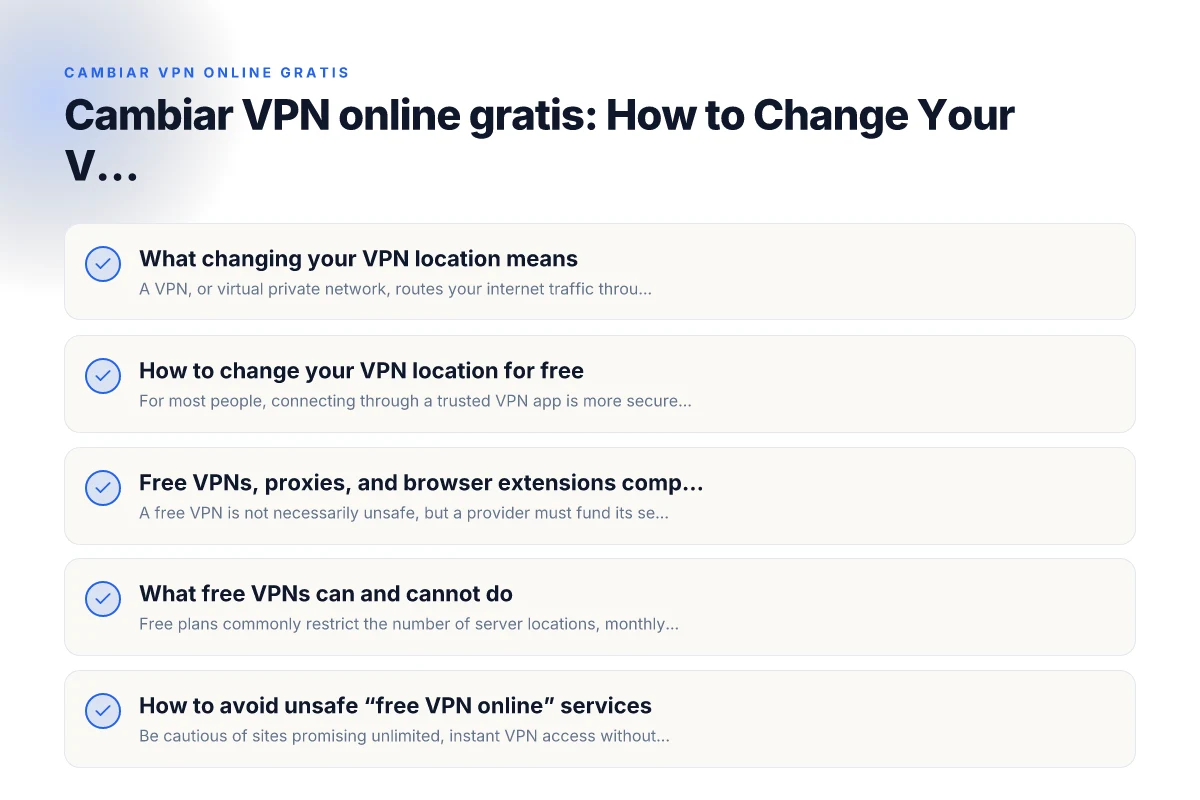
How to change your VPN location for free
For most people, connecting through a trusted VPN app is more secure and straightforward than using a random browser-based service. Cambiar VPN gratis online: What You Can and Can’t Do
- Choose a provider carefully. Look for a clear privacy policy, a named company, transparent free-plan limits, and a solid reputation. Check whether the provider explains what data it collects and how it is used.
- Download the official app. Get it from the provider’s official website or your device’s official app store. Avoid lookalike downloads and links from pop-up ads.
- Create an account if required. Use a strong, unique password. Do not enter banking details unless you understand why they are required and have checked the plan terms.
- Open the server list. Free plans may offer only a few locations. Select an available country or region.
- Connect and check your IP. The app should show that the connection is active. You can use a reputable IP-checking website to confirm the approximate location and address shown to websites.
- Disconnect when finished. Turn off the VPN from the app when you no longer need it, especially if the service noticeably slows your connection.
If you only need to change the apparent location for one browser, a reputable browser extension may be convenient. Read its permissions carefully: an extension that can read or change website data may have broad access to your browsing activity.
Check what a free VPN can do before choosing it
| Need | Free VPN may help | Check before use | Common caveat |
|---|---|---|---|
| Change apparent location | Yes | Available server locations | Choice may be limited |
| Hide IP from websites | Yes | Whether the service routes all traffic | VPN provider can see connection data |
| Encrypt connection | Usually | Encryption and app settings | Does not make every activity private |
| Protect browser traffic | Yes | Whether the VPN is connected | Browser extensions may cover only browser traffic |
| Protect other apps | Often | App-wide coverage | A proxy may not cover other apps |
| Stream region-restricted content | Sometimes | Service terms and VPN access | Access is not guaranteed |
| Avoid tracking | No, not by itself | Browser and account settings | Cookies and logins can still identify you |
| Stay anonymous | No | Provider privacy policy | A VPN is not complete anonymity |
Compiled November 2026; check the provider's site for current details.
Free VPNs, proxies, and browser extensions compared
| Option | What it usually covers | Common limits | Best suited to |
|---|---|---|---|
| Free VPN app | Most traffic from the device while connected | Data caps, fewer locations, slower speeds | General use on a phone or computer |
| Browser VPN extension | Traffic in the supported browser | May not cover other apps; permissions vary | Browser-only tasks |
| Web proxy | Usually a single browser session or website | Limited privacy, compatibility, and security | Low-risk access to simple pages |
| Paid VPN plan | Usually device-wide traffic and more servers | Subscription cost | Regular use and broader location choices |
A free VPN is not necessarily unsafe, but a provider must fund its service somehow. Some rely on upgrades or limited free plans. Others may rely on advertising or collect more information than you expect. Read the privacy policy rather than assuming that “free” means private. NNLink VPN Code: How to Find, Redeem, and Troubleshoot One
What free VPNs can and cannot do
Free plans commonly restrict the number of server locations, monthly data, connection speed, or the number of devices. Some do not let you select a specific country at all. Check the current plan details before installing, since offers and limits can change.
A VPN also cannot guarantee that a website will accept your connection. Streaming services, banks, and other platforms may block VPN addresses or require additional verification. A different IP address does not change your account’s registered country, payment method, or other location signals.
Keep these limitations in mind:
- It does not make you completely anonymous. Logged-in accounts and tracking technologies can still identify you.
- It does not protect you from every threat. You still need secure passwords, software updates, and caution with suspicious links.
- It may affect speed. Your traffic travels through an additional server, and free servers can become crowded.
- It does not change GPS location by itself. Apps may use device location permissions, Wi-Fi data, or other signals.
Use these checks to avoid unsafe free VPN services Urban VPN Extension Edge Download: How to Install and Use It Safely
| Check | Safer sign | Warning sign | What to do |
|---|---|---|---|
| Provider identity | Clear company and contact details | Anonymous operator | Choose a transparent provider |
| Privacy policy | Explains data collection and retention | Missing or vague policy | Review what data is kept |
| Permissions | Relevant to VPN operation | Requests unrelated access | Deny or uninstall |
| Installation source | Official app store or provider site | Unknown download link | Avoid the download |
| Business model | Clearly explains how service is funded | Promises “free” with no explanation | Treat as a risk |
| Connection behavior | VPN status is clear | Claims protection without a connection | Disconnect and investigate |
| Browser coverage | Clearly states what traffic is covered | Implies browser-only protection covers everything | Check app-wide coverage |
| Security claims | Specific and supportable | Guarantees total anonymity or safety | Do not rely on guarantees |
Compiled November 2026; check the provider's site for current details.
How to avoid unsafe “free VPN online” services
Be cautious of sites promising unlimited, instant VPN access without explaining who operates the service. A web proxy can be useful for limited, low-risk browsing, but it is not the same as a trusted, device-wide VPN.
Avoid services that:
- Ask for your email password, payment login, or other unrelated credentials.
- Require you to install an unknown security certificate or configuration profile.
- Offer a download through aggressive pop-ups or misleading buttons.
- Make absolute claims such as “100% anonymous” or “untraceable.”
- Have no identifiable operator, privacy policy, or explanation of data handling.
Do not use an untrusted proxy or VPN for banking, shopping, work accounts, or sensitive personal information. If you connect and notice unexpected ads, redirects, or requests for extra permissions, disconnect and uninstall the service. How to Choose a VPN for Privacy, Security, and Everyday Use
Recommendation
To cambiar VPN online gratis, choose a reputable provider’s free VPN app, connect to one of its available locations, and verify the displayed IP address. Use a browser proxy only for low-risk, browser-specific tasks, and check its privacy practices first. If you need regular access to more countries, higher speeds, or a larger data allowance, compare paid plans and choose one with clear terms and a trustworthy privacy policy.