Which Is Faster, NordVPN or Surfshark? A Practical Speed Comparison
NordVPN is often faster in independent tests, but your location, server choice, and connection can change the result.


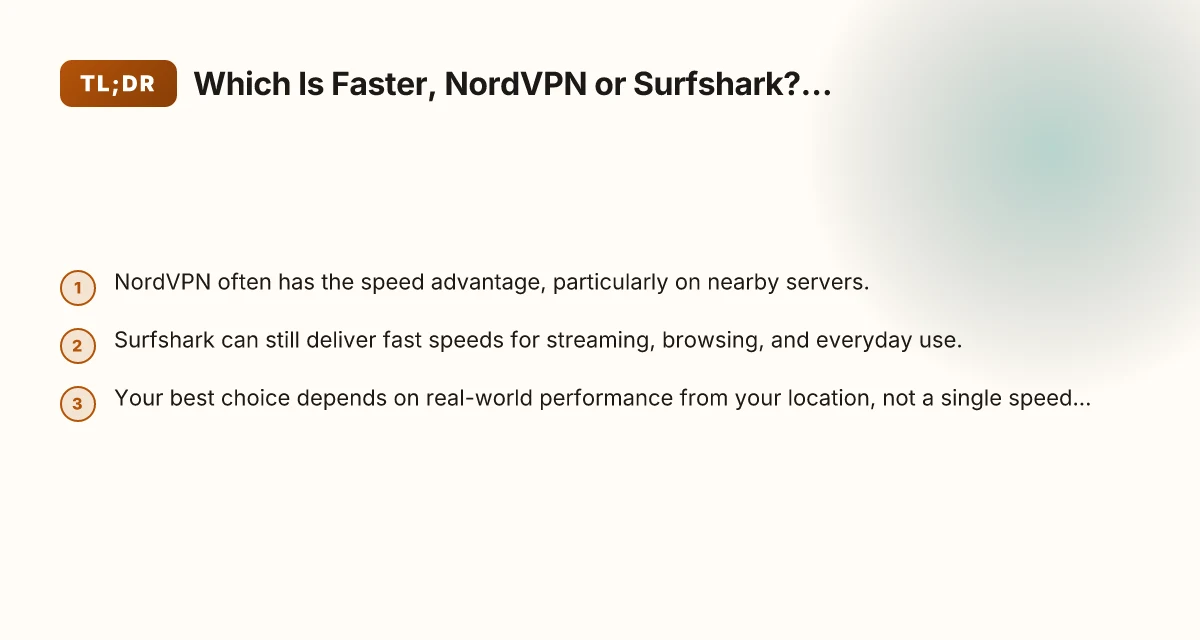
If you’re asking which is faster, NordVPN or Surfshark, NordVPN is generally the safer bet for raw speed. Independent tests often find it ahead, especially when connecting to nearby servers. However, there is no universal winner: your internet provider, location, chosen server, device, and VPN protocol can all affect the result. Surfshark may be just as suitable for everyday use, and the difference may be hard to notice if your connection is already fast.

Editor's pick: NordVPN — fast, secure VPN — Strong encryption, a no-logs policy and apps for every device. 30-day money-back guarantee. Get NordVPN →
NordVPN vs. Surfshark at a glance
| Comparison point | NordVPN | Surfshark |
|---|---|---|
| Typical speed position | Often faster | Can be close |
| Best fit | Speed-focused users | Value-focused users |
| Nearby servers | Often strong speeds | Can be fast |
| Long-distance servers | Often holds up well | Results may vary |
| Peak-hour performance | Often consistent | Depends on server load |
| Best comparison method | Same test conditions | Same test conditions |
Compiled November 2026; check the provider's site for current details.
| VPN | Obfuscation | From / month | Plan | Free plan | Refund | Alipay | UnionPay | Crypto | Website opens in China | Trustpilot | |
|---|---|---|---|---|---|---|---|---|---|---|---|
 NordVPN | Turn on manually Obfuscated Servers / NordWhisper | $3.49/mo | 27 months: $94.23 | No | 30 days | ? | ✗ | ✓ | ✓ | ✗ Blocked | 4.2/5 (51,628 reviews) |
 Surfshark | ✓ On by default Camouflage, with OpenVPN | See site | See site | No | 30 days | ✗ | ✗ | ✗ | ✓ | ✗ Blocked | 4.3/5 (31,823 reviews) |
 ZoogVPN | Turn on manually Shadow | $2.49/mo | 27 months: $59.99 | Yes | 7 days | ✓ | ✓ | ✓ | ✓ | Official site blocked; our special link opens (4.4 s) | 4.2/5 (195 reviews) |
 ExpressVPN | ✓ On by default all servers | $3.00/mo | 28 months: $84 | No | 30 days | ✗ | ✗ | ✓ | ✗ | ✗ Blocked | 4.4/5 (29,706 reviews) |
 Proton VPN | Turn on manually Stealth, free plan too | $2.99/mo | 12 months: $35.88 | Yes | 30 days | ✗ | ✗ | ✗ | ✓ | ✗ Blocked | 2.1/5 (1,040 reviews) |
 Astrill VPN | Turn on manually StealthVPN / OpenWeb | $12.50/mo | 24 months: $300 | No | See site | ✗ | ✗ | ✗ | ✓ | ✗ Blocked | 1.3/5 (110 reviews) |
 Private Internet Access | Turn on manually Shadowsocks, OpenVPN only | $2.03/mo | 40 months: $81.2 | No | 30 days | ✗ | ✗ | ✗ | ✗ | ✗ Blocked | 4.2/5 (11,033 reviews) |
 CyberGhost | Turn on manually selected servers | $2.19/mo | 28 months: $61.32 | No | 45 days | ✗ | ✗ | ✗ | ✓ | ✗ Blocked | 4.0/5 (24,178 reviews) |
 PureVPN | Turn on manually switch to OpenVPN | $1.69/mo | 60 months: $101.55 | No | 31 days | ? | ? | ✗ | ✓ | ✗ Blocked | 4.4/5 (17,994 reviews) |
 AdGuard VPN | ✓ On by default TrustTunnel | $2.99/mo | 24 months: $71.76 | Yes | 30 days | ✓ | ✗ | ✓ | ✓ | Official site blocked; our special link opens (3.7 s) | 4.3/5 (290 reviews) |
 Mullvad | Turn on manually QUIC / Shadowsocks / LWO | $5.61/mo | €5/mo | No | 14 days | ✗ | ✗ | ✗ | ✓ | ✗ Blocked | 3.2/5 (192 reviews) |
 Windscribe | Turn on manually Stealth / WStunnel | $5.75/mo | 12 months: $69 | Yes | See site | ✗ | ✗ | ✗ | ✓ | ✗ Blocked | 4.7/5 (13,355 reviews) |
 StrongVPN | Turn on manually Scramble, OpenVPN TCP | See site | See site | No | 30 days | ✓ | ✗ | ✗ | ✗ | ✗ Blocked | 4.4/5 (2,695 reviews) |
 LightXtreme 闪连 | Not listed | $7.08/mo | 12 months: $84.99 | Yes | 30 days | ✓ | ✓ | ✓ | ✓ | ✓ Yes (3.5 s) | No page |
Prices checked 2026-11-10 on each vendor's pricing page (cheapest long plan, USD). Check the vendor's checkout for the final price.
Obfuscation checked 2026-11-14 on each vendor's site and help center: "on by default" = nothing to set; "turn on manually" = switch protocol or mode in settings; "not listed" = the vendor describes no obfuscation.
Payment methods checked 2026-11-10 on each vendor's payment pages: all 14 take cards and PayPal; ✗ = not listed, ? = the vendor's own pages disagree.
China access: whether the official website opens from mainland China networks (tests the website only, not the VPN connection). Last checked 2026-11-18 01:02 Beijing time.
Trustpilot score and review count checked 2026-11-10.
NordVPN vs. Surfshark at a glance
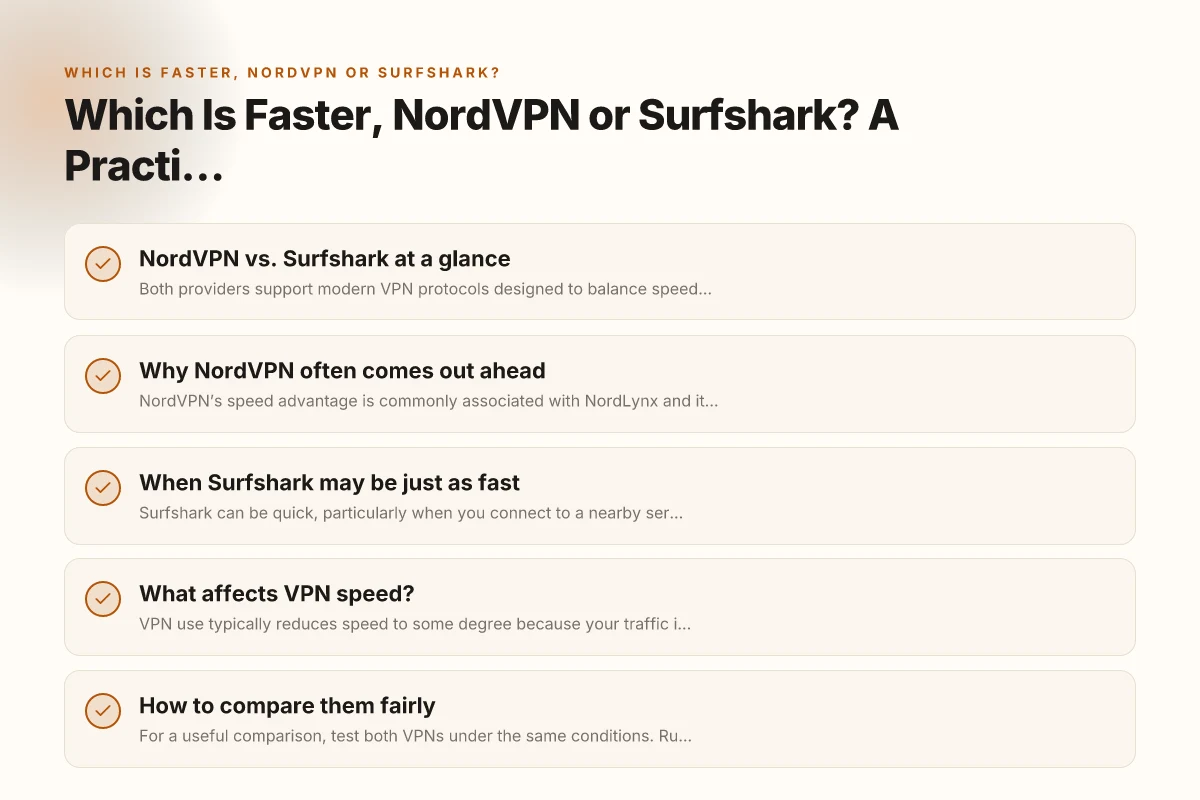
Both providers support modern VPN protocols designed to balance speed and security. NordVPN uses NordLynx, its implementation of the WireGuard protocol, while Surfshark offers WireGuard alongside other protocol options. On a strong connection, either can provide enough bandwidth for video calls, HD streaming, gaming, and large downloads.
| Factor | NordVPN | Surfshark |
|---|---|---|
| Typical speed-test position | Often faster in independent comparisons | Often competitive, but may trail NordVPN |
| Fast protocol option | NordLynx | WireGuard |
| Nearby server performance | Usually strong | Usually strong |
| Long-distance performance | Can vary by route and server | Can vary by route and server |
| Best approach | Test a nearby server and a relevant destination | Test the same locations and conditions |
These are broad tendencies, not guarantees. VPN speeds change over time as providers adjust their networks and as server loads fluctuate. A test conducted in one country may not predict results in another.
Why NordVPN often comes out ahead
NordVPN’s speed advantage is commonly associated with NordLynx and its server network. NordLynx is built around WireGuard, a lightweight protocol that can deliver fast connections while maintaining encryption. NordVPN has also invested in its infrastructure, which can help performance when a suitable server is available nearby.
The practical difference depends on what you’re doing. If NordVPN gives you a substantially higher download speed, you may notice it when downloading very large files or using a VPN on a slower broadband plan. For browsing or watching a standard HD stream, a smaller difference is unlikely to matter. Xforticlientvpnsetup_7.2.10.1217_x64.exe: Download and Install Guide
Keep in mind that a provider’s advertised network size or protocol name does not guarantee a specific speed. The route your traffic takes, the server’s current load, and the distance between you and that server all contribute to the result.
What can change VPN speed?
| Factor | How it affects speed | What to check | Fair test practice |
|---|---|---|---|
| Server distance | Farther servers can be slower | Server location | Match locations |
| Server load | Busy servers may slow down | Load, if shown | Test at similar times |
| Internet connection | Limits the maximum speed | Baseline speed | Test without VPN |
| VPN protocol | Protocol choice can affect speed | App settings | Use comparable settings |
| Device performance | Older devices may process VPN traffic slower | Device and workload | Use the same device |
| Network conditions | Wi-Fi and congestion can affect results | Connection type | Keep the network unchanged |
Compiled November 2026; check the provider's site for current details.
When Surfshark may be just as fast
Surfshark can be quick, particularly when you connect to a nearby server using WireGuard. If its nearest server has less congestion or a better route to the website you’re using, it could match or outperform NordVPN in your situation. Whats My IP NordVPN: How to Check Your IP Address
Surfshark may be a good fit if you want a VPN for everyday activities such as:
- Web browsing and social media
- Video streaming
- Video calls
- Online shopping and banking
- Gaming on a nearby server
- Downloads that are not extremely time-sensitive
A fast VPN is only useful if it performs well where you need it. If you mainly connect to one country to access a service, compare both providers using servers in that country rather than relying only on tests of local connections.
What affects VPN speed?
VPN use typically reduces speed to some degree because your traffic is encrypted and routed through an additional server. The size of that reduction varies.
Your location and server distance
A nearby server usually offers lower latency and a more direct route. Connecting across a continent, or to a server on the other side of the world, can increase delay and reduce throughput for either VPN. What Is an.ovpn File? How to Use and Troubleshoot It
Your baseline connection
A VPN cannot make your internet connection faster than the limits of your broadband plan or mobile network. If your normal speed is already modest, VPN overhead may be more noticeable. If your connection is very fast, the VPN server or route may become the bottleneck instead.
Server load and protocol
A busy server may perform worse than a less crowded option. Protocol settings matter too: NordLynx and WireGuard are generally strong choices for speed, though performance can vary by device and network. If one protocol is unstable, switching protocols may improve your connection.
Wi-Fi, device, and network restrictions
Weak Wi-Fi, an older router, background downloads, and public-network restrictions can all slow a VPN connection. Test over a reliable network and pause other heavy internet activity before comparing providers.
How to compare them fairly
For a useful comparison, test both VPNs under the same conditions. Run a speed test with your VPN turned off, then connect to a nearby server on NordVPN and Surfshark and repeat the test. Use the same device, testing service, and approximate time of day. What VPN Should I Use? A Practical Guide to Choosing the Right VPN
Check more than download speed. Upload speed matters for sending files and video calls, while latency is important for gaming and interactive applications. Run several tests rather than trusting one result, and compare a server in your usual location with one in the country you need.
Also test the VPN in real use. Try a video call, stream a show, or download a file. A speed-test number does not always capture how reliably a connection handles the activity that matters to you.
How to compare NordVPN and Surfshark fairly
| Step | What to do | Why it matters | Keep consistent |
|---|---|---|---|
| 1. Set a baseline | Measure speed with no VPN | Shows your connection’s starting point | Device and network |
| 2. Choose servers | Pick servers in the same location | Makes the comparison more relevant | Server region |
| 3. Match settings | Use comparable VPN protocols | Avoids a settings-based advantage | Protocol and app options |
| 4. Test repeatedly | Run multiple speed tests | Reduces the impact of one-off results | Test method |
| 5. Compare at similar times | Test both services close together | Network conditions change | Time of day |
| 6. Check real use | Try browsing, streaming, or downloads | Speed tests do not show every experience | Activity and content |
| 7. Interpret results | Consider consistency as well as peak speed | A single best result can mislead | Number of tests |
Compiled November 2026; check the provider's site for current details. Best Free VPN for Microsoft Edge: Safe, Practical Options
Final recommendation
For the question “which is faster, NordVPN or Surfshark?”, NordVPN is the more likely winner for raw speed based on common independent-test results. Choose NordVPN if speed is your top priority and it performs better in tests from your location. Surfshark remains a capable alternative and may be fast enough, or even faster on a particular route, so test both on the servers you actually plan to use before deciding.