VPN Free Trial: How to Test a VPN Before You Pay
Learn how VPN free trials work, what to check before subscribing, and how to choose a safe, reliable service.
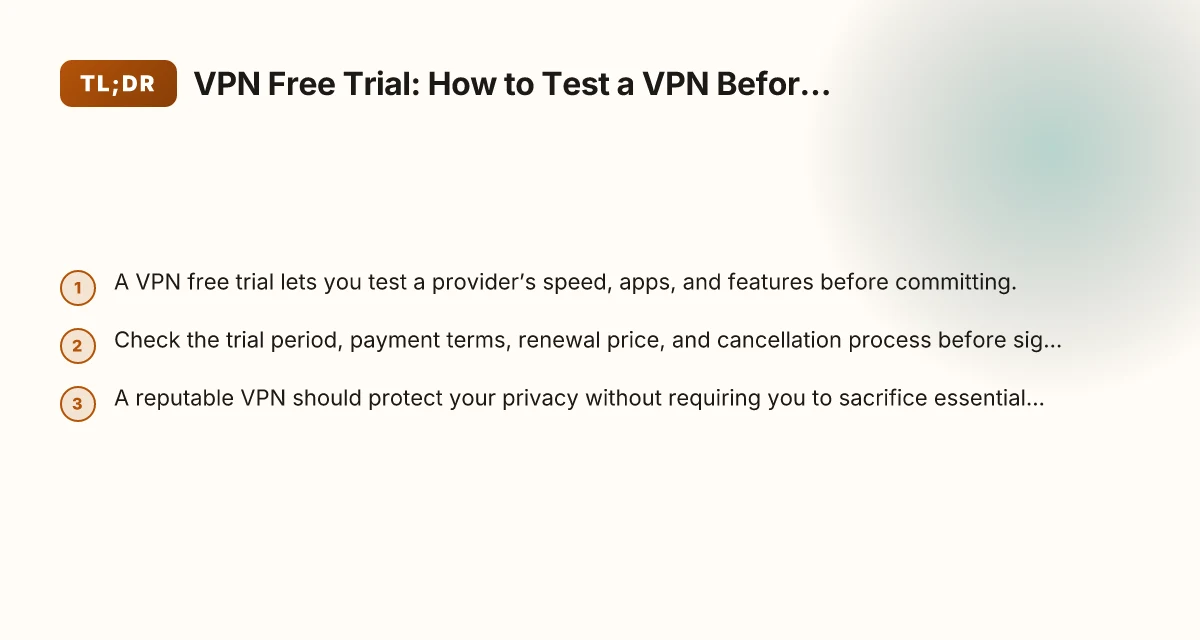
A VPN free trial is a practical way to see whether a service works for your devices, internet connection, and everyday needs before you pay. Trials vary: some offer full access for a limited time, while others provide a money-back guarantee or a restricted free plan. Read the terms carefully, test the features that matter to you, and confirm how to cancel so you can make an informed choice without unexpected charges.

Editor's pick: NordVPN — fast, secure VPN — Strong encryption, a no-logs policy and apps for every device. 30-day money-back guarantee. Get NordVPN →
Compare VPN trial types before signing up
| Trial type | Cost upfront | Length | Payment details | After trial | Best for |
|---|---|---|---|---|---|
| Free trial | Usually none | Provider-set | May be required | May convert to paid plan | Testing before paying |
| Money-back guarantee | Subscription payment | Refund window | Required | Request refund to avoid charge | Testing full features |
| Free plan | None | Often ongoing | Usually not required | Limits may apply | Basic, low-commitment use |
| Paid plan | Subscription payment | Billing term | Required | Renews unless canceled | Long-term use |
| App-store trial | May be none | Store-set | Store account required | Store may renew billing | Mobile-first testing |
| Desktop trial | May be none | Provider-set | Varies | Varies by provider | Desktop evaluation |
Compiled November 2026; check the provider's site for current details.
| VPN | Obfuscation | From / month | Plan | Free plan | Refund | Alipay | UnionPay | Crypto | Website opens in China | Trustpilot | |
|---|---|---|---|---|---|---|---|---|---|---|---|
 ZoogVPN | Turn on manually Shadow | $2.49/mo | 27 months: $59.99 | Yes | 7 days | ✓ | ✓ | ✓ | ✓ | Official site blocked; our special link opens (4.4 s) | 4.2/5 (195 reviews) |
 NordVPN | Turn on manually Obfuscated Servers / NordWhisper | $3.49/mo | 27 months: $94.23 | No | 30 days | ? | ✗ | ✓ | ✓ | ✗ Blocked | 4.2/5 (51,628 reviews) |
 ExpressVPN | ✓ On by default all servers | $3.00/mo | 28 months: $84 | No | 30 days | ✗ | ✗ | ✓ | ✗ | ✗ Blocked | 4.4/5 (29,706 reviews) |
 Surfshark | ✓ On by default Camouflage, with OpenVPN | See site | See site | No | 30 days | ✗ | ✗ | ✗ | ✓ | ✗ Blocked | 4.3/5 (31,823 reviews) |
 Proton VPN | Turn on manually Stealth, free plan too | $2.99/mo | 12 months: $35.88 | Yes | 30 days | ✗ | ✗ | ✗ | ✓ | ✗ Blocked | 2.1/5 (1,040 reviews) |
 Astrill VPN | Turn on manually StealthVPN / OpenWeb | $12.50/mo | 24 months: $300 | No | See site | ✗ | ✗ | ✗ | ✓ | ✗ Blocked | 1.3/5 (110 reviews) |
 Private Internet Access | Turn on manually Shadowsocks, OpenVPN only | $2.03/mo | 40 months: $81.2 | No | 30 days | ✗ | ✗ | ✗ | ✗ | ✗ Blocked | 4.2/5 (11,033 reviews) |
 CyberGhost | Turn on manually selected servers | $2.19/mo | 28 months: $61.32 | No | 45 days | ✗ | ✗ | ✗ | ✓ | ✗ Blocked | 4.0/5 (24,178 reviews) |
 PureVPN | Turn on manually switch to OpenVPN | $1.69/mo | 60 months: $101.55 | No | 31 days | ? | ? | ✗ | ✓ | ✗ Blocked | 4.4/5 (17,994 reviews) |
 AdGuard VPN | ✓ On by default TrustTunnel | $2.99/mo | 24 months: $71.76 | Yes | 30 days | ✓ | ✗ | ✓ | ✓ | Official site blocked; our special link opens (3.7 s) | 4.3/5 (290 reviews) |
 Mullvad | Turn on manually QUIC / Shadowsocks / LWO | $5.61/mo | €5/mo | No | 14 days | ✗ | ✗ | ✗ | ✓ | ✗ Blocked | 3.2/5 (192 reviews) |
 Windscribe | Turn on manually Stealth / WStunnel | $5.75/mo | 12 months: $69 | Yes | See site | ✗ | ✗ | ✗ | ✓ | ✗ Blocked | 4.7/5 (13,355 reviews) |
 StrongVPN | Turn on manually Scramble, OpenVPN TCP | See site | See site | No | 30 days | ✓ | ✗ | ✗ | ✗ | ✗ Blocked | 4.4/5 (2,695 reviews) |
 LightXtreme 闪连 | Not listed | $7.08/mo | 12 months: $84.99 | Yes | 30 days | ✓ | ✓ | ✓ | ✓ | ✓ Yes (3.5 s) | No page |
Prices checked 2026-11-10 on each vendor's pricing page (cheapest long plan, USD). Check the vendor's checkout for the final price.
Obfuscation checked 2026-11-14 on each vendor's site and help center: "on by default" = nothing to set; "turn on manually" = switch protocol or mode in settings; "not listed" = the vendor describes no obfuscation.
Payment methods checked 2026-11-10 on each vendor's payment pages: all 14 take cards and PayPal; ✗ = not listed, ? = the vendor's own pages disagree.
China access: whether the official website opens from mainland China networks (tests the website only, not the VPN connection). Last checked 2026-11-18 01:02 Beijing time.
Trustpilot score and review count checked 2026-11-10.
What a VPN free trial includes
A virtual private network, or VPN, routes your internet traffic through an encrypted connection to a VPN server. It can help protect traffic on public Wi-Fi and reduce what your local network can see about your browsing. A VPN does not make you completely anonymous, prevent every kind of tracking, or guarantee access to every website.
During a trial, you can assess whether the VPN is easy to use and performs well for your routine activities. Depending on the provider and offer, trial access may include:
- Apps for computers, phones, and tablets
- Servers in multiple locations
- Encryption and a kill switch
- Support for streaming, gaming, or video calls
- Customer support and setup guides
Not every offer includes all of these. Some trials require a payment method and automatically convert to a paid subscription unless you cancel. Others may be limited to a particular device or operating system.
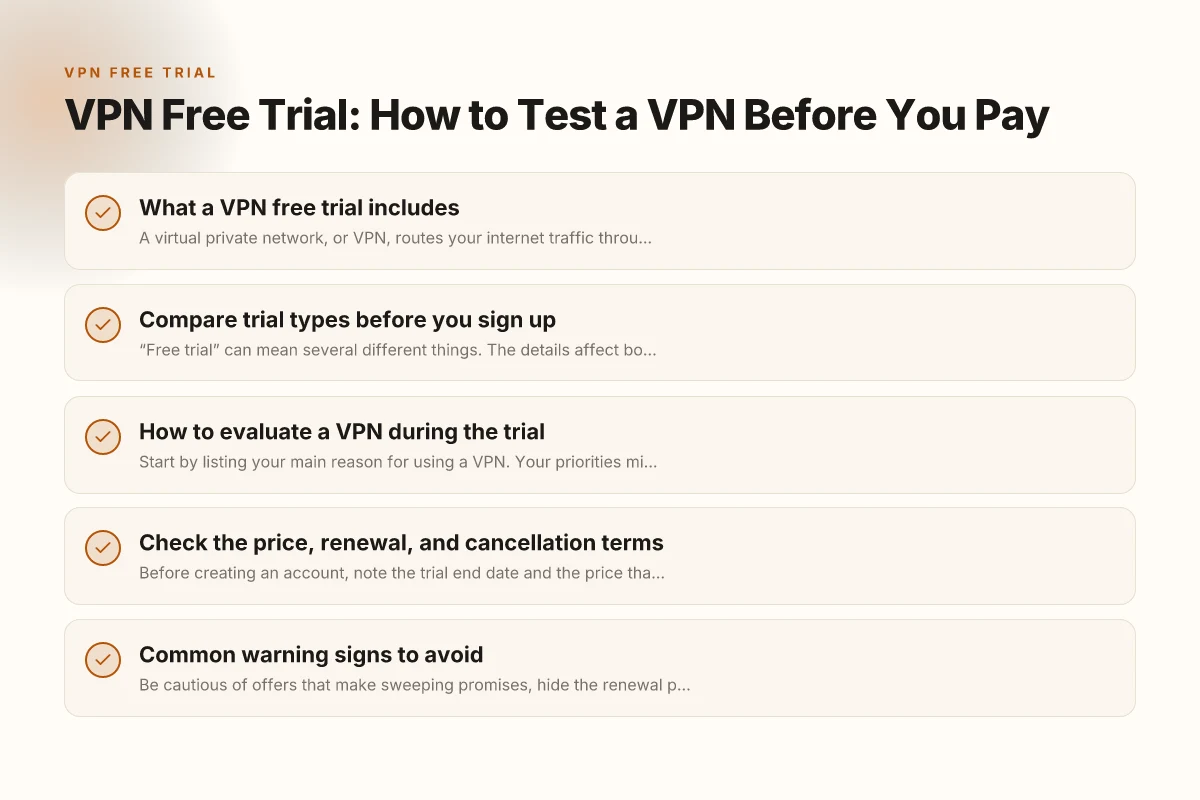
Compare trial types before you sign up
“Free trial” can mean several different things. The details affect both what you can test and whether you need to manage a cancellation deadline. VPN for PS4: How to Set One Up and Choose the Right Option
| Trial type | How it usually works | What to check |
|---|---|---|
| Time-limited free trial | Full or near-full access for a set period | Eligibility, payment details, and when billing starts |
| Money-back guarantee | Pay upfront and request a refund within a stated period | Refund deadline, conditions, and processing time |
| Free plan | Ongoing access with limits on data, speed, locations, or features | Whether the restrictions let you test your intended use |
A money-back guarantee is not necessarily the same as a no-payment trial: you may have to pay first and request your money back. A free plan can be useful for checking an app, but its restrictions may make it a poor test of the provider’s paid performance. Read the current terms on the provider’s own site, since offers can change.
Evaluate a VPN during the trial
| What to test | How to check | Good sign | Warning sign | Record |
|---|---|---|---|---|
| Connection stability | Test across several sessions | Stays connected | Frequent drops | Dropouts |
| Speed | Compare with and without VPN | Meets your needs | Slows key activities | Speed impression |
| Server access | Try locations you need | Connects reliably | Few usable locations | Available locations |
| Streaming | Test your usual services | Plays as expected | Blocks or buffers | Playback result |
| Privacy controls | Review settings and policy | Clear controls and terms | Vague explanations | Key settings |
| Device support | Install on your devices | Works on needed devices | Missing platform support | Device coverage |
| Support | Ask a test question | Clear, timely response | Hard to reach or unclear | Response quality |
Compiled November 2026; check the provider's site for current details.
How to evaluate a VPN during the trial
Start by listing your main reason for using a VPN. Your priorities might be securing a laptop on public Wi-Fi, connecting to a work resource, or checking how the service performs for video calls. Test those activities rather than relying only on a feature list or a single speed test. VPN for PS: How to Choose and Set One Up on PlayStation
Check speed and reliability
Run a few speed tests with the VPN off and on, using the same device and internet connection. Try more than one server location and repeat at different times of day. Some speed reduction is normal because your traffic takes an additional route. The practical question is whether your connection remains reliable for what you do.
Watch for frequent disconnections, long connection times, or trouble switching servers. If you use video calls or online games, test them directly. A VPN’s advertised maximum speed is less useful than performance on your own connection.
Review privacy and security features
Look for clear documentation about encryption, logging, and how the company handles account and diagnostic data. A no-logs claim should be explained in a privacy policy. Where available, independent audits can provide additional context, though they do not prove every claim indefinitely.
Try the features included in your plan: My VPN Is Blocking Websites: How to Fix It Safely
- Kill switch: Check whether it blocks internet access if the VPN connection drops.
- DNS leak protection: Use a reputable leak-test tool to see whether DNS requests appear to expose your usual network.
- App controls: See whether you can choose which apps use the VPN, if that feature matters to you.
- Device support: Confirm the apps work on the operating systems you actually use.
A VPN protects the connection between your device and the VPN service, but it does not replace antivirus software, secure passwords, or careful browsing.
Check the price, renewal, and cancellation terms
Before creating an account, note the trial end date and the price that applies afterward. Introductory offers can renew at a higher standard rate, and subscriptions may be billed monthly or for a longer period. Check whether taxes or other charges apply and whether the plan renews automatically.
If payment details are required, save a copy of the offer and its terms. Set a calendar reminder a few days before the deadline if you do not want the subscription to renew. Then check the provider’s cancellation instructions. Cancelling an account, turning off auto-renewal, and requesting a refund may be separate steps.
Keep confirmation emails or screenshots of cancellation and refund requests. If you signed up through an app store, cancellation may need to be handled through that store rather than directly with the VPN provider. VPN for PC Free Trial: How to Test a VPN Before You Commit
Common warning signs to avoid
Be cautious of offers that make sweeping promises, hide the renewal price, or make cancellation instructions difficult to find. A “free” VPN may also have limits that are not obvious until after signup.
Before choosing a service, look for:
- A clearly named company and accessible customer support
- A readable privacy policy and transparent subscription terms
- A specific trial length and renewal price
- Straightforward instructions for cancellation and refunds
- Independent information about the provider’s security practices
Avoid entering payment details on a page that does not clearly identify the seller or explain when billing begins. A VPN can improve connection privacy, but the provider itself becomes an important part of your trust decision.
Check trial terms and warning signs VPN for India: How to Choose the Right Service
| Check | Acceptable sign | Warning sign | Before you sign up |
|---|---|---|---|
| Trial length | Clearly stated | Not disclosed | Note the end date |
| Upfront payment | Clearly explained | Unexpected charge | Check checkout total |
| Renewal price | Shown before signup | Hidden or unclear | Save the listed price |
| Renewal date | Easy to find | Unclear timing | Set a reminder |
| Cancellation method | Steps are clear | Difficult to locate | Confirm where to cancel |
| Refund terms | Eligibility is specific | Broad or confusing exclusions | Save the policy |
| Data practices | Privacy policy is accessible | Vague data handling | Review what is collected |
| Support access | Contact options are listed | No clear help channel | Test support early |
Compiled November 2026; check the provider's site for current details.
Recommendation
Choose a VPN free trial that gives you enough time to test the apps, connection quality, and privacy features you actually need. Before signing up, verify whether it requires payment, when the subscription renews, and how to cancel. If a service offers only a money-back guarantee, treat it as a paid purchase with a refund window, not as a no-cost trial, and keep track of the deadline.