VPN for PC Free Trial: How to Test a VPN Before You Commit
Compare VPN free trials, money-back guarantees, and free plans to find a safe option for your Windows PC.
If you’re looking for a VPN for PC free trial, start by checking the provider’s current Windows offer and its cancellation terms. Some VPNs offer a time-limited trial, while others provide a money-back guarantee or a restricted free plan. These options aren’t the same: a trial may give you full paid features for a set period, whereas a free plan may remain available but come with limits. Compare the terms before installing, and download the app from the VPN provider’s official website or the Microsoft Store.

Editor's pick: NordVPN — fast, secure VPN — Strong encryption, a no-logs policy and apps for every device. 30-day money-back guarantee. Get NordVPN →
Compare VPN trial and free-plan options
| Option | Payment required upfront | Time limit | Data limit | Device access |
|---|---|---|---|---|
| Money-back guarantee | Usually yes | Refund window | Usually none stated | Paid plan |
| Free trial | Varies | Fixed period | Varies | Check plan |
| Free plan | No | Often ongoing | May be limited | Check plan |
| Desktop app trial | Varies | Fixed period | Varies | PC app |
| Browser extension | Varies | Varies | Varies | Browser only |
| Mobile-only trial | Varies | Fixed period | Varies | Not PC |
| Paid monthly plan | Yes | Monthly billing | Usually none stated | Check plan |
Compiled November 2026; check the provider's site for current details.
| VPN | Obfuscation | From / month | Plan | Free plan | Refund | Alipay | UnionPay | Crypto | Website opens in China | Trustpilot | |
|---|---|---|---|---|---|---|---|---|---|---|---|
 ZoogVPN | Turn on manually Shadow | $2.49/mo | 27 months: $59.99 | Yes | 7 days | ✓ | ✓ | ✓ | ✓ | Official site blocked; our special link opens (4.4 s) | 4.2/5 (195 reviews) |
 NordVPN | Turn on manually Obfuscated Servers / NordWhisper | $3.49/mo | 27 months: $94.23 | No | 30 days | ? | ✗ | ✓ | ✓ | ✗ Blocked | 4.2/5 (51,628 reviews) |
 ExpressVPN | ✓ On by default all servers | $3.00/mo | 28 months: $84 | No | 30 days | ✗ | ✗ | ✓ | ✗ | ✗ Blocked | 4.4/5 (29,706 reviews) |
 Surfshark | ✓ On by default Camouflage, with OpenVPN | See site | See site | No | 30 days | ✗ | ✗ | ✗ | ✓ | ✗ Blocked | 4.3/5 (31,823 reviews) |
 Proton VPN | Turn on manually Stealth, free plan too | $2.99/mo | 12 months: $35.88 | Yes | 30 days | ✗ | ✗ | ✗ | ✓ | ✗ Blocked | 2.1/5 (1,040 reviews) |
 Astrill VPN | Turn on manually StealthVPN / OpenWeb | $12.50/mo | 24 months: $300 | No | See site | ✗ | ✗ | ✗ | ✓ | ✗ Blocked | 1.3/5 (110 reviews) |
 Private Internet Access | Turn on manually Shadowsocks, OpenVPN only | $2.03/mo | 40 months: $81.2 | No | 30 days | ✗ | ✗ | ✗ | ✗ | ✗ Blocked | 4.2/5 (11,033 reviews) |
 CyberGhost | Turn on manually selected servers | $2.19/mo | 28 months: $61.32 | No | 45 days | ✗ | ✗ | ✗ | ✓ | ✗ Blocked | 4.0/5 (24,178 reviews) |
 PureVPN | Turn on manually switch to OpenVPN | $1.69/mo | 60 months: $101.55 | No | 31 days | ? | ? | ✗ | ✓ | ✗ Blocked | 4.4/5 (17,994 reviews) |
 AdGuard VPN | ✓ On by default TrustTunnel | $2.99/mo | 24 months: $71.76 | Yes | 30 days | ✓ | ✗ | ✓ | ✓ | Official site blocked; our special link opens (3.7 s) | 4.3/5 (290 reviews) |
 Mullvad | Turn on manually QUIC / Shadowsocks / LWO | $5.61/mo | €5/mo | No | 14 days | ✗ | ✗ | ✗ | ✓ | ✗ Blocked | 3.2/5 (192 reviews) |
 Windscribe | Turn on manually Stealth / WStunnel | $5.75/mo | 12 months: $69 | Yes | See site | ✗ | ✗ | ✗ | ✓ | ✗ Blocked | 4.7/5 (13,355 reviews) |
 StrongVPN | Turn on manually Scramble, OpenVPN TCP | See site | See site | No | 30 days | ✓ | ✗ | ✗ | ✗ | ✗ Blocked | 4.4/5 (2,695 reviews) |
 LightXtreme 闪连 | Not listed | $7.08/mo | 12 months: $84.99 | Yes | 30 days | ✓ | ✓ | ✓ | ✓ | ✓ Yes (3.5 s) | No page |
Prices checked 2026-11-10 on each vendor's pricing page (cheapest long plan, USD). Check the vendor's checkout for the final price.
Obfuscation checked 2026-11-14 on each vendor's site and help center: "on by default" = nothing to set; "turn on manually" = switch protocol or mode in settings; "not listed" = the vendor describes no obfuscation.
Payment methods checked 2026-11-10 on each vendor's payment pages: all 14 take cards and PayPal; ✗ = not listed, ? = the vendor's own pages disagree.
China access: whether the official website opens from mainland China networks (tests the website only, not the VPN connection). Last checked 2026-11-18 01:02 Beijing time.
Trustpilot score and review count checked 2026-11-10.
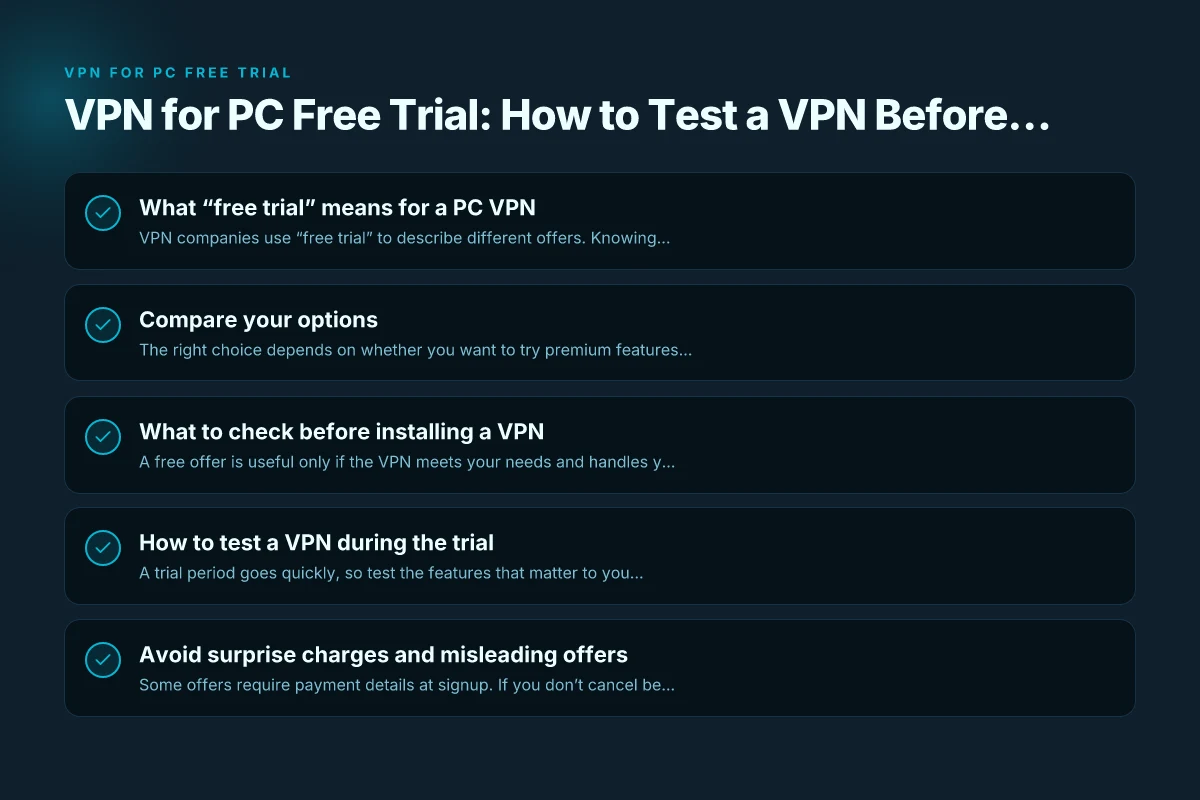
What “free trial” means for a PC VPN
VPN companies use “free trial” to describe different offers. Knowing which type you’re signing up for helps you avoid unexpected charges and choose a plan that suits your needs.
- Free trial: Temporary access to a paid plan. You may need to enter payment details, and the subscription can renew automatically if you don’t cancel before the trial ends.
- Money-back guarantee: You pay upfront, then request a refund within the stated period if you meet the provider’s requirements. It’s a refund policy, not a no-payment trial.
- Free plan: Ongoing access at no cost, usually with limits on data, speed, locations, or features.
Offers can change, and eligibility may depend on where you live, which device you use, or whether you’ve subscribed before. Read the current offer’s terms rather than relying on an old review or an advertisement.
Compare your options
The right choice depends on whether you want to try premium features briefly or need occasional VPN access without paying.
| Option | Upfront payment | Typical limitations | Best for |
|---|---|---|---|
| Free trial | Depends on the offer | Limited duration; may renew into a paid plan | Testing premium features |
| Money-back guarantee | Usually required | Refund deadline and conditions apply | Trying a paid plan over a longer period |
| Free plan | No | Data, server, speed, or feature limits | Light or occasional use |
Before signing up, note the trial’s end date, the renewal amount, and how to cancel. Keep any confirmation email and take a screenshot of the offer’s terms. If you don’t want to continue, cancel through the method specified by the provider, which may be the VPN account page, an app store, or another billing service. VPN for India: How to Choose the Right Service
Check before installing a VPN on your PC
| Check | What to look for | Why it matters | Your result |
|---|---|---|---|
| Windows support | Your Windows version | App must run on your PC | |
| Trial terms | Length and eligibility | Confirms what you can test | |
| Payment details | Card or other payment required | Helps avoid unwanted charges | |
| Renewal terms | Renewal date and price | Shows what happens after trial | |
| Cancellation method | Website or app instructions | Makes cancellation easier | |
| Data policy | Logging and privacy terms | Clarifies how data is handled | |
| Feature access | Servers and key features included | Shows whether the trial is representative | |
| Support | Contact options and availability | Helps resolve setup issues |
Compiled November 2026; check the provider's site for current details.
What to check before installing a VPN
A free offer is useful only if the VPN meets your needs and handles your data responsibly. Use this checklist before you download:
- Windows compatibility: Confirm the app supports your version of Windows and receives regular updates.
- Privacy policy: Look for a clear explanation of what connection or account data the service collects and how long it keeps it.
- Security features: Check for modern encryption, DNS leak protection, and a kill switch that can cut internet access if the VPN connection drops.
- Server locations: Make sure the available countries or regions suit your intended use.
- Performance: Test connection speed and reliability during the trial, especially on the networks you use most.
- Support and cancellation: Find out how to contact customer support and cancel before you provide payment details.
Be cautious with unfamiliar VPN apps that promise unlimited service without explaining how they operate. A VPN routes your internet traffic through its servers, so the provider’s reputation and privacy practices matter. VPN Australia Free Trial: How to Test a VPN Before You Buy
How to test a VPN during the trial
A trial period goes quickly, so test the features that matter to you rather than simply installing the app and leaving it running.
- Install the official Windows app. Avoid download sites that bundle software or offer modified installers.
- Connect to nearby servers. Check whether websites load promptly and video calls, downloads, or streaming work smoothly.
- Try other locations. Test the regions you expect to use and confirm that the app connects reliably.
- Check essential settings. Try the kill switch, automatic startup, and options to connect on untrusted Wi-Fi, if available.
- Test your usual activities. Use the VPN for browsing, work, gaming, or streaming as appropriate. Some services block VPN traffic, and a VPN doesn’t guarantee access to a particular website or catalog.
- Decide before the deadline. If the service isn’t right for you, follow the cancellation or refund instructions in time.
A VPN can improve privacy on public Wi-Fi and hide your traffic from your local network operator, but it doesn’t make you anonymous. Websites can still identify you through logins, cookies, and other tracking methods.
Avoid surprise charges and misleading offers
Some offers require payment details at signup. If you don’t cancel before the trial ends, the plan may convert to a paid subscription. The renewal price may also differ from a promotional price.
Before confirming, verify: Free VPN for Changing Location: What Works and What to Know
- The exact trial length and the date it ends.
- Whether the offer is available to new customers only.
- The price and billing period after the trial.
- Whether cancellation stops access immediately or at the end of the trial.
- How refunds work, if the offer is a money-back guarantee.
If you subscribed through an app store, cancellation may need to be handled in your store account rather than through the VPN provider. Save proof of cancellation and check for a confirmation message. If the terms are unclear, contact support before the offer expires.
Rate your VPN during the trial
| Test | How to check | Pass if… | Your notes |
|---|---|---|---|
| Connection setup | Connect and disconnect | Works reliably | |
| Speed | Compare with VPN off | Suitable for your activities | |
| Stability | Use it for an extended session | Connection stays active | |
| Location choice | Try available server locations | Needed locations are available | |
| Streaming or downloads | Test your intended use | Works as expected | |
| PC performance | Check browsing and app responsiveness | No disruptive slowdown | |
| Privacy controls | Review available settings | Controls are clear and usable | |
| Cancellation | Follow the stated process | Confirmation is received |
Compiled November 2026; check the provider's site for current details.
Recommendation
For a short test of premium features, choose a reputable VPN with a clearly explained Windows trial and straightforward cancellation terms. If you want to avoid entering payment details, compare established free plans instead, while checking their limits and privacy policies. In either case, download the official app, test the features you actually need, and mark the trial or refund deadline before you sign up. Trial VPN: How to Test a VPN Before You Commit