VPN for PS4: How to Set One Up and Choose the Right Option
Learn how to use a VPN with PS4 through a router or computer, plus what to consider for gaming performance.
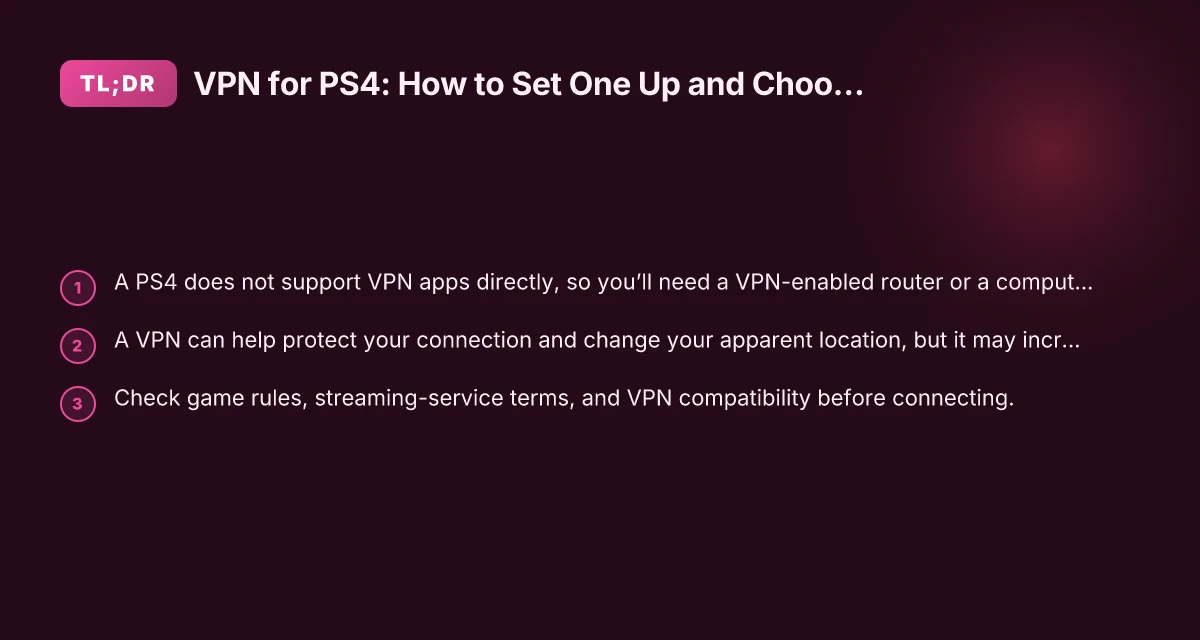
A VPN for PS4 can be useful for adding privacy to your console’s internet connection or accessing services available in another region. However, you can’t install a VPN app directly on a PS4. Instead, connect the console through a VPN-enabled router or share a VPN connection from a Windows PC or Mac. The best approach depends on your router, gaming setup, and tolerance for extra configuration.

Editor's pick: NordVPN — fast, secure VPN — Strong encryption, a no-logs policy and apps for every device. 30-day money-back guarantee. Get NordVPN →
Compare VPN connection methods for PS4
| Method | What you need | Setup location | PS4 compatibility | Main trade-off |
|---|---|---|---|---|
| VPN on router | VPN-compatible router and VPN service | Router settings | Supported through the router | Covers connected devices |
| VPN sharing from Windows | Windows PC, VPN connection, Ethernet cable | Windows network settings | Supported through the PC | PC must stay on |
| VPN sharing from Mac | Mac, VPN connection, Ethernet cable | Mac network settings | Supported through the Mac | Setup can be less straightforward |
| Smart DNS | Smart DNS service and account details | PS4 network settings | Supported where the service allows | Does not encrypt traffic |
| VPN app on PS4 | A VPN app for PS4 | PS4 settings or app store | Generally unavailable | Use a router or shared connection instead |
| Wi-Fi hotspot sharing | VPN-enabled device with hotspot support | Sharing device | May work, depending on device | Compatibility varies |
Compiled November 2026; check the provider's site for current details.
| VPN | Obfuscation | From / month | Plan | Free plan | Refund | Alipay | UnionPay | Crypto | Website opens in China | Trustpilot | |
|---|---|---|---|---|---|---|---|---|---|---|---|
 ZoogVPN | Turn on manually Shadow | $2.49/mo | 27 months: $59.99 | Yes | 7 days | ✓ | ✓ | ✓ | ✓ | Official site blocked; our special link opens (4.4 s) | 4.2/5 (195 reviews) |
 NordVPN | Turn on manually Obfuscated Servers / NordWhisper | $3.49/mo | 27 months: $94.23 | No | 30 days | ? | ✗ | ✓ | ✓ | ✗ Blocked | 4.2/5 (51,628 reviews) |
 ExpressVPN | ✓ On by default all servers | $3.00/mo | 28 months: $84 | No | 30 days | ✗ | ✗ | ✓ | ✗ | ✗ Blocked | 4.4/5 (29,706 reviews) |
 Surfshark | ✓ On by default Camouflage, with OpenVPN | See site | See site | No | 30 days | ✗ | ✗ | ✗ | ✓ | ✗ Blocked | 4.3/5 (31,823 reviews) |
 Proton VPN | Turn on manually Stealth, free plan too | $2.99/mo | 12 months: $35.88 | Yes | 30 days | ✗ | ✗ | ✗ | ✓ | ✗ Blocked | 2.1/5 (1,040 reviews) |
 Astrill VPN | Turn on manually StealthVPN / OpenWeb | $12.50/mo | 24 months: $300 | No | See site | ✗ | ✗ | ✗ | ✓ | ✗ Blocked | 1.3/5 (110 reviews) |
 Private Internet Access | Turn on manually Shadowsocks, OpenVPN only | $2.03/mo | 40 months: $81.2 | No | 30 days | ✗ | ✗ | ✗ | ✗ | ✗ Blocked | 4.2/5 (11,033 reviews) |
 CyberGhost | Turn on manually selected servers | $2.19/mo | 28 months: $61.32 | No | 45 days | ✗ | ✗ | ✗ | ✓ | ✗ Blocked | 4.0/5 (24,178 reviews) |
 PureVPN | Turn on manually switch to OpenVPN | $1.69/mo | 60 months: $101.55 | No | 31 days | ? | ? | ✗ | ✓ | ✗ Blocked | 4.4/5 (17,994 reviews) |
 AdGuard VPN | ✓ On by default TrustTunnel | $2.99/mo | 24 months: $71.76 | Yes | 30 days | ✓ | ✗ | ✓ | ✓ | Official site blocked; our special link opens (3.7 s) | 4.3/5 (290 reviews) |
 Mullvad | Turn on manually QUIC / Shadowsocks / LWO | $5.61/mo | €5/mo | No | 14 days | ✗ | ✗ | ✗ | ✓ | ✗ Blocked | 3.2/5 (192 reviews) |
 Windscribe | Turn on manually Stealth / WStunnel | $5.75/mo | 12 months: $69 | Yes | See site | ✗ | ✗ | ✗ | ✓ | ✗ Blocked | 4.7/5 (13,355 reviews) |
 StrongVPN | Turn on manually Scramble, OpenVPN TCP | See site | See site | No | 30 days | ✓ | ✗ | ✗ | ✗ | ✗ Blocked | 4.4/5 (2,695 reviews) |
 LightXtreme 闪连 | Not listed | $7.08/mo | 12 months: $84.99 | Yes | 30 days | ✓ | ✓ | ✓ | ✓ | ✓ Yes (3.5 s) | No page |
Prices checked 2026-11-10 on each vendor's pricing page (cheapest long plan, USD). Check the vendor's checkout for the final price.
Obfuscation checked 2026-11-14 on each vendor's site and help center: "on by default" = nothing to set; "turn on manually" = switch protocol or mode in settings; "not listed" = the vendor describes no obfuscation.
Payment methods checked 2026-11-10 on each vendor's payment pages: all 14 take cards and PayPal; ✗ = not listed, ? = the vendor's own pages disagree.
China access: whether the official website opens from mainland China networks (tests the website only, not the VPN connection). Last checked 2026-11-18 01:02 Beijing time.
Trustpilot score and review count checked 2026-11-10.
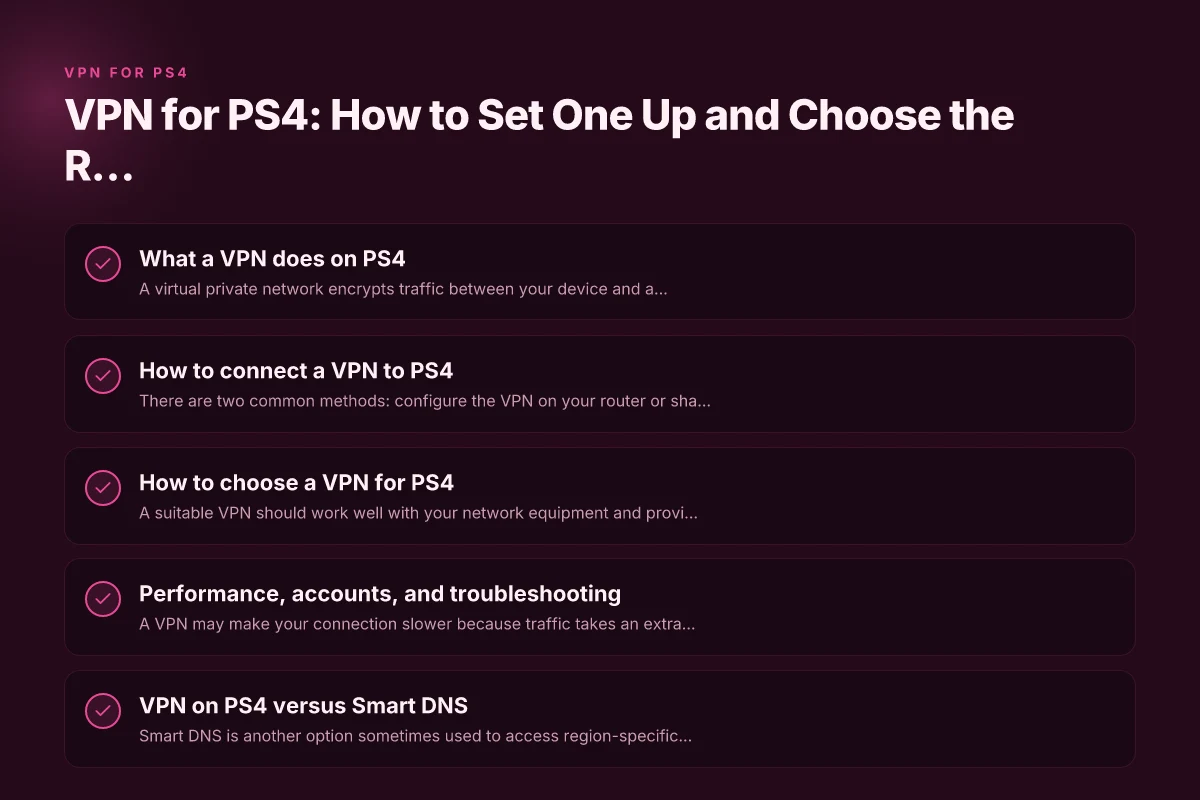
What a VPN does on PS4
A virtual private network encrypts traffic between your device and a VPN server. When your PS4 connects through one, websites and online services generally see the VPN server’s IP address rather than your home network’s public IP address.
Players may consider a VPN to:
- Add a layer of privacy when gaming online.
- Connect through a server in a different country.
- Use a VPN connection across multiple devices on the same network.
- Reduce exposure of their home IP address to other players.
A VPN is not a guaranteed way to improve gaming performance or avoid every network problem. Sending traffic through an additional server can increase ping, and a VPN cannot prevent every type of attack or make an unstable internet connection reliable. It may also affect access to certain games, PlayStation services, or streaming apps.
How to connect a VPN to PS4
There are two common methods: configure the VPN on your router or share a VPN connection from a computer. In either case, you’ll need an active VPN subscription and a compatible service or device. VPN for PS: How to Choose and Set One Up on PlayStation
| Method | What you need | Main advantage | Main drawback |
|---|---|---|---|
| VPN-enabled router | A router that supports VPN client connections | Covers the PS4 and other devices on the network | Setup can be technical; some routers may slow down traffic |
| Windows PC or Mac | A computer with a VPN app and an Ethernet connection or compatible Wi-Fi sharing | May be an inexpensive way to test a VPN on PS4 | The computer must stay on and share its connection correctly |
Set up a VPN on your router
If your router supports VPN client mode, you can usually enter your VPN provider’s connection details in its administration settings. The exact steps vary by router and provider, so follow their instructions rather than relying on generic settings. Some routers also support custom firmware, but installing it incorrectly can disrupt your network or void the warranty.
Once the router is connected to the VPN, connect the PS4 to the router as you normally would, over Wi-Fi or Ethernet. Check the router’s status page to confirm that the VPN is active before testing the console.
Share a VPN from a computer
A computer can share its internet connection while connected to a VPN. On Windows, this may involve connecting the PC to the VPN, enabling internet connection sharing, and linking the PS4 to the PC, often with an Ethernet cable. On a Mac, available sharing options depend on the macOS version and network hardware.
Because menus and settings change, use your computer’s current support instructions and your VPN provider’s setup guide. After sharing the connection, verify that the PS4 can access the internet and that the VPN connection remains active. My VPN Is Blocking Websites: How to Fix It Safely
Choose a VPN for PS4
| Factor | What to look for | Why it matters | Check before choosing |
|---|---|---|---|
| Router support | Compatibility with your router | Enables console-wide VPN use | Router model and setup instructions |
| Server locations | Servers near you or your chosen region | Location can affect speed and access | Available countries and cities |
| Connection speed | Reliable, fast performance | Helps with online play and downloads | Trial, refund policy, or independent tests |
| Data limits | Unlimited or sufficient data | Games and downloads use bandwidth | Fair-use restrictions |
| Privacy policy | Clear handling of activity data | Protects your privacy expectations | Logging and data-sharing terms |
| Device support | Support for your router or sharing device | Determines which setup methods are possible | Supported platforms and devices |
| Customer support | Setup guides and responsive help | Useful when configuring a router or shared connection | Support channels and hours |
Compiled November 2026; check the provider's site for current details.
How to choose a VPN for PS4
A suitable VPN should work well with your network equipment and provide reliable performance for your location. Consider these factors before subscribing:
- Router support: Confirm that the provider supplies configuration files or instructions for your router model.
- Speed and server locations: A nearby server is often a good starting point for lower latency. More locations give you additional choices, but distance can affect performance.
- Protocol support: Check which VPN protocols are available for router configuration and whether they suit your setup.
- Privacy practices: Read the provider’s privacy policy and look for clear details about data collection, retention, and security.
- Customer support: Setup help can be valuable if you’re configuring a router or troubleshooting shared connections.
- Cost and trial terms: Review subscription pricing, renewal terms, refund conditions, and any device limits.
Avoid choosing a service based only on claims that it will lower your ping or unlock every region. Results depend on your internet provider, distance to the VPN server, congestion, console settings, and the service you’re trying to use. VPN for PC Free Trial: How to Test a VPN Before You Commit
Performance, accounts, and troubleshooting
A VPN may make your connection slower because traffic takes an extra route. If online games feel less responsive, try a server closer to your physical location, use a wired Ethernet connection, or disconnect the VPN and compare the results. For downloads, remember that a distant or busy server may reduce speeds.
Some games and platforms restrict VPN use or access from certain regions. Changing your apparent location may conflict with a game’s rules, PlayStation Network requirements, or a streaming service’s terms. Check the relevant policies before using a VPN to access region-specific content. A VPN also does not change your account’s registered country or guarantee that a purchase will work in another region.
If the PS4 cannot connect after setup, check these basics:
- Confirm the VPN is connected on the router or sharing computer.
- Restart the router, computer, and console.
- Make sure the PS4 is connected to the network that carries the VPN connection.
- Check that the router or computer allows internet sharing and that firewall settings are not blocking it.
- Test the connection without the VPN to identify whether the issue is related to the VPN setup.
VPN on PS4 versus Smart DNS
Smart DNS is another option sometimes used to access region-specific services. Unlike a VPN, it typically reroutes selected DNS requests rather than encrypting all traffic through a VPN tunnel. It may have less impact on connection speed, but it does not provide the same general privacy protection. VPN for India: How to Choose the Right Service
Choose based on your goal: a VPN is more appropriate when you want encrypted traffic across the network, while Smart DNS may suit certain location-related streaming setups. Neither option guarantees access to every service, and availability depends on the service’s own policies and technical controls.
VPN and Smart DNS on PS4
| Comparison point | VPN | Smart DNS |
|---|---|---|
| PS4 setup | Router or shared connection | PS4 network settings |
| Traffic encryption | Yes | No |
| IP address masking | Yes | No |
| Location-based access | Supported, subject to service rules | Supported for compatible services |
| Speed impact | May reduce speed | Usually has less effect on speed |
| Router required | Not always; sharing can work | No |
| Privacy protection | Encrypts traffic between device and VPN | Does not provide VPN-style privacy |
| Best suited for | Privacy and encrypted connections | Location access with simpler setup |
Compiled November 2026; check the provider's site for current details.
Recommendation
For most PS4 owners, a VPN-enabled router is the most convenient option because it keeps the VPN connection available without leaving a computer running. If you only want to test a VPN, sharing one from a computer may be a practical alternative. Choose a provider that supports your hardware, start with a nearby server, and compare performance with and without the VPN before using it for regular gaming. VPN Australia Free Trial: How to Test a VPN Before You Buy