VPN Free Trial Mac: How to Test a VPN on Your Apple Computer
Find a VPN free trial for Mac, compare trial options, and test speed, privacy, and compatibility before committing.
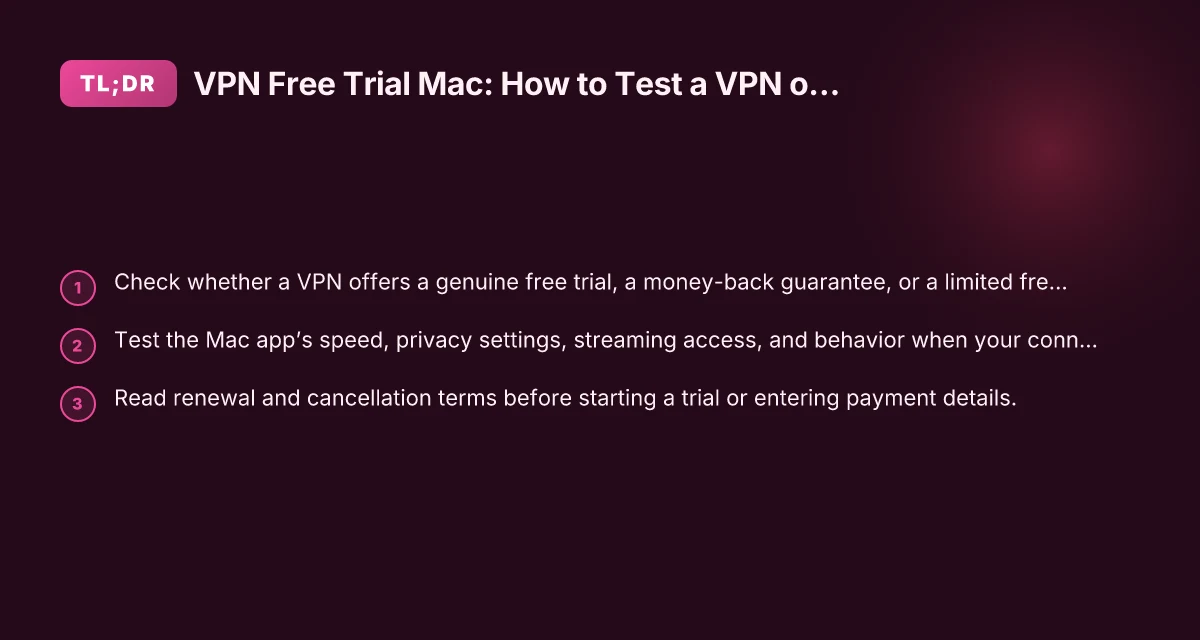
If you’re looking for a VPN free trial for Mac, start by checking the provider’s current offer and whether it works with your specific macOS version. Some services provide a time-limited trial, others offer a refund period after purchase, and some have a free plan with ongoing restrictions. Choose the option that lets you test the features you care about, and check the cancellation terms before signing up.
A VPN can encrypt traffic between your Mac and a VPN server, which can help protect your data on public Wi-Fi and change the IP address websites see. It does not make you completely anonymous or protect you from every online threat. A trial is useful because you can see how the app behaves in your own routine before deciding whether a paid plan is worthwhile.
| VPN | Obfuscation | From / month | Plan | Free plan | Refund | Alipay | UnionPay | Crypto | Website opens in China | Trustpilot | |
|---|---|---|---|---|---|---|---|---|---|---|---|
 ZoogVPN | Turn on manually Shadow | $2.49/mo | 27 months: $59.99 | Yes | 7 days | ✓ | ✓ | ✓ | ✓ | Official site blocked; our special link opens (4.4 s) | 4.2/5 (195 reviews) |
 NordVPN | Turn on manually Obfuscated Servers / NordWhisper | $3.49/mo | 27 months: $94.23 | No | 30 days | ? | ✗ | ✓ | ✓ | ✗ Blocked | 4.2/5 (51,628 reviews) |
 ExpressVPN | ✓ On by default all servers | $3.00/mo | 28 months: $84 | No | 30 days | ✗ | ✗ | ✓ | ✗ | ✗ Blocked | 4.4/5 (29,706 reviews) |
 Surfshark | ✓ On by default Camouflage, with OpenVPN | See site | See site | No | 30 days | ✗ | ✗ | ✗ | ✓ | ✗ Blocked | 4.3/5 (31,823 reviews) |
 Proton VPN | Turn on manually Stealth, free plan too | $2.99/mo | 12 months: $35.88 | Yes | 30 days | ✗ | ✗ | ✗ | ✓ | ✗ Blocked | 2.1/5 (1,040 reviews) |
 Astrill VPN | Turn on manually StealthVPN / OpenWeb | $12.50/mo | 24 months: $300 | No | See site | ✗ | ✗ | ✗ | ✓ | ✗ Blocked | 1.3/5 (110 reviews) |
 Private Internet Access | Turn on manually Shadowsocks, OpenVPN only | $2.03/mo | 40 months: $81.2 | No | 30 days | ✗ | ✗ | ✗ | ✗ | ✗ Blocked | 4.2/5 (11,033 reviews) |
 CyberGhost | Turn on manually selected servers | $2.19/mo | 28 months: $61.32 | No | 45 days | ✗ | ✗ | ✗ | ✓ | ✗ Blocked | 4.0/5 (24,178 reviews) |
 PureVPN | Turn on manually switch to OpenVPN | $1.69/mo | 60 months: $101.55 | No | 31 days | ? | ? | ✗ | ✓ | ✗ Blocked | 4.4/5 (17,994 reviews) |
 AdGuard VPN | ✓ On by default TrustTunnel | $2.99/mo | 24 months: $71.76 | Yes | 30 days | ✓ | ✗ | ✓ | ✓ | Official site blocked; our special link opens (3.7 s) | 4.3/5 (290 reviews) |
 Mullvad | Turn on manually QUIC / Shadowsocks / LWO | $5.61/mo | €5/mo | No | 14 days | ✗ | ✗ | ✗ | ✓ | ✗ Blocked | 3.2/5 (192 reviews) |
 Windscribe | Turn on manually Stealth / WStunnel | $5.75/mo | 12 months: $69 | Yes | See site | ✗ | ✗ | ✗ | ✓ | ✗ Blocked | 4.7/5 (13,355 reviews) |
 StrongVPN | Turn on manually Scramble, OpenVPN TCP | See site | See site | No | 30 days | ✓ | ✗ | ✗ | ✗ | ✗ Blocked | 4.4/5 (2,695 reviews) |
 LightXtreme 闪连 | Not listed | $7.08/mo | 12 months: $84.99 | Yes | 30 days | ✓ | ✓ | ✓ | ✓ | ✓ Yes (3.5 s) | No page |
Prices checked 2026-11-10 on each vendor's pricing page (cheapest long plan, USD). Check the vendor's checkout for the final price.
Obfuscation checked 2026-11-14 on each vendor's site and help center: "on by default" = nothing to set; "turn on manually" = switch protocol or mode in settings; "not listed" = the vendor describes no obfuscation.
Payment methods checked 2026-11-10 on each vendor's payment pages: all 14 take cards and PayPal; ✗ = not listed, ? = the vendor's own pages disagree.
China access: whether the official website opens from mainland China networks (tests the website only, not the VPN connection). Last checked 2026-11-18 01:02 Beijing time.
Trustpilot score and review count checked 2026-11-10.

Editor's pick: NordVPN — fast, secure VPN — Strong encryption, a no-logs policy and apps for every device. 30-day money-back guarantee. Get NordVPN →
Compare common types of VPN free access
| Access type | Payment details | Time or data limit | What to check | Best suited for |
|---|---|---|---|---|
| Free plan | Usually no payment details | Ongoing limits may apply | Data, speed, server access | Occasional use |
| Money-back guarantee | Payment usually required upfront | Refund window applies | Refund rules and eligibility | Testing a paid plan |
| Free trial without payment | Payment details may not be required | Trial period applies | When access ends | Low-commitment testing |
| Free trial with payment | Payment details required | Trial period applies | Renewal date and price | Testing full features |
| App Store trial | Apple account may manage billing | Trial period applies | Subscription settings | Mac users who prefer Apple billing |
| Limited demo | Varies by provider | Features may be restricted | What is excluded | Checking basic usability |
Compiled November 2026; check the provider's site for current details.
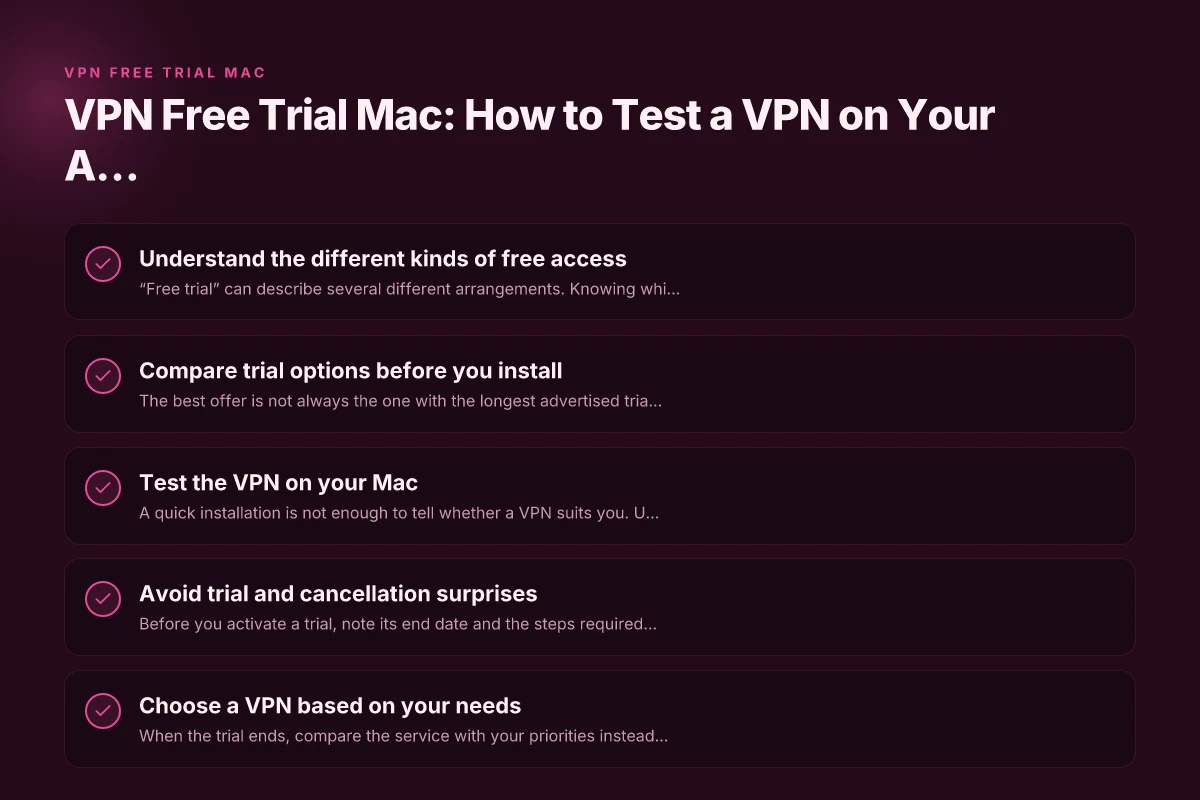
Understand the different kinds of free access
“Free trial” can describe several different arrangements. Knowing which one a provider offers helps you avoid unexpected charges and choose a fair test.
- Time-limited trial: You get access to paid features for a set period. Some trials require payment details upfront and may renew automatically unless you cancel.
- Money-back guarantee: You pay first, then request a refund within a stated period if you are eligible. This is not the same as a no-charge trial. Follow the provider’s refund rules.
- Free plan: You can use the VPN without paying, but it may limit locations, speed, data, devices, or features.
- Promotional offer: A discount or extended subscription period reduces the price but does not necessarily let you test the service without paying.
Terms can change, and offers may vary by country, platform, or subscription method. Check the provider’s official website and the final checkout screen rather than relying on an old review or advertisement.
Compare trial options before you install
The best offer is not always the one with the longest advertised trial. Consider what you need to test, whether the Mac app includes the same features as other versions, and how easy it is to end the subscription.
| Option | What you can test | What to check |
|---|---|---|
| Time-limited trial | Paid features for a defined period | Trial length, payment requirements, and renewal date |
| Money-back guarantee | The service after purchase | Refund eligibility, request process, and exclusions |
| Free plan | Basic use without a subscription | Data, server, speed, and feature limits |
Before downloading, confirm that the app supports your version of macOS and comes from the provider’s official website or the Mac App Store. Read its privacy policy and terms. Look for a clear explanation of what connection data is collected, how long it is kept, and whether information is shared with third parties. VPN Free Trial for Windows: How to Choose and Test One
Be cautious of unknown VPN apps that promise unlimited privacy or make unsupported security claims. A free offer is not a reason to skip basic checks: the provider still needs to explain who operates the service and how it handles your data.
Compare VPN trial options before installing
| Option | Payment required | Full features | Mac app support | Main check |
|---|---|---|---|---|
| Free plan | Usually no | Not always | Check provider | Usage limits |
| Trial without payment | Usually no | Often | Check provider | Trial duration |
| Trial with payment | Yes | Often | Check provider | Automatic renewal |
| Money-back guarantee | Usually upfront | Usually | Check provider | Refund conditions |
| App Store subscription | Apple billing may apply | Varies | Requires Mac app | Cancellation location |
| Browser extension | Varies | Often limited | Browser-based | Whether it protects all apps |
Compiled November 2026; check the provider's site for current details.
Test the VPN on your Mac
A quick installation is not enough to tell whether a VPN suits you. Use the trial in the places and situations where you expect to rely on it. VPN Free Trial Firestick: How to Choose and Set One Up
Check performance and reliability
With the VPN off, note how your usual internet connection performs. Connect to a nearby server, then compare web browsing, video calls, downloads, and streaming. Some slowdown is normal because your traffic takes an extra route, but frequent drops or interruptions may be a problem.
Try more than one server if the app offers them. A nearby location is generally a useful starting point for everyday speed, while a distant location may be relevant if you need to access services tied to another region. A VPN does not guarantee access to any particular website or streaming library.
Review privacy and connection controls
Look for clear settings and explanations for features such as:
- Kill switch: A feature intended to block internet traffic if the VPN connection unexpectedly fails. Check whether it is available on the Mac app and how it behaves.
- Auto-connect: Can connect the VPN automatically on untrusted Wi-Fi networks or when your Mac starts.
- Protocol choices: Some apps let you select how the VPN connection is made. The best setting depends on the provider’s implementation and your needs.
- DNS leak protection: Helps direct DNS requests through the VPN rather than your usual internet connection.
Do not assume a feature works just because it appears in a menu. Test the app’s behavior, read its help documentation, and check whether controls require a specific plan or macOS version. VPN Free Trial: How to Test a VPN Before You Pay
Check compatibility and usability
Make sure the app is stable on your Mac and does not disrupt normal tasks such as sleep, waking, or changing Wi-Fi networks. If you use a MacBook, consider how the app affects battery life. Also check whether the plan covers your other devices if you want to use one subscription across a phone or tablet.
Avoid trial and cancellation surprises
Before you activate a trial, note its end date and the steps required to cancel. Set a calendar reminder a few days before renewal, especially if payment details are required.
The cancellation process may depend on where you subscribed. A subscription started through the provider’s website may need to be canceled in your account with that provider. A subscription purchased through the App Store may need to be managed through your Apple account. Follow the instructions for the place where you signed up, and save any cancellation confirmation.
Read the terms for details such as automatic renewal, refund timing, eligible payment methods, and whether using certain features affects refund eligibility. If the terms are unclear, contact customer support before purchasing rather than assuming a refund is guaranteed. VPN for PS4: How to Set One Up and Choose the Right Option
Choose a VPN based on your needs
When the trial ends, compare the service with your priorities instead of focusing only on the introductory price.
- If you mainly want protection on public Wi-Fi, prioritize a dependable Mac app, clear privacy practices, and simple connection controls.
- If you need a particular server location, confirm that it is available and test whether it works for your intended use.
- If you use several devices, check the plan’s device limit and compatibility.
- If you rarely need a VPN, a limited free plan may be enough, provided its restrictions and privacy terms suit you.
- If you need consistent speed or advanced features, compare paid plans and renewal prices as well as the trial offer.
Use this checklist to test a VPN on your Mac
| Test area | What to try | What to look for | Why it matters |
|---|---|---|---|
| Installation | Install the Mac app | Clear setup and permissions | Ease of getting started |
| Connection | Connect to a server | Stable connection | Everyday reliability |
| Speed | Browse or stream | Acceptable performance | Usability |
| Location | Choose another server | Expected location access | Region-specific needs |
| Kill switch | Simulate a dropped connection | Traffic protection behavior | Privacy during interruptions |
| App coverage | Use apps beyond the browser | System-wide protection | Coverage for Mac activity |
| Support | Find help or contact support | Useful response options | Troubleshooting |
| Cancellation | Review account settings | Clear cancellation steps | Avoiding unwanted renewal |
Compiled November 2026; check the provider's site for current details.
Recommendation
For a VPN free trial on Mac, choose a provider with a compatible app, transparent privacy information, and clearly stated trial or refund terms. Test everyday performance and the settings you actually need, then cancel on time if it does not meet your expectations. A VPN can be a useful privacy tool, but the right choice is the one whose limits, policies, and cost you understand. VPN for PS: How to Choose and Set One Up on PlayStation