VPN Argentina Extension: How to Get an Argentine IP Address
Learn what a VPN Argentina extension does, how to use one safely, and how to choose a reliable option.
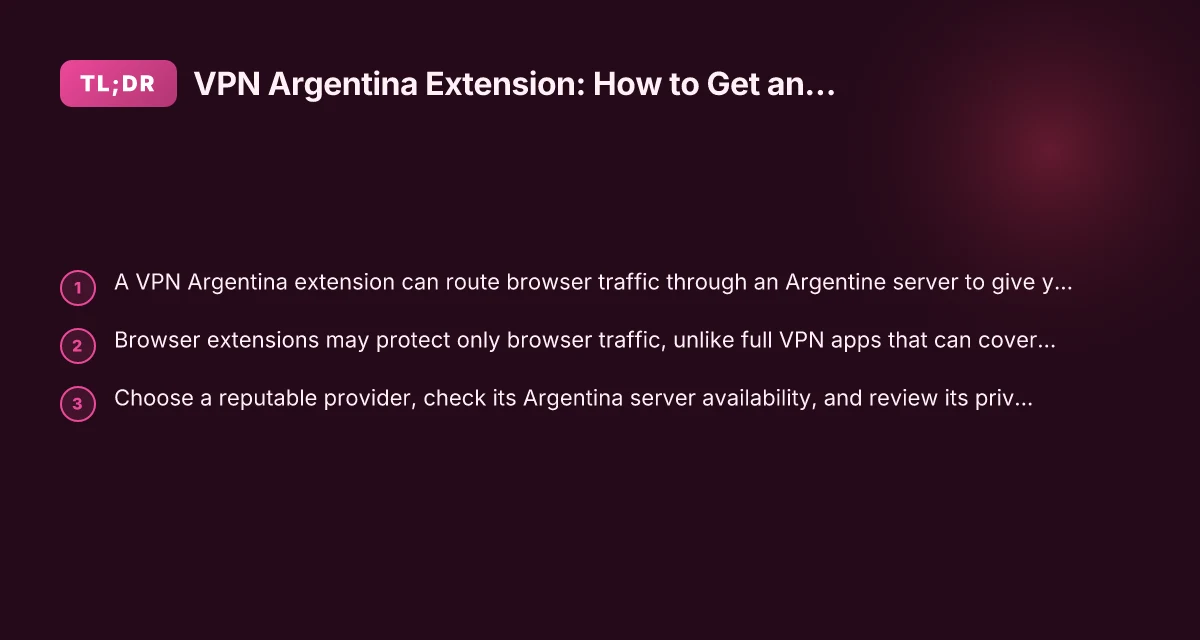
A VPN Argentina extension is a browser add-on that connects your browser to a VPN server in Argentina. Websites you visit in that browser then see the server’s Argentine IP address rather than your usual public IP. This can help with location-based browsing and may provide more privacy on the connection, depending on the extension and provider. To get started, choose a trustworthy VPN that offers Argentine servers, install its official extension, sign in, and connect to Argentina.

Editor's pick: NordVPN — fast, secure VPN — Strong encryption, a no-logs policy and apps for every device. 30-day money-back guarantee. Get NordVPN →
Compare the ways to get an Argentine IP address
| Option | Argentine IP | Setup | Coverage | Best for |
|---|---|---|---|---|
| Browser VPN extension | Depends on provider | Install in browser | Browser traffic | Quick browsing |
| Full VPN app | Depends on provider | Install on device | Device traffic | Broader protection |
| Browser proxy | Depends on provider | Configure browser | Browser traffic | Basic access |
| Smart DNS | Depends on provider | Change DNS settings | Selected services | Streaming access |
| Public Wi-Fi | No | Connect to network | Network traffic | Local connectivity |
| Mobile data | No | Use local carrier | Device traffic | On-the-go access |
Compiled November 2026; check the provider's site for current details.
| VPN | Obfuscation | From / month | Plan | Free plan | Refund | Alipay | UnionPay | Crypto | Website opens in China | Trustpilot | |
|---|---|---|---|---|---|---|---|---|---|---|---|
 ZoogVPN | Turn on manually Shadow | $2.49/mo | 27 months: $59.99 | Yes | 7 days | ✓ | ✓ | ✓ | ✓ | Official site blocked; our special link opens (4.4 s) | 4.2/5 (195 reviews) |
 NordVPN | Turn on manually Obfuscated Servers / NordWhisper | $3.49/mo | 27 months: $94.23 | No | 30 days | ? | ✗ | ✓ | ✓ | ✗ Blocked | 4.2/5 (51,628 reviews) |
 ExpressVPN | ✓ On by default all servers | $3.00/mo | 28 months: $84 | No | 30 days | ✗ | ✗ | ✓ | ✗ | ✗ Blocked | 4.4/5 (29,706 reviews) |
 Surfshark | ✓ On by default Camouflage, with OpenVPN | See site | See site | No | 30 days | ✗ | ✗ | ✗ | ✓ | ✗ Blocked | 4.3/5 (31,823 reviews) |
 Proton VPN | Turn on manually Stealth, free plan too | $2.99/mo | 12 months: $35.88 | Yes | 30 days | ✗ | ✗ | ✗ | ✓ | ✗ Blocked | 2.1/5 (1,040 reviews) |
 Astrill VPN | Turn on manually StealthVPN / OpenWeb | $12.50/mo | 24 months: $300 | No | See site | ✗ | ✗ | ✗ | ✓ | ✗ Blocked | 1.3/5 (110 reviews) |
 Private Internet Access | Turn on manually Shadowsocks, OpenVPN only | $2.03/mo | 40 months: $81.2 | No | 30 days | ✗ | ✗ | ✗ | ✗ | ✗ Blocked | 4.2/5 (11,033 reviews) |
 CyberGhost | Turn on manually selected servers | $2.19/mo | 28 months: $61.32 | No | 45 days | ✗ | ✗ | ✗ | ✓ | ✗ Blocked | 4.0/5 (24,178 reviews) |
 PureVPN | Turn on manually switch to OpenVPN | $1.69/mo | 60 months: $101.55 | No | 31 days | ? | ? | ✗ | ✓ | ✗ Blocked | 4.4/5 (17,994 reviews) |
 AdGuard VPN | ✓ On by default TrustTunnel | $2.99/mo | 24 months: $71.76 | Yes | 30 days | ✓ | ✗ | ✓ | ✓ | Official site blocked; our special link opens (3.7 s) | 4.3/5 (290 reviews) |
 Mullvad | Turn on manually QUIC / Shadowsocks / LWO | $5.61/mo | €5/mo | No | 14 days | ✗ | ✗ | ✗ | ✓ | ✗ Blocked | 3.2/5 (192 reviews) |
 Windscribe | Turn on manually Stealth / WStunnel | $5.75/mo | 12 months: $69 | Yes | See site | ✗ | ✗ | ✗ | ✓ | ✗ Blocked | 4.7/5 (13,355 reviews) |
 StrongVPN | Turn on manually Scramble, OpenVPN TCP | See site | See site | No | 30 days | ✓ | ✗ | ✗ | ✗ | ✗ Blocked | 4.4/5 (2,695 reviews) |
 LightXtreme 闪连 | Not listed | $7.08/mo | 12 months: $84.99 | Yes | 30 days | ✓ | ✓ | ✓ | ✓ | ✓ Yes (3.5 s) | No page |
Prices checked 2026-11-10 on each vendor's pricing page (cheapest long plan, USD). Check the vendor's checkout for the final price.
Obfuscation checked 2026-11-14 on each vendor's site and help center: "on by default" = nothing to set; "turn on manually" = switch protocol or mode in settings; "not listed" = the vendor describes no obfuscation.
Payment methods checked 2026-11-10 on each vendor's payment pages: all 14 take cards and PayPal; ✗ = not listed, ? = the vendor's own pages disagree.
China access: whether the official website opens from mainland China networks (tests the website only, not the VPN connection). Last checked 2026-11-18 01:02 Beijing time.
Trustpilot score and review count checked 2026-11-10.
What a VPN Argentina extension does
A VPN, or virtual private network, sends eligible internet traffic through a server operated by the VPN provider. When you select a server in Argentina, websites generally see the server’s IP address and may infer that your connection is coming from Argentina.
A browser extension is a convenient way to manage a VPN connection from your browser toolbar. However, the word “VPN” can describe different products. Some extensions create an encrypted VPN tunnel for browser traffic. Others act as proxies or control a VPN app installed on your device. Their coverage and protections are not necessarily the same.
A VPN does not make you anonymous. Websites can still identify you through account logins, cookies, browser settings, or other information. It also does not guarantee access to every service that restricts content by location.
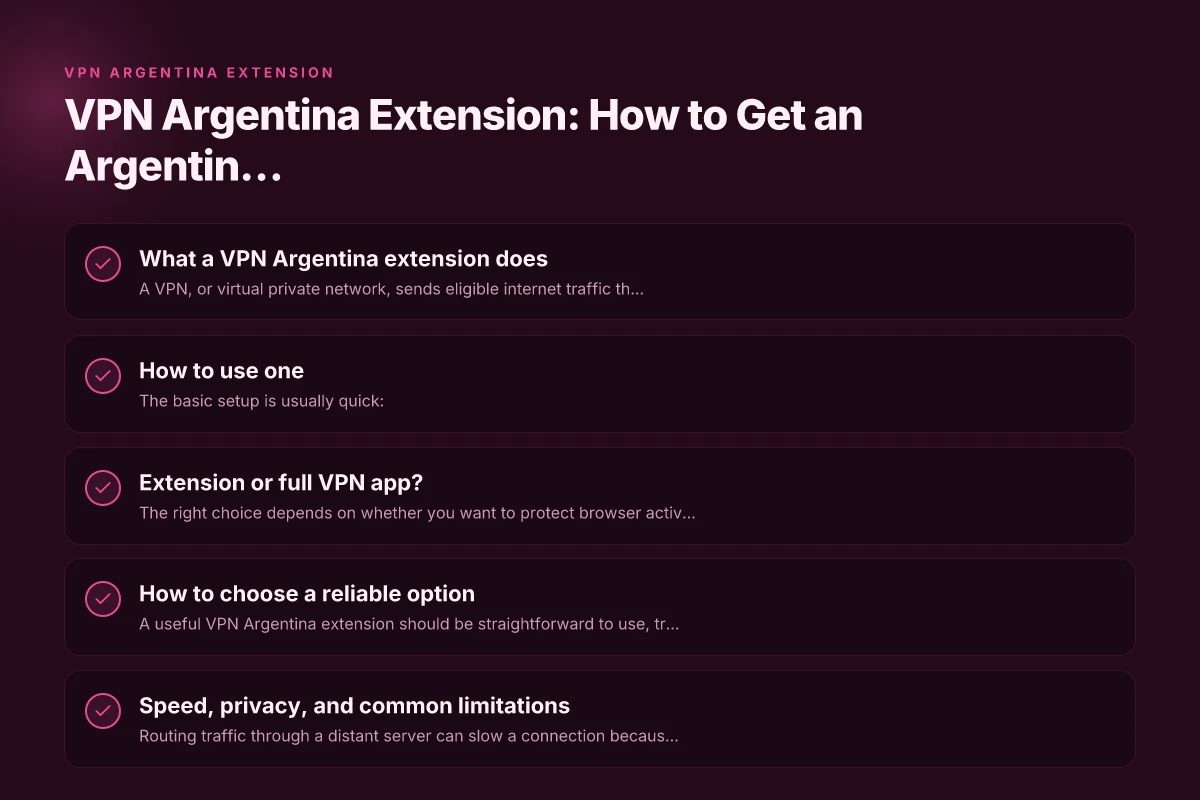
How to use one
The basic setup is usually quick: Server VPN: What It Is, How It Works, and How to Choose One
- Choose a VPN provider that lists Argentina as a server location.
- Download its extension from the provider’s official website or your browser’s verified extension store.
- Sign in or create an account, if required.
- Open the extension and select Argentina from the server list.
- Confirm that the connection is active, then visit the site you want to use.
If the site still detects your original location, disconnect and reconnect, try another Argentine server if available, and check that the extension is actually protecting browser traffic. Websites may also use account details, cookies, GPS permissions, or other signals to estimate your location. Don’t use a VPN to violate a service’s terms or bypass legal restrictions.
Extension or full VPN app?
The right choice depends on whether you want to protect browser activity or traffic from more of your device. Check the provider’s documentation: an extension may cover only the browser, while its desktop or mobile app may protect traffic from other apps as well.
| Feature | Browser extension | Full VPN app |
|---|---|---|
| Typical coverage | Browser traffic, or control of a companion app | Often traffic from multiple apps on the device |
| Setup | Installed in a supported browser | Installed on a computer or mobile device |
| Convenience | Quick access from the browser toolbar | Usually includes device-wide connection settings |
| What to verify | Whether it is a VPN tunnel or a proxy | Supported devices, protocols, and app-level protections |
Coverage varies by product, so don’t assume an extension protects every browser or application. If you need broader device protection, check whether the provider offers a full VPN app for your operating system.
Extension or full VPN app? Online VPN: What It Is, How to Choose One, and When to Use It
| Consideration | Extension | Full VPN app | What to check |
|---|---|---|---|
| Argentine server access | Provider-dependent | Provider-dependent | Argentina listed |
| Browser traffic | Supported | Supported | Browser compatibility |
| Other app traffic | Usually not covered | Usually covered | Traffic scope |
| Setup effort | Browser install | Device install | Ease of use |
| Connection controls | Browser-level | Device-level | Available settings |
| Privacy coverage | Limited to browser traffic | Broader device coverage | Privacy policy |
| Device compatibility | Browser-dependent | Platform-dependent | Supported devices |
Compiled November 2026; check the provider's site for current details.
How to choose a reliable option
A useful VPN Argentina extension should be straightforward to use, transparent about its limits, and supported by a provider with a credible privacy and security record.
Look for:
- Argentina server availability: Confirm that Argentina is currently offered, not just mentioned in old reviews or marketing.
- Clear privacy information: Read the provider’s privacy policy and understand what connection or activity data it collects.
- Independent security evidence: Look for reputable audits or clear technical explanations, while remembering that no audit guarantees perfect security.
- Leak protection: Check whether the service offers protection against IP, DNS, or other leaks relevant to its product.
- Browser compatibility: Make sure the extension supports your browser and receives regular updates.
- Honest product details: The provider should explain whether the extension is a VPN tunnel, proxy, or remote control for its full VPN app.
Avoid unknown extensions that promise unlimited access without explaining who operates them or how they handle data. A free service is not automatically unsafe, but it may have limits, such as data caps, fewer locations, slower speeds, or advertising. Review its business model and privacy practices before installing it. How to Grow VPN Servers Safely and Reliably
Speed, privacy, and common limitations
Routing traffic through a distant server can slow a connection because data travels farther and passes through the VPN provider’s network. Actual performance depends on your location, internet connection, server load, and the provider’s infrastructure. If your connection is slow, try another Argentine server or compare performance with the VPN disconnected.
A VPN extension can change the IP address visible to websites, but it does not erase your browsing history or prevent tracking by itself. Keep your browser and extension updated, use strong, unique passwords, and enable multifactor authentication on important accounts. Be cautious about granting an extension broad permissions, especially permission to read or change data on every website.
For sensitive tasks, verify the extension’s protection rather than assuming the Argentina server selection means all traffic is covered. If you need protection beyond the browser, consider using the provider’s full VPN app and check its settings.
Checklist for choosing and using an Argentina VPN How to Get a VPN: Choose, Install, and Set It Up
| Decision point | Look for | Check before use | Common limitation |
|---|---|---|---|
| Argentina location | Argentine server option | Server list | Availability may vary |
| Privacy | Clear privacy policy | Data practices | Policies differ |
| Security | Encrypted connection | Security details | Features vary |
| Speed | Nearby, stable servers | Connection performance | Speed can vary |
| Streaming | Service compatibility | Test the service | Access may be blocked |
| Browser support | Compatible extension | Browser requirements | Extension scope is limited |
| Reliability | Consistent connections | Try the connection | Servers may be unavailable |
| Recommendation | Match tool to your needs | Compare extension and app | No option fits every use case |
Compiled November 2026; check the provider's site for current details.
Recommendation
A VPN Argentina extension is a practical option when you want your browser to connect through an Argentine server. Choose an extension from a reputable provider, confirm that it genuinely protects the traffic you care about, and review its privacy policy and permissions before installing it. If you need coverage for apps outside your browser, use a full VPN app instead.