NordVPN Account: How to Sign In, Manage Your Subscription, and Stay Secure
Learn how to access your NordVPN account, manage billing and devices, troubleshoot sign-in issues, and protect your login.


A NordVPN account is managed through Nord Account, NordVPN’s central login and account portal. Use it to sign in, check your subscription, manage billing, review connected services, and update security settings. If you’re trying to get started, visit NordVPN’s official website or open its app, choose the sign-in option, and enter the email address and password linked to your account.

Editor's pick: NordVPN — fast, secure VPN — Strong encryption, a no-logs policy and apps for every device. 30-day money-back guarantee. Get NordVPN →
Compare NordVPN account sign-in options
| Sign-in option | What you need | Best for | Security note |
|---|---|---|---|
| Nord Account website | Nord Account email and password | Managing account settings | Use the official NordVPN website |
| NordVPN app | Nord Account credentials | Connecting on a device | Sign in only in the official app |
| Continue with Google | Linked Google account | People who linked Google | Secure your Google account |
| Continue with Apple | Linked Apple account | People who linked Apple | Secure your Apple account |
| Email verification | Access to your account email | Confirming sign-in when prompted | Check the sender and destination |
| Password reset | Access to your account email | Regaining access after forgetting a password | Use the official reset flow |
Compiled November 2026; check the provider's site for current details.
| VPN | Obfuscation | From / month | Plan | Free plan | Refund | Alipay | UnionPay | Crypto | Website opens in China | Trustpilot | |
|---|---|---|---|---|---|---|---|---|---|---|---|
 NordVPN | Turn on manually Obfuscated Servers / NordWhisper | $3.49/mo | 27 months: $94.23 | No | 30 days | ? | ✗ | ✓ | ✓ | ✗ Blocked | 4.2/5 (51,628 reviews) |
 ZoogVPN | Turn on manually Shadow | $2.49/mo | 27 months: $59.99 | Yes | 7 days | ✓ | ✓ | ✓ | ✓ | Official site blocked; our special link opens (4.4 s) | 4.2/5 (195 reviews) |
 ExpressVPN | ✓ On by default all servers | $3.00/mo | 28 months: $84 | No | 30 days | ✗ | ✗ | ✓ | ✗ | ✗ Blocked | 4.4/5 (29,706 reviews) |
 Surfshark | ✓ On by default Camouflage, with OpenVPN | See site | See site | No | 30 days | ✗ | ✗ | ✗ | ✓ | ✗ Blocked | 4.3/5 (31,823 reviews) |
 Proton VPN | Turn on manually Stealth, free plan too | $2.99/mo | 12 months: $35.88 | Yes | 30 days | ✗ | ✗ | ✗ | ✓ | ✗ Blocked | 2.1/5 (1,040 reviews) |
 Astrill VPN | Turn on manually StealthVPN / OpenWeb | $12.50/mo | 24 months: $300 | No | See site | ✗ | ✗ | ✗ | ✓ | ✗ Blocked | 1.3/5 (110 reviews) |
 Private Internet Access | Turn on manually Shadowsocks, OpenVPN only | $2.03/mo | 40 months: $81.2 | No | 30 days | ✗ | ✗ | ✗ | ✗ | ✗ Blocked | 4.2/5 (11,033 reviews) |
 CyberGhost | Turn on manually selected servers | $2.19/mo | 28 months: $61.32 | No | 45 days | ✗ | ✗ | ✗ | ✓ | ✗ Blocked | 4.0/5 (24,178 reviews) |
 PureVPN | Turn on manually switch to OpenVPN | $1.69/mo | 60 months: $101.55 | No | 31 days | ? | ? | ✗ | ✓ | ✗ Blocked | 4.4/5 (17,994 reviews) |
 AdGuard VPN | ✓ On by default TrustTunnel | $2.99/mo | 24 months: $71.76 | Yes | 30 days | ✓ | ✗ | ✓ | ✓ | Official site blocked; our special link opens (3.7 s) | 4.3/5 (290 reviews) |
 Mullvad | Turn on manually QUIC / Shadowsocks / LWO | $5.61/mo | €5/mo | No | 14 days | ✗ | ✗ | ✗ | ✓ | ✗ Blocked | 3.2/5 (192 reviews) |
 Windscribe | Turn on manually Stealth / WStunnel | $5.75/mo | 12 months: $69 | Yes | See site | ✗ | ✗ | ✗ | ✓ | ✗ Blocked | 4.7/5 (13,355 reviews) |
 StrongVPN | Turn on manually Scramble, OpenVPN TCP | See site | See site | No | 30 days | ✓ | ✗ | ✗ | ✗ | ✗ Blocked | 4.4/5 (2,695 reviews) |
 LightXtreme 闪连 | Not listed | $7.08/mo | 12 months: $84.99 | Yes | 30 days | ✓ | ✓ | ✓ | ✓ | ✓ Yes (3.5 s) | No page |
Prices checked 2026-11-10 on each vendor's pricing page (cheapest long plan, USD). Check the vendor's checkout for the final price.
Obfuscation checked 2026-11-14 on each vendor's site and help center: "on by default" = nothing to set; "turn on manually" = switch protocol or mode in settings; "not listed" = the vendor describes no obfuscation.
Payment methods checked 2026-11-10 on each vendor's payment pages: all 14 take cards and PayPal; ✗ = not listed, ? = the vendor's own pages disagree.
China access: whether the official website opens from mainland China networks (tests the website only, not the VPN connection). Last checked 2026-11-18 01:02 Beijing time.
Trustpilot score and review count checked 2026-11-10.
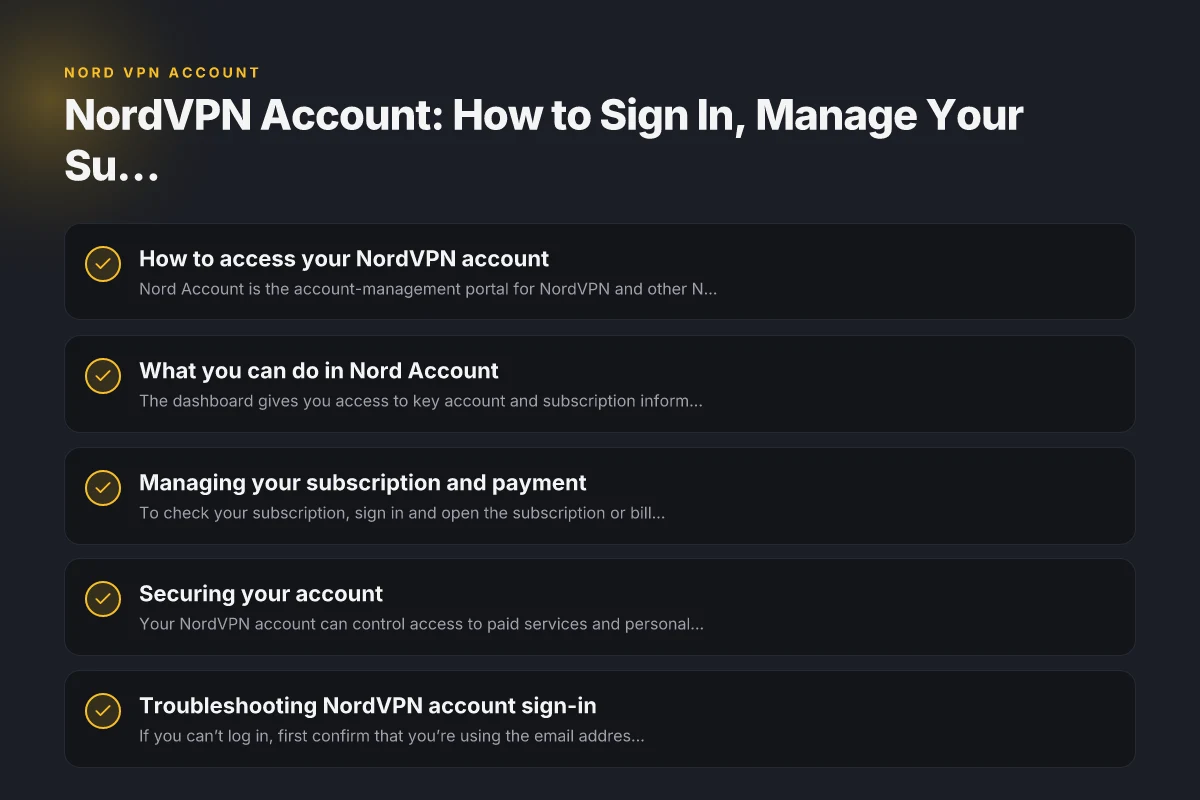
How to access your NordVPN account
Nord Account is the account-management portal for NordVPN and other Nord Security services. Your login is separate from the VPN connection itself: signing in lets you manage your account, while connecting to a VPN server is done in the NordVPN app.
To sign in:
- Go to NordVPN’s official website and select Log in, or open the NordVPN app.
- Enter the email address associated with your account.
- Enter your password and complete any additional verification requested.
- Once signed in, choose the account or subscription area to manage your details.
If you don’t yet have an account, choose the option to create one and follow the prompts. Use the official website or app rather than links from unsolicited messages. This helps you avoid phishing pages designed to collect login details.
What you can do in Nord Account
The dashboard gives you access to key account and subscription information. Available options can vary depending on your plan, billing provider, and account status. Split Tunnelling VPN iPhone: What Works and What to Know
| Account task | What to look for |
|---|---|
| Check your plan | Subscription, plan, or account overview |
| Manage billing | Billing or payment settings |
| Review services | Products or services linked to your account |
| Update login details | Profile, security, or account settings |
| Get help | Support options or help center |
You can use the portal to review when a subscription renews, confirm whether it is active, and check the payment method on file. If you bought NordVPN through a third-party app store or another reseller, billing changes may need to be made through that provider instead of directly in Nord Account.
Managing your subscription and payment
To check your subscription, sign in and open the subscription or billing section. Review the plan name, renewal information, and any available payment options before making changes.
Depending on how you purchased the service, you may be able to:
- Update or replace a payment method.
- Review invoices or payment history.
- Change subscription settings.
- Turn off automatic renewal or cancel a subscription.
Cancellation and renewal controls can differ by purchase channel. For example, a subscription purchased through an app store may have to be canceled in that store’s subscription settings. Check the instructions shown in your account or contact the relevant provider if the option is not available. Microsoft Edge VPN Extension Free: What to Know Before You Install
Canceling a subscription does not necessarily mean that access ends immediately. Check the stated expiration date and cancellation confirmation. If you’re requesting a refund, eligibility and processing depend on NordVPN’s current terms and where you purchased the plan.
Compare Nord Account tasks
| Task | Available in Nord Account | Useful when | What to check |
|---|---|---|---|
| View subscription | Yes | Checking your current plan | Plan details |
| Manage renewal | Yes | Reviewing future billing | Renewal settings |
| Update payment method | Yes | Replacing an expired card | Saved payment details |
| Review invoices | Yes | Checking past charges | Invoice dates and amounts |
| Manage services | Yes | Reviewing Nord products | Active services |
| Manage account details | Yes | Updating account information | Email and profile details |
| Download apps | Supported | Setting up a device | Choose the right platform |
| Contact support | Supported | Resolving account or billing issues | Use official support channels |
Compiled November 2026; check the provider's site for current details.
Securing your account
Your NordVPN account can control access to paid services and personal account information, so protect it like any other important online account. Nord VPM Login: How to Sign In and Fix Common Access Problems
Use these practices:
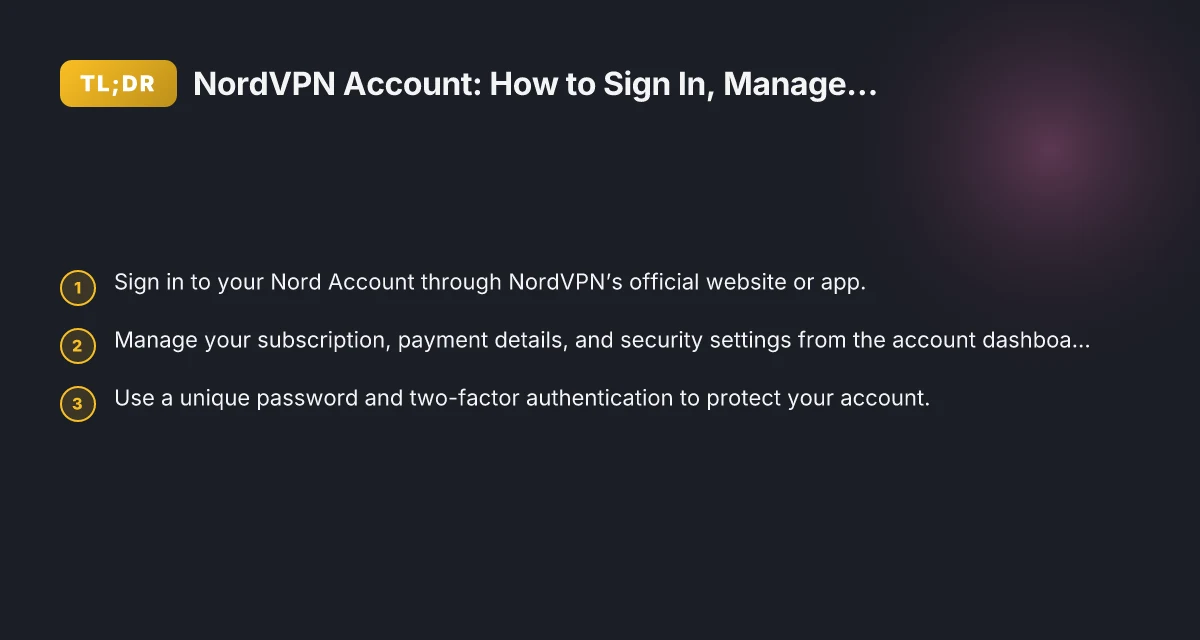
- Choose a unique password. Don’t reuse a password from email, banking, or social media.
- Use a password manager. It can generate and store a strong password for you.
- Enable two-factor authentication if available. This adds a verification step beyond your password.
- Protect your email account. Password resets and security notices may be sent there.
- Check messages carefully. Don’t enter your login details after following an unexpected link.
- Sign out on shared devices. Avoid saving your password on computers you don’t control.
If you receive an unexpected sign-in or account-change notice, don’t click links in the message. Visit NordVPN’s official website directly, sign in, and review your security settings. If you suspect someone else has access, change your password and contact official support.
Troubleshooting NordVPN account sign-in
If you can’t log in, first confirm that you’re using the email address registered to the account. Check for typing errors, extra spaces, and capitalization differences. If you use multiple email addresses, try the one that received your purchase confirmation or subscription notices.
For a forgotten password, use the password-reset option on the official sign-in page and follow the instructions sent to your email. Check spam or junk folders if the message doesn’t arrive. If you no longer have access to the registered email address, contact NordVPN support through its official website. Can't Connect VPN Tunnel Through Virgin Home WiFi? Try These Fixes
Other common steps include:
- Update the NordVPN app to the latest version.
- Close and reopen the app, then try again.
- Check your internet connection.
- Try signing in through the official website to see whether the issue is app-specific.
- Disable browser extensions that may interfere with the sign-in page, or try another browser.
If the account is locked, a payment is missing, or you see an unfamiliar subscription detail, avoid creating a second account until you’ve checked with support. A duplicate account can make it harder to identify which subscription or email address is involved.
Choose a response to NordVPN account sign-in problems
| Problem | First step | If it continues | Security reminder |
|---|---|---|---|
| Forgotten password | Use password reset | Check your email access | Avoid password-reset links from unknown senders |
| Incorrect credentials | Re-enter your account details | Try the official reset flow | Don’t share your password |
| Verification email missing | Check spam and junk folders | Confirm you entered the right email | Verify the message is from NordVPN |
| Sign-in page not loading | Check your connection | Try another browser or device | Use the official NordVPN site |
| App sign-in fails | Update the app | Try signing in on the website | Download updates from official sources |
| Account access seems unusual | Change your password | Contact NordVPN support | Secure your email account too |
| Billing or subscription issue | Review Nord Account details | Contact official support | Don’t send payment details in public chats |
Compiled November 2026; check the provider's site for current details. Login Nord VPN: How to Sign In and Fix Common Problems
Recommendation
Use Nord Account as your starting point for login, billing, and security questions, and use the NordVPN app to connect to the VPN. Bookmark the official sign-in page, keep your password unique, and enable two-factor authentication when available. If you purchased through a third party or can’t access your registered email, check that provider’s account settings or contact official support before making changes.