Nord VPM Login: How to Sign In and Fix Common Access Problems
Learn how to access NordVPN, troubleshoot login issues, and keep your account secure.
If you searched for “nord vpm login,” you likely mean NordVPN login. To sign in, open the official NordVPN app or visit nordaccount.com, enter the email address and password associated with your Nord Account, and complete any verification step requested. “VPM” is likely a typo for “VPN”; NordVPN uses a Nord Account for access to its services.

Editor's pick: NordVPN — fast, secure VPN — Strong encryption, a no-logs policy and apps for every device. 30-day money-back guarantee. Get NordVPN →
NordVPN login options at a glance
| Option | What you use | Best for | Key requirement |
|---|---|---|---|
| Email and password | Nord Account email and password | Standard sign-in | Access to your account |
| Google sign-in | Google account | People using Google | Linked Google account |
| Apple sign-in | Apple account | People using Apple | Linked Apple account |
| Sign in with a code | Email verification code | Password-free access | Access to account email |
| NordVPN app | App sign-in screen | Connecting on a device | Nord Account credentials |
| Nord Account website | Browser sign-in page | Managing account settings | Internet access |
Compiled November 2026; check the provider's site for current details.
How to log in to NordVPN
You can access your account through the NordVPN app or the official account website. The same Nord Account credentials are generally used for NordVPN and other Nord Security services, although the services available to you depend on your plan.
Using the NordVPN app
- Download and open the NordVPN app from the official NordVPN website or your device’s official app store.
- Select Log in.
- Enter the email address and password for your Nord Account.
- Complete any requested security verification.
- Once signed in, choose a server and connect.
The layout and wording may differ slightly depending on your operating system and app version. If the app offers to open a browser to finish signing in, follow the on-screen instructions and return to the app when prompted.
Using a browser
Go directly to the official Nord Account website by typing the address into your browser. Sign in with your registered email and password, then manage your subscription or account details from the available dashboard.
Avoid signing in through links in unexpected emails, messages, or advertisements. A page that imitates a login screen may be designed to steal your credentials. Can't Connect VPN Tunnel Through Virgin Home WiFi? Try These Fixes
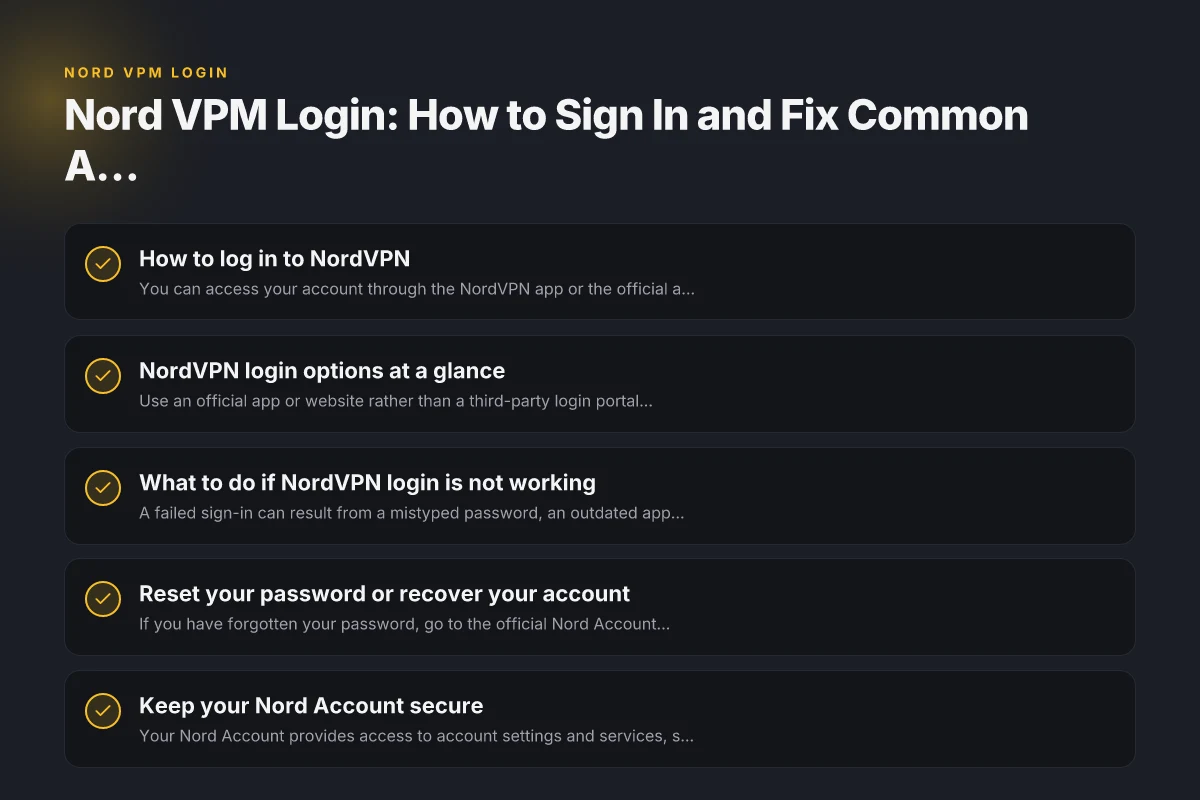
NordVPN login options at a glance
| Access method | Best for | What you need |
|---|---|---|
| NordVPN desktop or mobile app | Connecting to a VPN server | The app and your Nord Account credentials |
| Official Nord Account website | Managing account and subscription details | A browser and your Nord Account credentials |
| Password recovery page | Regaining access when you cannot sign in | Access to the email address on your account |
Use an official app or website rather than a third-party login portal. If you are unsure whether a page is genuine, close it and navigate to NordVPN’s website yourself.
What to do if NordVPN login is not working
A failed sign-in can result from a mistyped password, an outdated app, a connection issue, or an account-related problem. Try these steps in order:
- Check your email address. Make sure it is the one used to create your Nord Account, and look for typing errors.
- Enter your password carefully. Check capitalization, keyboard layout, and whether a password manager has inserted an old password.
- Try signing in on the official website. This can help establish whether the issue is limited to the app.
- Check your internet connection. Open another website or app to confirm your device is online.
- Update the app. Install the latest version available through NordVPN or your device’s official app store.
- Restart the app and device. A fresh start can resolve temporary glitches.
- Check your account and subscription status. Sign in through the official account page if possible to review account information.
If the service reports that your credentials are incorrect, avoid repeated guesses. Use the password reset process instead.
What to do if NordVPN login is not working Login Nord VPN: How to Sign In and Fix Common Problems
| Problem | First check | Try this | If it continues |
|---|---|---|---|
| Incorrect password | Check spelling and capitalization | Reset your password | Contact NordVPN support |
| Incorrect email | Confirm the address used for the account | Try another email you may have used | Contact support |
| Verification code missing | Check spam and junk folders | Request a new code | Check email access |
| Sign-in page not loading | Check your internet connection | Try another browser or app | Contact support |
| App sign-in fails | Update the NordVPN app | Sign in through the Nord Account website | Contact support |
| Account access concern | Review recent account activity | Reset your password | Contact support |
Compiled November 2026; check the provider's site for current details.
Reset your password or recover your account
If you have forgotten your password, go to the official Nord Account sign-in page and choose the password recovery option. Follow the instructions sent to the email address associated with your account. If the recovery message does not arrive, check your spam or junk folder and confirm that you entered the correct email.
Do not share password reset links or verification codes with anyone. NordVPN support should not need your password. If you no longer have access to the email address on the account, contact NordVPN’s official support team and follow its account recovery process.
Keep your Nord Account secure
Your Nord Account provides access to account settings and services, so protecting it matters. Use a strong, unique password that you do not reuse on other websites. A password manager can help create and store one securely. Use Secure DNS in Brave On or Off With Proton VPN? Reddit Questions Answered
Turn on any additional account security options available to you, such as multi-factor authentication. Keep your operating system and NordVPN app updated, and sign out of shared or public devices when you are finished.
Be cautious of messages claiming your account will be closed unless you sign in immediately. Instead of using an embedded link, open the official NordVPN site or app directly and check for notices there.
Choose the right account recovery or security action
| Need | Recommended action | What you need | Outcome |
|---|---|---|---|
| Forgot your password | Start a password reset | Account email access | Set a new password |
| Forgot which email you used | Try addresses you may have registered | Access to candidate email accounts | Identify the account email |
| Cannot receive a code | Check spam or junk folders | Access to your inbox | Find the verification message |
| Suspect password exposure | Change your password | Access to your account | Replace the old password |
| Want stronger sign-in security | Enable available security features | Nord Account access | Add account protection |
| Need help recovering access | Contact NordVPN support | Account details to verify ownership | Get recovery guidance |
Compiled November 2026; check the provider's site for current details. Kaspersky VPN Split Tunneling Not Working? Reddit Fixes and Troubleshooting
Recommendation
For a “nord vpm login,” use the official NordVPN app or Nord Account website and sign in with your registered email and password. If access fails, verify your details, update the app, and use the official password recovery process. Avoid third-party login pages, and contact NordVPN support through its official website if you cannot recover access.