Can't Connect VPN Tunnel Through Virgin Home WiFi? Try These Fixes
Troubleshoot a VPN tunnel that will not connect on Virgin Media WiFi, from simple device checks to hub settings and work IT support.
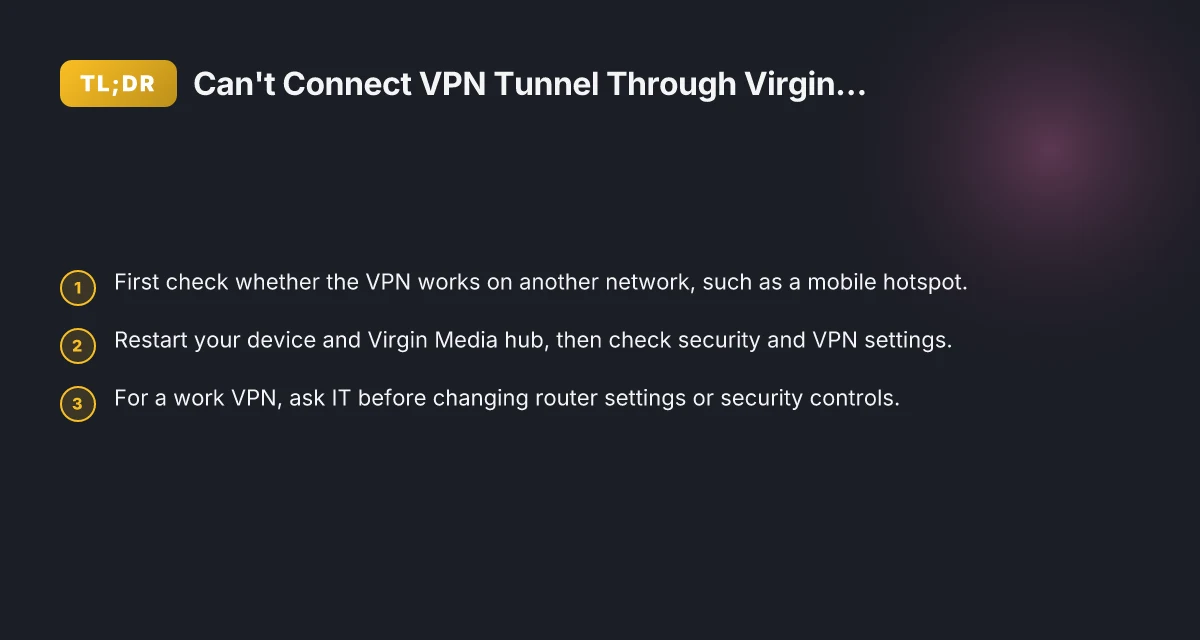
If you can't connect a VPN tunnel through Virgin home WiFi, first test the same device and VPN on a mobile hotspot. If it connects there, the issue is likely related to your home network, hub configuration, or a broadband security feature. If it fails on every network, focus on the VPN app, device, account, or your organisation's VPN service. A Virgin Media connection does not automatically mean VPN access is blocked.

Editor's pick: NordVPN — fast, secure VPN — Strong encryption, a no-logs policy and apps for every device. 30-day money-back guarantee. Get NordVPN →
Match the symptom to the most useful first check
| What you notice | Likely area to check | First check | What the result suggests |
|---|---|---|---|
| VPN app will not sign in | Account or VPN service | Check credentials and service status | May be unrelated to Virgin WiFi |
| App signs in but will not connect | VPN app or network path | Try a different VPN server | A server-specific issue is possible |
| VPN connects, then drops | WiFi or hub | Test near the hub | A weak WiFi signal may be involved |
| VPN works on mobile data | Home WiFi or hub | Retry on Virgin WiFi | The home network may be blocking or disrupting it |
| VPN fails on every network | App, device, or account | Restart the device and app | The issue may not be the hub |
| Only a work VPN fails | Workplace settings | Ask workplace IT about VPN requirements | Company policy or configuration may be involved |
| Other devices also fail | Hub or broadband | Restart the hub and retest | A shared network issue is more likely |
Compiled November 2026; check the provider's site for current details.
| VPN | Obfuscation | From / month | Plan | Free plan | Refund | Alipay | UnionPay | Crypto | Website opens in China | Trustpilot | |
|---|---|---|---|---|---|---|---|---|---|---|---|
 ZoogVPN | Turn on manually Shadow | $2.49/mo | 27 months: $59.99 | Yes | 7 days | ✓ | ✓ | ✓ | ✓ | Official site blocked; our special link opens (4.4 s) | 4.2/5 (195 reviews) |
 NordVPN | Turn on manually Obfuscated Servers / NordWhisper | $3.49/mo | 27 months: $94.23 | No | 30 days | ? | ✗ | ✓ | ✓ | ✗ Blocked | 4.2/5 (51,628 reviews) |
 ExpressVPN | ✓ On by default all servers | $3.00/mo | 28 months: $84 | No | 30 days | ✗ | ✗ | ✓ | ✗ | ✗ Blocked | 4.4/5 (29,706 reviews) |
 Surfshark | ✓ On by default Camouflage, with OpenVPN | See site | See site | No | 30 days | ✗ | ✗ | ✗ | ✓ | ✗ Blocked | 4.3/5 (31,823 reviews) |
 Proton VPN | Turn on manually Stealth, free plan too | $2.99/mo | 12 months: $35.88 | Yes | 30 days | ✗ | ✗ | ✗ | ✓ | ✗ Blocked | 2.1/5 (1,040 reviews) |
 Astrill VPN | Turn on manually StealthVPN / OpenWeb | $12.50/mo | 24 months: $300 | No | See site | ✗ | ✗ | ✗ | ✓ | ✗ Blocked | 1.3/5 (110 reviews) |
 Private Internet Access | Turn on manually Shadowsocks, OpenVPN only | $2.03/mo | 40 months: $81.2 | No | 30 days | ✗ | ✗ | ✗ | ✗ | ✗ Blocked | 4.2/5 (11,033 reviews) |
 CyberGhost | Turn on manually selected servers | $2.19/mo | 28 months: $61.32 | No | 45 days | ✗ | ✗ | ✗ | ✓ | ✗ Blocked | 4.0/5 (24,178 reviews) |
 PureVPN | Turn on manually switch to OpenVPN | $1.69/mo | 60 months: $101.55 | No | 31 days | ? | ? | ✗ | ✓ | ✗ Blocked | 4.4/5 (17,994 reviews) |
 AdGuard VPN | ✓ On by default TrustTunnel | $2.99/mo | 24 months: $71.76 | Yes | 30 days | ✓ | ✗ | ✓ | ✓ | Official site blocked; our special link opens (3.7 s) | 4.3/5 (290 reviews) |
 Mullvad | Turn on manually QUIC / Shadowsocks / LWO | $5.61/mo | €5/mo | No | 14 days | ✗ | ✗ | ✗ | ✓ | ✗ Blocked | 3.2/5 (192 reviews) |
 Windscribe | Turn on manually Stealth / WStunnel | $5.75/mo | 12 months: $69 | Yes | See site | ✗ | ✗ | ✗ | ✓ | ✗ Blocked | 4.7/5 (13,355 reviews) |
 StrongVPN | Turn on manually Scramble, OpenVPN TCP | See site | See site | No | 30 days | ✓ | ✗ | ✗ | ✗ | ✗ Blocked | 4.4/5 (2,695 reviews) |
 LightXtreme 闪连 | Not listed | $7.08/mo | 12 months: $84.99 | Yes | 30 days | ✓ | ✓ | ✓ | ✓ | ✓ Yes (3.5 s) | No page |
Prices checked 2026-11-10 on each vendor's pricing page (cheapest long plan, USD). Check the vendor's checkout for the final price.
Obfuscation checked 2026-11-14 on each vendor's site and help center: "on by default" = nothing to set; "turn on manually" = switch protocol or mode in settings; "not listed" = the vendor describes no obfuscation.
Payment methods checked 2026-11-10 on each vendor's payment pages: all 14 take cards and PayPal; ✗ = not listed, ? = the vendor's own pages disagree.
China access: whether the official website opens from mainland China networks (tests the website only, not the VPN connection). Last checked 2026-11-18 01:02 Beijing time.
Trustpilot score and review count checked 2026-11-10.
Identify where the connection is failing
A VPN connection can fail before it establishes a tunnel, or it can connect and then lose access to work resources. The difference helps narrow down the cause.
Try these checks:
- Open a normal website on Virgin WiFi to confirm the internet connection is working.
- Disconnect and reconnect the VPN, noting any error message.
- Test the VPN on a mobile hotspot, if available.
- If possible, try another device on the same home WiFi.
- Check whether colleagues can connect to the same VPN.
Use the results as a guide:
| Test result | What it suggests | Next step |
|---|---|---|
| VPN works on a hotspot but not Virgin WiFi | A home network, hub, or security setting may be involved | Restart the hub and check its settings |
| VPN fails on both networks | The app, device, login, or VPN service may be the cause | Contact your VPN provider or work IT |
| One device fails but another works on Virgin WiFi | A device-specific setting or software conflict is possible | Update or troubleshoot the affected device |
| VPN connects but work services do not load | The tunnel may be up, but routing or access may be wrong | Report the details to work IT |
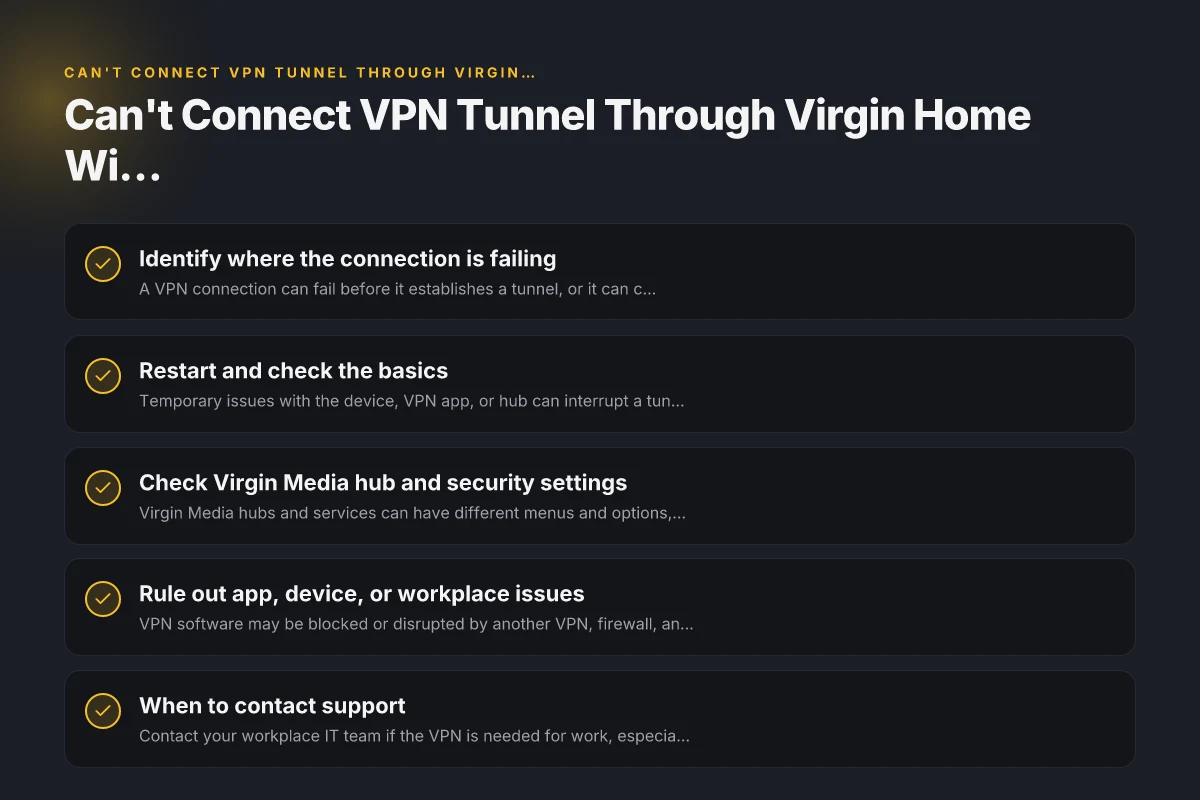
Restart and check the basics
Temporary issues with the device, VPN app, or hub can interrupt a tunnel. Before changing advanced settings, try a clean restart. Login Nord VPN: How to Sign In and Fix Common Problems
- Disconnect the VPN and close its app.
- Restart the computer, phone, or tablet.
- Restart the Virgin Media hub using its normal power procedure, then wait for the connection to return.
- Open the VPN app and try again.
Also check that:
- Your device has a stable WiFi connection and can browse normally.
- The VPN app is up to date.
- Your username, password, and any multi-factor authentication prompt are correct.
- Your device's date and time are set automatically.
- No other VPN app or security tool is trying to manage the connection at the same time.
If this is a company-managed device, avoid uninstalling security software or changing managed settings without approval.
Compare basic troubleshooting steps
| Step | What to do | Useful when | If it works |
|---|---|---|---|
| Check broadband | Confirm other websites load | Internet access may be down | Recheck the VPN |
| Restart VPN app | Close and reopen the app | The app may be stuck | Keep using the app |
| Restart device | Reboot the phone or computer | The device may have a temporary fault | Retest the tunnel |
| Restart hub | Reboot the Virgin Media hub | Several devices have trouble | Retest after WiFi returns |
| Change VPN server | Pick another server in the app | One server may be unavailable | Use the working server |
| Try another connection | Test mobile data or another WiFi network | You need to isolate the network | Compare results with Virgin WiFi |
| Update the app | Install an available VPN app update | The app may be out of date | Retest with the updated version |
Compiled November 2026; check the provider's site for current details. Use Secure DNS in Brave On or Off With Proton VPN? Reddit Questions Answered
Check Virgin Media hub and security settings
Virgin Media hubs and services can have different menus and options, so the exact steps depend on your equipment and account. Check the settings available for your hub rather than following instructions intended for a different model.
If you use a Virgin Media security or parental-control feature, temporarily check whether it is filtering or restricting the connection. Only adjust a setting if you understand what it does, and restore it afterwards if it is not relevant. Do not turn off protections permanently just to make a VPN work.
Some VPN setups rely on particular connection methods or traffic protocols. A hub setting, firewall, or security feature can sometimes interfere with that traffic. However, avoid changing port forwarding, firewall rules, or VPN passthrough settings at random. Many work VPNs do not require manual port forwarding, and inappropriate changes can weaken network security without fixing the issue.
If you are unsure, contact Virgin Media support with your hub model and the exact VPN error. For a workplace tunnel, your IT team can confirm whether the VPN protocol and required settings are supported. Kaspersky VPN Split Tunneling Not Working? Reddit Fixes and Troubleshooting
Rule out app, device, or workplace issues
VPN software may be blocked or disrupted by another VPN, firewall, antivirus tool, or network filter on the device. If your employer manages the device, ask IT to check these controls rather than disabling them yourself.
For a personal VPN, check the provider's service status and try a different server or connection option within its app, if available. For a work VPN, do not switch server or protocol settings unless your IT team approves it. Work services may require a specific configuration.
When contacting support, share useful details:
- The VPN app and its version.
- Your Virgin Media hub model, if known.
- Whether ordinary websites load.
- Whether the VPN works on a hotspot or another network.
- The exact error message and when it appears.
- Whether the tunnel connects but work resources remain unavailable.
These details help support teams distinguish a home WiFi issue from an account, device, or company VPN problem. How to Change Proxy Settings in Edge: A Complete Guide
Decide who to contact and what to share
| Situation | Best contact | Details to provide | Why this helps |
|---|---|---|---|
| Broadband is down across devices | Virgin Media support | Hub lights and connection status | Helps identify a broadband or hub issue |
| VPN fails only on Virgin WiFi | VPN provider or Virgin Media support | VPN app, device, and test results | Helps narrow down app versus network |
| Work VPN fails | Workplace IT | Error message and when it occurs | IT can check company settings |
| VPN app crashes or will not open | VPN provider | App version and device type | Helps diagnose an app problem |
| VPN account will not sign in | VPN provider | Sign-in error, without sharing your password | Helps check account access |
| Hub settings appear to block VPN use | Virgin Media support | Hub model and relevant setting | Helps confirm available hub options |
| Issue persists after basic checks | Relevant support team | Steps already tried and outcomes | Avoids repeating troubleshooting |
Compiled November 2026; check the provider's site for current details.
When to contact support
Contact your workplace IT team if the VPN is needed for work, especially if it fails on multiple networks or displays an authentication or policy error. They can check your account, device compliance, VPN gateway, and connection requirements.
Contact Virgin Media if the internet connection is unstable, the VPN works elsewhere but repeatedly fails on your home connection, or you need help locating a hub setting. Tell them that ordinary browsing works or does not work, and provide the hub model and troubleshooting results. Kaspersky VPN Split Tunneling Not Working: Causes and Fixes
Recommendation
Start with the hotspot test, then restart the device and hub and check for VPN or security app conflicts. If the tunnel still will not connect, ask work IT or your VPN provider to review the error before making advanced hub changes.