VPN Link Online: How to Find and Use a Safe VPN Connection
Learn what a VPN link online is, how to choose a trustworthy service, and how to connect safely.
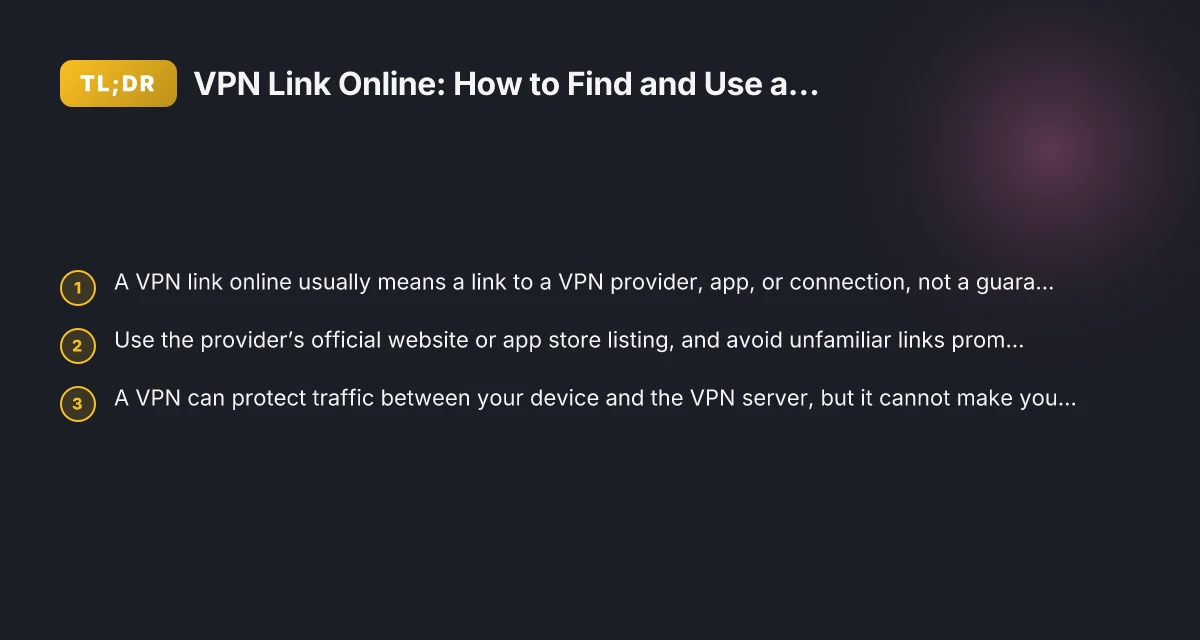
A VPN link online is generally a web address that takes you to a VPN provider, its download page, or a connection setup guide. To use one safely, visit the provider’s official website, check that the service suits your needs, and install its app from an official source. Do not enter payment details or download software through a link you cannot verify.
The phrase can also refer to a VPN connection link shared by an employer, school, or service administrator. In that case, use only the instructions supplied through a trusted channel. A VPN is a tool for routing your internet traffic through an encrypted connection. It is not a magic link that automatically makes browsing anonymous.
| VPN | Obfuscation | From / month | Plan | Free plan | Refund | Alipay | UnionPay | Crypto | Website opens in China | Trustpilot | |
|---|---|---|---|---|---|---|---|---|---|---|---|
 ZoogVPN | Turn on manually Shadow | $2.49/mo | 27 months: $59.99 | Yes | 7 days | ✓ | ✓ | ✓ | ✓ | Official site blocked; our special link opens (4.4 s) | 4.2/5 (195 reviews) |
 NordVPN | Turn on manually Obfuscated Servers / NordWhisper | $3.49/mo | 27 months: $94.23 | No | 30 days | ? | ✗ | ✓ | ✓ | ✗ Blocked | 4.2/5 (51,628 reviews) |
 ExpressVPN | ✓ On by default all servers | $3.00/mo | 28 months: $84 | No | 30 days | ✗ | ✗ | ✓ | ✗ | ✗ Blocked | 4.4/5 (29,706 reviews) |
 Surfshark | ✓ On by default Camouflage, with OpenVPN | See site | See site | No | 30 days | ✗ | ✗ | ✗ | ✓ | ✗ Blocked | 4.3/5 (31,823 reviews) |
 Proton VPN | Turn on manually Stealth, free plan too | $2.99/mo | 12 months: $35.88 | Yes | 30 days | ✗ | ✗ | ✗ | ✓ | ✗ Blocked | 2.1/5 (1,040 reviews) |
 Astrill VPN | Turn on manually StealthVPN / OpenWeb | $12.50/mo | 24 months: $300 | No | See site | ✗ | ✗ | ✗ | ✓ | ✗ Blocked | 1.3/5 (110 reviews) |
 Private Internet Access | Turn on manually Shadowsocks, OpenVPN only | $2.03/mo | 40 months: $81.2 | No | 30 days | ✗ | ✗ | ✗ | ✗ | ✗ Blocked | 4.2/5 (11,033 reviews) |
 CyberGhost | Turn on manually selected servers | $2.19/mo | 28 months: $61.32 | No | 45 days | ✗ | ✗ | ✗ | ✓ | ✗ Blocked | 4.0/5 (24,178 reviews) |
 PureVPN | Turn on manually switch to OpenVPN | $1.69/mo | 60 months: $101.55 | No | 31 days | ? | ? | ✗ | ✓ | ✗ Blocked | 4.4/5 (17,994 reviews) |
 AdGuard VPN | ✓ On by default TrustTunnel | $2.99/mo | 24 months: $71.76 | Yes | 30 days | ✓ | ✗ | ✓ | ✓ | Official site blocked; our special link opens (3.7 s) | 4.3/5 (290 reviews) |
 Mullvad | Turn on manually QUIC / Shadowsocks / LWO | $5.61/mo | €5/mo | No | 14 days | ✗ | ✗ | ✗ | ✓ | ✗ Blocked | 3.2/5 (192 reviews) |
 Windscribe | Turn on manually Stealth / WStunnel | $5.75/mo | 12 months: $69 | Yes | See site | ✗ | ✗ | ✗ | ✓ | ✗ Blocked | 4.7/5 (13,355 reviews) |
 StrongVPN | Turn on manually Scramble, OpenVPN TCP | See site | See site | No | 30 days | ✓ | ✗ | ✗ | ✗ | ✗ Blocked | 4.4/5 (2,695 reviews) |
 LightXtreme 闪连 | Not listed | $7.08/mo | 12 months: $84.99 | Yes | 30 days | ✓ | ✓ | ✓ | ✓ | ✓ Yes (3.5 s) | No page |
Prices checked 2026-11-10 on each vendor's pricing page (cheapest long plan, USD). Check the vendor's checkout for the final price.
Obfuscation checked 2026-11-14 on each vendor's site and help center: "on by default" = nothing to set; "turn on manually" = switch protocol or mode in settings; "not listed" = the vendor describes no obfuscation.
Payment methods checked 2026-11-10 on each vendor's payment pages: all 14 take cards and PayPal; ✗ = not listed, ? = the vendor's own pages disagree.
China access: whether the official website opens from mainland China networks (tests the website only, not the VPN connection). Last checked 2026-11-18 01:02 Beijing time.
Trustpilot score and review count checked 2026-11-10.

Editor's pick: NordVPN — fast, secure VPN — Strong encryption, a no-logs policy and apps for every device. 30-day money-back guarantee. Get NordVPN →
Compare safe VPN connection options
| Option | How you get it | Setup effort | Typical use | Safety check |
|---|---|---|---|---|
| Official VPN app | Provider’s official website or app store | Low | Ongoing use on a device | Verify publisher and domain |
| Built-in VPN client | Device or operating system settings | Medium | Connecting to a trusted VPN service | Confirm the server details with the provider |
| Browser VPN extension | Official browser extension store | Low | Browser traffic only, if stated | Check permissions and developer |
| VPN configuration file | VPN provider or workplace IT | Medium | Manual setup on a supported device | Use only a file from a trusted source |
| Workplace VPN link | Employer’s IT team | Low to medium | Accessing work resources | Confirm the link through an official channel |
| Public “free VPN” link | Search results, ads, or forums | Unclear | Not recommended without verification | Avoid unknown downloads and login pages |
Compiled November 2026; check the provider's site for current details.
What “VPN link online” means
A VPN, or virtual private network, creates an encrypted connection between your device and a VPN server. Websites and apps then usually see the server’s IP address rather than your device’s public IP address. The VPN provider, however, becomes an important intermediary, so choosing a trustworthy provider matters.
People searching for a VPN link online may be looking for one of several things:
- A provider’s official website or signup page.
- A download link for a VPN app.
- A setup guide for a phone, computer, or router.
- A connection profile or server address for work or school.
- A free VPN service that can be used through a browser or app.
These are not interchangeable. A website link helps you find a service, while an app or configuration profile is what establishes the VPN connection. A webpage alone does not protect your browsing.
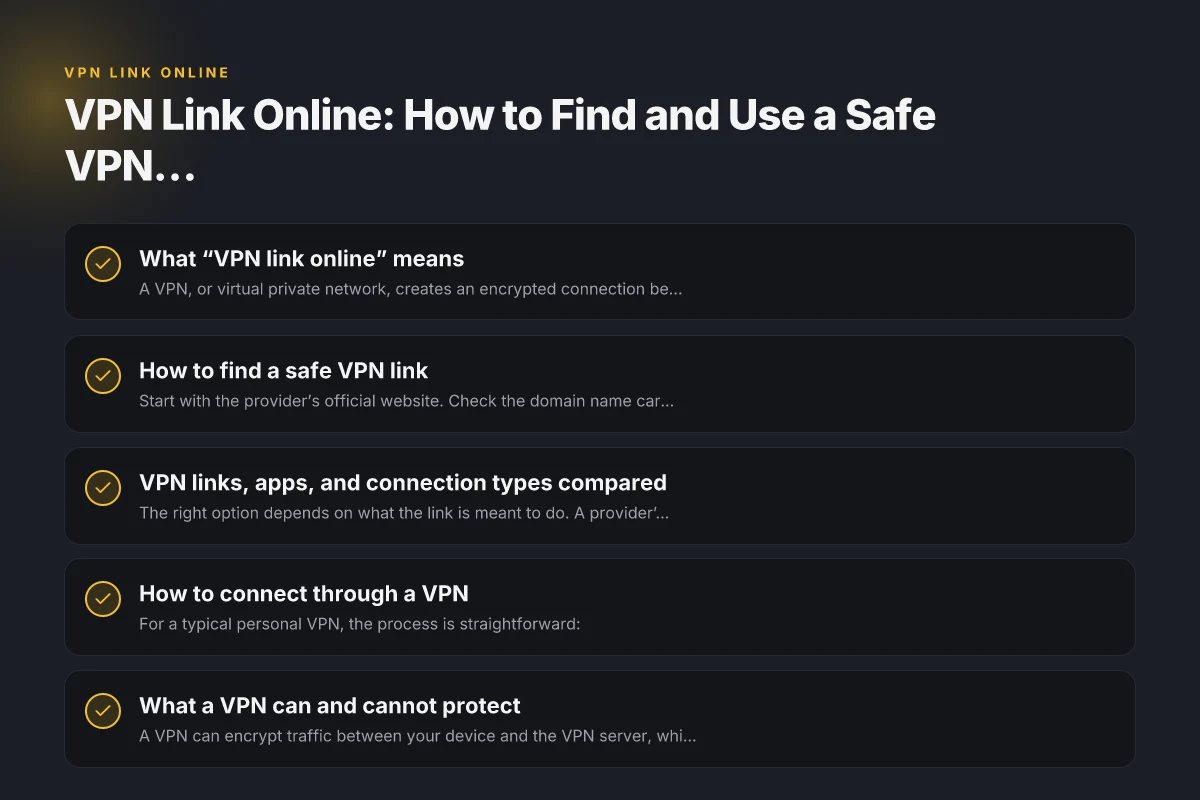
How to find a safe VPN link
Start with the provider’s official website. Check the domain name carefully, especially if you reached it through an advertisement, social media post, or email. Fraudulent sites can imitate legitimate brands with slightly altered spellings or extra words in the web address. How to Get a VPN Connection Online Safely
For an app, use the provider’s official download page or the Apple App Store or Google Play Store. Confirm the developer name and review the app’s requested permissions. On a work or school device, follow your organization’s IT instructions rather than installing a consumer VPN.
Before signing up, look for clear answers to these questions:
- What information does the service collect?
- Does it publish an understandable privacy policy?
- Does it explain how it handles connection logs?
- Which security protocols does it support?
- How does it make money, especially if the service is free?
- Is customer support available if setup fails?
A privacy policy is not proof of good practices, but vague claims such as “100% anonymous” deserve caution. Independent audits and transparent ownership can provide useful additional context.
VPN links, apps, and connection types compared
The right option depends on what the link is meant to do. A provider’s website is usually best for choosing a service, while an organization’s connection profile is intended for managed access. Where Is My VPN Located? Find Your VPN Server and IP Location
| Option | What it does | Best suited to | Main caution |
|---|---|---|---|
| Provider website link | Opens a provider’s information, signup, or download page | Comparing services and getting official instructions | Check the domain before entering personal or payment details |
| VPN app link | Takes you to an app download or installation page | Connecting a personal phone or computer | Verify the developer and download source |
| Work or school setup link | Provides a profile, server address, or login instructions | Accessing an organization’s private network | Use only instructions from an authorized administrator |
| Browser-based proxy or VPN extension | Routes some browser activity through another service | Limited, browser-specific needs | It may not cover traffic from other apps or the whole device |
A browser extension may not provide the same device-wide protection as a full VPN app. Read its description to understand which traffic it covers. If you are unsure whether a link installs a VPN app, adds a browser extension, or changes network settings, do not proceed until you have verified the source.
Compare VPN links, apps, and connection types
| Option | What it is | Traffic covered | Requires an account | Best for |
|---|---|---|---|---|
| VPN link | A URL or setup detail that points to a VPN service | Depends on what it opens | Often | Finding an official provider or setup page |
| VPN app | Software from a VPN provider | Usually device traffic when connected | Often | Simple, regular VPN use |
| Browser extension | An add-on for a web browser | Browser traffic, depending on the product | Sometimes | Browser-only use |
| Manual VPN profile | Settings entered into a device’s VPN client | Device traffic when connected | Usually | Users who have provider setup details |
| Work VPN connection | Organization-managed access | Depends on workplace configuration | Yes | Reaching internal work services |
| Proxy connection | An intermediary for selected traffic | Often limited to an app or browser | Sometimes | Specific routing needs, not a full VPN substitute |
Compiled November 2026; check the provider's site for current details.
How to connect through a VPN
For a typical personal VPN, the process is straightforward: VPN Connect Online: How to Connect Securely and Choose the Right Method
- Choose a reputable provider and open its official website.
- Create an account if required, reviewing the price and renewal terms.
- Install the app from the provider’s official page or a trusted app store.
- Open the app, sign in, and review its privacy and security settings.
- Select a server location and connect.
- Confirm that the app shows an active connection before using it.
If your employer or school supplied a VPN link, follow its exact setup guide. You may need a company account, multifactor authentication, or an approved device. Never share a work VPN profile or password with someone else.
When using public Wi-Fi, connect to the VPN before accessing sensitive services. Keep the VPN app and operating system updated, and enable automatic connection or a kill switch if the app offers those features and you understand how they work. A kill switch can block internet traffic if the VPN connection drops, though its behavior varies by app and device.
What a VPN can and cannot protect
A VPN can encrypt traffic between your device and the VPN server, which can help reduce exposure to people monitoring the same public Wi-Fi network. It can also mask your public IP address from websites, replacing it with the VPN server’s address.
It does not automatically protect you from: Big IP VPN Download: How to Find the Right App Safely
- Phishing pages, malicious downloads, or scams.
- Tracking through cookies, browser fingerprinting, or accounts you sign into.
- Malware already installed on your device.
- A VPN provider that collects or mishandles data.
- Websites that identify you through information you willingly provide.
A VPN also does not guarantee access to every blocked or restricted website. Services may detect and block VPN traffic, and local laws or workplace policies may limit VPN use. Follow applicable rules and the terms of the services you use.
Decide whether a VPN can help with a risk
| Situation or risk | Can a VPN help? | What it may do | What it does not guarantee | Safer action |
|---|---|---|---|---|
| Untrusted public Wi-Fi | Yes | Encrypt traffic between device and VPN server | Safety from every network or device threat | Use a trusted VPN and secure websites |
| Hiding your IP from a website | Usually | Show the VPN server’s IP instead | Anonymity or freedom from tracking | Limit tracking and account sign-ins |
| Malicious VPN download link | No | A VPN cannot make a harmful download safe | Protection from malware in the installer | Download only from official sources |
| Phishing login page | No | A VPN may encrypt the connection | That a fake site is legitimate | Check the domain before entering credentials |
| ISP seeing browsing activity | Partly | Hide destinations from the ISP while connected | Privacy from the VPN provider | Review the provider’s privacy practices |
| Malware already on your device | No | Route traffic through a VPN | Removal of malware or device repair | Update and scan the device |
| Service tracking your account | No | Change the apparent network location | Prevention of account-based tracking | Review account and privacy settings |
Compiled November 2026; check the provider's site for current details.
Common warning signs to avoid
Be cautious with links that promise unlimited free access, demand unusual permissions, or pressure you to install a file outside a trusted app store. Watch for misspelled domains, copied branding, unexpected payment requests, and claims that a VPN makes you “completely untraceable.” VPN Argentina Extension: How to Get an Argentine IP Address
Free VPNs vary widely. Some are legitimate with limits, but others may rely on advertising, collect more data than users expect, or provide weak security. Check the business model and privacy details instead of assuming that “free” means risk-free. Also avoid random VPN configuration files shared in forums or messaging apps. A profile can direct your traffic through a server controlled by someone else.
Recommendation
For personal use, get a VPN link from the provider’s verified official website and download its app through a trusted source. Compare privacy practices, security features, and renewal costs before signing up. For work or school, use only the link and setup instructions supplied by your organization. Treat every VPN as one layer of protection, not a substitute for careful browsing, strong passwords, and device security.