VPN Free Trial Windows: How to Test a VPN on Your PC
Find out how VPN free trials work on Windows, what to compare, and how to avoid surprise charges.
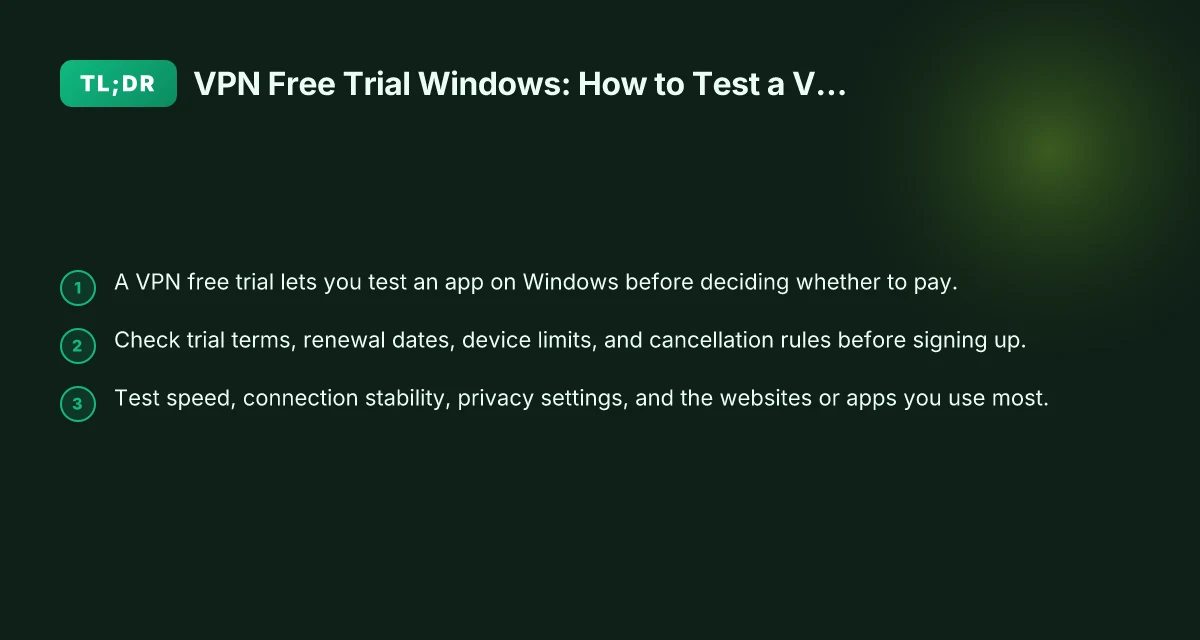
If you’re looking for a VPN free trial for Windows, choose a provider that clearly explains its trial or money-back terms, install its Windows app, and test it before committing to a subscription. Some VPNs offer a limited free trial, while others let you try the full plan under a money-back guarantee. These options are not the same: a guarantee usually requires an upfront payment and a cancellation request within a stated period.
A careful test can show whether the VPN works smoothly on your PC, fits your privacy needs, and offers the locations and features you want. Read the conditions before entering payment details, and set a reminder if the trial automatically becomes a paid subscription.
| VPN | Obfuscation | From / month | Plan | Free plan | Refund | Alipay | UnionPay | Crypto | Website opens in China | Trustpilot | |
|---|---|---|---|---|---|---|---|---|---|---|---|
 ZoogVPN | Turn on manually Shadow | $2.49/mo | 27 months: $59.99 | Yes | 7 days | ✓ | ✓ | ✓ | ✓ | Official site blocked; our special link opens (4.4 s) | 4.2/5 (195 reviews) |
 NordVPN | Turn on manually Obfuscated Servers / NordWhisper | $3.49/mo | 27 months: $94.23 | No | 30 days | ? | ✗ | ✓ | ✓ | ✗ Blocked | 4.2/5 (51,628 reviews) |
 ExpressVPN | ✓ On by default all servers | $3.00/mo | 28 months: $84 | No | 30 days | ✗ | ✗ | ✓ | ✗ | ✗ Blocked | 4.4/5 (29,706 reviews) |
 Surfshark | ✓ On by default Camouflage, with OpenVPN | See site | See site | No | 30 days | ✗ | ✗ | ✗ | ✓ | ✗ Blocked | 4.3/5 (31,823 reviews) |
 Proton VPN | Turn on manually Stealth, free plan too | $2.99/mo | 12 months: $35.88 | Yes | 30 days | ✗ | ✗ | ✗ | ✓ | ✗ Blocked | 2.1/5 (1,040 reviews) |
 Astrill VPN | Turn on manually StealthVPN / OpenWeb | $12.50/mo | 24 months: $300 | No | See site | ✗ | ✗ | ✗ | ✓ | ✗ Blocked | 1.3/5 (110 reviews) |
 Private Internet Access | Turn on manually Shadowsocks, OpenVPN only | $2.03/mo | 40 months: $81.2 | No | 30 days | ✗ | ✗ | ✗ | ✗ | ✗ Blocked | 4.2/5 (11,033 reviews) |
 CyberGhost | Turn on manually selected servers | $2.19/mo | 28 months: $61.32 | No | 45 days | ✗ | ✗ | ✗ | ✓ | ✗ Blocked | 4.0/5 (24,178 reviews) |
 PureVPN | Turn on manually switch to OpenVPN | $1.69/mo | 60 months: $101.55 | No | 31 days | ? | ? | ✗ | ✓ | ✗ Blocked | 4.4/5 (17,994 reviews) |
 AdGuard VPN | ✓ On by default TrustTunnel | $2.99/mo | 24 months: $71.76 | Yes | 30 days | ✓ | ✗ | ✓ | ✓ | Official site blocked; our special link opens (3.7 s) | 4.3/5 (290 reviews) |
 Mullvad | Turn on manually QUIC / Shadowsocks / LWO | $5.61/mo | €5/mo | No | 14 days | ✗ | ✗ | ✗ | ✓ | ✗ Blocked | 3.2/5 (192 reviews) |
 Windscribe | Turn on manually Stealth / WStunnel | $5.75/mo | 12 months: $69 | Yes | See site | ✗ | ✗ | ✗ | ✓ | ✗ Blocked | 4.7/5 (13,355 reviews) |
 StrongVPN | Turn on manually Scramble, OpenVPN TCP | See site | See site | No | 30 days | ✓ | ✗ | ✗ | ✗ | ✗ Blocked | 4.4/5 (2,695 reviews) |
 LightXtreme 闪连 | Not listed | $7.08/mo | 12 months: $84.99 | Yes | 30 days | ✓ | ✓ | ✓ | ✓ | ✓ Yes (3.5 s) | No page |
Prices checked 2026-11-10 on each vendor's pricing page (cheapest long plan, USD). Check the vendor's checkout for the final price.
Obfuscation checked 2026-11-14 on each vendor's site and help center: "on by default" = nothing to set; "turn on manually" = switch protocol or mode in settings; "not listed" = the vendor describes no obfuscation.
Payment methods checked 2026-11-10 on each vendor's payment pages: all 14 take cards and PayPal; ✗ = not listed, ? = the vendor's own pages disagree.
China access: whether the official website opens from mainland China networks (tests the website only, not the VPN connection). Last checked 2026-11-18 01:02 Beijing time.
Trustpilot score and review count checked 2026-11-10.

Editor's pick: NordVPN — fast, secure VPN — Strong encryption, a no-logs policy and apps for every device. 30-day money-back guarantee. Get NordVPN →
Free trial vs. money-back guarantee
| Feature | Free trial | Money-back guarantee | What to check |
|---|---|---|---|
| Upfront payment | May require payment details | Usually requires payment | Check the signup terms |
| Initial cost | No charge during the trial, if eligible | Pay first, request a refund later | Confirm when billing starts |
| Access | Trial access to the service | Paid access during the refund period | Check for plan restrictions |
| Duration | Set by the provider | Set by the provider | Find the exact end date |
| Cancellation | Cancel before the trial ends | Request a refund within the stated period | Follow the provider’s process |
| Automatic renewal | May renew into a paid plan | Paid plan may continue after the refund window | Check renewal settings |
| Refund eligibility | Not usually a refund after a free trial | Subject to refund terms | Read exclusions and conditions |
Compiled November 2026; check the provider's site for current details.
What a VPN free trial on Windows includes
A VPN, or virtual private network, routes your internet traffic through a VPN server and encrypts the connection between your device and that server. On Windows, you typically use a desktop app to choose a server, connect, and manage settings such as the kill switch or startup behavior.
Trial offers vary by provider. Depending on the offer, you might get:
- Full access for a short period
- A limited version with fewer servers or features
- A money-back guarantee after paying for a subscription
- A free plan with ongoing limits rather than a time-limited trial
Check what is actually included. A trial may restrict the number of devices, server locations, data, or advanced settings. A free plan can be useful for basic testing, but it may not represent the speeds or features available with a paid plan.
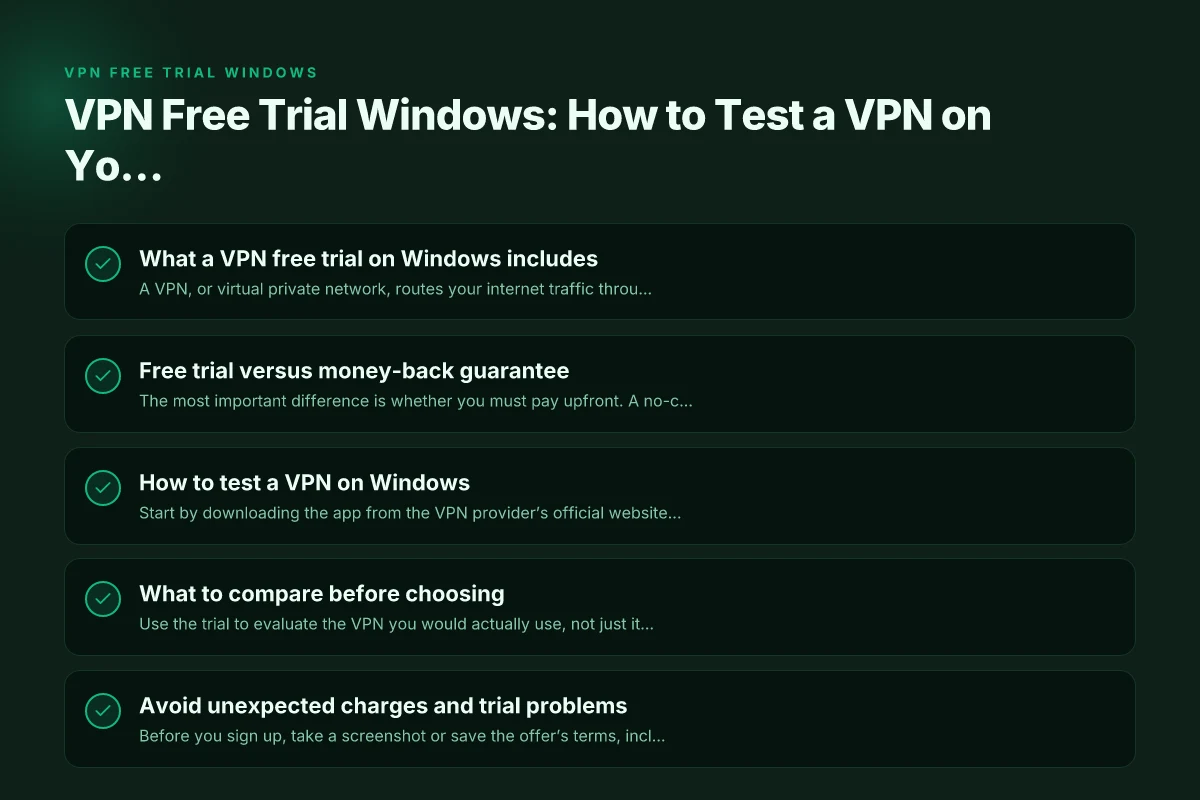
Free trial versus money-back guarantee
The most important difference is whether you must pay upfront. A no-cost trial may not require payment details, while a money-back guarantee generally involves purchasing a plan and requesting a refund within the provider’s deadline. Why Does VPN Keep Turning On iPhone? Common Causes and Fixes
| Offer type | Pay upfront? | What to check |
|---|---|---|
| Free trial | Usually no, but terms vary | Trial length, feature limits, and whether it converts to a subscription |
| Money-back guarantee | Usually yes | Refund window, eligibility, and how to submit a request |
| Free plan | No | Data, speed, server, and feature limits |
Do not assume that “free trial” means there is no charge or that cancellation is automatic. Read the provider’s current terms on its official website. Look for the trial end date, renewal price, cancellation steps, and any conditions on refunds. If you sign up through an app store or another third party, cancellation may need to happen through that service rather than through the VPN provider.
Windows VPN testing checklist
| Test area | What to try | What to compare | Good sign |
|---|---|---|---|
| Windows compatibility | Install and open the app | Setup steps and app stability | Runs without errors |
| Server access | Connect to several available locations | Available locations and connection success | Connections work reliably |
| Speed | Test with and without the VPN | Changes in browsing and downloads | Meets your normal needs |
| Streaming and websites | Open the services you use | Whether they load and work | Your usual sites work |
| Video calls | Make a call while connected | Call quality and interruptions | Calls remain clear |
| Wi-Fi changes | Switch between networks | Whether the VPN reconnects | Protection resumes smoothly |
| Settings | Review the app controls | Kill switch and other available features | Controls are clear and usable |
Compiled November 2026; check the provider's site for current details.
How to test a VPN on Windows
Start by downloading the app from the VPN provider’s official website or the Microsoft Store, if the provider offers it there. Avoid download links from unfamiliar sites. After installation, sign in or begin the trial, then run a few practical checks. VPN Free Trial No Credit Card: How to Find and Choose One
- Check basic use. Connect to a nearby server and open the websites and apps you use regularly.
- Compare performance. Run a speed test before connecting and again while connected to the same network. Results can vary with server load, time of day, and your internet connection, so repeat the test rather than relying on one reading.
- Try different locations. Connect to more than one server to see whether the locations you need are available and responsive.
- Review Windows features. Check whether the app starts with Windows, reconnects after interruptions, and includes a kill switch or other controls you care about.
- Test reliability. Keep the VPN connected while browsing or using a video call, and note any unexpected dropouts or difficult reconnects.
- Check privacy information. Read the provider’s privacy policy and learn what it says about data collection, connection logs, and account information.
A successful connection does not prove that a VPN offers complete anonymity or protects every kind of activity. A VPN changes how traffic is routed, but it does not replace device security, safe browsing habits, or protection against phishing.
What to compare before choosing
Use the trial to evaluate the VPN you would actually use, not just its marketing claims. Focus on practical fit:
- Windows compatibility: Confirm the app supports your Windows version and receives updates.
- Ease of use: Make sure connecting, changing servers, and finding settings are straightforward.
- Performance: Look for acceptable speeds and stable connections on your usual network.
- Server coverage: Check that the provider offers locations relevant to your needs.
- Privacy and reputation: Review the privacy policy and look for clear, verifiable information about the service.
- Support: Find out how to contact customer support and whether help is available during your trial.
- Price after the trial: Check the renewal rate and whether the listed price depends on a longer billing term.
- Device allowance: Confirm how many devices the subscription covers if you plan to use the VPN beyond your Windows PC.
A VPN should not be chosen on speed alone. A very fast connection is less useful if the app is unreliable, the terms are confusing, or the privacy information does not meet your expectations.
What to compare before choosing a Windows VPN VPN Free Trial Mac: How to Test a VPN on Your Apple Computer
| Decision point | Questions to ask | Where to check | Warning sign |
|---|---|---|---|
| Trial terms | How long does access last? | Trial terms and signup page | Duration is unclear |
| Payment details | Is a payment method required? | Checkout and account settings | Requirement is hidden |
| Renewal | When does billing begin? | Subscription terms | Renewal date is hard to find |
| Cancellation | How do you stop renewal? | Help pages and account settings | Steps are unclear |
| Refund policy | Is there a money-back guarantee? | Refund terms | Exceptions are not explained |
| Windows features | Does the app support your Windows setup? | Product documentation | Compatibility is unspecified |
| Privacy | What data does the provider say it collects? | Privacy policy | Data practices are unclear |
| Support | How can you get help with billing or setup? | Support pages | Contact options are difficult to find |
Compiled November 2026; check the provider's site for current details.
Avoid unexpected charges and trial problems
Before you sign up, take a screenshot or save the offer’s terms, including the trial duration and renewal price. Record the date your trial begins and set a reminder a few days before it ends.
If you decide not to continue, follow the provider’s cancellation instructions before the deadline and keep any confirmation email or reference number. If you paid through an app store, check that store’s subscription settings. Simply uninstalling the Windows app may not cancel a subscription.
If a refund is involved, submit the request using the required method and within the stated window. Keep a record of the request. Terms can change, so rely on the current offer rather than old reviews or promotional pages. VPN Free Trial for Windows: How to Choose and Test One
Recommendation
For Windows users, the best VPN free trial is one that gives you enough time to test the actual app and clearly explains what happens when the offer ends. Compare the trial with any money-back guarantee, verify the renewal and cancellation terms, and test performance and reliability on your own network. Choose a VPN only if its Windows experience, privacy information, and ongoing price all make sense for your needs.