VPN Free Trial No Credit Card: How to Find and Choose One
Learn how to try a VPN without entering payment details, what free trials include, and how to avoid hidden limits.
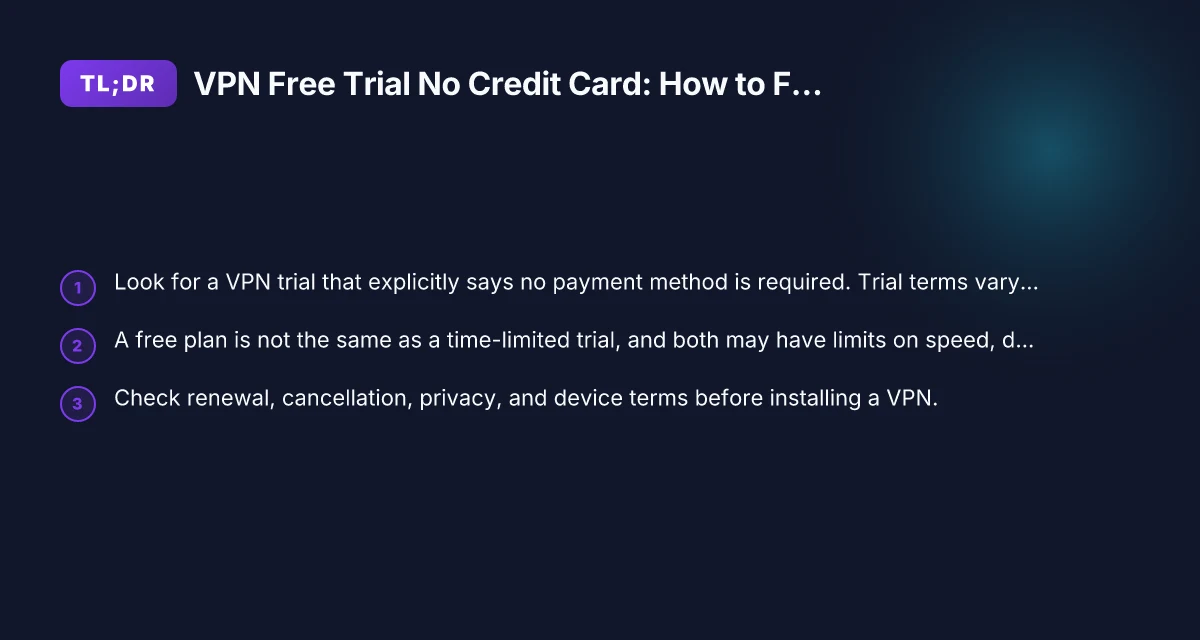
If you’re looking for a VPN free trial with no credit card, choose a provider that lets you create an account or start using its app without entering payment details. Some VPNs offer limited free plans rather than traditional trials, while others provide a trial period through an app store or a money-back guarantee that requires payment upfront. Read the terms carefully so you know which option you’re getting.
A no-card option can be a convenient way to test an app before committing. The important details are how long access lasts, what features are included, and whether the VPN’s privacy and security practices meet your needs.
| VPN | Obfuscation | From / month | Plan | Free plan | Refund | Alipay | UnionPay | Crypto | Website opens in China | Trustpilot | |
|---|---|---|---|---|---|---|---|---|---|---|---|
 ZoogVPN | Turn on manually Shadow | $2.49/mo | 27 months: $59.99 | Yes | 7 days | ✓ | ✓ | ✓ | ✓ | Official site blocked; our special link opens (4.4 s) | 4.2/5 (195 reviews) |
 NordVPN | Turn on manually Obfuscated Servers / NordWhisper | $3.49/mo | 27 months: $94.23 | No | 30 days | ? | ✗ | ✓ | ✓ | ✗ Blocked | 4.2/5 (51,628 reviews) |
 ExpressVPN | ✓ On by default all servers | $3.00/mo | 28 months: $84 | No | 30 days | ✗ | ✗ | ✓ | ✗ | ✗ Blocked | 4.4/5 (29,706 reviews) |
 Surfshark | ✓ On by default Camouflage, with OpenVPN | See site | See site | No | 30 days | ✗ | ✗ | ✗ | ✓ | ✗ Blocked | 4.3/5 (31,823 reviews) |
 Proton VPN | Turn on manually Stealth, free plan too | $2.99/mo | 12 months: $35.88 | Yes | 30 days | ✗ | ✗ | ✗ | ✓ | ✗ Blocked | 2.1/5 (1,040 reviews) |
 Astrill VPN | Turn on manually StealthVPN / OpenWeb | $12.50/mo | 24 months: $300 | No | See site | ✗ | ✗ | ✗ | ✓ | ✗ Blocked | 1.3/5 (110 reviews) |
 Private Internet Access | Turn on manually Shadowsocks, OpenVPN only | $2.03/mo | 40 months: $81.2 | No | 30 days | ✗ | ✗ | ✗ | ✗ | ✗ Blocked | 4.2/5 (11,033 reviews) |
 CyberGhost | Turn on manually selected servers | $2.19/mo | 28 months: $61.32 | No | 45 days | ✗ | ✗ | ✗ | ✓ | ✗ Blocked | 4.0/5 (24,178 reviews) |
 PureVPN | Turn on manually switch to OpenVPN | $1.69/mo | 60 months: $101.55 | No | 31 days | ? | ? | ✗ | ✓ | ✗ Blocked | 4.4/5 (17,994 reviews) |
 AdGuard VPN | ✓ On by default TrustTunnel | $2.99/mo | 24 months: $71.76 | Yes | 30 days | ✓ | ✗ | ✓ | ✓ | Official site blocked; our special link opens (3.7 s) | 4.3/5 (290 reviews) |
 Mullvad | Turn on manually QUIC / Shadowsocks / LWO | $5.61/mo | €5/mo | No | 14 days | ✗ | ✗ | ✗ | ✓ | ✗ Blocked | 3.2/5 (192 reviews) |
 Windscribe | Turn on manually Stealth / WStunnel | $5.75/mo | 12 months: $69 | Yes | See site | ✗ | ✗ | ✗ | ✓ | ✗ Blocked | 4.7/5 (13,355 reviews) |
 StrongVPN | Turn on manually Scramble, OpenVPN TCP | See site | See site | No | 30 days | ✓ | ✗ | ✗ | ✗ | ✗ Blocked | 4.4/5 (2,695 reviews) |
 LightXtreme 闪连 | Not listed | $7.08/mo | 12 months: $84.99 | Yes | 30 days | ✓ | ✓ | ✓ | ✓ | ✓ Yes (3.5 s) | No page |
Prices checked 2026-11-10 on each vendor's pricing page (cheapest long plan, USD). Check the vendor's checkout for the final price.
Obfuscation checked 2026-11-14 on each vendor's site and help center: "on by default" = nothing to set; "turn on manually" = switch protocol or mode in settings; "not listed" = the vendor describes no obfuscation.
Payment methods checked 2026-11-10 on each vendor's payment pages: all 14 take cards and PayPal; ✗ = not listed, ? = the vendor's own pages disagree.
China access: whether the official website opens from mainland China networks (tests the website only, not the VPN connection). Last checked 2026-11-18 01:02 Beijing time.
Trustpilot score and review count checked 2026-11-10.

Editor's pick: NordVPN — fast, secure VPN — Strong encryption, a no-logs policy and apps for every device. 30-day money-back guarantee. Get NordVPN →
Choose the right offer
| Your priority | Free plan | No-card trial | Money-back guarantee | What to verify |
|---|---|---|---|---|
| No payment details | Often suitable | Suitable if no card is requested | Usually not suitable | Sign-up requirements |
| Short-term testing | Limited by plan terms | Designed for testing | Requires an upfront purchase | Trial duration |
| Ongoing free use | May be available | Usually ends after trial | Not intended for free use | What happens when it ends |
| Full paid features | May be restricted | May offer paid features temporarily | Usually includes paid features | Feature access |
| Avoiding surprise charges | No renewal charge if truly free | Check for automatic billing | Pay first, then request refund | Cancellation steps |
| Simple exit | Stop using or close account | Cancel before the deadline if required | Request refund within the window | Account closure rules |
Compiled November 2026; check the provider's site for current details.
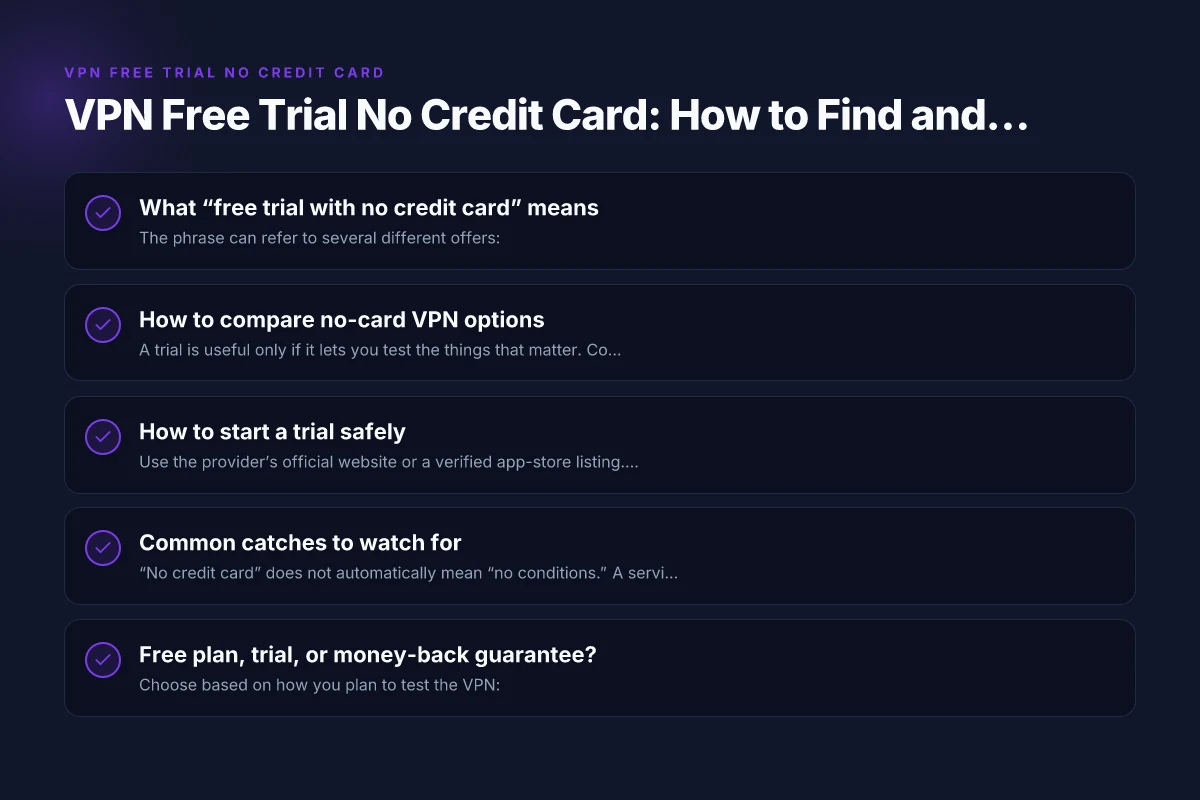
What “free trial with no credit card” means
The phrase can refer to several different offers:
- A time-limited trial: Full or near-full access for a set period, with no payment details required at signup.
- A free plan: Ongoing access to a limited version of the service. It may restrict data, speed, server locations, or features.
- A trial through an app store: The subscription may be managed by Apple or Google, and payment or cancellation rules can differ from those on the VPN’s website.
- A money-back guarantee: You pay at the start and request a refund within a specified period. This is not a no-card trial.
Before signing up, confirm the offer on the VPN provider’s official website or in its official app. Promotions change, and availability can vary by country, platform, and account type.
How to compare no-card VPN options
A trial is useful only if it lets you test the things that matter. Compare the terms and features, not just the number of free days.
| What to check | Why it matters |
|---|---|
| Payment details required | Confirms whether you can start without a card or other payment method |
| Trial length or free-plan limits | Shows how long or how much you can use the service |
| Server locations | Determines whether you can test connections in locations you need |
| Speed and data allowance | Affects browsing, calls, downloads, and streaming |
| Device support | Check that your phone, computer, or other device is covered |
| Privacy policy | Explains what information the provider collects and retains |
| Renewal terms | Helps prevent unexpected charges if payment details are later added |
Pay particular attention to whether the offer includes the full service. A free plan may be fine for occasional browsing but not suitable for testing a feature that is reserved for paid subscribers. VPN Free Trial Mac: How to Test a VPN on Your Apple Computer
How to start a trial safely
Use the provider’s official website or a verified app-store listing. Avoid unofficial download pages, promotional links you can’t verify, and apps that request permissions unrelated to their function.
A sensible signup process looks like this:
- Confirm that no payment method is required for the specific offer in your region.
- Read the trial or free-plan terms, including data limits and the end date.
- Download the app from the provider or an authorized app store.
- Create an account using only the information the service requires.
- Review the privacy policy and the app’s permissions.
- Test the connection and features you care about before deciding whether to keep the service.
A VPN can protect traffic between your device and the VPN server, but it does not make you anonymous or protect you from every online threat. Continue to use strong passwords, keep software updated, and be cautious with suspicious links and downloads.
Common catches to watch for
“No credit card” does not automatically mean “no conditions.” A service may ask for an email address, limit how much data you can use, or restrict access to particular servers. Some trials are available only to new customers or only on certain operating systems. VPN Free Trial for Windows: How to Choose and Test One
Also check whether the provider can change the offer or end access when the trial expires. A free plan generally continues under its stated limits, while a trial may stop unless you subscribe. If you later enter payment details, look for the renewal date, price, billing frequency, and cancellation instructions.
Be cautious of services that make sweeping promises, such as guaranteed anonymity or complete protection from tracking. A trustworthy provider should explain its limits and make its privacy practices easy to find.
Free plan, trial, or money-back guarantee?
Choose based on how you plan to test the VPN:
- Choose a no-card free plan if you want to use a VPN occasionally without committing to a subscription.
- Choose a no-card trial if you want temporary access to features that are otherwise paid, provided the terms clearly say payment details are not needed.
- Consider a money-back guarantee only if you’re comfortable paying upfront and understand the refund process.
A money-back guarantee can provide access to a full subscription, but it is not equivalent to a free trial. Refund eligibility may depend on deadlines, purchase channels, or other conditions. Keep your receipt and check the provider’s refund instructions before buying. VPN Free Trial Firestick: How to Choose and Set One Up
Start a trial safely
| Step | What to do | Check before proceeding | Warning sign | Safe outcome |
|---|---|---|---|---|
| 1. Find the offer | Use the provider’s official site | Trial terms are easy to locate | Unclear source or terms | Verified offer |
| 2. Check payment | Confirm whether a card is required | Payment details requested at sign-up | “No card” claim conflicts with checkout | No unexpected payment method |
| 3. Read the terms | Review trial length and limits | Renewal and cancellation rules | Vague billing language | Clear expectations |
| 4. Install the app | Use an official app store or provider link | App publisher matches the provider | Unfamiliar download site | Trusted installation |
| 5. Test the service | Check the features you need | Device and server support | Essential features unavailable | Informed choice |
| 6. End or continue | Cancel or choose a paid plan deliberately | Cancellation confirmation | Trial ends without a clear reminder | No unwanted renewal |
Compiled November 2026; check the provider's site for current details.
Recommendation
Start with a provider that clearly states on its official site that its free plan or trial requires no payment method. Verify the available features, limits, and privacy terms before creating an account. If you need full paid features, compare the trial terms carefully. Don’t treat a money-back guarantee as a no-card offer.