Should NordVPN Be On All the Time or Only When I Launch a Browser?
Learn when to keep NordVPN connected, how it protects apps beyond your browser, and when it makes sense to disconnect.
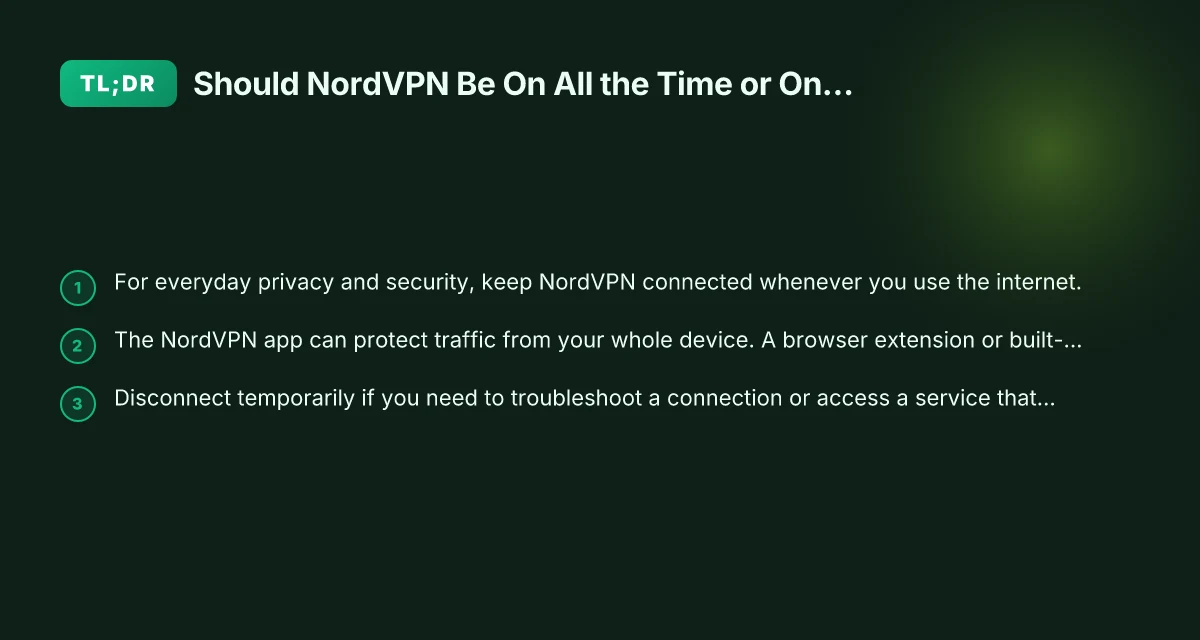
If you’re wondering whether NordVPN should be on all the time or only when you launch a browser, the better default is to keep the NordVPN app connected whenever your device is online. A browser-only VPN leaves other internet-connected apps outside its protection. You can disconnect temporarily when there’s a specific reason, such as troubleshooting a website or connection.

Editor's pick: NordVPN — fast, secure VPN — Strong encryption, a no-logs policy and apps for every device. 30-day money-back guarantee. Get NordVPN →
Compare full-device NordVPN with a browser-only VPN
| Consideration | NordVPN app on all the time | Browser VPN only |
|---|---|---|
| What it protects | Device internet traffic | Browser traffic |
| Traffic from other apps | Protected while connected | Not covered |
| Browser traffic | Protected while connected | Protected |
| Public Wi-Fi use | Covers device traffic | Covers browser traffic only |
| Background connections | Protected while connected | Not covered |
| Coverage outside the browser | Yes | No |
| Need to keep the browser open | No | Yes |
| Best fit | Broad, ongoing device protection | Browser-only protection |
Compiled November 2026; check the provider's site for current details.
| VPN | Obfuscation | From / month | Plan | Free plan | Refund | Alipay | UnionPay | Crypto | Website opens in China | Trustpilot | |
|---|---|---|---|---|---|---|---|---|---|---|---|
 NordVPN | Turn on manually Obfuscated Servers / NordWhisper | $3.49/mo | 27 months: $94.23 | No | 30 days | ? | ✗ | ✓ | ✓ | ✗ Blocked | 4.2/5 (51,628 reviews) |
 ZoogVPN | Turn on manually Shadow | $2.49/mo | 27 months: $59.99 | Yes | 7 days | ✓ | ✓ | ✓ | ✓ | Official site blocked; our special link opens (4.4 s) | 4.2/5 (195 reviews) |
 ExpressVPN | ✓ On by default all servers | $3.00/mo | 28 months: $84 | No | 30 days | ✗ | ✗ | ✓ | ✗ | ✗ Blocked | 4.4/5 (29,706 reviews) |
 Surfshark | ✓ On by default Camouflage, with OpenVPN | See site | See site | No | 30 days | ✗ | ✗ | ✗ | ✓ | ✗ Blocked | 4.3/5 (31,823 reviews) |
 Proton VPN | Turn on manually Stealth, free plan too | $2.99/mo | 12 months: $35.88 | Yes | 30 days | ✗ | ✗ | ✗ | ✓ | ✗ Blocked | 2.1/5 (1,040 reviews) |
 Astrill VPN | Turn on manually StealthVPN / OpenWeb | $12.50/mo | 24 months: $300 | No | See site | ✗ | ✗ | ✗ | ✓ | ✗ Blocked | 1.3/5 (110 reviews) |
 Private Internet Access | Turn on manually Shadowsocks, OpenVPN only | $2.03/mo | 40 months: $81.2 | No | 30 days | ✗ | ✗ | ✗ | ✗ | ✗ Blocked | 4.2/5 (11,033 reviews) |
 CyberGhost | Turn on manually selected servers | $2.19/mo | 28 months: $61.32 | No | 45 days | ✗ | ✗ | ✗ | ✓ | ✗ Blocked | 4.0/5 (24,178 reviews) |
 PureVPN | Turn on manually switch to OpenVPN | $1.69/mo | 60 months: $101.55 | No | 31 days | ? | ? | ✗ | ✓ | ✗ Blocked | 4.4/5 (17,994 reviews) |
 AdGuard VPN | ✓ On by default TrustTunnel | $2.99/mo | 24 months: $71.76 | Yes | 30 days | ✓ | ✗ | ✓ | ✓ | Official site blocked; our special link opens (3.7 s) | 4.3/5 (290 reviews) |
 Mullvad | Turn on manually QUIC / Shadowsocks / LWO | $5.61/mo | €5/mo | No | 14 days | ✗ | ✗ | ✗ | ✓ | ✗ Blocked | 3.2/5 (192 reviews) |
 Windscribe | Turn on manually Stealth / WStunnel | $5.75/mo | 12 months: $69 | Yes | See site | ✗ | ✗ | ✗ | ✓ | ✗ Blocked | 4.7/5 (13,355 reviews) |
 StrongVPN | Turn on manually Scramble, OpenVPN TCP | See site | See site | No | 30 days | ✓ | ✗ | ✗ | ✗ | ✗ Blocked | 4.4/5 (2,695 reviews) |
 LightXtreme 闪连 | Not listed | $7.08/mo | 12 months: $84.99 | Yes | 30 days | ✓ | ✓ | ✓ | ✓ | ✓ Yes (3.5 s) | No page |
Prices checked 2026-11-10 on each vendor's pricing page (cheapest long plan, USD). Check the vendor's checkout for the final price.
Obfuscation checked 2026-11-14 on each vendor's site and help center: "on by default" = nothing to set; "turn on manually" = switch protocol or mode in settings; "not listed" = the vendor describes no obfuscation.
Payment methods checked 2026-11-10 on each vendor's payment pages: all 14 take cards and PayPal; ✗ = not listed, ? = the vendor's own pages disagree.
China access: whether the official website opens from mainland China networks (tests the website only, not the VPN connection). Last checked 2026-11-18 01:02 Beijing time.
Trustpilot score and review count checked 2026-11-10.
Why keep NordVPN on?
A VPN routes your internet traffic through a VPN server and helps protect it from exposure on the connection between your device and the internet. Keeping it on means your traffic is covered across more of your online activity, not just the moments when you open a browser.
That matters because devices use the internet in the background too. Email apps, messaging services, cloud storage, software updates, and other applications may connect even when you are not actively browsing. If the VPN is off, those connections do not benefit from the VPN connection.
A VPN is one part of online privacy and security, not a complete guarantee. It does not prevent every type of tracking, stop all malware, or make every website trustworthy. You still need to use secure accounts, keep software updated, and be cautious about suspicious links and downloads.
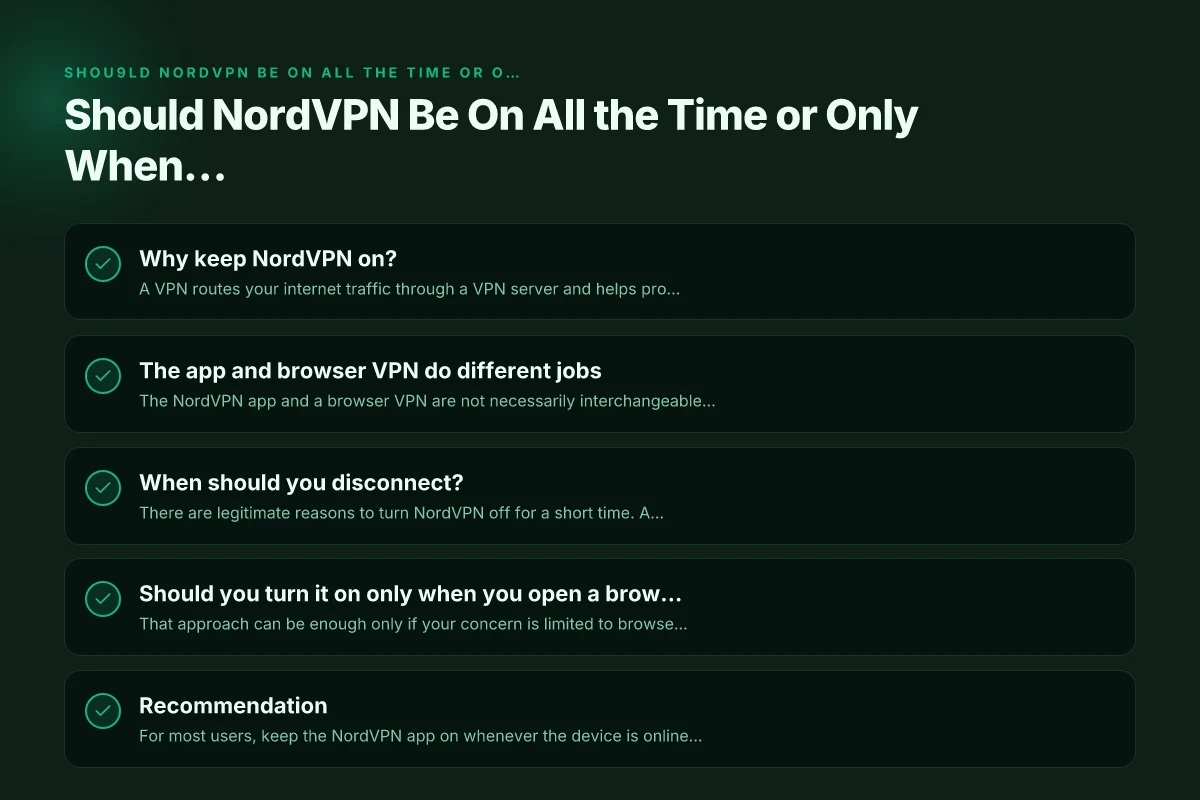
The app and browser VPN do different jobs
The NordVPN app and a browser VPN are not necessarily interchangeable. The app can protect internet traffic across the device, while a browser extension or a browser’s built-in VPN generally applies to activity within that browser. Free VPN for PC Free Trial: How to Choose and Test One Safely
| Option | What it generally covers | Best suited to |
|---|---|---|
| NordVPN app | Internet traffic from the device while connected | Everyday protection across browsers and apps |
| Browser VPN or extension | Traffic within the relevant browser | Browser-specific use or an additional browser-level setup |
| No VPN connection | No traffic is routed through a VPN | Temporary troubleshooting or services that require it |
A browser extension can be useful if you want to manage browser connections separately, but it should not be assumed to protect other apps. Check the settings and documentation for the specific product to understand what it covers.
Running the app and a separate browser VPN at the same time can also make your connection behave differently than expected. If you use both, check which service is active and test the sites and apps you rely on. For most people, using the NordVPN app alone is the simpler starting point.
Decide when to keep NordVPN connected
| Situation | Keep NordVPN on? | Why |
|---|---|---|
| Using public Wi-Fi | Yes | Protects device traffic while connected |
| Using apps outside a browser | Yes | Browser-only VPN does not cover those apps |
| Browsing with a browser VPN active | Optional | The browser VPN covers browser traffic |
| Wanting protection across the device | Yes | The app covers device traffic while connected |
| Not using a browser | Yes, if device coverage is needed | Browser-only protection is unavailable |
| Troubleshooting a connection | Temporarily disconnect | Check whether the VPN is causing the issue |
| Accessing a service that blocks VPN traffic | Temporarily disconnect if needed | Some services may restrict VPN connections |
| Relying only on a browser VPN | No, if other app traffic needs protection | Browser VPN coverage is limited to the browser |
Compiled November 2026; check the provider's site for current details. Free Trials VPN: How to Test a VPN Before You Pay
When should you disconnect?
There are legitimate reasons to turn NordVPN off for a short time. A particular website, app, or network service may not work as expected through a VPN. Disconnecting briefly can help you find out whether the VPN is causing the problem.
You might also need to check whether a connection issue is related to your VPN settings. If so, disconnect only for the test, then reconnect once you have finished. Avoid leaving the VPN off simply because a service failed once. First consider trying another VPN server or checking the app’s connection settings.
When disconnected, your traffic is no longer being routed through the VPN. If privacy is important in that moment, limit sensitive activity until you reconnect. Follow the instructions in the NordVPN app for your device, and check its available settings if you want the VPN to reconnect automatically.
Should you turn it on only when you open a browser?
That approach can be enough only if your concern is limited to browser traffic and you understand what remains uncovered. It does not protect other apps on your device, and browser connections may start before you manually connect the VPN. Edge VPN Free Extension: How to Choose and Use One Safely
Keeping the NordVPN app connected is usually more convenient than remembering to switch it on every time you browse. It also helps avoid gaps when you move between a browser and other internet-connected apps.
A simple routine is:
- Connect NordVPN before using the internet.
- Leave it connected during everyday browsing and app use.
- If something stops working, disconnect briefly to test the cause.
- Reconnect after troubleshooting or once you are finished with the service that required a change.
Recommendation
For most users, keep the NordVPN app on whenever the device is online rather than enabling a VPN only when launching a browser. Use a browser extension or built-in browser VPN only if you specifically want browser-level coverage, and remember that it may not protect traffic from other apps. Disconnect temporarily when troubleshooting or when a service requires it, then reconnect afterward.