Edge VPN Free Extension: How to Choose and Use One Safely
Learn what an Edge VPN free extension can do, its limits, and how to select a safer option for browsing.


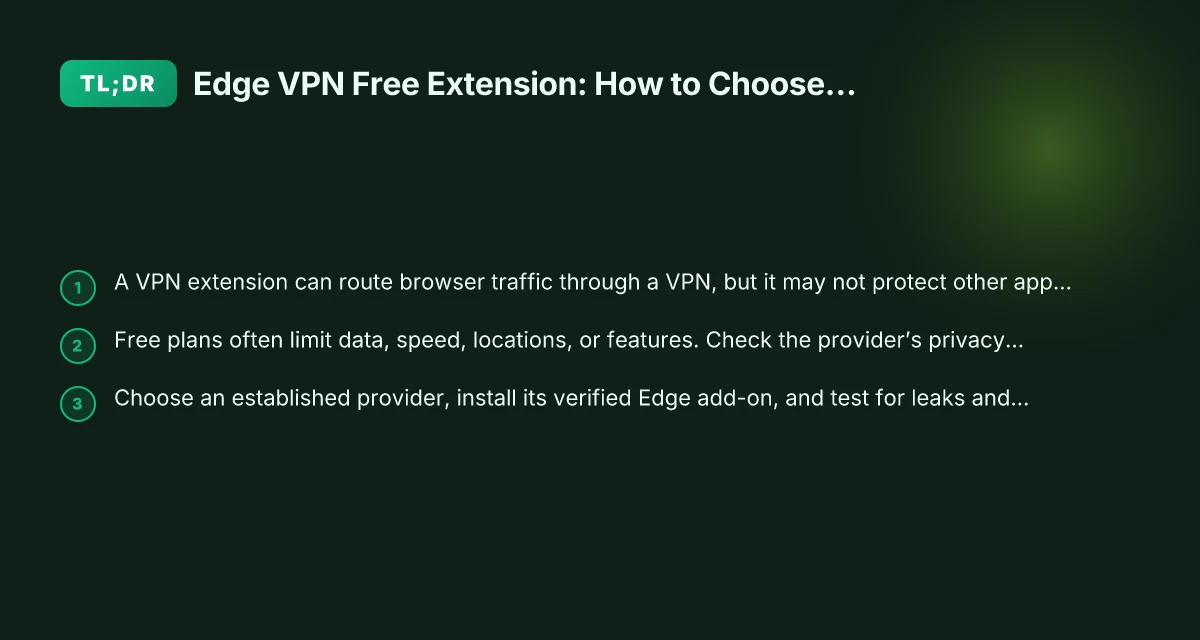
An Edge VPN free extension can help route traffic from your browser through a VPN server without installing a full desktop app. It can be useful for basic privacy on public Wi-Fi or for changing your apparent location, but free versions usually have restrictions. Before installing one, verify what traffic it protects, what data the provider collects, and whether the extension is genuinely published by the VPN company.

Editor's pick: NordVPN — fast, secure VPN — Strong encryption, a no-logs policy and apps for every device. 30-day money-back guarantee. Get NordVPN →
Free Edge VPN extension trade-offs
| Factor | What to check | Free-plan expectation | Why it matters |
|---|---|---|---|
| Data allowance | Monthly or daily cap | May be limited | A cap can interrupt browsing |
| Server choice | Available locations | Often fewer options | Location affects access and speed |
| Speed | Congestion or throttling | May vary | Busy servers can slow connections |
| Privacy policy | Logging and data use | Read the policy | “Free” may involve data collection |
| Security | Encryption and leak protection | Features vary | Protection should be clearly explained |
| Ads | In-extension advertising | May be present | Ads can affect privacy and usability |
| Support | Help channels | May be limited | Troubleshooting can take longer |
Compiled November 2026; check the provider's site for current details.
| VPN | Obfuscation | From / month | Plan | Free plan | Refund | Alipay | UnionPay | Crypto | Website opens in China | Trustpilot | |
|---|---|---|---|---|---|---|---|---|---|---|---|
 ZoogVPN | Turn on manually Shadow | $2.49/mo | 27 months: $59.99 | Yes | 7 days | ✓ | ✓ | ✓ | ✓ | Official site blocked; our special link opens (4.4 s) | 4.2/5 (195 reviews) |
 NordVPN | Turn on manually Obfuscated Servers / NordWhisper | $3.49/mo | 27 months: $94.23 | No | 30 days | ? | ✗ | ✓ | ✓ | ✗ Blocked | 4.2/5 (51,628 reviews) |
 ExpressVPN | ✓ On by default all servers | $3.00/mo | 28 months: $84 | No | 30 days | ✗ | ✗ | ✓ | ✗ | ✗ Blocked | 4.4/5 (29,706 reviews) |
 Surfshark | ✓ On by default Camouflage, with OpenVPN | See site | See site | No | 30 days | ✗ | ✗ | ✗ | ✓ | ✗ Blocked | 4.3/5 (31,823 reviews) |
 Proton VPN | Turn on manually Stealth, free plan too | $2.99/mo | 12 months: $35.88 | Yes | 30 days | ✗ | ✗ | ✗ | ✓ | ✗ Blocked | 2.1/5 (1,040 reviews) |
 Astrill VPN | Turn on manually StealthVPN / OpenWeb | $12.50/mo | 24 months: $300 | No | See site | ✗ | ✗ | ✗ | ✓ | ✗ Blocked | 1.3/5 (110 reviews) |
 Private Internet Access | Turn on manually Shadowsocks, OpenVPN only | $2.03/mo | 40 months: $81.2 | No | 30 days | ✗ | ✗ | ✗ | ✗ | ✗ Blocked | 4.2/5 (11,033 reviews) |
 CyberGhost | Turn on manually selected servers | $2.19/mo | 28 months: $61.32 | No | 45 days | ✗ | ✗ | ✗ | ✓ | ✗ Blocked | 4.0/5 (24,178 reviews) |
 PureVPN | Turn on manually switch to OpenVPN | $1.69/mo | 60 months: $101.55 | No | 31 days | ? | ? | ✗ | ✓ | ✗ Blocked | 4.4/5 (17,994 reviews) |
 AdGuard VPN | ✓ On by default TrustTunnel | $2.99/mo | 24 months: $71.76 | Yes | 30 days | ✓ | ✗ | ✓ | ✓ | Official site blocked; our special link opens (3.7 s) | 4.3/5 (290 reviews) |
 Mullvad | Turn on manually QUIC / Shadowsocks / LWO | $5.61/mo | €5/mo | No | 14 days | ✗ | ✗ | ✗ | ✓ | ✗ Blocked | 3.2/5 (192 reviews) |
 Windscribe | Turn on manually Stealth / WStunnel | $5.75/mo | 12 months: $69 | Yes | See site | ✗ | ✗ | ✗ | ✓ | ✗ Blocked | 4.7/5 (13,355 reviews) |
 StrongVPN | Turn on manually Scramble, OpenVPN TCP | See site | See site | No | 30 days | ✓ | ✗ | ✗ | ✗ | ✗ Blocked | 4.4/5 (2,695 reviews) |
 LightXtreme 闪连 | Not listed | $7.08/mo | 12 months: $84.99 | Yes | 30 days | ✓ | ✓ | ✓ | ✓ | ✓ Yes (3.5 s) | No page |
Prices checked 2026-11-10 on each vendor's pricing page (cheapest long plan, USD). Check the vendor's checkout for the final price.
Obfuscation checked 2026-11-14 on each vendor's site and help center: "on by default" = nothing to set; "turn on manually" = switch protocol or mode in settings; "not listed" = the vendor describes no obfuscation.
Payment methods checked 2026-11-10 on each vendor's payment pages: all 14 take cards and PayPal; ✗ = not listed, ? = the vendor's own pages disagree.
China access: whether the official website opens from mainland China networks (tests the website only, not the VPN connection). Last checked 2026-11-18 01:02 Beijing time.
Trustpilot score and review count checked 2026-11-10.
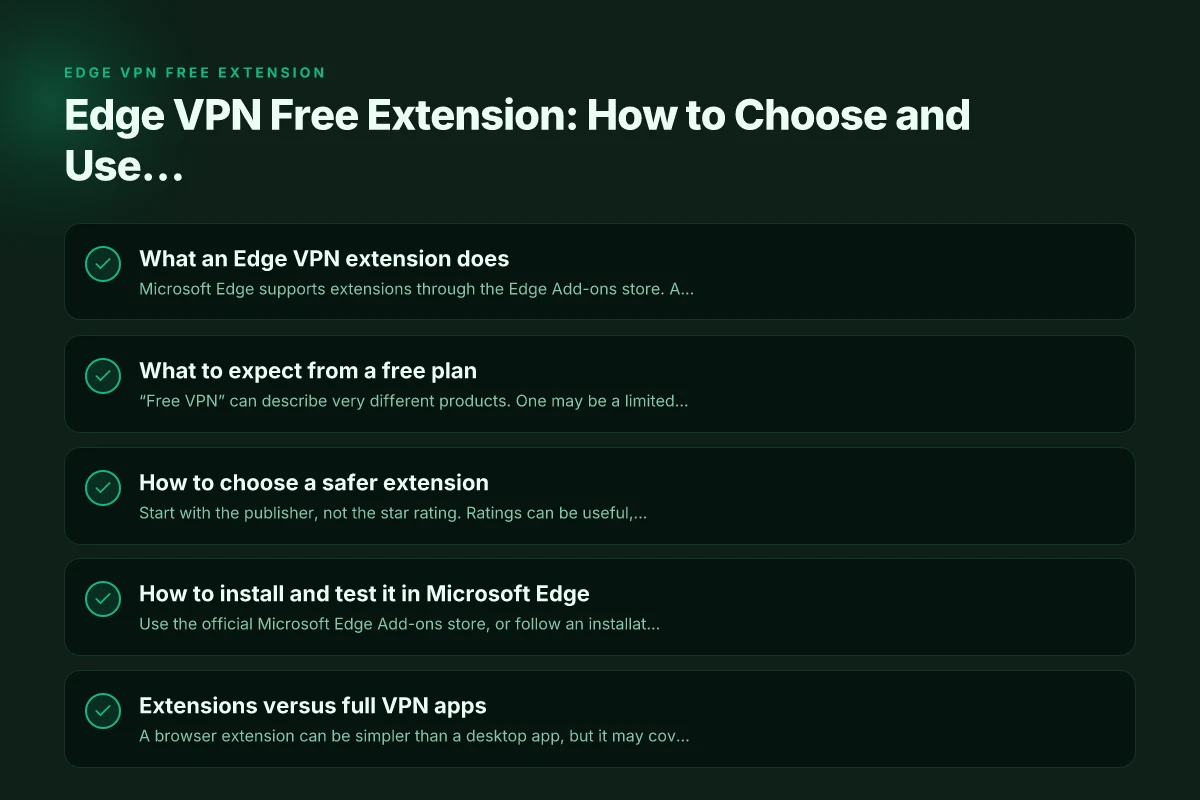
What an Edge VPN extension does
Microsoft Edge supports extensions through the Edge Add-ons store. A VPN extension typically adds a browser button for connecting to a provider’s servers. Depending on how it is built, it may act as a proxy for browser traffic rather than as a complete VPN for your device.
That distinction matters:
- A browser-only extension generally protects traffic inside Edge, not traffic from other browsers, games, messaging apps, or background services.
- A full VPN app can usually route traffic from multiple apps on the device.
- Some providers offer both an extension and a desktop app, with the extension serving as a convenient browser control for the broader VPN service.
An extension may encrypt the connection between your browser and the VPN server. However, it does not make every online activity anonymous. Websites can still identify you through account logins, cookies, browser fingerprinting, or information you choose to share. HTTPS also remains important because it protects the connection between your browser and a website.
What to expect from a free plan
“Free VPN” can describe very different products. One may be a limited tier from a known provider. Another may be an advertising-supported service with unclear ownership or data practices. Free access does not automatically mean a product is unsafe, but it does call for careful review. Is a Mobile Hotspot With VPN Automatically Providing VPN?
| Feature | Common on free plans | What to check |
|---|---|---|
| Data allowance | Limited monthly data or a daily cap | Whether the limit suits your browsing |
| Server locations | A small selection | Whether the locations meet your needs |
| Speed | Variable, especially at busy times | Whether the provider states any limits |
| Streaming and downloads | May be restricted | Terms of service and supported uses |
| Privacy features | May be reduced or unavailable | Leak protection, kill switch, and policy details |
| Support | Often limited | Help articles, contact options, and update history |
A free extension may be adequate for occasional browsing, but may not suit video streaming, large downloads, or constant use. Avoid assuming that a “free” label means unlimited service or strong privacy protection.
Safer extension selection checklist
| Check | Prefer | Caution sign | What to do |
|---|---|---|---|
| Publisher | Identifiable provider | Unclear developer | Verify the publisher |
| Permissions | Relevant to stated features | Broad or unexplained access | Review before installing |
| Privacy policy | Clear data practices | Missing or vague policy | Choose a clearer option |
| Reviews | Recent, detailed feedback | Repeated reports of problems | Look for consistent patterns |
| Updates | Recent maintenance | Long period without updates | Check the update history |
| Security claims | Specific, understandable details | Unsupported guarantees | Treat absolute promises skeptically |
| Store listing | Consistent name and branding | Lookalike or confusing listing | Confirm the official listing |
Compiled November 2026; check the provider's site for current details.
How to choose a safer extension
Start with the publisher, not the star rating. Ratings can be useful, but they do not prove that an extension is secure or that its privacy promises are accurate. Free Trial VPN for PC: How to Choose and Test One
Before installing, check:
- Publisher identity: Confirm the developer matches the VPN provider’s official website.
- Privacy policy: Look for a clear explanation of what information is collected, why it is collected, and how long it is retained.
- Business model: Understand whether the service is supported by paid subscriptions, advertising, or another model.
- Permissions: Be cautious if requested access seems broader than necessary for the extension’s stated purpose.
- Product history: Check recent updates, release notes, and whether the provider responds to reported issues.
- Independent information: Look for reputable security reviews and clear details about the company behind the service.
Be wary of extensions that promise complete anonymity, unlimited free access with no explanation, or guaranteed access to every streaming service. A VPN changes how your connection is routed. It does not erase your digital footprint or guarantee that a website will accept the connection.
How to install and test it in Microsoft Edge
Use the official Microsoft Edge Add-ons store, or follow an installation link from the VPN provider’s official site. Avoid downloading extension files from unfamiliar websites or installing copies shared through unsolicited links.
A cautious setup looks like this: VPN Extension Microsoft Edge Free: What to Choose and How to Use It
- Search the Edge Add-ons store for the provider’s official extension.
- Confirm the publisher and compare the listing with the provider’s website.
- Review the permissions and privacy information before selecting Get.
- Install the extension, open it, and sign in or create an account if required.
- Choose a server and connect. Confirm that the extension clearly shows its connection status.
- Check your apparent IP address using a reputable IP-checking site, both before and after connecting.
- If privacy is important, use a reputable DNS or WebRTC leak test and review the provider’s guidance.
A changed IP address alone does not prove that every browser request is protected. Test while connected, and repeat after reconnecting or changing networks. If the connection drops, the extension may stop routing traffic through the VPN. Do not assume it has a kill switch unless the provider documents that feature and explains how it works.
Extensions versus full VPN apps
A browser extension can be simpler than a desktop app, but it may cover less of your device. The right choice depends on what you want to protect.
Choose an extension when you mainly want a convenient browser control and understand that protection may apply only to Edge. Consider the provider’s full VPN app if you want coverage for other applications or device-wide settings. For sensitive work, travel, or frequent use on public networks, compare paid plans from established providers as well as free options.
No VPN can protect you from every threat. It does not replace software updates, strong passwords, multifactor authentication, careful handling of downloads, or basic phishing awareness. Under the VLESS VPN Protocol Connection, Roblox Can't Connect: Causes and Fixes
Edge extension or full VPN app?
| Decision factor | Edge VPN extension | Full VPN app |
|---|---|---|
| Coverage | Usually browser traffic | Can cover device traffic |
| Setup | Installed in Edge | Installed on the device |
| Other apps | Usually not covered | May be covered |
| Browser focus | Convenient for Edge browsing | Works beyond the browser |
| Permissions | Browser-extension permissions | Device-level permissions |
| Connection scope | Check which traffic is routed | Check app and device settings |
| Best fit | Browser-only needs | Broader device protection |
| Before choosing | Review provider and policy | Review provider and policy |
Compiled November 2026; check the provider's site for current details.
Recommendation
An Edge VPN free extension can be a practical starting point for limited browser use, provided it comes from a verifiable provider with a transparent privacy policy. Check its scope, permissions, data limits, and leak protections before relying on it. If you need protection beyond Edge, choose a reputable full VPN app rather than assuming a browser extension covers your entire device.