NordVPN Not Logging In? Try These Fixes
Fix NordVPN login problems by checking your account, browser, app, network, and device settings.
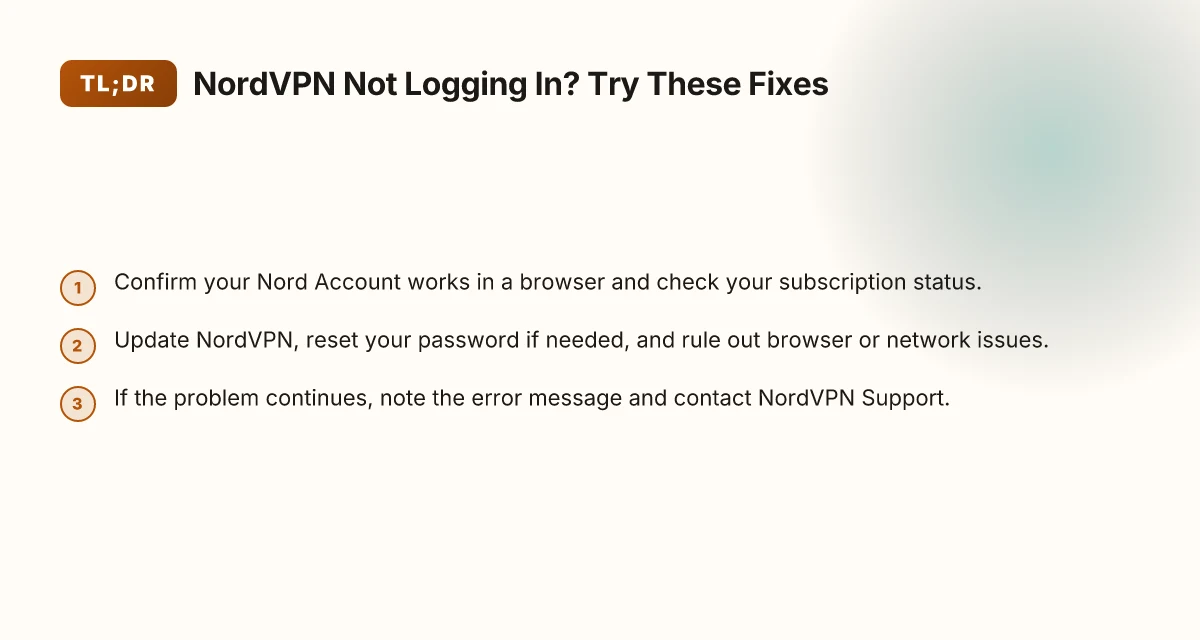
If NordVPN is not logging in, first check whether you can sign in to your Nord Account on the official NordVPN website. If you can, the issue is likely with the app, browser, device, or network, not your password. If you cannot, reset your password and make sure you are using the email address linked to your account. Then update NordVPN, restart your device, and try again.
The exact fix depends on what you see: an incorrect-password message, a login page that keeps loading, or an app that returns to the sign-in screen. Work through the steps below in order, testing your login after each one.
| VPN | Obfuscation | From / month | Plan | Free plan | Refund | Alipay | UnionPay | Crypto | Website opens in China | Trustpilot | |
|---|---|---|---|---|---|---|---|---|---|---|---|
 NordVPN | Turn on manually Obfuscated Servers / NordWhisper | $3.49/mo | 27 months: $94.23 | No | 30 days | ? | ✗ | ✓ | ✓ | ✗ Blocked | 4.2/5 (51,628 reviews) |
 ZoogVPN | Turn on manually Shadow | $2.49/mo | 27 months: $59.99 | Yes | 7 days | ✓ | ✓ | ✓ | ✓ | Official site blocked; our special link opens (4.4 s) | 4.2/5 (195 reviews) |
 ExpressVPN | ✓ On by default all servers | $3.00/mo | 28 months: $84 | No | 30 days | ✗ | ✗ | ✓ | ✗ | ✗ Blocked | 4.4/5 (29,706 reviews) |
 Surfshark | ✓ On by default Camouflage, with OpenVPN | See site | See site | No | 30 days | ✗ | ✗ | ✗ | ✓ | ✗ Blocked | 4.3/5 (31,823 reviews) |
 Proton VPN | Turn on manually Stealth, free plan too | $2.99/mo | 12 months: $35.88 | Yes | 30 days | ✗ | ✗ | ✗ | ✓ | ✗ Blocked | 2.1/5 (1,040 reviews) |
 Astrill VPN | Turn on manually StealthVPN / OpenWeb | $12.50/mo | 24 months: $300 | No | See site | ✗ | ✗ | ✗ | ✓ | ✗ Blocked | 1.3/5 (110 reviews) |
 Private Internet Access | Turn on manually Shadowsocks, OpenVPN only | $2.03/mo | 40 months: $81.2 | No | 30 days | ✗ | ✗ | ✗ | ✗ | ✗ Blocked | 4.2/5 (11,033 reviews) |
 CyberGhost | Turn on manually selected servers | $2.19/mo | 28 months: $61.32 | No | 45 days | ✗ | ✗ | ✗ | ✓ | ✗ Blocked | 4.0/5 (24,178 reviews) |
 PureVPN | Turn on manually switch to OpenVPN | $1.69/mo | 60 months: $101.55 | No | 31 days | ? | ? | ✗ | ✓ | ✗ Blocked | 4.4/5 (17,994 reviews) |
 AdGuard VPN | ✓ On by default TrustTunnel | $2.99/mo | 24 months: $71.76 | Yes | 30 days | ✓ | ✗ | ✓ | ✓ | Official site blocked; our special link opens (3.7 s) | 4.3/5 (290 reviews) |
 Mullvad | Turn on manually QUIC / Shadowsocks / LWO | $5.61/mo | €5/mo | No | 14 days | ✗ | ✗ | ✗ | ✓ | ✗ Blocked | 3.2/5 (192 reviews) |
 Windscribe | Turn on manually Stealth / WStunnel | $5.75/mo | 12 months: $69 | Yes | See site | ✗ | ✗ | ✗ | ✓ | ✗ Blocked | 4.7/5 (13,355 reviews) |
 StrongVPN | Turn on manually Scramble, OpenVPN TCP | See site | See site | No | 30 days | ✓ | ✗ | ✗ | ✗ | ✗ Blocked | 4.4/5 (2,695 reviews) |
 LightXtreme 闪连 | Not listed | $7.08/mo | 12 months: $84.99 | Yes | 30 days | ✓ | ✓ | ✓ | ✓ | ✓ Yes (3.5 s) | No page |
Prices checked 2026-11-10 on each vendor's pricing page (cheapest long plan, USD). Check the vendor's checkout for the final price.
Obfuscation checked 2026-11-14 on each vendor's site and help center: "on by default" = nothing to set; "turn on manually" = switch protocol or mode in settings; "not listed" = the vendor describes no obfuscation.
Payment methods checked 2026-11-10 on each vendor's payment pages: all 14 take cards and PayPal; ✗ = not listed, ? = the vendor's own pages disagree.
China access: whether the official website opens from mainland China networks (tests the website only, not the VPN connection). Last checked 2026-11-18 01:02 Beijing time.
Trustpilot score and review count checked 2026-11-10.

Editor's pick: NordVPN — fast, secure VPN — Strong encryption, a no-logs policy and apps for every device. 30-day money-back guarantee. Get NordVPN →
Match the login symptom to a first fix
| What you see | Likely area to check | First fix to try | If it still fails |
|---|---|---|---|
| Password rejected | Account details | Re-enter your email and password | Reset your password |
| Login works on the website, not the app | App sign-in | Update or restart the app | Reinstall the app |
| Login fails in a browser | Browser sign-in | Clear cookies and cache | Try a private window |
| Sign-in page will not load | Network connection | Switch networks | Check security settings |
| Login stalls on public Wi-Fi | Network restrictions | Try another network | Contact the network provider |
| Login blocked by security software | Security restrictions | Check firewall or antivirus settings | Restore protection after testing |
| Credentials seem correct, but access fails | Account status | Check your subscription and account | Contact NordVPN Support |
Compiled November 2026; check the provider's site for current details.
Check your account and login details
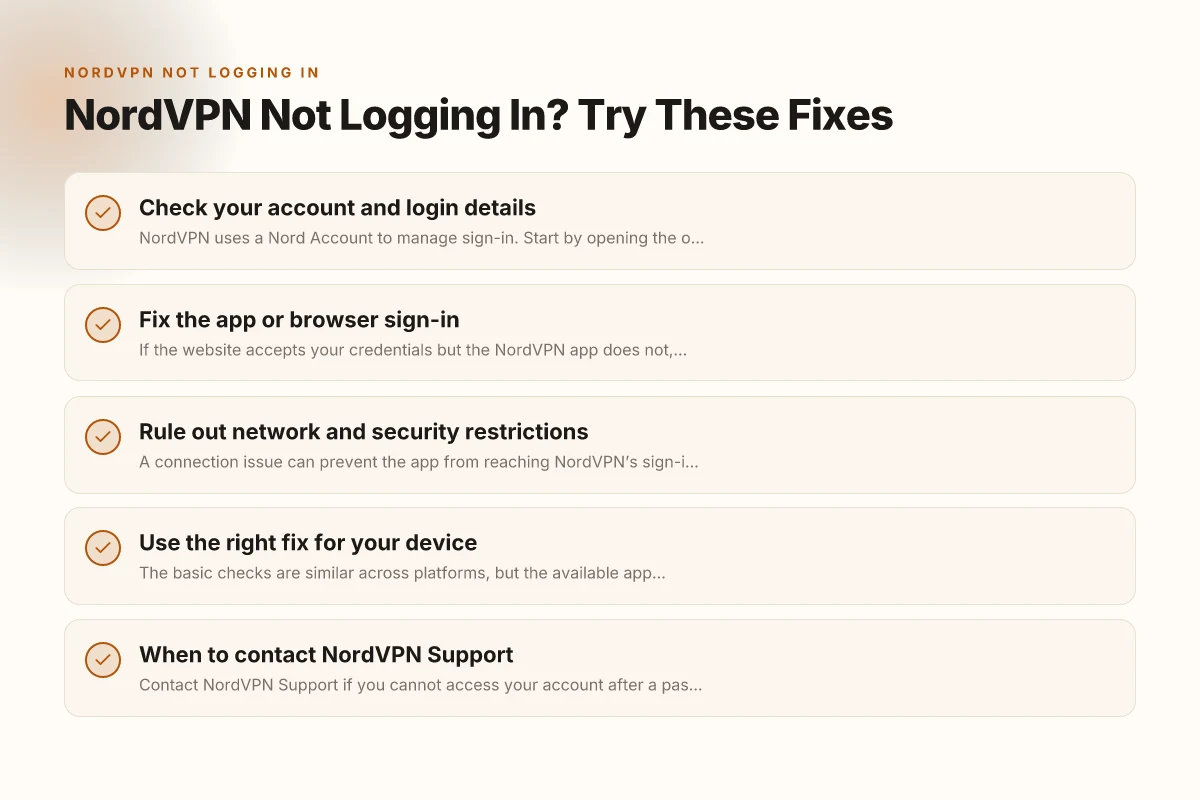
NordVPN uses a Nord Account to manage sign-in. Start by opening the official Nord Account page in a browser and entering your credentials there. This simple check helps separate an account issue from an app problem.
If sign-in fails:
- Check that you entered the email address associated with your subscription.
- Make sure there are no spaces before or after your email or password.
- Check whether Caps Lock or your keyboard’s language setting is changing what you type.
- Use the password reset option on the official sign-in page if you are unsure of your password.
- Check your email, including spam and junk folders, for password-reset or verification messages.
If you signed up through a third party, such as an app store, use the account details associated with your Nord Account. A third-party purchase does not necessarily mean you should sign in to the VPN app with your Apple, Google, or other store password.
Once you can sign in on the website, check that your subscription is active and linked to the same account. If the website says your account needs attention, follow the instructions shown there before troubleshooting the app. EY Remote Connect VPN: How to Access EY Resources Securely
Fix the app or browser sign-in
If the website accepts your credentials but the NordVPN app does not, try these steps:
- Close NordVPN completely, then reopen it.
- Restart your device.
- Install the latest version of NordVPN from the official source or your device’s app store.
- Try signing in again, carefully following any browser or verification prompts.
- If you use a password manager, enter the details manually once to rule out an outdated saved password.
Some versions of NordVPN open a browser window to complete authentication. If that window is blocked, cannot open, or does not return you to the app, try a different default browser. Also temporarily allow pop-ups and redirects for the sign-in process, then restore your usual settings afterward.
You can compare common symptoms with likely next steps:
| What happens | What to try first |
|---|---|
| “Incorrect password” or similar message | Reset the password and confirm the account email |
| Sign-in page keeps loading | Try another browser or network; disable browser extensions temporarily |
| Browser sign-in succeeds, but the app does not | Update or restart the app and device |
| Verification message never arrives | Check spam, confirm the email address, and wait before requesting another |
| App returns to the login screen | Restart the app, update it, and retry the browser handoff |
The wording of an error can vary by app version and device. Use the message as a clue rather than assuming that every login problem has the same cause. What Is My VPN Location? How to Check It and What It Means
Rule out network and security restrictions
A connection issue can prevent the app from reaching NordVPN’s sign-in service, even when your internet appears to work. Open a few websites or try signing in to your Nord Account from the same device. If pages are slow or unavailable, fix the internet connection first.
Then try:
- Switching between Wi-Fi and mobile data, if available.
- Restarting your router.
- Turning off a proxy or another VPN temporarily.
- Temporarily disabling browser extensions that block scripts, cookies, or redirects.
- Checking whether a firewall, antivirus tool, parental-control setting, or workplace network blocks the app.
If you change a security setting for testing, turn it back on afterward. Avoid disabling protection permanently or installing unofficial apps or sign-in tools. On a work or school network, access may be restricted by the network administrator. Testing on a personal connection can help confirm this.
Also check your device’s date, time, and time zone. Incorrect settings can interfere with secure website connections and verification steps. Set them to update automatically, then restart the app. Resuming the FortiClient VPN Setup Wizard: How to Fix an Interrupted Installation
Choose a fix by device or sign-in method
| Device or method | Start here | Next step | When to escalate |
|---|---|---|---|
| Windows app | Update or restart the app | Check firewall settings | Contact Support if login still fails |
| Mac app | Update or restart the app | Try another network | Contact Support if login still fails |
| Android app | Update or restart the app | Check app permissions | Contact Support if login still fails |
| iPhone or iPad app | Update or restart the app | Try signing in again | Contact Support if login still fails |
| Browser sign-in | Clear cookies and cache | Try a private window | Contact Support if the page still fails |
| Public Wi-Fi | Switch to another network | Check for network restrictions | Ask the network provider if access is blocked |
| Any device | Verify account details | Reset the password if needed | Contact Support if account access remains unavailable |
Compiled November 2026; check the provider's site for current details.
Use the right fix for your device
The basic checks are similar across platforms, but the available app settings differ. Try the platform-specific options below after confirming your account works online.
Windows and macOS
Quit NordVPN rather than leaving it running in the background, then reopen it. Check for app updates, restart the computer, and try signing in again. If you use a firewall or security suite, confirm NordVPN is allowed to connect. V2Ray iOS Download: How to Choose and Set Up a Client
If the problem began immediately after an update, reinstalling the app may help. Download the installer only from NordVPN’s official website, and make sure you know your account email and password before removing the app.
Android and iPhone
Update NordVPN through the Google Play Store or Apple App Store. Force-close the app, restart the phone, and try again. If the app still loops back to the login screen, check your device’s browser and default-browser settings, since authentication may pass between the app and a browser.
On Android, clearing an app’s cache may help if the login screen behaves incorrectly. Avoid clearing stored data unless you are prepared to sign in again. On iPhone, reinstalling the app is an option if simpler steps fail. Confirm you can access your account credentials first.
Linux and other supported devices
Use the current instructions for your specific NordVPN app or setup. If you sign in through a command-line tool, check that it is up to date and follow NordVPN’s official authentication steps. Do not paste account passwords or verification codes into commands or websites unless NordVPN’s official instructions specifically require the action. iPhone VPN V2Ray: How to Choose and Set It Up
When to contact NordVPN Support
Contact NordVPN Support if you cannot access your account after a password reset, your subscription appears active but the app still rejects sign-in, or the same error persists across devices and networks.
Before contacting support, collect:
- The exact error message or a screenshot with personal details hidden.
- Your device model, operating system, and NordVPN app version.
- Whether you can sign in through the Nord Account website.
- The troubleshooting steps you have already tried.
Never share your password or a one-time verification code. Support may ask for account information to locate your subscription, but provide it only through NordVPN’s official support channels.
Decide whether to troubleshoot or contact Support Show Crypto IKEv2 SA: How to Check Cisco IKEv2 Security Associations
| Situation | Try first | Contact Support? | Useful details to provide |
|---|---|---|---|
| Password may be incorrect | Re-enter it or reset it | Not yet | Account email |
| App appears out of date | Update and restart it | Not yet | Device and app version |
| Browser sign-in fails | Clear cookies and try private browsing | Not yet | Browser name |
| Login fails only on one network | Switch networks | If restrictions persist | Network type |
| Firewall or antivirus may interfere | Check its settings | If the issue remains | Security software name |
| Login fails across devices and networks | Confirm account details and status | Yes | Devices and networks tested |
| Account details are correct but access is blocked | Retry after basic checks | Yes | Error message and when it appeared |
Compiled November 2026; check the provider's site for current details.
Recommendation
If NordVPN is not logging in, verify your account on the official website first, then update and restart the app and test a different browser or network. If the account works online but the app still fails after these checks, contact NordVPN Support with the exact error and your device details.