NordVPN Account: How to Sign In, Manage, and Protect Yours
Learn how to access your NordVPN account, manage subscriptions and devices, troubleshoot sign-in issues, and secure your login.
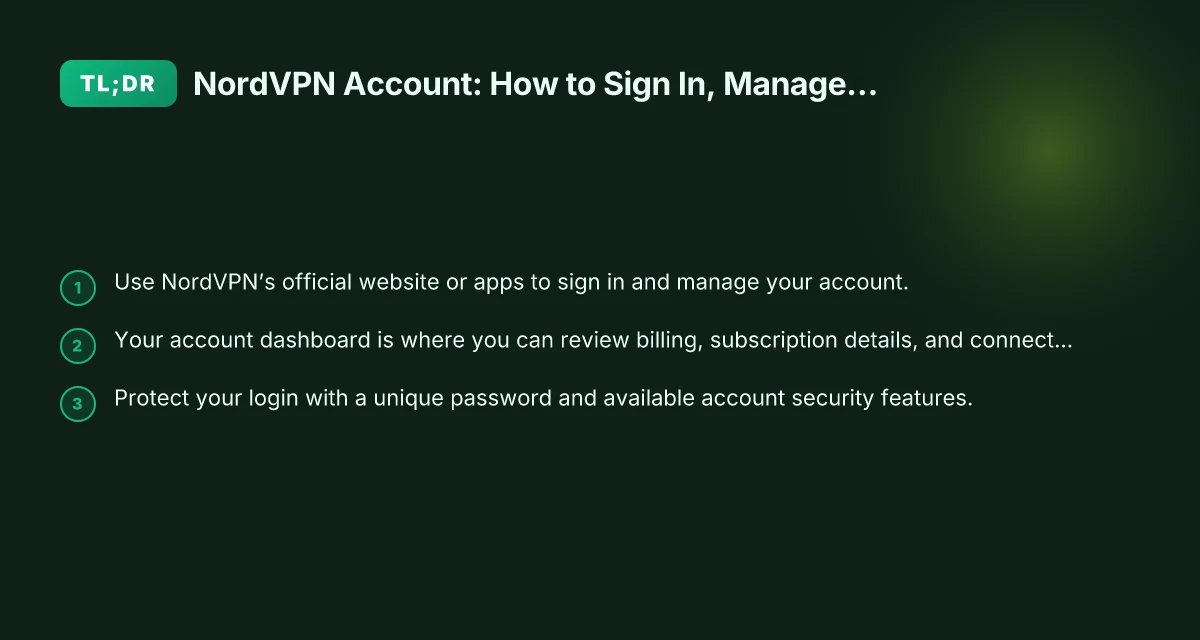
A NordVPN account gives you access to your subscription, account settings, billing information, and device management. To sign in, visit NordVPN’s official website and choose the account login option, or open the NordVPN app and follow its sign-in prompts. Use the email address and password associated with your purchase. If you cannot get in, check your credentials, try a password reset, and make sure you are using an official NordVPN page or app.

Editor's pick: NordVPN — fast, secure VPN — Strong encryption, a no-logs policy and apps for every device. 30-day money-back guarantee. Get NordVPN →
Compare the three parts of your NordVPN setup
| Part | What it is | Where you manage it | What it affects |
|---|---|---|---|
| Nord Account | Your account and sign-in details | Nord Account website | Access to account settings |
| Subscription | Your paid plan | Nord Account website | Available plan features |
| VPN app | The software on your device | NordVPN app | App settings and connection |
| VPN connection | A session between your device and a VPN server | NordVPN app | Your internet traffic route |
| Account password | Credential for account access | Nord Account website | Sign-in security |
| App sign-in | Access to the app using your account | NordVPN app | Ability to use app features |
Compiled November 2026; check the provider's site for current details.
| VPN | Obfuscation | From / month | Plan | Free plan | Refund | Alipay | UnionPay | Crypto | Website opens in China | Trustpilot | |
|---|---|---|---|---|---|---|---|---|---|---|---|
 NordVPN | Turn on manually Obfuscated Servers / NordWhisper | $3.49/mo | 27 months: $94.23 | No | 30 days | ? | ✗ | ✓ | ✓ | ✗ Blocked | 4.2/5 (51,628 reviews) |
 ZoogVPN | Turn on manually Shadow | $2.49/mo | 27 months: $59.99 | Yes | 7 days | ✓ | ✓ | ✓ | ✓ | Official site blocked; our special link opens (4.4 s) | 4.2/5 (195 reviews) |
 ExpressVPN | ✓ On by default all servers | $3.00/mo | 28 months: $84 | No | 30 days | ✗ | ✗ | ✓ | ✗ | ✗ Blocked | 4.4/5 (29,706 reviews) |
 Surfshark | ✓ On by default Camouflage, with OpenVPN | See site | See site | No | 30 days | ✗ | ✗ | ✗ | ✓ | ✗ Blocked | 4.3/5 (31,823 reviews) |
 Proton VPN | Turn on manually Stealth, free plan too | $2.99/mo | 12 months: $35.88 | Yes | 30 days | ✗ | ✗ | ✗ | ✓ | ✗ Blocked | 2.1/5 (1,040 reviews) |
 Astrill VPN | Turn on manually StealthVPN / OpenWeb | $12.50/mo | 24 months: $300 | No | See site | ✗ | ✗ | ✗ | ✓ | ✗ Blocked | 1.3/5 (110 reviews) |
 Private Internet Access | Turn on manually Shadowsocks, OpenVPN only | $2.03/mo | 40 months: $81.2 | No | 30 days | ✗ | ✗ | ✗ | ✗ | ✗ Blocked | 4.2/5 (11,033 reviews) |
 CyberGhost | Turn on manually selected servers | $2.19/mo | 28 months: $61.32 | No | 45 days | ✗ | ✗ | ✗ | ✓ | ✗ Blocked | 4.0/5 (24,178 reviews) |
 PureVPN | Turn on manually switch to OpenVPN | $1.69/mo | 60 months: $101.55 | No | 31 days | ? | ? | ✗ | ✓ | ✗ Blocked | 4.4/5 (17,994 reviews) |
 AdGuard VPN | ✓ On by default TrustTunnel | $2.99/mo | 24 months: $71.76 | Yes | 30 days | ✓ | ✗ | ✓ | ✓ | Official site blocked; our special link opens (3.7 s) | 4.3/5 (290 reviews) |
 Mullvad | Turn on manually QUIC / Shadowsocks / LWO | $5.61/mo | €5/mo | No | 14 days | ✗ | ✗ | ✗ | ✓ | ✗ Blocked | 3.2/5 (192 reviews) |
 Windscribe | Turn on manually Stealth / WStunnel | $5.75/mo | 12 months: $69 | Yes | See site | ✗ | ✗ | ✗ | ✓ | ✗ Blocked | 4.7/5 (13,355 reviews) |
 StrongVPN | Turn on manually Scramble, OpenVPN TCP | See site | See site | No | 30 days | ✓ | ✗ | ✗ | ✗ | ✗ Blocked | 4.4/5 (2,695 reviews) |
 LightXtreme 闪连 | Not listed | $7.08/mo | 12 months: $84.99 | Yes | 30 days | ✓ | ✓ | ✓ | ✓ | ✓ Yes (3.5 s) | No page |
Prices checked 2026-11-10 on each vendor's pricing page (cheapest long plan, USD). Check the vendor's checkout for the final price.
Obfuscation checked 2026-11-14 on each vendor's site and help center: "on by default" = nothing to set; "turn on manually" = switch protocol or mode in settings; "not listed" = the vendor describes no obfuscation.
Payment methods checked 2026-11-10 on each vendor's payment pages: all 14 take cards and PayPal; ✗ = not listed, ? = the vendor's own pages disagree.
China access: whether the official website opens from mainland China networks (tests the website only, not the VPN connection). Last checked 2026-11-18 01:02 Beijing time.
Trustpilot score and review count checked 2026-11-10.
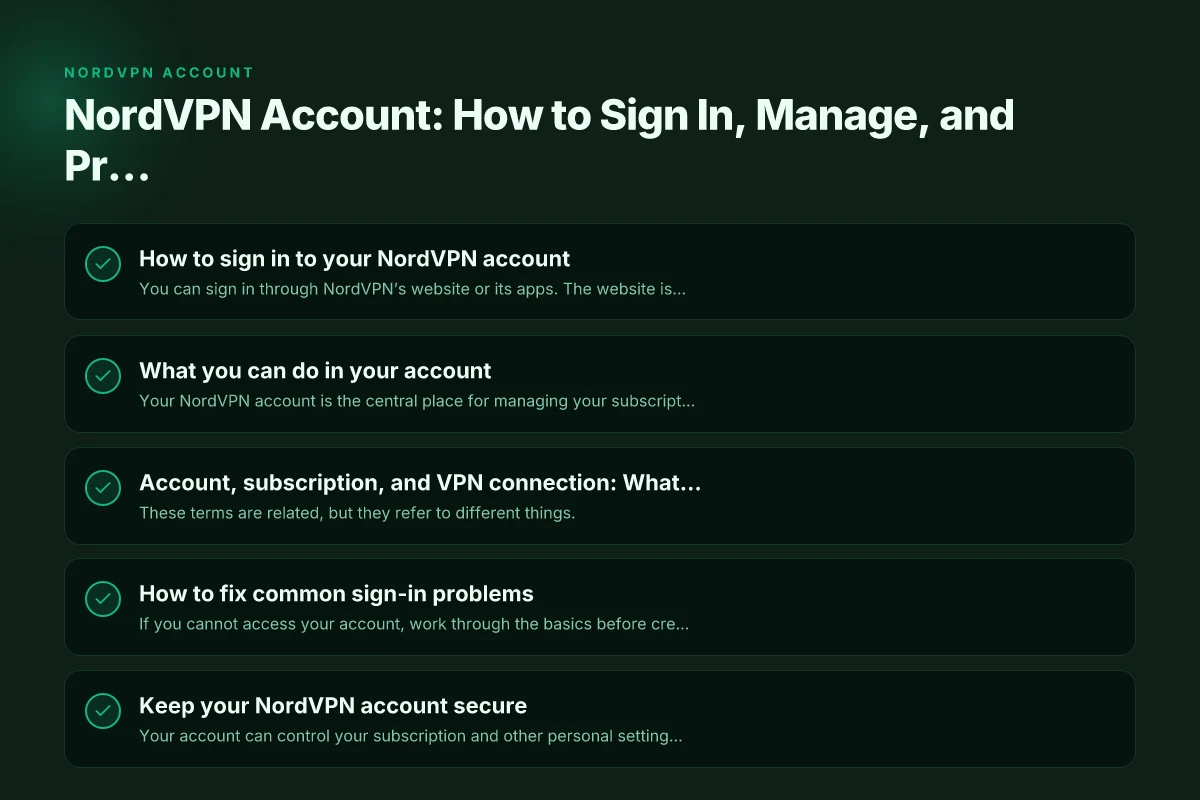
How to sign in to your NordVPN account
You can sign in through NordVPN’s website or its apps. The website is generally the most useful place to manage account details, while the apps are designed for connecting to the VPN.
Sign in on the website
- Go to NordVPN’s official website.
- Select the account or sign-in option.
- Enter the email address linked to your account and your password.
- Complete any additional verification requested.
After signing in, you should be able to view the account dashboard. The available options may depend on your subscription, location, and NordVPN’s current account interface.
Sign in through the app
Download the NordVPN app from NordVPN’s official website or the app store for your device. Open it and select the sign-in option. Depending on the app and device, you may be redirected to a browser to complete authentication before returning to the app.
If you are using a shared or public device, do not save your password. Sign out when you are finished. Nord VPN Turn Off Auto Connect: A Step-by-Step Guide
What you can do in your account
Your NordVPN account is the central place for managing your subscription and account settings. It is separate from the VPN connection itself: signing in to your account does not always mean that the VPN is currently connected.
Common account tasks include:
- Checking your subscription plan and renewal information
- Reviewing billing details and payment history
- Updating account information or your password
- Managing devices or reviewing device connections
- Finding support and account-related settings
The exact labels and options can change. If you do not see a setting, check NordVPN’s current support resources or contact its customer support rather than relying on an outdated guide.
| Need | Where to start |
|---|---|
| Connect to a VPN server | NordVPN app |
| Review plan or renewal details | Account dashboard |
| Change account password | Account settings or password-reset flow |
| Fix a billing question | Billing area or NordVPN support |
| Resolve access problems | Sign-in page, reset link, or support |
Choose a sign-in troubleshooting step Nord VPN Login: How to Sign In and Fix Common Problems
| Problem | First check | Try next | If it continues |
|---|---|---|---|
| Password not accepted | Check spelling and keyboard settings | Reset your password | Contact NordVPN support |
| Email not accepted | Confirm the address used for the account | Check for a typo | Contact NordVPN support |
| Verification message missing | Check spam and junk folders | Request another message | Contact NordVPN support |
| Sign-in page not loading | Check your internet connection | Try another browser | Contact NordVPN support |
| App sign-in not working | Confirm the app is up to date | Restart the app | Try the account website |
| Account access unavailable | Recheck your credentials | Use password recovery | Contact NordVPN support |
Compiled November 2026; check the provider's site for current details.
Account, subscription, and VPN connection: What’s the difference?
These terms are related, but they refer to different things.
- Your account is your login and personal dashboard.
- Your subscription is the paid plan associated with that account.
- Your VPN connection is the encrypted connection you start in a NordVPN app.
Having an account does not necessarily mean you have an active paid subscription. If a feature is unavailable, check the subscription status and renewal details in your dashboard. Likewise, a paid subscription does not guarantee that a device is connected at that moment. Open the app and check its connection status.
If you bought NordVPN through a third-party app store or another provider, billing and cancellation options may be handled by that provider. Check the purchase confirmation or the relevant store’s subscription settings if those options are not shown in your NordVPN account. Nord VPN logga in: How to Sign In to NordVPN
How to fix common sign-in problems
If you cannot access your account, work through the basics before creating another account.
Check your email and password
Confirm that you are using the email address you entered when subscribing. Look for the original confirmation email if you are unsure. Check for typing errors, extra spaces, and password-manager entries that may be out of date.
Reset your password
Use the password-reset option on NordVPN’s official sign-in page. Follow the instructions sent to your registered email address. If the message does not arrive, check your spam or junk folder and confirm that you entered the right email address. Avoid sharing password-reset links with anyone.
Check your browser or app
A stale session can sometimes interfere with login. Try closing and reopening the app, updating it, or signing in from another browser. If you use a password manager, enter your details manually once to rule out an autofill error. How Can Government See What You Search With a VPN?
Contact support if you remain locked out
If you no longer have access to the email address on your account, or the reset process does not work, contact NordVPN through its official support channels. Be ready to provide relevant purchase or account details, but never send your password or a one-time verification code.
Compare ways to protect your NordVPN account
| Option | Helps with | Good practice | Limitation |
|---|---|---|---|
| Strong, unique password | Reducing password reuse risk | Use a password manager | Keep recovery details accessible |
| Password manager | Storing complex passwords | Protect it with a strong master password | Secure the manager account too |
| Two-factor authentication | Adding a sign-in check | Enable it in account security settings | Keep backup access methods safe |
| Sign-in alerts | Noticing unfamiliar activity | Review alerts promptly | Alerts do not prevent every attempt |
| Secure email account | Protecting password recovery | Use a unique password and extra security | Email access can affect account recovery |
| Sign out on shared devices | Limiting access on shared equipment | Sign out when finished | Does not secure other devices |
Compiled November 2026; check the provider's site for current details.
Keep your NordVPN account secure
Your account can control your subscription and other personal settings, so protect it as carefully as you would an email or banking login. NordVPN Account: How to Sign In, Manage Your Subscription, and Stay Secure
- Create a long, unique password that you do not reuse on other services.
- Store it in a reputable password manager.
- Turn on any additional sign-in or verification protections NordVPN makes available to you.
- Sign in only through the official website or app.
- Be cautious of messages that demand immediate action or ask for your password.
- Review device access and sign out of devices you no longer use, where account controls allow it.
A VPN helps protect network traffic while connected, but it does not prevent every online risk. Account security still depends on strong login habits and recognizing suspicious links or messages.
Recommendation
Use the official NordVPN website to review your account and subscription, and use the official app to connect to the VPN. Keep your login credentials unique and secure. If you are locked out or have a billing issue, use NordVPN’s official reset and support options rather than sharing account details with an unverified service.