Kaspersky VPN Split Tunneling Not Working? Reddit Fixes and Troubleshooting

Troubleshoot Kaspersky VPN split tunneling with practical checks for app rules, permissions, updates, and connection conflicts.


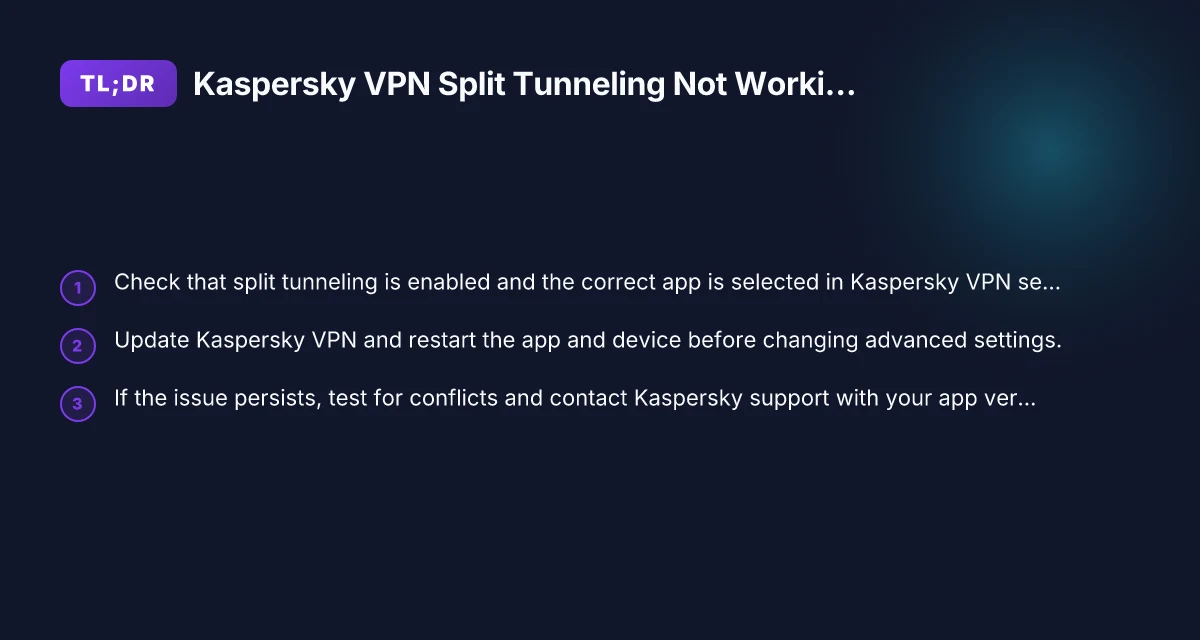
If Kaspersky VPN split tunneling is not working, first confirm that the feature is available in your version, turned on, and configured for the exact app you want to route differently. Then update Kaspersky VPN, restart the device, and test with only one app added to the split-tunneling list. Reddit discussions can point to useful troubleshooting ideas, but fixes depend on your operating system, app version, and VPN configuration, so verify advice against Kaspersky’s current documentation.
Split tunneling lets selected apps use the VPN while other traffic uses your regular internet connection, or vice versa, depending on the available settings. When it fails, the result may look like an app is ignoring the VPN, refusing to connect, or still showing a location you did not expect.
| VPN | Obfuscation | From / month | Plan | Free plan | Refund | Alipay | UnionPay | Crypto | Website opens in China | Trustpilot | |
|---|---|---|---|---|---|---|---|---|---|---|---|
 ZoogVPN | Turn on manually Shadow | $2.49/mo | 27 months: $59.99 | Yes | 7 days | ✓ | ✓ | ✓ | ✓ | Official site blocked; our special link opens (4.4 s) | 4.2/5 (195 reviews) |
 NordVPN | Turn on manually Obfuscated Servers / NordWhisper | $3.49/mo | 27 months: $94.23 | No | 30 days | ? | ✗ | ✓ | ✓ | ✗ Blocked | 4.2/5 (51,628 reviews) |
 ExpressVPN | ✓ On by default all servers | $3.00/mo | 28 months: $84 | No | 30 days | ✗ | ✗ | ✓ | ✗ | ✗ Blocked | 4.4/5 (29,706 reviews) |
 Surfshark | ✓ On by default Camouflage, with OpenVPN | See site | See site | No | 30 days | ✗ | ✗ | ✗ | ✓ | ✗ Blocked | 4.3/5 (31,823 reviews) |
 Proton VPN | Turn on manually Stealth, free plan too | $2.99/mo | 12 months: $35.88 | Yes | 30 days | ✗ | ✗ | ✗ | ✓ | ✗ Blocked | 2.1/5 (1,040 reviews) |
 Astrill VPN | Turn on manually StealthVPN / OpenWeb | $12.50/mo | 24 months: $300 | No | See site | ✗ | ✗ | ✗ | ✓ | ✗ Blocked | 1.3/5 (110 reviews) |
 Private Internet Access | Turn on manually Shadowsocks, OpenVPN only | $2.03/mo | 40 months: $81.2 | No | 30 days | ✗ | ✗ | ✗ | ✗ | ✗ Blocked | 4.2/5 (11,033 reviews) |
 CyberGhost | Turn on manually selected servers | $2.19/mo | 28 months: $61.32 | No | 45 days | ✗ | ✗ | ✗ | ✓ | ✗ Blocked | 4.0/5 (24,178 reviews) |
 PureVPN | Turn on manually switch to OpenVPN | $1.69/mo | 60 months: $101.55 | No | 31 days | ? | ? | ✗ | ✓ | ✗ Blocked | 4.4/5 (17,994 reviews) |
 AdGuard VPN | ✓ On by default TrustTunnel | $2.99/mo | 24 months: $71.76 | Yes | 30 days | ✓ | ✗ | ✓ | ✓ | Official site blocked; our special link opens (3.7 s) | 4.3/5 (290 reviews) |
 Mullvad | Turn on manually QUIC / Shadowsocks / LWO | $5.61/mo | €5/mo | No | 14 days | ✗ | ✗ | ✗ | ✓ | ✗ Blocked | 3.2/5 (192 reviews) |
 Windscribe | Turn on manually Stealth / WStunnel | $5.75/mo | 12 months: $69 | Yes | See site | ✗ | ✗ | ✗ | ✓ | ✗ Blocked | 4.7/5 (13,355 reviews) |
 StrongVPN | Turn on manually Scramble, OpenVPN TCP | See site | See site | No | 30 days | ✓ | ✗ | ✗ | ✗ | ✗ Blocked | 4.4/5 (2,695 reviews) |
 LightXtreme 闪连 | Not listed | $7.08/mo | 12 months: $84.99 | Yes | 30 days | ✓ | ✓ | ✓ | ✓ | ✓ Yes (3.5 s) | No page |
Prices checked 2026-11-10 on each vendor's pricing page (cheapest long plan, USD). Check the vendor's checkout for the final price.
Obfuscation checked 2026-11-14 on each vendor's site and help center: "on by default" = nothing to set; "turn on manually" = switch protocol or mode in settings; "not listed" = the vendor describes no obfuscation.
Payment methods checked 2026-11-10 on each vendor's payment pages: all 14 take cards and PayPal; ✗ = not listed, ? = the vendor's own pages disagree.
China access: whether the official website opens from mainland China networks (tests the website only, not the VPN connection). Last checked 2026-11-18 01:02 Beijing time.
Trustpilot score and review count checked 2026-11-10.

Editor's pick: NordVPN — fast, secure VPN — Strong encryption, a no-logs policy and apps for every device. 30-day money-back guarantee. Get NordVPN →
What Kaspersky split tunneling should do and what to check
| Check | Expected behavior | If it does not work | First action |
|---|---|---|---|
| App selection | Chosen apps use the configured VPN route | App traffic follows the wrong route | Confirm the app is selected |
| Excluded app | Selected app bypasses the VPN, if configured that way | App still appears to use VPN | Check the rule’s routing option |
| Included app | Selected app uses the VPN, if configured that way | App connects outside the VPN | Review the app rule |
| Rule status | The split tunneling setting is enabled | No apps follow the rules | Turn on the setting |
| App identity | The rule matches the installed app | Rule seems ignored after an update | Re-select the app |
| VPN connection | VPN is connected while testing | Results are inconclusive | Connect before testing |
| App restart | App reloads its network connection | Old route remains in use | Close and reopen the app |
| Test destination | The test reflects the app’s actual traffic | Results conflict across checks | Repeat with the same app and destination |
Compiled November 2026; check the provider's site for current details.
Check what the setting is supposed to do
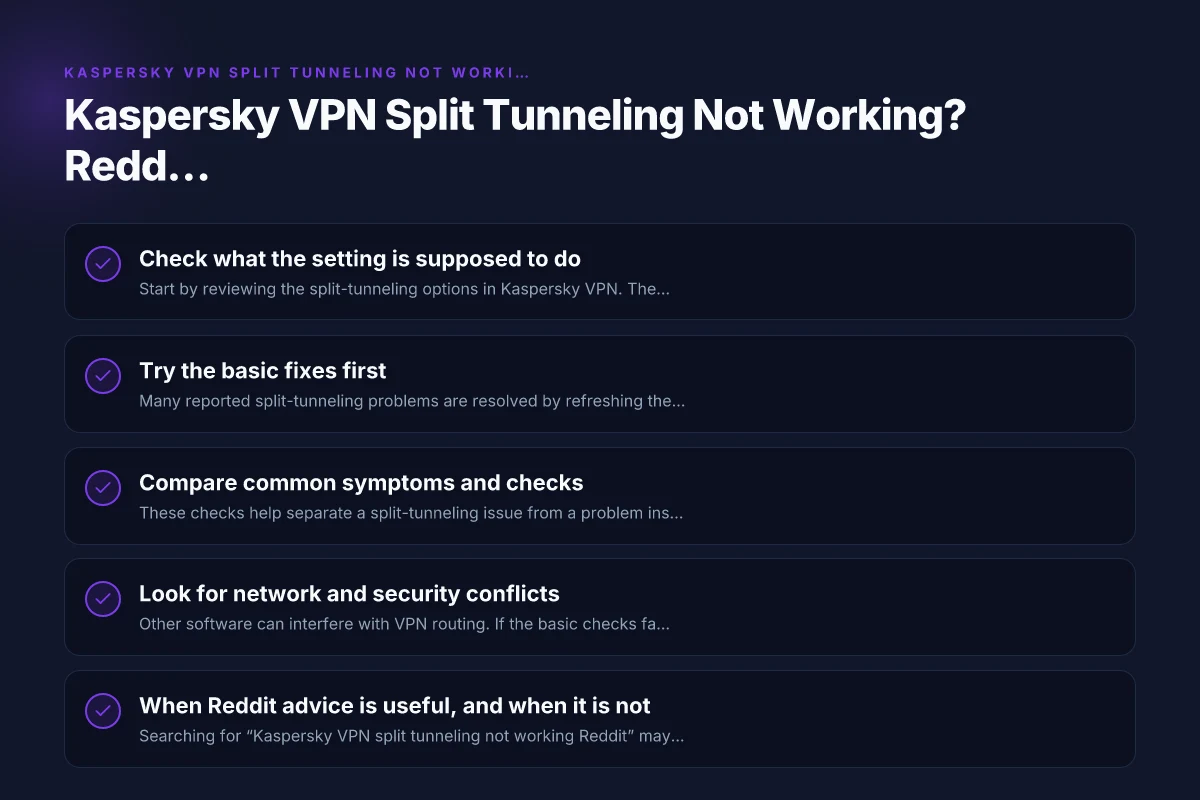
Start by reviewing the split-tunneling options in Kaspersky VPN. The wording and available controls can differ between platforms and versions. Some versions let you choose apps that should use the VPN. Others may offer different routing choices or support a narrower set of apps.
Before testing, write down what you expect:
- Which app should use the VPN?
- Which apps should bypass it?
- Should the selected app use the VPN or connect directly?
- Does the app show the expected public IP address or region?
Check the setting’s description carefully. A common mistake is adding an app to the list but assuming that means it will bypass the VPN when the configured rule actually sends it through the VPN, or the reverse.
Also verify that you selected the actual application, not a launcher, updater, or similarly named process. If an app uses multiple components, its network traffic may come from a different executable than the one you added. How to Change Proxy Settings in Edge: A Complete Guide
Try the basic fixes first
Many reported split-tunneling problems are resolved by refreshing the app and its configuration. Try these steps in order:
- Disconnect from the VPN.
- Close Kaspersky VPN completely, including its notification-area or menu-bar process if applicable.
- Reopen it and confirm that split tunneling is enabled.
- Remove the affected app from the rule list, add it again, and save the change.
- Connect to a VPN server and test the app.
- Restart the device if the rule still does not take effect.
Check for updates to Kaspersky VPN and install the latest version supported by your device. If the operating system has also recently updated, restart after installing updates. A version mismatch or a changed system networking component can affect VPN behavior.
For a clean test, use one app and one VPN server. Avoid changing several settings at once. Otherwise, it may be hard to identify which change helped.
Troubleshooting options by symptom Kaspersky VPN Split Tunneling Not Working: Causes and Fixes
| Symptom | Basic check | Next step | What it can indicate |
|---|---|---|---|
| Setting appears off | Check split tunneling status | Enable it and retest | Configuration issue |
| Selected app uses the wrong route | Check its rule and routing choice | Re-select the app | Rule mismatch |
| Change has no effect | Restart the affected app | Reconnect the VPN | App or session may retain an old route |
| Issue began after an app update | Check the selected app entry | Add or select the current app | App identity may have changed |
| Issue began after a VPN update | Review the setting again | Check current product behavior | A version change may affect the setting |
| Only one app is affected | Compare its rule with a working app | Test that app alone | App-specific configuration |
| Several apps are affected | Check VPN status and global setting | Retest after reconnecting | Broader configuration or connection issue |
| Behavior changes across networks | Retest on a known network | Check network or security conflicts | Network conditions may be involved |
Compiled November 2026; check the provider's site for current details.
Compare common symptoms and checks
| Symptom | What to check | Useful next step |
|---|---|---|
| Selected app still uses the regular connection | Confirm the rule’s meaning and selected executable | Remove and re-add the app, then reconnect |
| App cannot connect when the VPN is on | Check whether the app needs local-network access or a direct connection | Test the app with the VPN off and review its own network settings |
| Browser shows the wrong location | Check the browser’s proxy, DNS, and secure-DNS settings | Test in a fresh browser session and compare with another app |
| Rule stops working after an update | Check Kaspersky VPN and operating-system versions | Restart, update, and recreate the rule |
| Only one app is affected | Check app-specific settings, extensions, and security software | Test the app without add-ons or other network tools |
These checks help separate a split-tunneling issue from a problem inside the app itself. For example, a browser may use a proxy or DNS-over-HTTPS setting that changes how its location appears, even when VPN routing is working as configured.
Look for network and security conflicts
Other software can interfere with VPN routing. If the basic checks fail, temporarily test with other VPNs, proxies, firewall tools, or network-filtering apps disconnected or disabled. Do this only if it is safe for your device and network, and turn protection back on after the test.
Also consider: Radmin VPN Not Working? Troubleshooting Steps That Usually Help
- App permissions: The selected app may need permission to access the network or local network.
- Multiple app copies: You may have selected a beta, portable, or secondary installation instead of the copy you actually open.
- Network changes: Switching between Wi-Fi and mobile data, or using a captive portal, may change how traffic behaves.
- Custom DNS or proxy settings: These can affect location checks and app connectivity.
- Managed devices: Workplace or school security policies may restrict VPN features.
Do not disable your firewall or antivirus permanently to troubleshoot. If you temporarily change a protection setting, restore it promptly and follow your organization’s IT guidance on managed devices.
How to assess Reddit fixes and troubleshooting advice
| Advice or source | Useful when | Limitation | Safer approach |
|---|---|---|---|
| Check the selected app | The wrong app may be listed | Does not confirm the route | Verify the rule and retest |
| Restart the affected app | A recent setting change had no effect | May not address the cause | Restart, then test again |
| Reconnect the VPN | The VPN session may be stale | Results can vary by version | Record the current setting first |
| Disable another security tool | A conflict seems plausible | Can reduce protection | Test cautiously and restore protection |
| Change network settings | The problem occurs on one network | Can disrupt connectivity | Change one setting at a time |
| Follow a Reddit workaround | The same product version and symptom are reported | Advice may be outdated or incomplete | Verify against current product guidance |
| Share logs or screenshots | Support needs details to investigate | May expose personal information | Remove sensitive details |
| Contact Kaspersky support | Basic checks do not resolve the issue | May take longer than a quick fix | Provide version, symptoms, and steps tested |
Compiled November 2026; check the provider's site for current details.
When Reddit advice is useful, and when it is not
Searching for “Kaspersky VPN split tunneling not working Reddit” may surface reports from people with similar symptoms. Treat those posts as clues, not universal instructions. A workaround that applies to one Windows build or Kaspersky release may not apply to a Mac, Android device, or newer version. NordVPN Edge: How to Use NordVPN With Microsoft Edge
When comparing a Reddit post with your situation, check:
- The operating system and its version
- The Kaspersky VPN version
- The app being routed
- Whether the reported solution was confirmed after an update
- Whether the suggestion involves changing security or system-network settings
Avoid downloading unofficial VPN components or changing system files based on an unverified comment. If you find a likely fix, look for confirmation in Kaspersky’s official support material before applying it.
Recommendation
If Kaspersky VPN split tunneling is not working, confirm the rule’s direction, select the correct app, update the VPN, and test again after a restart. Then check for app-specific settings and conflicts with other network tools. If the issue continues, contact Kaspersky Support with your device model, operating-system version, Kaspersky VPN version, the affected app, and the troubleshooting steps you tried.