How to Set Up a VPN by Yourself: A Practical Guide
Learn how to host a personal VPN at home or on a cloud server, configure devices, and understand the privacy trade-offs.
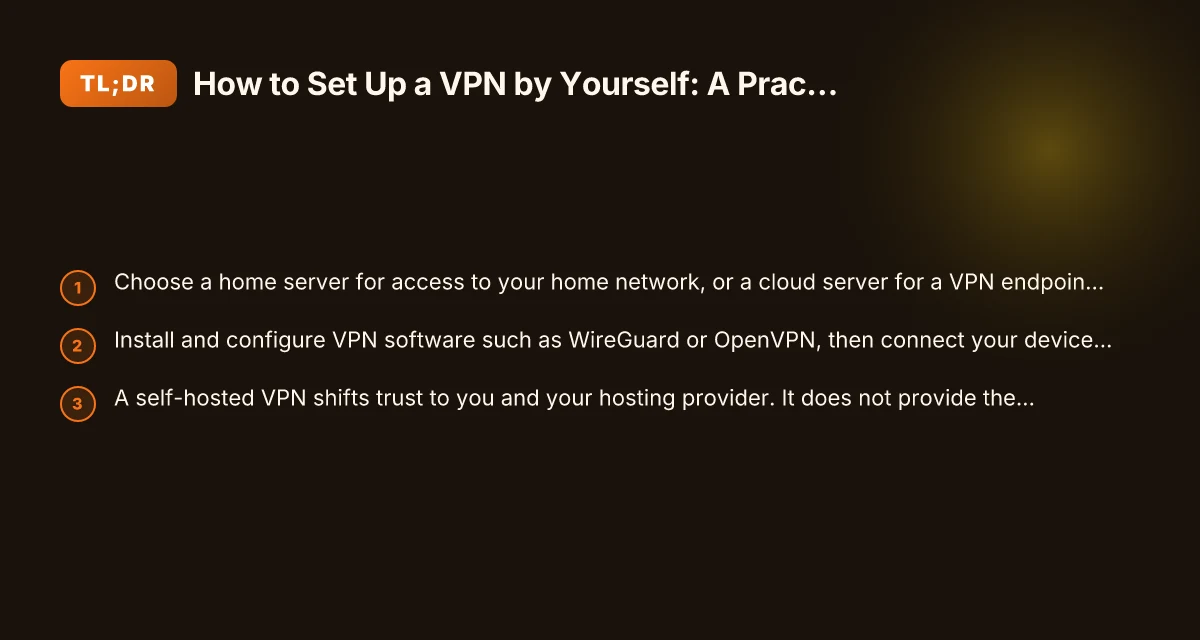
To set up a VPN by yourself, choose a device to act as the server, install VPN software, configure secure access, and connect your phone or computer with a client profile. You can run the server on a home computer, a Raspberry Pi, a compatible router, or a cloud server. The best choice depends on whether you want to reach your home network remotely or route your internet traffic through a different location.

Editor's pick: NordVPN — fast, secure VPN — Strong encryption, a no-logs policy and apps for every device. 30-day money-back guarantee. Get NordVPN →
Compare the main ways to host a VPN server
| Hosting option | Setup effort | Ongoing cost | Control | Best suited for |
|---|---|---|---|---|
| Home router with VPN support | Low to moderate | Usually no extra hosting fee | Uses your home network | Accessing home devices while away |
| Spare computer at home | Moderate | Electricity and internet costs | High | Tinkering and home-network access |
| Raspberry Pi at home | Moderate | Hardware and electricity costs | High | A compact, low-power home server |
| Cloud virtual private server | Moderate | Monthly hosting fee | High | A server reachable outside your home |
| Hosted VPN service | Low | Subscription fee | Limited | Simple access without server maintenance |
| Work or school VPN | Low for users | Usually covered by organization | Organization-managed | Accessing approved internal resources |
Compiled November 2026; check the provider's site for current details.
| VPN | Obfuscation | From / month | Plan | Free plan | Refund | Alipay | UnionPay | Crypto | Website opens in China | Trustpilot | |
|---|---|---|---|---|---|---|---|---|---|---|---|
 ZoogVPN | Turn on manually Shadow | $2.49/mo | 27 months: $59.99 | Yes | 7 days | ✓ | ✓ | ✓ | ✓ | Official site blocked; our special link opens (4.4 s) | 4.2/5 (195 reviews) |
 NordVPN | Turn on manually Obfuscated Servers / NordWhisper | $3.49/mo | 27 months: $94.23 | No | 30 days | ? | ✗ | ✓ | ✓ | ✗ Blocked | 4.2/5 (51,628 reviews) |
 ExpressVPN | ✓ On by default all servers | $3.00/mo | 28 months: $84 | No | 30 days | ✗ | ✗ | ✓ | ✗ | ✗ Blocked | 4.4/5 (29,706 reviews) |
 Surfshark | ✓ On by default Camouflage, with OpenVPN | See site | See site | No | 30 days | ✗ | ✗ | ✗ | ✓ | ✗ Blocked | 4.3/5 (31,823 reviews) |
 Proton VPN | Turn on manually Stealth, free plan too | $2.99/mo | 12 months: $35.88 | Yes | 30 days | ✗ | ✗ | ✗ | ✓ | ✗ Blocked | 2.1/5 (1,040 reviews) |
 Astrill VPN | Turn on manually StealthVPN / OpenWeb | $12.50/mo | 24 months: $300 | No | See site | ✗ | ✗ | ✗ | ✓ | ✗ Blocked | 1.3/5 (110 reviews) |
 Private Internet Access | Turn on manually Shadowsocks, OpenVPN only | $2.03/mo | 40 months: $81.2 | No | 30 days | ✗ | ✗ | ✗ | ✗ | ✗ Blocked | 4.2/5 (11,033 reviews) |
 CyberGhost | Turn on manually selected servers | $2.19/mo | 28 months: $61.32 | No | 45 days | ✗ | ✗ | ✗ | ✓ | ✗ Blocked | 4.0/5 (24,178 reviews) |
 PureVPN | Turn on manually switch to OpenVPN | $1.69/mo | 60 months: $101.55 | No | 31 days | ? | ? | ✗ | ✓ | ✗ Blocked | 4.4/5 (17,994 reviews) |
 AdGuard VPN | ✓ On by default TrustTunnel | $2.99/mo | 24 months: $71.76 | Yes | 30 days | ✓ | ✗ | ✓ | ✓ | Official site blocked; our special link opens (3.7 s) | 4.3/5 (290 reviews) |
 Mullvad | Turn on manually QUIC / Shadowsocks / LWO | $5.61/mo | €5/mo | No | 14 days | ✗ | ✗ | ✗ | ✓ | ✗ Blocked | 3.2/5 (192 reviews) |
 Windscribe | Turn on manually Stealth / WStunnel | $5.75/mo | 12 months: $69 | Yes | See site | ✗ | ✗ | ✗ | ✓ | ✗ Blocked | 4.7/5 (13,355 reviews) |
 StrongVPN | Turn on manually Scramble, OpenVPN TCP | See site | See site | No | 30 days | ✓ | ✗ | ✗ | ✗ | ✗ Blocked | 4.4/5 (2,695 reviews) |
 LightXtreme 闪连 | Not listed | $7.08/mo | 12 months: $84.99 | Yes | 30 days | ✓ | ✓ | ✓ | ✓ | ✓ Yes (3.5 s) | No page |
Prices checked 2026-11-10 on each vendor's pricing page (cheapest long plan, USD). Check the vendor's checkout for the final price.
Obfuscation checked 2026-11-14 on each vendor's site and help center: "on by default" = nothing to set; "turn on manually" = switch protocol or mode in settings; "not listed" = the vendor describes no obfuscation.
Payment methods checked 2026-11-10 on each vendor's payment pages: all 14 take cards and PayPal; ✗ = not listed, ? = the vendor's own pages disagree.
China access: whether the official website opens from mainland China networks (tests the website only, not the VPN connection). Last checked 2026-11-18 01:02 Beijing time.
Trustpilot score and review count checked 2026-11-10.
Decide what you want your VPN to do
A personal VPN creates an encrypted connection between your device and a server you control or rent. Once connected, your device can securely access resources on that server’s network. However, a VPN does not make you anonymous: websites can still identify you in other ways, and your VPN provider or server host may have access to connection information.
There are two common reasons to build one:
- Remote access to your home network: Connect while away to reach files, computers, or other devices at home.
- An alternative internet exit point: Route traffic through your own server, such as a cloud machine or your home internet connection.
A home server is useful for remote access, but it usually routes your traffic through your home internet connection. A cloud server gives you an endpoint in the cloud, but your hosting provider becomes part of the trust picture.
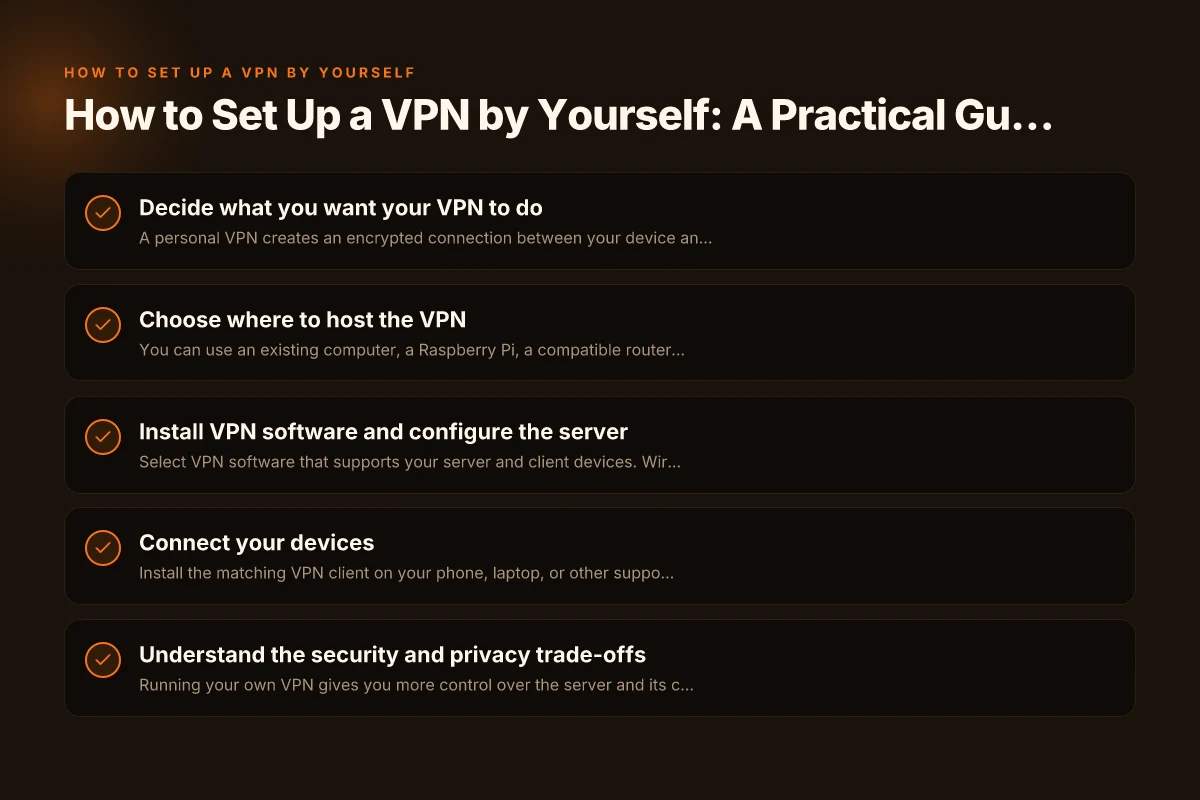
Choose where to host the VPN
You can use an existing computer, a Raspberry Pi, a compatible router, or a cloud server. The server needs a reliable internet connection, and you should be prepared to maintain it and keep its software updated. NordVPN Instead of a Standalone Antivirus: What Do You Lose? Reddit’s Main Takeaways
| Option | Best for | Main consideration |
|---|---|---|
| Home server or Raspberry Pi | Accessing your home network while away | Requires a device that stays on and may require router configuration |
| VPN-capable router | Connecting multiple home devices | Setup and features vary by router |
| Cloud server | Using a server outside your home as the VPN endpoint | You must secure the server and consider the host’s policies |
If you choose a home server, check whether your router and internet connection allow incoming connections. You may need to configure port forwarding, and a changing home IP address can make it harder to reconnect unless you arrange a stable way to find your network.
A cloud server avoids some home-router complications, but you are responsible for securing the machine and monitoring it for updates. Cloud providers may also have their own network, logging, and acceptable-use policies.
Choose a VPN protocol for a self-hosted server
| Protocol | Device support | Setup complexity | Performance | Considerations |
|---|---|---|---|---|
| WireGuard | Supported on major platforms | Low to moderate | Typically fast | Requires key management |
| OpenVPN | Broad support | Moderate | Reliable; may be slower | Many configuration options |
| IKEv2/IPsec | Supported on many devices | Moderate | Good for mobile connections | Configuration can be platform-dependent |
| L2TP/IPsec | Available on some devices | Moderate | Adequate for basic use | Older option; avoid when stronger choices are available |
| PPTP | Legacy support | Low | Often fast | Insecure; not recommended |
| Router-provided VPN | Depends on router | Often simple | Varies by router | Protocol and features vary by model |
Compiled November 2026; check the provider's site for current details. NordVPN Instead of a Standalone Antivirus: What Do You Lose?
Install VPN software and configure the server
Select VPN software that supports your server and client devices. WireGuard and OpenVPN are widely used options. Follow the project’s current installation instructions for your operating system or hosting platform. Commands and configuration steps vary by system, so avoid copying instructions meant for a different setup.
At a high level, the process is:
- Prepare the server and install available system updates.
- Install the VPN server software using its official documentation.
- Generate server credentials and a separate client profile for each device.
- Configure the server’s network settings, including which traffic and devices may pass through it.
- Set the required firewall rules and, for a home setup, router port forwarding if needed.
- Start the VPN service and test the connection from a device outside the server’s local network.
Use unique credentials for clients, protect private keys, and disable access for a device if its profile is lost or no longer needed. Don’t expose services or ports you don’t need. If you are unfamiliar with firewalls, routing, or key management, read the software’s security guidance before making the server publicly reachable.
Connect your devices
Install the matching VPN client on your phone, laptop, or other supported device. Import its client profile or scan the setup QR code if the software provides one. Then connect and check that you can reach the resources you intended to access. Urban VPN Browser Extension: How It Works and Whether It’s Right for You
Test from a different network, such as mobile data, rather than only from home Wi-Fi. Confirm that:
- The VPN reports a successful connection.
- You can reach the home or cloud resources you need.
- Internet browsing works as expected if you configured full-tunnel routing.
- Traffic behaves as intended when the VPN disconnects.
A split-tunnel setup sends only selected traffic through the VPN. A full-tunnel setup routes broader internet traffic through it. Choose deliberately, and check the software documentation to understand the consequences. If a connection fails, review the server status, firewall rules, router settings, client profile, and network address configuration.
Check the trade-offs before choosing a self-hosted VPN
| Decision factor | Home-hosted server | Cloud-hosted server | Hosted VPN service |
|---|---|---|---|
| Who controls the server | You | You, through the provider’s infrastructure | VPN company |
| Access to home devices | Supported | Usually not directly | Usually not supported |
| Public internet address | Depends on home connection | Typically available | Provider-managed |
| Maintenance responsibility | Yours | Yours | Mostly provider’s |
| Hosting cost | Usually no separate server fee | Monthly fee | Subscription fee |
| Privacy from hosting provider | Your ISP can see the connection | Cloud provider may have relevant metadata | VPN provider may have relevant metadata |
| Availability | Depends on home power and internet | Depends on cloud provider | Depends on VPN provider |
| Best fit | Remote access to your home network | A server you administer remotely | Convenient VPN access without server setup |
Compiled November 2026; check the provider's site for current details. NordVPN India Price: Plans, Costs and How to Choose
Understand the security and privacy trade-offs
Running your own VPN gives you more control over the server and its configuration, but it also makes you responsible for maintenance. Keep the operating system and VPN software updated, use strong authentication, review access regularly, and back up configuration information securely. A neglected or misconfigured server can create risks rather than reduce them.
A self-hosted VPN also does not automatically hide your activity from everyone. If it runs at home, your internet provider can still see that your connection communicates with the VPN server, while websites may see your home connection’s public IP address. If it runs in the cloud, the host may have access to information about the server and its network activity. A VPN encrypts traffic between your device and the VPN endpoint, but it does not replace HTTPS, device security, or careful account practices.
Recommendation
For secure access to files and devices at home, use a home server or compatible router and follow the VPN software’s official setup guide. Choose a cloud server if you specifically need a remote VPN endpoint and are comfortable maintaining a publicly reachable machine. In either case, start with a small setup, use separate client profiles, test it from outside your network, and keep the server updated.