NordVPN Instead of a Standalone Antivirus: What Do You Lose? Reddit’s Main Takeaways
NordVPN can add useful web protection, but it does not replace every feature of a standalone antivirus.
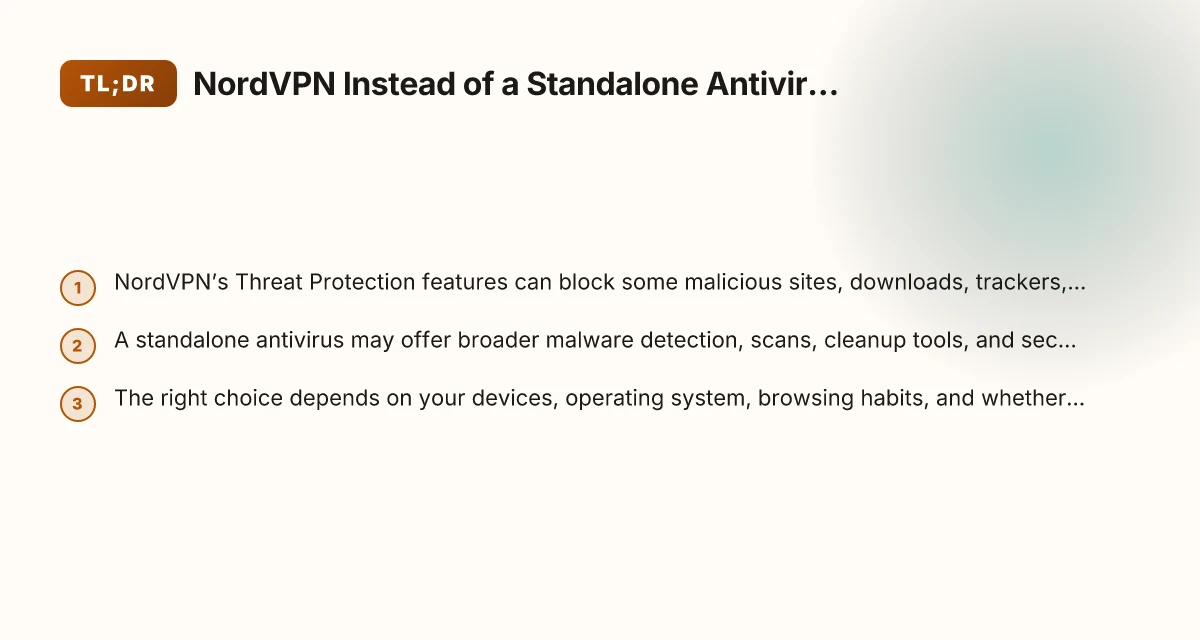
If you’re considering NordVPN instead of a standalone antivirus, the main thing you lose is dedicated, comprehensive malware defense. NordVPN can help reduce online risks with features such as Threat Protection, but a VPN’s primary job is to encrypt your connection and route it through a VPN server, not to replace every antivirus function. Reddit discussions often make this distinction: privacy and safer browsing are valuable, but they are not the same as full device protection.

Editor's pick: NordVPN — fast, secure VPN — Strong encryption, a no-logs policy and apps for every device. 30-day money-back guarantee. Get NordVPN →
What NordVPN and a standalone antivirus protect against
| Protection area | NordVPN | Standalone antivirus |
|---|---|---|
| Encrypts internet traffic | Yes, with VPN connection | Usually no |
| Hides your IP address | Yes, with VPN connection | Usually no |
| Detects malware on your device | Not its main role | Yes |
| Scans files and apps | Not its main role | Usually yes |
| Blocks some malicious websites | May offer threat protection features | Often supported |
| Removes or quarantines malware | Not a substitute for antivirus | Often supported |
| Helps on untrusted Wi-Fi | Yes, by encrypting traffic | Limited or no |
| Replaces the other product | No | No |
Compiled November 2026; check the provider's site for current details.
| VPN | Obfuscation | From / month | Plan | Free plan | Refund | Alipay | UnionPay | Crypto | Website opens in China | Trustpilot | |
|---|---|---|---|---|---|---|---|---|---|---|---|
 NordVPN | Turn on manually Obfuscated Servers / NordWhisper | $3.49/mo | 27 months: $94.23 | No | 30 days | ? | ✗ | ✓ | ✓ | ✗ Blocked | 4.2/5 (51,628 reviews) |
 ZoogVPN | Turn on manually Shadow | $2.49/mo | 27 months: $59.99 | Yes | 7 days | ✓ | ✓ | ✓ | ✓ | Official site blocked; our special link opens (4.4 s) | 4.2/5 (195 reviews) |
 ExpressVPN | ✓ On by default all servers | $3.00/mo | 28 months: $84 | No | 30 days | ✗ | ✗ | ✓ | ✗ | ✗ Blocked | 4.4/5 (29,706 reviews) |
 Surfshark | ✓ On by default Camouflage, with OpenVPN | See site | See site | No | 30 days | ✗ | ✗ | ✗ | ✓ | ✗ Blocked | 4.3/5 (31,823 reviews) |
 Proton VPN | Turn on manually Stealth, free plan too | $2.99/mo | 12 months: $35.88 | Yes | 30 days | ✗ | ✗ | ✗ | ✓ | ✗ Blocked | 2.1/5 (1,040 reviews) |
 Astrill VPN | Turn on manually StealthVPN / OpenWeb | $12.50/mo | 24 months: $300 | No | See site | ✗ | ✗ | ✗ | ✓ | ✗ Blocked | 1.3/5 (110 reviews) |
 Private Internet Access | Turn on manually Shadowsocks, OpenVPN only | $2.03/mo | 40 months: $81.2 | No | 30 days | ✗ | ✗ | ✗ | ✗ | ✗ Blocked | 4.2/5 (11,033 reviews) |
 CyberGhost | Turn on manually selected servers | $2.19/mo | 28 months: $61.32 | No | 45 days | ✗ | ✗ | ✗ | ✓ | ✗ Blocked | 4.0/5 (24,178 reviews) |
 PureVPN | Turn on manually switch to OpenVPN | $1.69/mo | 60 months: $101.55 | No | 31 days | ? | ? | ✗ | ✓ | ✗ Blocked | 4.4/5 (17,994 reviews) |
 AdGuard VPN | ✓ On by default TrustTunnel | $2.99/mo | 24 months: $71.76 | Yes | 30 days | ✓ | ✗ | ✓ | ✓ | Official site blocked; our special link opens (3.7 s) | 4.3/5 (290 reviews) |
 Mullvad | Turn on manually QUIC / Shadowsocks / LWO | $5.61/mo | €5/mo | No | 14 days | ✗ | ✗ | ✗ | ✓ | ✗ Blocked | 3.2/5 (192 reviews) |
 Windscribe | Turn on manually Stealth / WStunnel | $5.75/mo | 12 months: $69 | Yes | See site | ✗ | ✗ | ✗ | ✓ | ✗ Blocked | 4.7/5 (13,355 reviews) |
 StrongVPN | Turn on manually Scramble, OpenVPN TCP | See site | See site | No | 30 days | ✓ | ✗ | ✗ | ✗ | ✗ Blocked | 4.4/5 (2,695 reviews) |
 LightXtreme 闪连 | Not listed | $7.08/mo | 12 months: $84.99 | Yes | 30 days | ✓ | ✓ | ✓ | ✓ | ✓ Yes (3.5 s) | No page |
Prices checked 2026-11-10 on each vendor's pricing page (cheapest long plan, USD). Check the vendor's checkout for the final price.
Obfuscation checked 2026-11-14 on each vendor's site and help center: "on by default" = nothing to set; "turn on manually" = switch protocol or mode in settings; "not listed" = the vendor describes no obfuscation.
Payment methods checked 2026-11-10 on each vendor's payment pages: all 14 take cards and PayPal; ✗ = not listed, ? = the vendor's own pages disagree.
China access: whether the official website opens from mainland China networks (tests the website only, not the VPN connection). Last checked 2026-11-18 01:02 Beijing time.
Trustpilot score and review count checked 2026-11-10.
NordVPN and antivirus software do different jobs
A VPN helps protect network traffic, especially when you’re using public Wi-Fi. It can also hide your IP address from websites and your internet provider, although it does not make you anonymous or stop every form of tracking.
Antivirus software focuses on threats that reach or run on your device. Depending on the product, it may scan files and applications, detect suspicious behavior, quarantine malware, and help remove infections.
NordVPN offers security features beyond its core VPN service. Threat Protection features may block known malicious websites, ads, trackers, and certain dangerous downloads. What’s included and how it works can vary by NordVPN plan, platform, and settings. Those protections are useful, but they do not automatically provide the same coverage as a dedicated antivirus suite.
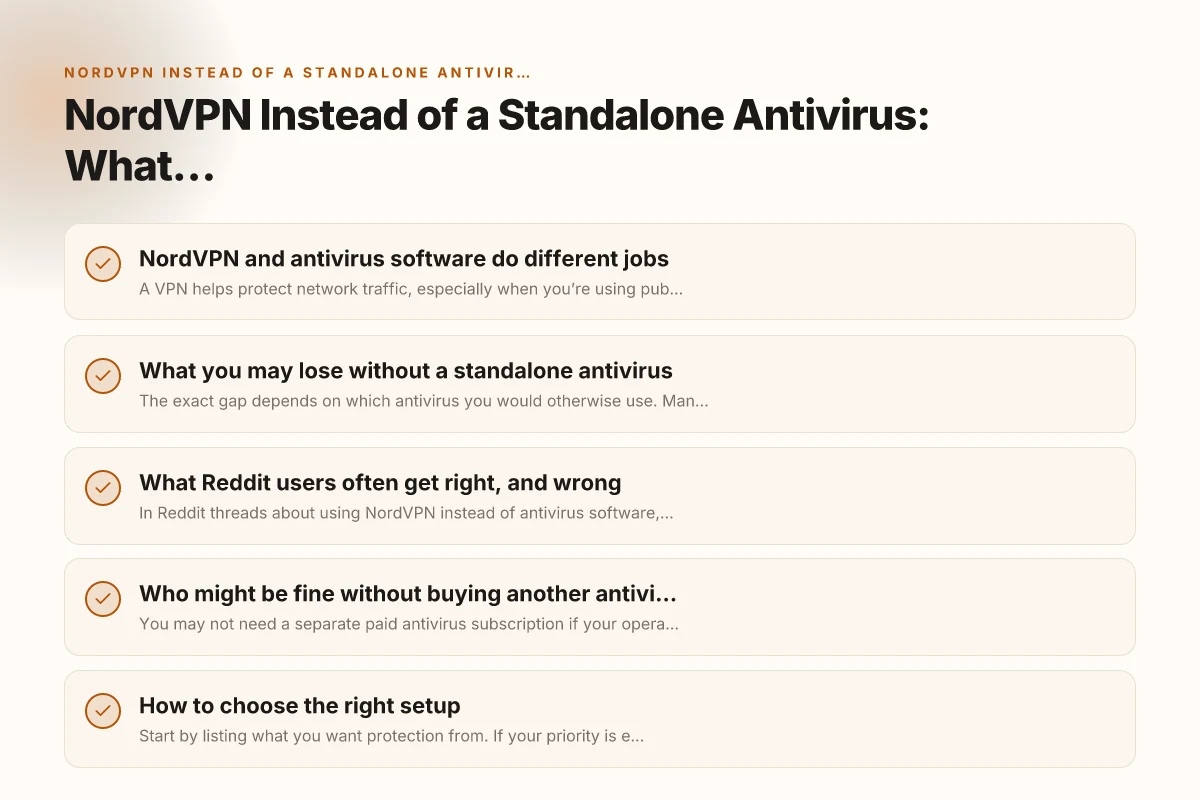
What you may lose without a standalone antivirus
The exact gap depends on which antivirus you would otherwise use. Many paid products bundle additional tools, so removing one can mean losing more than malware scanning. NordVPN Instead of a Standalone Antivirus: What Do You Lose?
| Protection or feature | NordVPN | Standalone antivirus |
|---|---|---|
| Encrypted VPN connection | Core feature | Usually not included, or sold separately |
| Blocking some malicious sites and downloads | Available through Threat Protection features; coverage varies | Common feature, often combined with other web defenses |
| On-device malware scanning | Not a full substitute for antivirus scanning | Typically a central feature |
| Quarantine and malware removal | Limited compared with a dedicated antivirus | Often included |
| Real-time monitoring of files and behavior | Not equivalent to full antivirus monitoring | Common, though capabilities vary |
| Extra tools such as firewall or identity alerts | Depends on plan and platform | May be included in higher-tier suites |
Without a standalone antivirus, you may have less protection against:
- Malware already on your device, or files that arrive through sources not covered by web blocking.
- Suspicious programs that behave maliciously after you install or open them.
- Ransomware, spyware, and other threats that need on-device monitoring or remediation.
- Infections that require a scan, quarantine, or cleanup rather than a blocked connection.
These are not guaranteed gaps on every device. Windows, macOS, Android, and iOS have different built-in protections and restrictions. Check what your operating system already provides before deciding that you have no antivirus coverage.
What you may lose without a standalone antivirus
| Capability | Without standalone antivirus | Possible alternative |
|---|---|---|
| On-demand malware scans | May be missing | Built-in device security |
| Real-time file checks | Depends on built-in protection | Enable the operating system’s protection |
| Malware quarantine and removal | May be limited | Built-in security tools |
| Ransomware safeguards | Depends on the device and settings | Review built-in ransomware features |
| Suspicious app detection | May be less comprehensive | Use trusted app stores and built-in checks |
| Web threat blocking | Depends on VPN features and browser | Browser protections or built-in security |
| Centralized security controls | May be missing | Built-in family or device management tools |
Compiled November 2026; check the provider's site for current details. Urban VPN Browser Extension: How It Works and Whether It’s Right for You
What Reddit users often get right, and wrong
In Reddit threads about using NordVPN instead of antivirus software, a sensible recurring point is that a VPN and antivirus are not interchangeable. That is the key takeaway, even when commenters disagree about whether most people need to pay for a separate antivirus.
Some users prefer built-in security tools and careful habits over a third-party suite. Others value paid antivirus features such as real-time scanning, ransomware protection, or support. Both positions can make sense, depending on the person’s devices and needs.
A few common claims need qualification:
- “A VPN protects you from viruses.” Not by itself. A VPN does not generally inspect and clean every file on your device.
- “NordVPN does nothing for security.” Also inaccurate. Its web-protection features can reduce exposure to some risky sites, downloads, ads, and trackers.
- “Everyone needs a paid antivirus.” Not necessarily. Some people may be adequately covered by their operating system’s built-in protections, kept up to date and used alongside careful habits.
- “No antivirus is needed if you avoid sketchy websites.” Safer browsing helps, but it cannot eliminate every threat, including malicious attachments, compromised sites, or unsafe software.
Reddit comments are personal experiences, not a security audit of your particular setup. Check current product documentation for the exact features available with your plan and device. NordVPN India Price: Plans, Costs and How to Choose
Who might be fine without buying another antivirus?
You may not need a separate paid antivirus subscription if your operating system already provides suitable protection, your devices are updated, and you mainly need NordVPN for privacy or safer connections on public Wi-Fi.
That does not mean you should turn off built-in security. Keep operating-system and browser updates enabled, leave core security settings on, and download software from trusted sources. Be cautious with email attachments, unexpected links, and apps requesting permissions they do not need. Back up important files so a malware incident or device failure is less costly.
A dedicated antivirus is more worth considering if you:
- Use Windows and want an additional security layer or specific paid features.
- Share a computer with less experienced users, children, or frequent guests.
- Regularly download files or install software from sources you cannot fully verify.
- Need centralized protection for several devices, parental controls, or security support.
- Want a product with scanning, quarantine, and cleanup tools beyond web blocking.
Avoid running multiple real-time antivirus products at once unless their vendors specifically recommend that setup. Overlapping security tools can conflict or slow a device. NordVPN’s VPN service and an antivirus can generally serve different roles, but review each product’s compatibility guidance. NordVPN Free Accounts: What You Can Get and Safer Alternatives
How to choose the right setup
Start by listing what you want protection from. If your priority is encrypting traffic on public Wi-Fi and changing your apparent IP address, a VPN addresses that need. If you want to detect and remove suspicious software on your device, look at antivirus features. If you want both, use compatible tools for their respective jobs.
Before paying for another subscription, check:
- What security protection is already built into your operating system.
- Which NordVPN Threat Protection features are included in your plan and supported on your device.
- Whether your current antivirus subscription already includes a VPN or web protection.
- Whether a paid antivirus feature solves a real need, rather than simply duplicating existing tools.
Choosing a setup that fits your needs
| User situation | VPN | Built-in device security | Standalone antivirus |
|---|---|---|---|
| Wants safer browsing on public Wi-Fi | Useful | Keep enabled | Optional |
| Needs malware scanning and removal | Not enough alone | Check available features | Consider |
| Uses a supported device with protection enabled | Optional for privacy | Often a reasonable baseline | May be optional |
| Downloads files from unfamiliar sources | Helpful for connection privacy, not file safety | Keep enabled | Consider |
| Wants protection across several devices | Check plan and device support | Varies by device | Compare coverage |
| Mainly wants to hide their IP address | Useful | Does not provide this | Does not provide this |
| Already pays for security software | Add VPN only if needed | Keep enabled as appropriate | Avoid overlapping subscriptions |
| Unsure what is included | Check product features | Review device settings | Compare features before buying |
Compiled November 2026; check the provider's site for current details. Clash for iPhone: What It Is and How to Install It
Recommendation
Use NordVPN for its VPN and web-protection benefits, not as a guaranteed replacement for standalone antivirus. If your device has reliable built-in security and you keep it updated, you may not need to buy another antivirus. If you want deeper malware scanning, real-time monitoring, quarantine, or cleanup, choose a reputable antivirus that provides those features, and keep NordVPN for the separate privacy and connection protection it offers.