NordVPN Instead of a Standalone Antivirus: What Do You Lose?
Learn what NordVPN’s protection can do, what a standalone antivirus adds, and which setup fits your devices.
If you use NordVPN instead of a standalone antivirus, you may lose broader protection against malware already on your device, along with scheduled scans, quarantine tools, and other security features. NordVPN can add useful defenses against certain malicious websites, downloads, and trackers, but a VPN’s core job is to encrypt your internet connection and route it through a VPN server. It does not automatically provide every capability found in dedicated antivirus software. The exact features depend on your NordVPN plan, settings, platform, and the product version available to you.

Editor's pick: NordVPN — fast, secure VPN — Strong encryption, a no-logs policy and apps for every device. 30-day money-back guarantee. Get NordVPN →
Compare NordVPN and standalone antivirus by the protection they provide
| Protection area | NordVPN | Standalone antivirus |
|---|---|---|
| Primary role | VPN and online privacy tools | Malware detection and removal |
| Encrypts internet traffic | Yes, with VPN enabled | Usually no |
| Hides your IP address | Yes, with VPN enabled | Usually no |
| Detects malware on your device | Depends on NordVPN plan and features | Core function |
| Scans files and apps | Depends on NordVPN plan and features | Commonly supported |
| Blocks malicious websites | May offer threat-protection features | Commonly supported |
| Removes detected malware | Depends on available features | Commonly supported |
| Protects against unsafe public Wi-Fi | Yes, by encrypting VPN traffic | Not its primary role |
Compiled November 2026; check the provider's site for current details.
| VPN | Obfuscation | From / month | Plan | Free plan | Refund | Alipay | UnionPay | Crypto | Website opens in China | Trustpilot | |
|---|---|---|---|---|---|---|---|---|---|---|---|
 NordVPN | Turn on manually Obfuscated Servers / NordWhisper | $3.49/mo | 27 months: $94.23 | No | 30 days | ? | ✗ | ✓ | ✓ | ✗ Blocked | 4.2/5 (51,628 reviews) |
 ZoogVPN | Turn on manually Shadow | $2.49/mo | 27 months: $59.99 | Yes | 7 days | ✓ | ✓ | ✓ | ✓ | Official site blocked; our special link opens (4.4 s) | 4.2/5 (195 reviews) |
 ExpressVPN | ✓ On by default all servers | $3.00/mo | 28 months: $84 | No | 30 days | ✗ | ✗ | ✓ | ✗ | ✗ Blocked | 4.4/5 (29,706 reviews) |
 Surfshark | ✓ On by default Camouflage, with OpenVPN | See site | See site | No | 30 days | ✗ | ✗ | ✗ | ✓ | ✗ Blocked | 4.3/5 (31,823 reviews) |
 Proton VPN | Turn on manually Stealth, free plan too | $2.99/mo | 12 months: $35.88 | Yes | 30 days | ✗ | ✗ | ✗ | ✓ | ✗ Blocked | 2.1/5 (1,040 reviews) |
 Astrill VPN | Turn on manually StealthVPN / OpenWeb | $12.50/mo | 24 months: $300 | No | See site | ✗ | ✗ | ✗ | ✓ | ✗ Blocked | 1.3/5 (110 reviews) |
 Private Internet Access | Turn on manually Shadowsocks, OpenVPN only | $2.03/mo | 40 months: $81.2 | No | 30 days | ✗ | ✗ | ✗ | ✗ | ✗ Blocked | 4.2/5 (11,033 reviews) |
 CyberGhost | Turn on manually selected servers | $2.19/mo | 28 months: $61.32 | No | 45 days | ✗ | ✗ | ✗ | ✓ | ✗ Blocked | 4.0/5 (24,178 reviews) |
 PureVPN | Turn on manually switch to OpenVPN | $1.69/mo | 60 months: $101.55 | No | 31 days | ? | ? | ✗ | ✓ | ✗ Blocked | 4.4/5 (17,994 reviews) |
 AdGuard VPN | ✓ On by default TrustTunnel | $2.99/mo | 24 months: $71.76 | Yes | 30 days | ✓ | ✗ | ✓ | ✓ | Official site blocked; our special link opens (3.7 s) | 4.3/5 (290 reviews) |
 Mullvad | Turn on manually QUIC / Shadowsocks / LWO | $5.61/mo | €5/mo | No | 14 days | ✗ | ✗ | ✗ | ✓ | ✗ Blocked | 3.2/5 (192 reviews) |
 Windscribe | Turn on manually Stealth / WStunnel | $5.75/mo | 12 months: $69 | Yes | See site | ✗ | ✗ | ✗ | ✓ | ✗ Blocked | 4.7/5 (13,355 reviews) |
 StrongVPN | Turn on manually Scramble, OpenVPN TCP | See site | See site | No | 30 days | ✓ | ✗ | ✗ | ✗ | ✗ Blocked | 4.4/5 (2,695 reviews) |
 LightXtreme 闪连 | Not listed | $7.08/mo | 12 months: $84.99 | Yes | 30 days | ✓ | ✓ | ✓ | ✓ | ✓ Yes (3.5 s) | No page |
Prices checked 2026-11-10 on each vendor's pricing page (cheapest long plan, USD). Check the vendor's checkout for the final price.
Obfuscation checked 2026-11-14 on each vendor's site and help center: "on by default" = nothing to set; "turn on manually" = switch protocol or mode in settings; "not listed" = the vendor describes no obfuscation.
Payment methods checked 2026-11-10 on each vendor's payment pages: all 14 take cards and PayPal; ✗ = not listed, ? = the vendor's own pages disagree.
China access: whether the official website opens from mainland China networks (tests the website only, not the VPN connection). Last checked 2026-11-18 01:02 Beijing time.
Trustpilot score and review count checked 2026-11-10.
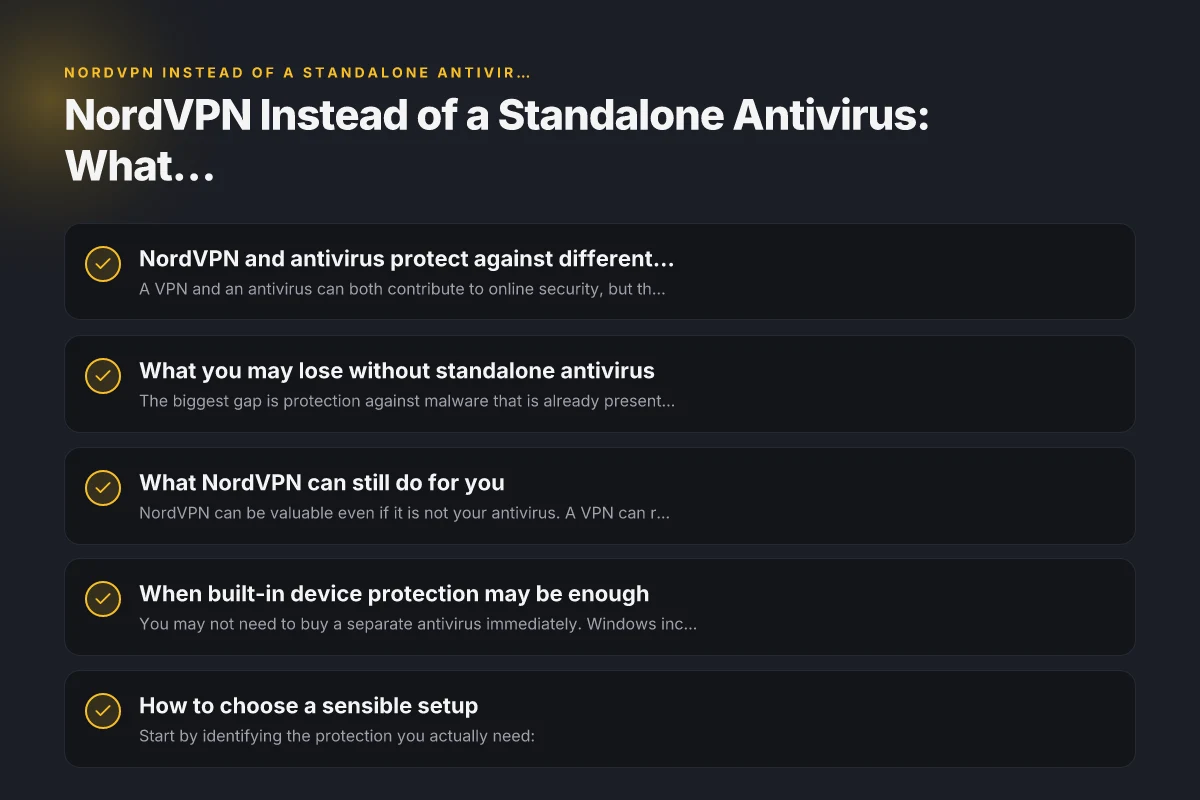
NordVPN and antivirus protect against different threats
A VPN and an antivirus can both contribute to online security, but they work in different ways. NordVPN encrypts traffic between your device and its VPN server, which can help protect data on public Wi-Fi and hide your IP address from sites and networks you connect through. It does not make you anonymous or prevent every form of tracking.
NordVPN also offers Threat Protection features. Depending on the version and platform, these may block known malicious websites, stop some unwanted ads and trackers, or inspect and block certain suspicious downloads. These features are helpful, but their coverage and operation can differ from a full antivirus product.
A standalone antivirus is designed to detect, block, and help remove malicious software on a device. Many products scan files and applications, monitor activity, quarantine suspected threats, and let you run manual or scheduled scans.
In short, NordVPN mainly protects your connection and offers selected web threat defenses. Antivirus software focuses more directly on threats that reach or reside on your device. Urban VPN Browser Extension: How It Works and Whether It’s Right for You
What you may lose without standalone antivirus
The biggest gap is protection against malware that is already present or arrives outside the situations covered by NordVPN’s features. For example, a malicious file might reach your computer through a USB drive, local network, email attachment, or software installation. A dedicated antivirus may scan the file and detect suspicious behavior, even when you are not browsing through a VPN.
Depending on the product, a standalone antivirus may also provide:
- Whole-device and custom folder scans
- Real-time monitoring of files and processes
- Quarantine and removal tools
- Scheduled scans and threat history
- Protection against some ransomware, spyware, and trojans
- Alerts about potentially unwanted applications
These capabilities are not identical across antivirus products, and no security tool catches every threat. Still, they are broader than simply encrypting internet traffic or blocking known dangerous web destinations.
You might also lose a single place to review security alerts and scan results. That can matter if you want to check whether a downloaded file is safe or investigate a device you suspect is infected. NordVPN’s available protections should not be assumed to offer the same scanning and cleanup workflow. NordVPN India Price: Plans, Costs and How to Choose
What NordVPN can still do for you
NordVPN can be valuable even if it is not your antivirus. A VPN can reduce the risk of others on the same public Wi-Fi network intercepting unencrypted traffic, although modern websites commonly use HTTPS as well. It can also change the public IP address that websites see, but this does not prevent account tracking, browser fingerprinting, or malware infections.
Threat Protection may provide an additional layer while you browse. If enabled and supported on your device, it can help block certain malicious domains, ads, trackers, or downloads. Treat it as a useful filter, not a guarantee that a link or file is safe.
| Protection | NordVPN and Threat Protection | Standalone antivirus |
|---|---|---|
| Encrypts traffic through a VPN server | Yes, when the VPN is connected | Usually no |
| Changes the IP address websites see | Yes, when connected | Usually no |
| Blocks some harmful websites or downloads | May, depending on features and platform | Often, though coverage varies |
| Scans files and the device for malware | Not a substitute for full-device antivirus scanning | Commonly available |
| Quarantines or removes detected malware | Feature availability may be limited | Commonly available |
| Protects against threats from USB drives or local files | Not its primary role | Often included |
Check NordVPN’s current feature details for your operating system. Features can work differently across Windows, macOS, Android, and iOS, and some protections may require a particular plan or app version.
What protection could be missing without standalone antivirus? NordVPN Free Accounts: What You Can Get and Safer Alternatives
| Protection need | NordVPN alone | Built-in device protection | Standalone antivirus |
|---|---|---|---|
| Real-time malware monitoring | Plan-dependent | Often supported | Commonly supported |
| Scanning downloaded files | Feature-dependent | Often supported | Commonly supported |
| Malware removal | Feature-dependent | Often supported | Commonly supported |
| Protection from suspicious apps | Limited or feature-dependent | Often supported | Commonly supported |
| Web threat blocking | May be available | Often supported | Commonly supported |
| VPN traffic encryption | Supported with VPN enabled | Usually not included | Usually not included |
| IP address masking | Supported with VPN enabled | Usually not included | Usually not included |
Compiled November 2026; check the provider's site for current details.
When built-in device protection may be enough
You may not need to buy a separate antivirus immediately. Windows includes Microsoft Defender Antivirus, and Apple devices have built-in security protections. These tools can offer meaningful baseline defense, particularly when automatic updates are enabled and you download software only from trusted sources.
The right setup depends on how you use your devices. Consider a dedicated antivirus if you regularly download unfamiliar files, share devices with others, manage sensitive work, or want extra scanning and cleanup tools. It may also be useful if you have an older system, use removable drives often, or prefer a security product with centralized alerts.
Avoid stacking several real-time antivirus products without checking compatibility. Multiple security tools can conflict, consume system resources, or create confusing alerts. If you install a third-party antivirus, review how it interacts with your operating system’s built-in protection. Clash for iPhone: What It Is and How to Install It
How to choose a sensible setup
Start by identifying the protection you actually need:
- Keep your operating system, browser, and apps updated.
- Use a reputable antivirus or maintain your device’s built-in protection.
- Enable NordVPN’s available Threat Protection features if they suit your needs.
- Back up important files, since antivirus software cannot guarantee recovery from ransomware or hardware failure.
- Use unique passwords and multifactor authentication for important accounts.
- Be cautious with unexpected attachments, downloads, and login links.
A VPN is not a replacement for careful browsing, software updates, or device-level malware protection. Likewise, antivirus does not encrypt your connection or hide your IP address. These tools address different parts of online security, so one cannot automatically stand in for the other.
Choose a setup that matches your needs
| Situation | NordVPN | Built-in device protection | Standalone antivirus |
|---|---|---|---|
| You mainly want encrypted browsing | Useful | Not a substitute | Not a substitute |
| You need malware scanning | Not a substitute on its own | May be enough | Strong fit |
| Your device has active built-in protection | Adds VPN privacy | May cover basic needs | Optional, depending on needs |
| You download files from unfamiliar sources | Adds VPN privacy | Keep protection enabled | Consider for added scanning |
| You want broader malware controls | Adds complementary features | Check available tools | Strong fit |
| You use public Wi-Fi often | Useful with VPN enabled | Not a substitute | Not a substitute |
| You want fewer security apps | Can cover VPN needs | May cover basic device protection | Add only if needed |
Compiled November 2026; check the provider's site for current details. Free Location Changing VPN: How to Change Your Virtual Location Safely
Recommendation
Use NordVPN for VPN privacy and its available web threat protections, but do not treat it as a standalone antivirus replacement. Keep your operating system’s built-in antivirus active, or choose a reputable dedicated antivirus if you need broader scanning, quarantine, and malware-removal features.