Geo Blocked Hasn’t Worked With NordVPN? Fix It When Only One Application Is Affected

Troubleshoot one app that remains geo-blocked with NordVPN using targeted checks for location, cache, DNS, and app settings.
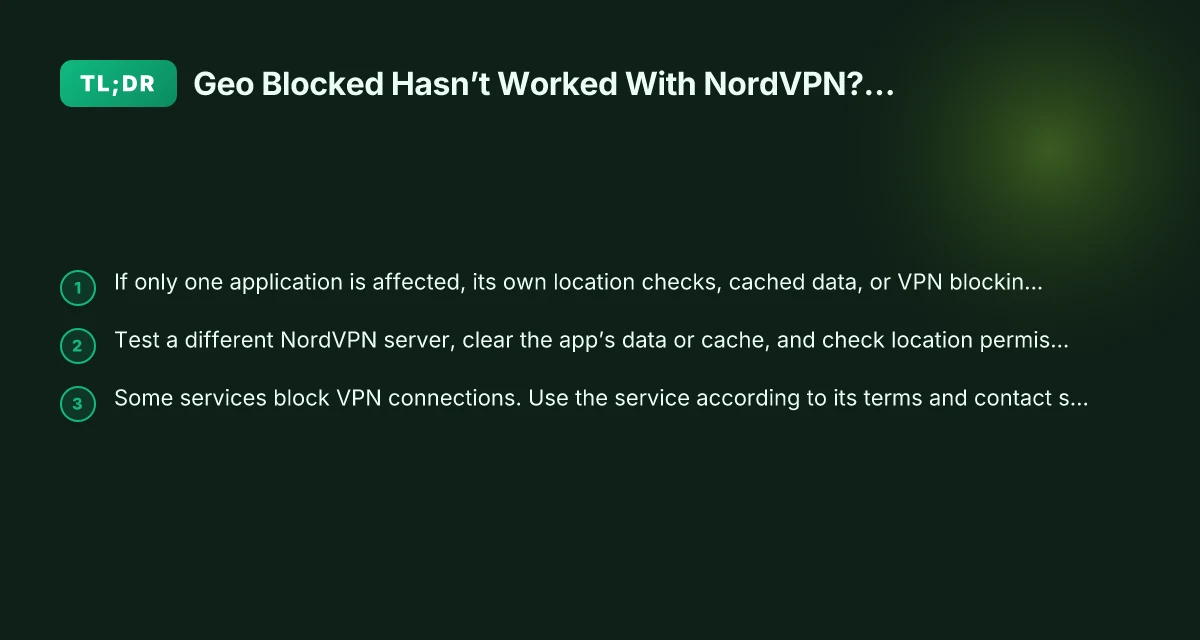
If geo-blocking hasn’t worked with NordVPN and only one application is affected, start by troubleshooting that app rather than changing every device setting. Disconnect and reconnect to a different NordVPN server in the country the service supports, then fully close and reopen the app. If the app still detects your usual location, clear its cache or reinstall it, and check whether it uses device location or account details in addition to your IP address.
Geo-blocking restricts access based on where a service believes you are connecting from. A VPN changes the apparent IP-based location, but an app may use other signals or refuse connections from known VPN addresses. That’s why a browser or other apps can work while one particular application remains unavailable.
| VPN | Obfuscation | From / month | Plan | Free plan | Refund | Alipay | UnionPay | Crypto | Website opens in China | Trustpilot | |
|---|---|---|---|---|---|---|---|---|---|---|---|
 NordVPN | Turn on manually Obfuscated Servers / NordWhisper | $3.49/mo | 27 months: $94.23 | No | 30 days | ? | ✗ | ✓ | ✓ | ✗ Blocked | 4.2/5 (51,628 reviews) |
 ZoogVPN | Turn on manually Shadow | $2.49/mo | 27 months: $59.99 | Yes | 7 days | ✓ | ✓ | ✓ | ✓ | Official site blocked; our special link opens (4.4 s) | 4.2/5 (195 reviews) |
 ExpressVPN | ✓ On by default all servers | $3.00/mo | 28 months: $84 | No | 30 days | ✗ | ✗ | ✓ | ✗ | ✗ Blocked | 4.4/5 (29,706 reviews) |
 Surfshark | ✓ On by default Camouflage, with OpenVPN | See site | See site | No | 30 days | ✗ | ✗ | ✗ | ✓ | ✗ Blocked | 4.3/5 (31,823 reviews) |
 Proton VPN | Turn on manually Stealth, free plan too | $2.99/mo | 12 months: $35.88 | Yes | 30 days | ✗ | ✗ | ✗ | ✓ | ✗ Blocked | 2.1/5 (1,040 reviews) |
 Astrill VPN | Turn on manually StealthVPN / OpenWeb | $12.50/mo | 24 months: $300 | No | See site | ✗ | ✗ | ✗ | ✓ | ✗ Blocked | 1.3/5 (110 reviews) |
 Private Internet Access | Turn on manually Shadowsocks, OpenVPN only | $2.03/mo | 40 months: $81.2 | No | 30 days | ✗ | ✗ | ✗ | ✗ | ✗ Blocked | 4.2/5 (11,033 reviews) |
 CyberGhost | Turn on manually selected servers | $2.19/mo | 28 months: $61.32 | No | 45 days | ✗ | ✗ | ✗ | ✓ | ✗ Blocked | 4.0/5 (24,178 reviews) |
 PureVPN | Turn on manually switch to OpenVPN | $1.69/mo | 60 months: $101.55 | No | 31 days | ? | ? | ✗ | ✓ | ✗ Blocked | 4.4/5 (17,994 reviews) |
 AdGuard VPN | ✓ On by default TrustTunnel | $2.99/mo | 24 months: $71.76 | Yes | 30 days | ✓ | ✗ | ✓ | ✓ | Official site blocked; our special link opens (3.7 s) | 4.3/5 (290 reviews) |
 Mullvad | Turn on manually QUIC / Shadowsocks / LWO | $5.61/mo | €5/mo | No | 14 days | ✗ | ✗ | ✗ | ✓ | ✗ Blocked | 3.2/5 (192 reviews) |
 Windscribe | Turn on manually Stealth / WStunnel | $5.75/mo | 12 months: $69 | Yes | See site | ✗ | ✗ | ✗ | ✓ | ✗ Blocked | 4.7/5 (13,355 reviews) |
 StrongVPN | Turn on manually Scramble, OpenVPN TCP | See site | See site | No | 30 days | ✓ | ✗ | ✗ | ✗ | ✗ Blocked | 4.4/5 (2,695 reviews) |
 LightXtreme 闪连 | Not listed | $7.08/mo | 12 months: $84.99 | Yes | 30 days | ✓ | ✓ | ✓ | ✓ | ✓ Yes (3.5 s) | No page |
Prices checked 2026-11-10 on each vendor's pricing page (cheapest long plan, USD). Check the vendor's checkout for the final price.
Obfuscation checked 2026-11-14 on each vendor's site and help center: "on by default" = nothing to set; "turn on manually" = switch protocol or mode in settings; "not listed" = the vendor describes no obfuscation.
Payment methods checked 2026-11-10 on each vendor's payment pages: all 14 take cards and PayPal; ✗ = not listed, ? = the vendor's own pages disagree.
China access: whether the official website opens from mainland China networks (tests the website only, not the VPN connection). Last checked 2026-11-18 01:02 Beijing time.
Trustpilot score and review count checked 2026-11-10.

Editor's pick: NordVPN — fast, secure VPN — Strong encryption, a no-logs policy and apps for every device. 30-day money-back guarantee. Get NordVPN →
Compare the affected app with other services to pinpoint the problem
| Check | Affected app | Other apps | Websites in browser | What it suggests |
|---|---|---|---|---|
| Works with VPN off | Check | Check | Check | Whether VPN use is the trigger |
| Works on another network | Check | Check | Check | Whether the network is involved |
| Works on another device | Check | Check | Check | Whether the device or app is involved |
| Same location selected | Confirm | Confirm | Confirm | Whether location differs |
| Same VPN server tested | Record | Record | Record | Whether the server may be involved |
| Error message appears | Note exact text | Note exact text | Note exact text | Whether the failure is app-specific |
Compiled November 2026; check the provider's site for current details.
First, confirm where the problem occurs
Check whether the same service works in a browser while connected to NordVPN. If it does, the problem is more likely to involve the app’s saved data, permissions, or connection settings. If both the app and the service’s website fail, the VPN server or the service’s VPN restrictions may be the cause.
Try these quick checks:
- Confirm NordVPN shows that you’re connected before opening the app.
- Select a different server in the country you’re trying to appear to connect from.
- Close the affected app completely, then reopen it.
- Test the service in a private or incognito browser window.
- Check whether the service is experiencing an outage or has changed its access rules.
A successful connection to NordVPN doesn’t guarantee that every app will accept the connection. The service may identify and block the VPN server’s IP address.
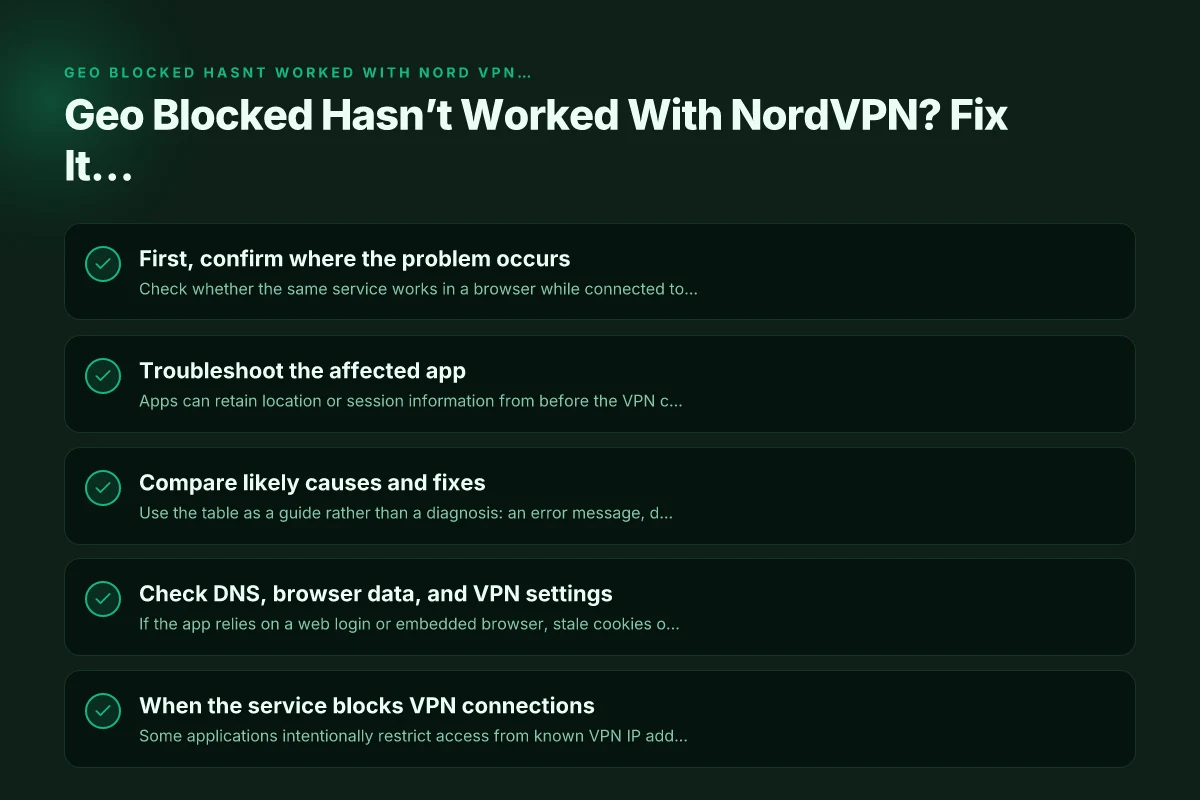
Troubleshoot the affected app
Apps can retain location or session information from before the VPN connection was established. Refreshing that information may help. What Antivirus Engine Does NordVPN Use? A Guide to Threat Protection
- Sign out of the app, close it, and sign back in after connecting to NordVPN.
- Clear the app’s cache if your device provides that option.
- Check that the app is up to date.
- If the problem continues, uninstall and reinstall the app.
- On a phone or tablet, review whether the app has permission to access device location.
Reinstalling is among the troubleshooting steps recommended in NordVPN’s guidance for apps that are not working. Before doing so, make sure you know your login details and understand whether the app stores any data locally.
Also consider account-level location checks. A service might use your billing country, account region, or previously saved location, not just your current IP address. If the app reports a specific location error, consult the service’s help page or support team for what that message means.
Compare troubleshooting options for an app-specific geo-blocking issue
| Option | When to try it | What to do | What to look for | If it does not help |
|---|---|---|---|---|
| Restart the app | App is stuck or showing stale content | Close and reopen it | Whether access changes | Try another check |
| Update the app | An update is available | Install the latest version | Whether the issue clears | Check app settings |
| Clear app cache | App may retain old location data | Clear cache in app or device settings | Whether content refreshes | Sign out and back in |
| Sign out and back in | Account or session may be stale | End the session, then sign in again | Whether access changes | Test the browser |
| Try another VPN server | Only one server has been tested | Connect to a different server in the desired location | Whether the app works there | Check DNS and VPN settings |
| Test with VPN off | You need to confirm VPN involvement | Disconnect briefly and retry | Whether the app works without VPN | Reconnect and investigate further |
Compiled November 2026; check the provider's site for current details. Why Can't We Watch Tube8 With a VPN?
Compare likely causes and fixes
| What you notice | Possible cause | What to try |
|---|---|---|
| The app works in a browser but not in the app | Cached session, app permissions, or app-specific network settings | Sign out and in, clear cache, review permissions, or reinstall |
| The app fails on one NordVPN server but works on another | The service may recognize or block that server’s IP | Connect to a different server in the appropriate country |
| The app fails on every VPN server but works when disconnected | The service may restrict VPN connections | Check the service’s terms and contact its support |
| Several apps or websites fail while connected | A broader VPN, DNS, or device configuration issue | Test another browser and review VPN and device settings |
Use the table as a guide rather than a diagnosis: an error message, device type, and whether the service works in a browser can help narrow down the cause.
Check DNS, browser data, and VPN settings
If the app relies on a web login or embedded browser, stale cookies or cached location information can cause problems. NordVPN recommends clearing browser cache and trying a private or incognito window when websites or apps fail. You can also test another browser to see whether the issue is limited to one browser’s stored data.
If the problem extends beyond a single app, review your device’s DNS and network configuration. DNS settings can affect how a device finds online services, even when a VPN connection appears active. Avoid changing settings you don’t understand. First try reconnecting to NordVPN and restarting the app or device.
Check whether other VPN or security software is running at the same time. Conflicting network tools or firewall rules may affect one app’s connection. If you recently changed VPN or device settings, undo those changes one at a time and retest. Why Won’t Screwfix Connect With VPN? Causes and Fixes
Compare likely causes and next steps
| Possible cause | Typical clue | Check | Possible next step | If unresolved |
|---|---|---|---|---|
| App-specific VPN detection | Other apps work through VPN | Test the affected app on another server | Try a different server | Contact the service |
| Stale app data | Browser works but app does not | Refresh app data or sign in again | Clear cache | Reinstall if appropriate |
| DNS or location mismatch | App reports an unexpected region | Review DNS and VPN settings | Reconnect to VPN | Contact NordVPN support |
| Browser data issue | Website behaves differently by browser | Clear site data or test a private window | Retry the service | Check VPN settings |
| Service blocks VPN connections | App fails across VPN servers but works without VPN | Test with VPN off, then on | Review the service’s VPN rules | Contact the service |
| Account or service restriction | Same failure across networks or devices | Check account status and service notices | Contact the service | Share the error details with support |
Compiled November 2026; check the provider's site for current details.
When the service blocks VPN connections
Some applications intentionally restrict access from known VPN IP addresses. Others may combine IP location with device location, account information, or additional checks. In that situation, clearing cache may not help because the restriction is imposed by the service.
You can try a different NordVPN server and check the service’s official guidance. However, no server is guaranteed to work, and a VPN cannot guarantee access to content that a service has chosen to restrict. Follow the service’s terms and local rules. If you believe the block is an error, contact the service’s support team and ask what is triggering it. Why Can I Only Get California to Work From US on VPN?
If the app continues to fail, contact NordVPN support as well. Include your device and operating system, the app’s name, the error message, the server location you tested, and whether the service works with NordVPN disconnected. These details can help distinguish an app restriction from a connection problem.
Recommendation
Because only one application is affected, first try a different NordVPN server, then refresh the app’s session by signing out and back in. Clear its cache, check location permissions, and reinstall it if needed. If the app still fails across servers while other services work, it may be blocking VPN connections. Check its policies and contact its support rather than repeatedly changing unrelated device settings.