What Antivirus Engine Does NordVPN Use? A Guide to Threat Protection
Learn what antivirus engine powers NordVPN’s Threat Protection Pro, how its features work, and what to consider before relying on it.
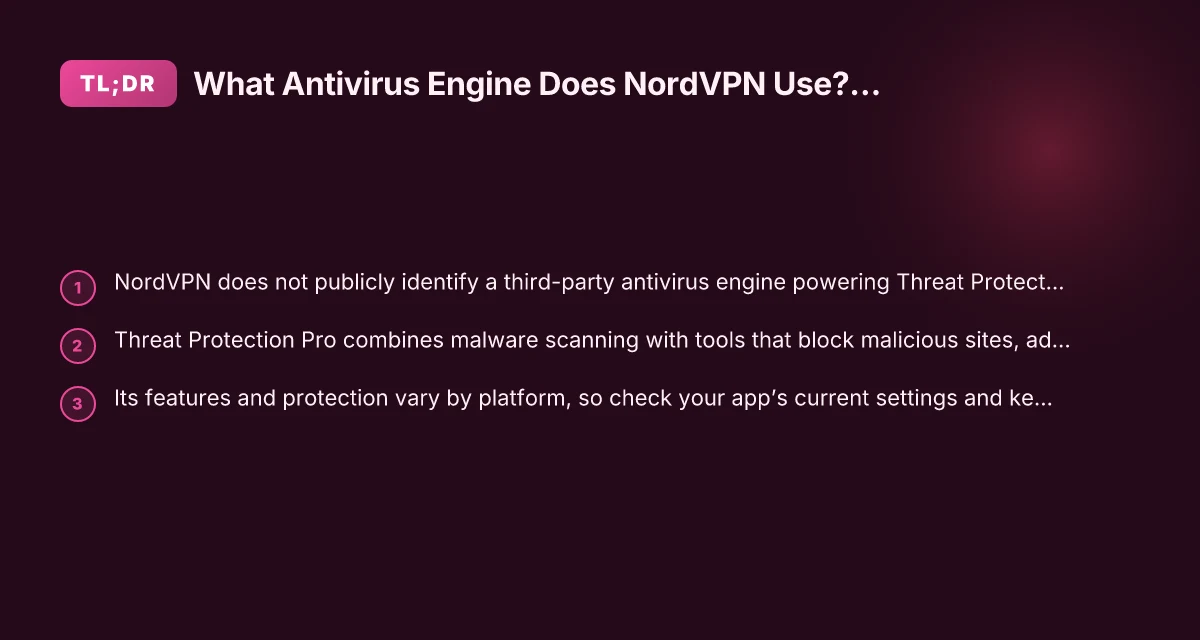
NordVPN does not publicly disclose a named third-party antivirus engine behind Threat Protection Pro. Instead, it presents the feature as NordVPN’s own security service, combining malware detection with web protection and other privacy tools. That means there is no confirmed basis for saying it uses a particular engine, such as one from another antivirus vendor. Here’s what the feature does, where it fits, and how to decide whether it is enough for your devices.

Editor's pick: NordVPN — fast, secure VPN — Strong encryption, a no-logs policy and apps for every device. 30-day money-back guarantee. Get NordVPN →
Compare NordVPN Threat Protection Pro with traditional antivirus software
| Comparison point | Threat Protection Pro | Traditional antivirus |
|---|---|---|
| Separate antivirus engine | No; NordVPN does not identify a standalone engine | Usually uses a dedicated security engine |
| Malware protection | Blocks or removes some detected threats | Scans for and handles malware |
| Web protection | Blocks malicious websites and downloads | Varies by product |
| Real-time file scanning | Not a full antivirus replacement | Commonly supported |
| Device-wide protection | Some protections depend on the feature and platform | Typically designed for device-wide use |
| VPN included | Yes, with NordVPN | Usually not included |
| Needs an active subscription | Yes | Depends on the product |
| Best suited for | Extra protection alongside VPN use | Primary antivirus protection |
Compiled November 2026; check the provider's site for current details.
| VPN | Obfuscation | From / month | Plan | Free plan | Refund | Alipay | UnionPay | Crypto | Website opens in China | Trustpilot | |
|---|---|---|---|---|---|---|---|---|---|---|---|
 NordVPN | Turn on manually Obfuscated Servers / NordWhisper | $3.49/mo | 27 months: $94.23 | No | 30 days | ? | ✗ | ✓ | ✓ | ✗ Blocked | 4.2/5 (51,628 reviews) |
 ZoogVPN | Turn on manually Shadow | $2.49/mo | 27 months: $59.99 | Yes | 7 days | ✓ | ✓ | ✓ | ✓ | Official site blocked; our special link opens (4.4 s) | 4.2/5 (195 reviews) |
 ExpressVPN | ✓ On by default all servers | $3.00/mo | 28 months: $84 | No | 30 days | ✗ | ✗ | ✓ | ✗ | ✗ Blocked | 4.4/5 (29,706 reviews) |
 Surfshark | ✓ On by default Camouflage, with OpenVPN | See site | See site | No | 30 days | ✗ | ✗ | ✗ | ✓ | ✗ Blocked | 4.3/5 (31,823 reviews) |
 Proton VPN | Turn on manually Stealth, free plan too | $2.99/mo | 12 months: $35.88 | Yes | 30 days | ✗ | ✗ | ✗ | ✓ | ✗ Blocked | 2.1/5 (1,040 reviews) |
 Astrill VPN | Turn on manually StealthVPN / OpenWeb | $12.50/mo | 24 months: $300 | No | See site | ✗ | ✗ | ✗ | ✓ | ✗ Blocked | 1.3/5 (110 reviews) |
 Private Internet Access | Turn on manually Shadowsocks, OpenVPN only | $2.03/mo | 40 months: $81.2 | No | 30 days | ✗ | ✗ | ✗ | ✗ | ✗ Blocked | 4.2/5 (11,033 reviews) |
 CyberGhost | Turn on manually selected servers | $2.19/mo | 28 months: $61.32 | No | 45 days | ✗ | ✗ | ✗ | ✓ | ✗ Blocked | 4.0/5 (24,178 reviews) |
 PureVPN | Turn on manually switch to OpenVPN | $1.69/mo | 60 months: $101.55 | No | 31 days | ? | ? | ✗ | ✓ | ✗ Blocked | 4.4/5 (17,994 reviews) |
 AdGuard VPN | ✓ On by default TrustTunnel | $2.99/mo | 24 months: $71.76 | Yes | 30 days | ✓ | ✗ | ✓ | ✓ | Official site blocked; our special link opens (3.7 s) | 4.3/5 (290 reviews) |
 Mullvad | Turn on manually QUIC / Shadowsocks / LWO | $5.61/mo | €5/mo | No | 14 days | ✗ | ✗ | ✗ | ✓ | ✗ Blocked | 3.2/5 (192 reviews) |
 Windscribe | Turn on manually Stealth / WStunnel | $5.75/mo | 12 months: $69 | Yes | See site | ✗ | ✗ | ✗ | ✓ | ✗ Blocked | 4.7/5 (13,355 reviews) |
 StrongVPN | Turn on manually Scramble, OpenVPN TCP | See site | See site | No | 30 days | ✓ | ✗ | ✗ | ✗ | ✗ Blocked | 4.4/5 (2,695 reviews) |
 LightXtreme 闪连 | Not listed | $7.08/mo | 12 months: $84.99 | Yes | 30 days | ✓ | ✓ | ✓ | ✓ | ✓ Yes (3.5 s) | No page |
Prices checked 2026-11-10 on each vendor's pricing page (cheapest long plan, USD). Check the vendor's checkout for the final price.
Obfuscation checked 2026-11-14 on each vendor's site and help center: "on by default" = nothing to set; "turn on manually" = switch protocol or mode in settings; "not listed" = the vendor describes no obfuscation.
Payment methods checked 2026-11-10 on each vendor's payment pages: all 14 take cards and PayPal; ✗ = not listed, ? = the vendor's own pages disagree.
China access: whether the official website opens from mainland China networks (tests the website only, not the VPN connection). Last checked 2026-11-18 01:02 Beijing time.
Trustpilot score and review count checked 2026-11-10.
What antivirus engine does NordVPN use?
The direct answer is that NordVPN has not publicly named a separate antivirus engine that powers Threat Protection Pro. The company describes the product by its capabilities rather than identifying a licensed engine or antivirus vendor.
This distinction matters because a security app can use multiple technologies behind the scenes, including signature databases, behavioral analysis, reputation checks, and cloud services. Without a clear public statement from NordVPN, it is not possible to verify which specific technologies or vendors it uses, or how they are combined.
Threat Protection Pro is therefore best understood as NordVPN’s branded threat-protection feature, not as a transparently documented version of a named antivirus product. If knowing the detection provider is important to you, look for an explicit disclosure in NordVPN’s current product documentation or ask its support team. Avoid treating online claims about a specific engine as confirmed unless NordVPN itself verifies them.
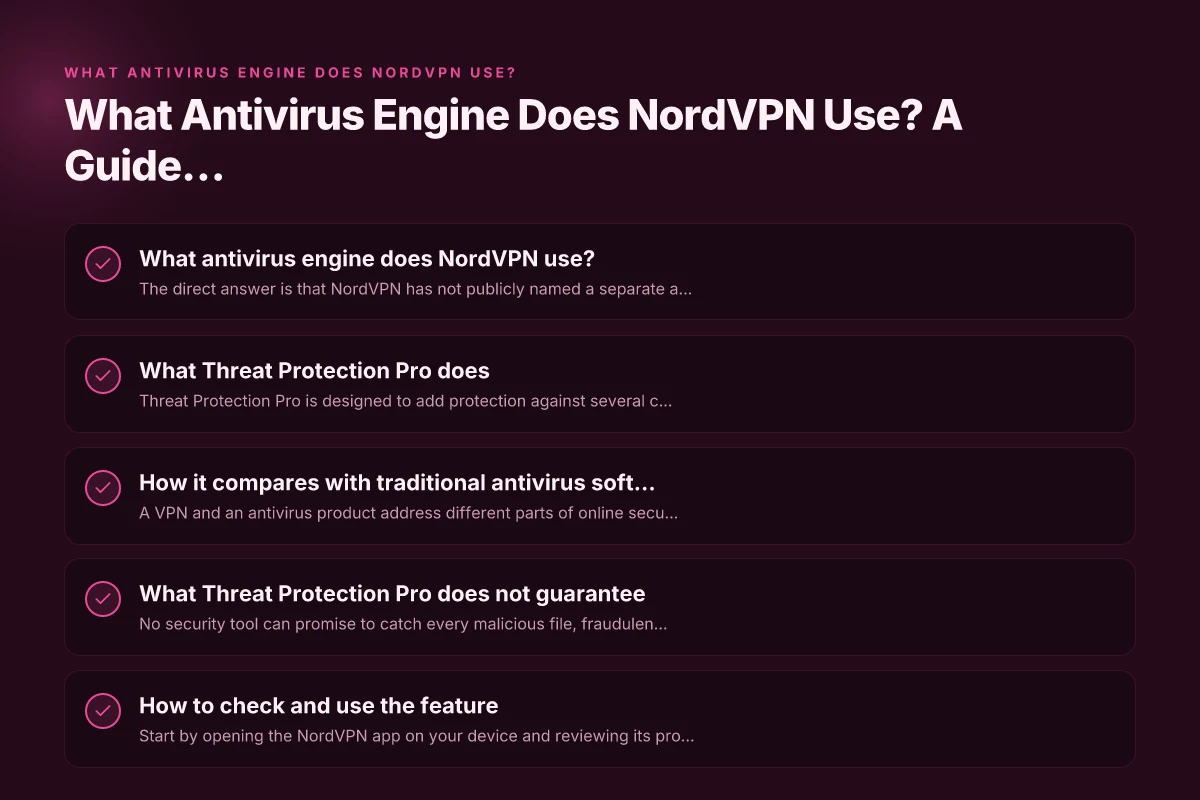
What Threat Protection Pro does
Threat Protection Pro is designed to add protection against several common online risks. Depending on the platform, subscription, and app version, it may include features such as: Why Can't We Watch Tube8 With a VPN?
- Malware scanning: Checks files for known malicious content, including some downloads.
- Malicious-site blocking: Warns about or blocks access to websites associated with scams or malware.
- Ad and tracker blocking: Reduces certain ads and tracking elements while browsing.
- Download protection: Scans supported downloads and may flag suspicious files.
- Privacy tools: Helps limit exposure to some tracking and online threats.
These features do not all work in the same way. A malicious-site blocker can stop a browser from loading a risky page, while an antivirus scanner examines a file. Neither function should be assumed to replace every capability of a full endpoint security suite.
Also, product names and feature availability can change. NordVPN has used different names for its threat-protection features over time, and tools may behave differently across Windows, macOS, mobile devices, and browser extensions. Check the feature list and settings in the version you are using.
How it compares with traditional antivirus software
A VPN and an antivirus product address different parts of online security. A VPN encrypts traffic between your device and a VPN server, helping protect it from certain forms of network snooping. Antivirus software focuses more directly on detecting and responding to harmful files and activity on the device.
Threat Protection Pro overlaps with some antivirus functions, but that does not automatically make it a complete substitute for dedicated security software. The comparison below is general: exact capabilities depend on the product version and operating system. Why Won’t Screwfix Connect With VPN? Causes and Fixes
| Protection area | NordVPN Threat Protection Pro | Traditional antivirus suite |
|---|---|---|
| VPN connection and encrypted traffic | Included with NordVPN’s VPN service | Usually not included |
| Blocking known malicious websites | May be included | Commonly included |
| Scanning downloaded files | Available on supported platforms and versions | Commonly included |
| Real-time device monitoring | Availability and scope may vary | Often a core feature |
| Firewall or advanced device controls | Not the VPN’s primary purpose | May be included, depending on the suite |
| Named detection engine disclosure | No specific third-party engine is publicly identified | Depends on the vendor’s disclosures |
The table is not a product test or guarantee. Features change, and a tool’s presence does not tell you how well it detects threats. Independent testing, clear documentation, and timely updates are useful factors when comparing security products.
What Threat Protection Pro covers—and what it does not guarantee
| Area | What it can do | What it does not guarantee | Reader takeaway |
|---|---|---|---|
| Malicious websites | Block access to known threats | Detection of every harmful site | Keep browsing carefully |
| Downloads | Check and block some dangerous files | That every file is safe | Use trusted sources |
| Malware | Help detect or remove some threats | Complete malware prevention | Retain dedicated protection |
| New threats | Use available threat data to identify risks | Immediate detection of emerging threats | Keep software updated |
| Phishing | Block some known phishing pages | Protection from every scam | Verify links and senders |
| Device security | Add protection through NordVPN features | Full coverage of every device activity | Check platform support |
| Privacy | Support safer browsing | Anonymity or safety in every situation | Use sensible security habits |
Compiled November 2026; check the provider's site for current details.
What Threat Protection Pro does not guarantee
No security tool can promise to catch every malicious file, fraudulent website, or new attack. Threat Protection Pro can reduce exposure to some threats, but it cannot make unsafe behavior risk-free. Why Can I Only Get California to Work From US on VPN?
In particular, it should not be treated as a guarantee that:
- Every download will be detected before it causes harm.
- Every phishing page or scam will be blocked.
- A VPN connection will protect a device from malware.
- Your accounts are safe if you reuse passwords or ignore security alerts.
- You no longer need operating system or software updates.
Be careful with files you download, especially from unfamiliar websites or unexpected email attachments. Keep your operating system, browser, and apps current, and use strong, unique passwords. Multi-factor authentication can add another layer of protection for important accounts.
How to check and use the feature
Start by opening the NordVPN app on your device and reviewing its protection settings. Confirm which Threat Protection features are available, whether they are switched on, and whether the app needs an update. If you cannot find a feature described on NordVPN’s website, it may not be supported on your platform or plan.
For more certainty about the engine question, consult NordVPN’s official help pages or contact support. Ask specifically whether the feature uses an in-house detection system, a third-party engine, or a combination, and whether the answer applies to your operating system and app version. A precise, current response is more reliable than assumptions based on informal comparisons or old articles. Dayz you were kicked off the game battleye VPN detected: Causes and Fixes
Check and use NordVPN Threat Protection Pro
| Step or question | What to check | What to do |
|---|---|---|
| Subscription | Whether your plan includes the feature | Confirm in your NordVPN account |
| App support | Whether your device and app support Pro | Update the NordVPN app |
| Feature name | Whether the app shows Threat Protection Pro | Open the app’s protection settings |
| Activation | Whether the feature is switched on | Enable it if available |
| Permissions | Whether the app requests required access | Review and grant appropriate permissions |
| Status | Whether protection appears active | Check the app’s settings or status screen |
| Updates | Whether the app is current | Install available updates |
| Extra antivirus | Whether you need broader malware coverage | Consider dedicated antivirus protection |
Compiled November 2026; check the provider's site for current details.
Recommendation
Use Threat Protection Pro as an additional layer if you already subscribe to NordVPN, but do not choose it solely on the assumption that it uses a particular antivirus engine: NordVPN has not publicly named one. For broad device protection, compare its current platform-specific features with a reputable antivirus product, and keep your software updated regardless of which tools you use.