Why Won’t Screwfix Connect With VPN? Causes and Fixes

Learn why Screwfix may not load over a VPN and how to troubleshoot access without compromising your privacy.
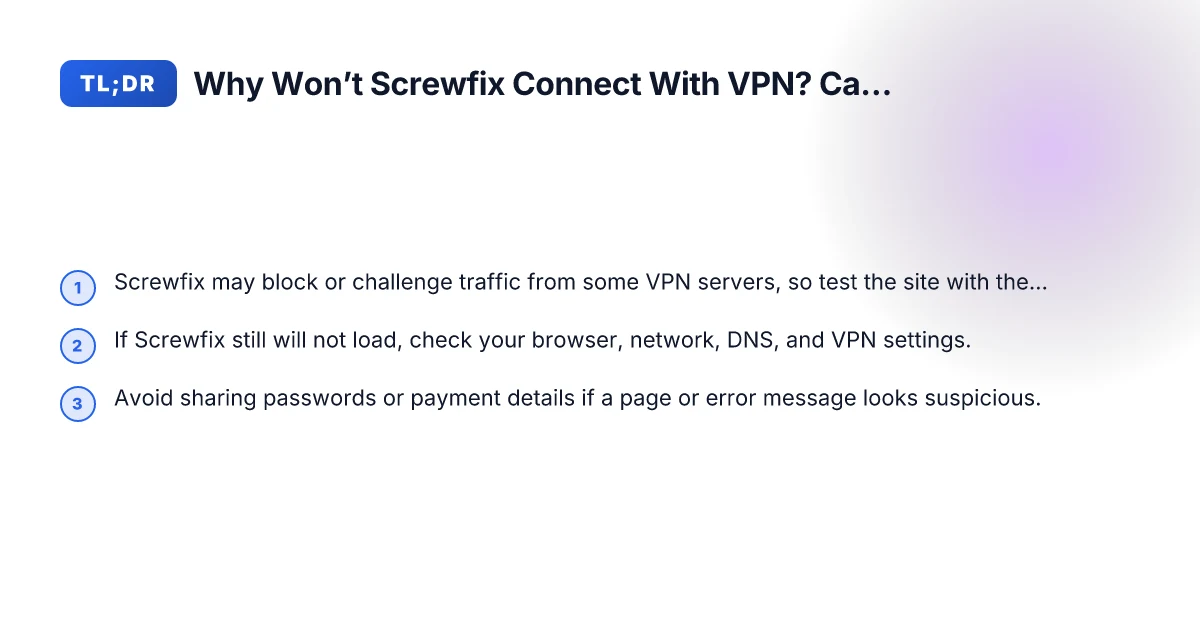
If Screwfix will not connect while you are using a VPN, the VPN server may be blocked or flagged by the website. Disconnect from the VPN and try Screwfix again. Some websites restrict VPN or proxy traffic, and users have reported access problems, including 402 errors. If the site works without the VPN, the VPN connection or its IP address is likely involved. If it still fails, troubleshoot your browser and internet connection too.

Editor's pick: NordVPN — fast, secure VPN — Strong encryption, a no-logs policy and apps for every device. 30-day money-back guarantee. Get NordVPN →
| VPN | Obfuscation | From / month | Plan | Free plan | Refund | Alipay | UnionPay | Crypto | Website opens in China | Trustpilot | |
|---|---|---|---|---|---|---|---|---|---|---|---|
 ZoogVPN | Turn on manually Shadow | $2.49/mo | 27 months: $59.99 | Yes | 7 days | ✓ | ✓ | ✓ | ✓ | Official site blocked; our special link opens (4.4 s) | 4.2/5 (195 reviews) |
 NordVPN | Turn on manually Obfuscated Servers / NordWhisper | $3.49/mo | 27 months: $94.23 | No | 30 days | ? | ✗ | ✓ | ✓ | ✗ Blocked | 4.2/5 (51,628 reviews) |
 ExpressVPN | ✓ On by default all servers | $3.00/mo | 28 months: $84 | No | 30 days | ✗ | ✗ | ✓ | ✗ | ✗ Blocked | 4.4/5 (29,706 reviews) |
 Surfshark | ✓ On by default Camouflage, with OpenVPN | See site | See site | No | 30 days | ✗ | ✗ | ✗ | ✓ | ✗ Blocked | 4.3/5 (31,823 reviews) |
 Proton VPN | Turn on manually Stealth, free plan too | $2.99/mo | 12 months: $35.88 | Yes | 30 days | ✗ | ✗ | ✗ | ✓ | ✗ Blocked | 2.1/5 (1,040 reviews) |
 Astrill VPN | Turn on manually StealthVPN / OpenWeb | $12.50/mo | 24 months: $300 | No | See site | ✗ | ✗ | ✗ | ✓ | ✗ Blocked | 1.3/5 (110 reviews) |
 Private Internet Access | Turn on manually Shadowsocks, OpenVPN only | $2.03/mo | 40 months: $81.2 | No | 30 days | ✗ | ✗ | ✗ | ✗ | ✗ Blocked | 4.2/5 (11,033 reviews) |
 CyberGhost | Turn on manually selected servers | $2.19/mo | 28 months: $61.32 | No | 45 days | ✗ | ✗ | ✗ | ✓ | ✗ Blocked | 4.0/5 (24,178 reviews) |
 PureVPN | Turn on manually switch to OpenVPN | $1.69/mo | 60 months: $101.55 | No | 31 days | ? | ? | ✗ | ✓ | ✗ Blocked | 4.4/5 (17,994 reviews) |
 AdGuard VPN | ✓ On by default TrustTunnel | $2.99/mo | 24 months: $71.76 | Yes | 30 days | ✓ | ✗ | ✓ | ✓ | Official site blocked; our special link opens (3.7 s) | 4.3/5 (290 reviews) |
 Mullvad | Turn on manually QUIC / Shadowsocks / LWO | $5.61/mo | €5/mo | No | 14 days | ✗ | ✗ | ✗ | ✓ | ✗ Blocked | 3.2/5 (192 reviews) |
 Windscribe | Turn on manually Stealth / WStunnel | $5.75/mo | 12 months: $69 | Yes | See site | ✗ | ✗ | ✗ | ✓ | ✗ Blocked | 4.7/5 (13,355 reviews) |
 StrongVPN | Turn on manually Scramble, OpenVPN TCP | See site | See site | No | 30 days | ✓ | ✗ | ✗ | ✗ | ✗ Blocked | 4.4/5 (2,695 reviews) |
 LightXtreme 闪连 | Not listed | $7.08/mo | 12 months: $84.99 | Yes | 30 days | ✓ | ✓ | ✓ | ✓ | ✓ Yes (3.5 s) | No page |
Prices checked 2026-11-10 on each vendor's pricing page (cheapest long plan, USD). Check the vendor's checkout for the final price.
Obfuscation checked 2026-11-14 on each vendor's site and help center: "on by default" = nothing to set; "turn on manually" = switch protocol or mode in settings; "not listed" = the vendor describes no obfuscation.
Payment methods checked 2026-11-10 on each vendor's payment pages: all 14 take cards and PayPal; ✗ = not listed, ? = the vendor's own pages disagree.
China access: whether the official website opens from mainland China networks (tests the website only, not the VPN connection). Last checked 2026-11-18 01:02 Beijing time.
Trustpilot score and review count checked 2026-11-10.
First, identify what is failing
Check whether the problem is limited to Screwfix or affects all websites. Open a few other trusted sites in the same browser, then try Screwfix in a private or incognito window. These simple checks can help narrow down the cause.
| What you observe | Likely area to investigate |
|---|---|
| Screwfix loads after disconnecting the VPN | VPN server or VPN-related website restrictions |
| Other sites also fail while the VPN is on | VPN connection, app, or network settings |
| Screwfix fails with and without the VPN | Browser, DNS, internet connection, or a temporary site issue |
| Screwfix works in another browser | Browser settings, extensions, or cached site data |
Note the exact error message and when it appears. A connection timeout, a browser warning, and an HTTP error can point to different causes. Do not assume a particular error always means the same thing. Website responses can vary.
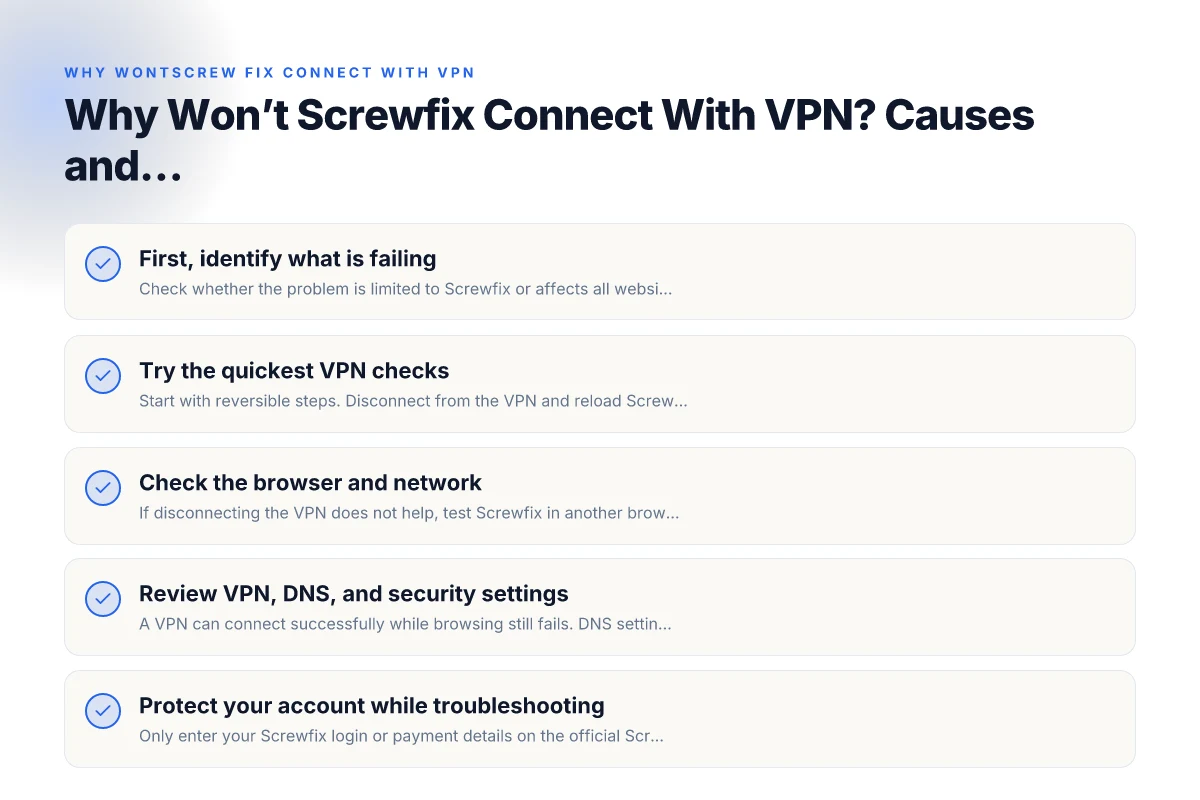
Try the quickest VPN checks
Start with reversible steps. Disconnect from the VPN and reload Screwfix. If the site opens, reconnect to the VPN and test a different server or location offered by your provider. Some VPN addresses may be restricted even when others work.
You can also try: Why Can I Only Get California to Work From US on VPN?
- Close and reopen the VPN app, then reconnect.
- Check that the VPN app shows an active connection rather than only appearing open.
- Switch to another VPN protocol if your provider offers that option.
- Update the VPN app and your browser.
- Sign out of the VPN app and back in if you are unsure whether your account is authenticated.
- Restart your device and router if the connection appears stuck.
If you use a proxy as well as a VPN, turn off the proxy for the test. Avoid running two VPN apps at once. Multiple privacy or security tools can conflict and prevent a stable connection.
Check the browser and network
If disconnecting the VPN does not help, test Screwfix in another browser or a private window. If that works, the issue may be related to stored site data or an extension. Clear the site’s cookies and cache, then try again. You may need to sign in again afterward.
Temporarily disable browser extensions that filter traffic, block scripts, or change your network settings. Make changes one at a time so you can identify which setting matters. Re-enable protections after testing.
Next, check whether the issue affects other devices on the same Wi-Fi network. If several devices cannot reach the site, restart the router and check that your internet connection is stable. You can also try a different trusted network, such as mobile data, to see whether the problem follows the device or the network. Dayz you were kicked off the game battleye VPN detected: Causes and Fixes
Review VPN, DNS, and security settings
A VPN can connect successfully while browsing still fails. DNS settings help translate website names into network addresses, and a DNS problem can stop pages from loading even when the VPN app says it is connected. Disconnect from the VPN, restart the device, and test the connection again. If the issue occurs only while using the VPN, consult your VPN provider’s instructions for refreshing DNS or changing connection settings.
Security software may also interfere with VPN traffic. A firewall or antivirus tool can block a VPN app or its network connection. Check that the VPN app is allowed in the relevant security settings. Do not leave your firewall or antivirus disabled as a workaround. If you briefly test whether a security tool is involved, re-enable it immediately afterward.
| Check | Safe next step |
|---|---|
| DNS or browsing issue | Restart the device and follow your operating system or VPN provider’s DNS guidance |
| Firewall or antivirus interference | Check the app’s allowed connections; restore protections after testing |
| VPN credentials or account issue | Verify your sign-in through the provider’s official app or website |
| Persistent Screwfix access error | Contact Screwfix or your VPN provider with the error details |
Protect your account while troubleshooting
Only enter your Screwfix login or payment details on the official Screwfix website or app. If a page redirects unexpectedly, shows a certificate warning, or looks different from the usual site, stop and verify the address before continuing.
Do not install an unfamiliar browser extension or change advanced network settings based on a pop-up claiming to fix the problem. When contacting support, provide the error message, your device and browser, whether the VPN is on, and the checks you have already tried. Never send your password. Surfshark Won’t Connect? Try These Fixes
Recommended next step
First disconnect the VPN and reload Screwfix. If the site works, try another server or protocol through your VPN provider. If it does not, test another browser and network, then check DNS and security settings. Keep security protections enabled, and contact Screwfix or your VPN provider if the problem persists.