Free VPN Trial: How to Test a VPN Before You Pay
Learn how free VPN trials work, what to check before signing up, and how to avoid unexpected charges.
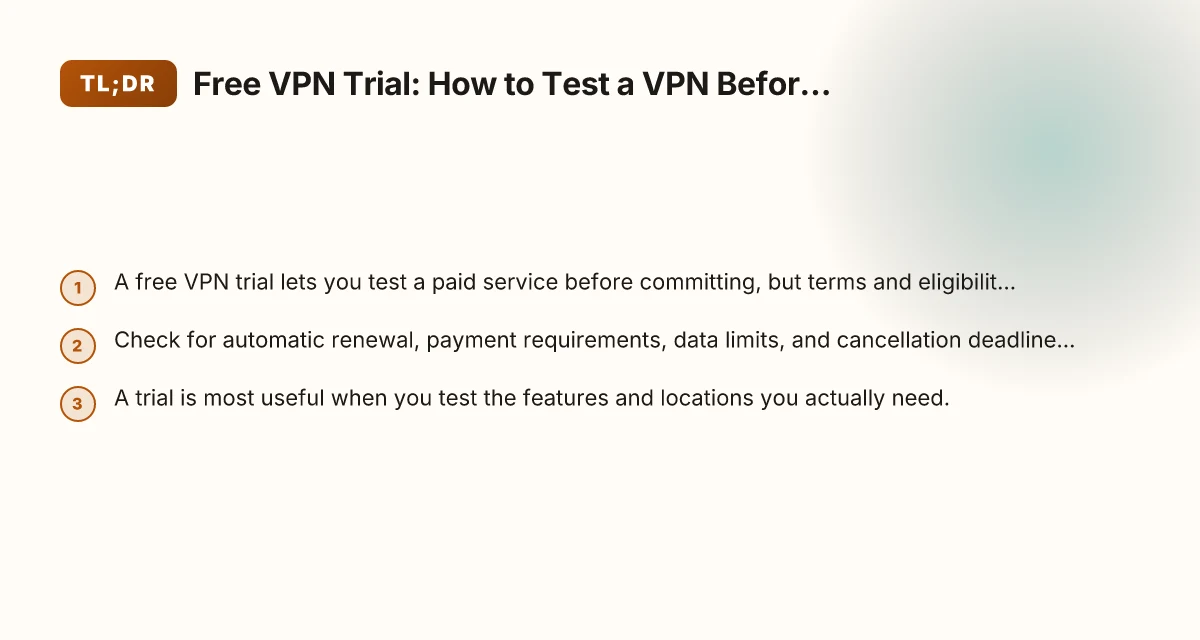
A free VPN trial is a way to try a provider’s paid service at no cost for a limited period, or to request a refund within a stated guarantee window. It can help you evaluate speed, privacy features, server locations, and app usability before deciding whether to subscribe. However, “free trial” can mean different things: some offers require payment details upfront and renew automatically, while others provide limited access without a card. Always read the specific terms before signing up.

Editor's pick: NordVPN — fast, secure VPN — Strong encryption, a no-logs policy and apps for every device. 30-day money-back guarantee. Get NordVPN →
Test a VPN during the trial
| Test | What to check | How to compare | Good sign | Warning sign |
|---|---|---|---|---|
| Connection speed | Download and upload | Test the same server and network | Usable speeds | Frequent slowdowns |
| Server access | Locations and availability | Try locations you need | Reliable connections | Missing or crowded locations |
| Streaming | Access to your services | Test your own subscriptions | Playback works smoothly | Repeated blocks |
| Video calls | Stability and audio | Join a real call | Clear, steady call | Drops or lag |
| Privacy settings | Kill switch and leak protection | Review settings and test safely | Controls work as described | Missing or unclear controls |
| App usability | Setup and navigation | Use it on your usual device | Simple to configure | Confusing or unreliable |
| Customer support | Help channels and response | Ask a practical question | Clear, timely answer | No useful response |
| Cancellation | Steps and confirmation | Review before the deadline | Easy to find and complete | Unclear process |
Compiled November 2026; check the provider's site for current details.
| VPN | Obfuscation | From / month | Plan | Free plan | Refund | Alipay | UnionPay | Crypto | Website opens in China | Trustpilot | |
|---|---|---|---|---|---|---|---|---|---|---|---|
 ZoogVPN | Turn on manually Shadow | $2.49/mo | 27 months: $59.99 | Yes | 7 days | ✓ | ✓ | ✓ | ✓ | Official site blocked; our special link opens (4.4 s) | 4.2/5 (195 reviews) |
 NordVPN | Turn on manually Obfuscated Servers / NordWhisper | $3.49/mo | 27 months: $94.23 | No | 30 days | ? | ✗ | ✓ | ✓ | ✗ Blocked | 4.2/5 (51,628 reviews) |
 ExpressVPN | ✓ On by default all servers | $3.00/mo | 28 months: $84 | No | 30 days | ✗ | ✗ | ✓ | ✗ | ✗ Blocked | 4.4/5 (29,706 reviews) |
 Surfshark | ✓ On by default Camouflage, with OpenVPN | See site | See site | No | 30 days | ✗ | ✗ | ✗ | ✓ | ✗ Blocked | 4.3/5 (31,823 reviews) |
 Proton VPN | Turn on manually Stealth, free plan too | $2.99/mo | 12 months: $35.88 | Yes | 30 days | ✗ | ✗ | ✗ | ✓ | ✗ Blocked | 2.1/5 (1,040 reviews) |
 Astrill VPN | Turn on manually StealthVPN / OpenWeb | $12.50/mo | 24 months: $300 | No | See site | ✗ | ✗ | ✗ | ✓ | ✗ Blocked | 1.3/5 (110 reviews) |
 Private Internet Access | Turn on manually Shadowsocks, OpenVPN only | $2.03/mo | 40 months: $81.2 | No | 30 days | ✗ | ✗ | ✗ | ✗ | ✗ Blocked | 4.2/5 (11,033 reviews) |
 CyberGhost | Turn on manually selected servers | $2.19/mo | 28 months: $61.32 | No | 45 days | ✗ | ✗ | ✗ | ✓ | ✗ Blocked | 4.0/5 (24,178 reviews) |
 PureVPN | Turn on manually switch to OpenVPN | $1.69/mo | 60 months: $101.55 | No | 31 days | ? | ? | ✗ | ✓ | ✗ Blocked | 4.4/5 (17,994 reviews) |
 AdGuard VPN | ✓ On by default TrustTunnel | $2.99/mo | 24 months: $71.76 | Yes | 30 days | ✓ | ✗ | ✓ | ✓ | Official site blocked; our special link opens (3.7 s) | 4.3/5 (290 reviews) |
 Mullvad | Turn on manually QUIC / Shadowsocks / LWO | $5.61/mo | €5/mo | No | 14 days | ✗ | ✗ | ✗ | ✓ | ✗ Blocked | 3.2/5 (192 reviews) |
 Windscribe | Turn on manually Stealth / WStunnel | $5.75/mo | 12 months: $69 | Yes | See site | ✗ | ✗ | ✗ | ✓ | ✗ Blocked | 4.7/5 (13,355 reviews) |
 StrongVPN | Turn on manually Scramble, OpenVPN TCP | See site | See site | No | 30 days | ✓ | ✗ | ✗ | ✗ | ✗ Blocked | 4.4/5 (2,695 reviews) |
 LightXtreme 闪连 | Not listed | $7.08/mo | 12 months: $84.99 | Yes | 30 days | ✓ | ✓ | ✓ | ✓ | ✓ Yes (3.5 s) | No page |
Prices checked 2026-11-10 on each vendor's pricing page (cheapest long plan, USD). Check the vendor's checkout for the final price.
Obfuscation checked 2026-11-14 on each vendor's site and help center: "on by default" = nothing to set; "turn on manually" = switch protocol or mode in settings; "not listed" = the vendor describes no obfuscation.
Payment methods checked 2026-11-10 on each vendor's payment pages: all 14 take cards and PayPal; ✗ = not listed, ? = the vendor's own pages disagree.
China access: whether the official website opens from mainland China networks (tests the website only, not the VPN connection). Last checked 2026-11-18 01:02 Beijing time.
Trustpilot score and review count checked 2026-11-10.
What a free VPN trial usually includes
A trial may provide access to most or all of a VPN’s paid features for a set number of days. Depending on the provider, that can include apps for multiple devices, a choice of server locations, higher-speed connections, and tools such as a kill switch or split tunneling.
There are two common kinds of offer:
- Time-limited trial: Full or partial access for a short period, sometimes with no charge and sometimes requiring payment information.
- Money-back guarantee: You pay for a subscription, then request a refund within the guarantee period if you are not satisfied. This is not the same as an automatic free trial. You may need to cancel and submit a refund request.
Some providers also offer a limited free VPN plan. That is different from a trial of a paid plan: it may have fewer server choices, lower data allowances, slower speeds, or restrictions on features. Check which type you are considering before you download an app.
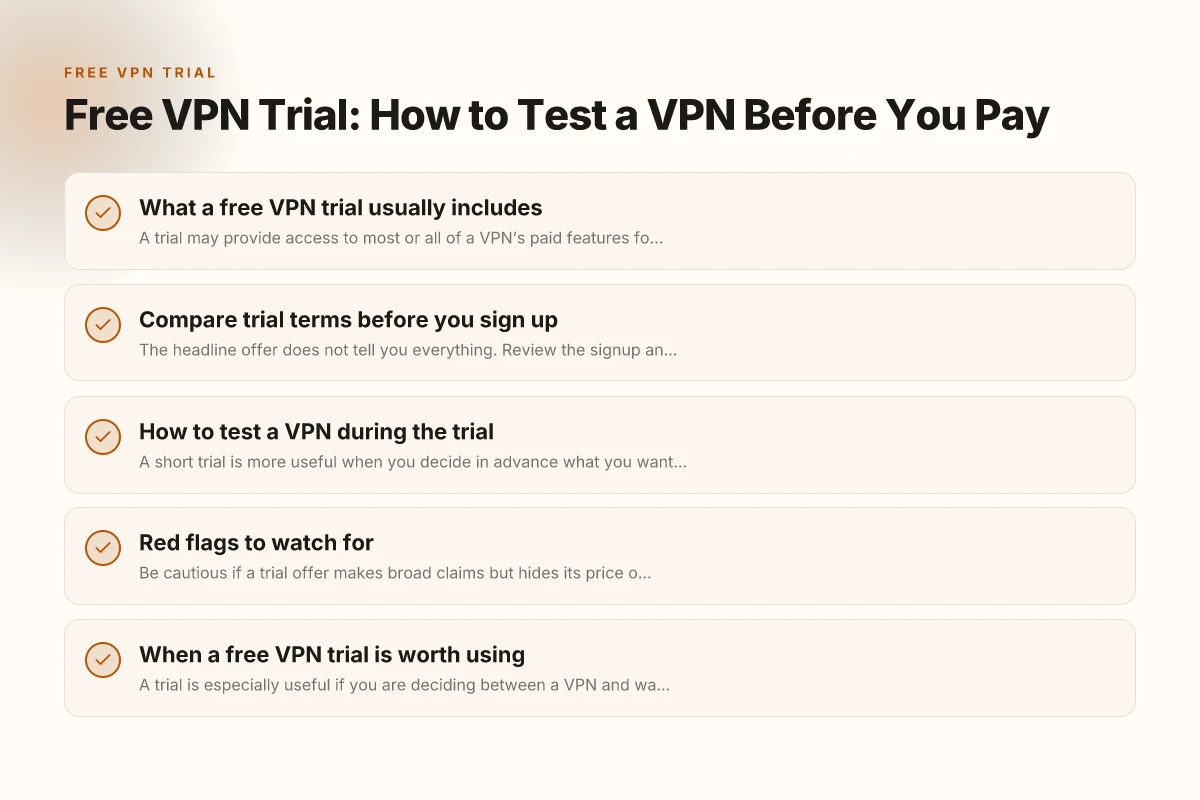
Compare trial terms before you sign up
The headline offer does not tell you everything. Review the signup and cancellation terms, especially if the offer requires a card or another payment method. F5 VPN Client Download: Get the Official BIG-IP Edge Client
| Offer type | Do you pay upfront? | What to check |
|---|---|---|
| No-card trial | Usually no | Trial length, feature limits, and what happens when it ends |
| Payment-based trial | Possibly | Renewal date, renewal price, and how to cancel |
| Money-back guarantee | Yes | Refund window, eligibility, and how to request a refund |
| Free plan | No | Data limits, available servers, speeds, and included features |
Before entering your details, look for the following:
- Trial duration: Note the exact end date and time zone if one is stated.
- Automatic renewal: Confirm whether the plan converts to a paid subscription.
- Price after the trial: Check the amount, billing period, and currency.
- Cancellation method: Find out whether you must cancel in the app, on the website, through an app store, or by contacting support.
- Refund conditions: A guarantee may have exclusions or require a request through a particular channel.
- Device limits: Check how many devices you can connect at once and which platforms are supported.
Save the confirmation email and any cancellation instructions. If the offer can renew into a paid subscription, set a reminder a day or two before the deadline. Allow time for cancellation to take effect. Do not assume that deleting the VPN app ends your subscription.
How to test a VPN during the trial
A short trial is more useful when you decide in advance what you want to evaluate. Install the VPN on the devices you expect to use, then test it in your usual settings rather than judging it from a single connection.
Check performance and reliability
Connect to a nearby server and compare everyday activities such as browsing, video calls, and streaming. Then try a more distant location if you need one. Some speed reduction is normal because your traffic takes an additional route, but frequent disconnects or unusably slow performance may be a problem. Free VPN for PC Free Trial No Credit Card: Safe Options and What to Check
Test the connection at different times of day and on more than one network if possible. A VPN that works well on home Wi-Fi may behave differently on public Wi-Fi or mobile data.
Review security and privacy controls
Look for practical protections, including a kill switch that can block traffic if the VPN connection drops. Check whether the apps let you choose a protocol or configure split tunneling, if those features matter to you.
Read the provider’s privacy policy and logging explanation. A VPN can change how your internet traffic is routed, but it does not make you anonymous or protect you from every online risk. You still need to use secure websites, strong passwords, and other appropriate safeguards.
Try the locations and apps you need
If you need particular countries or nearby servers, make sure they are available and perform reliably. Test the VPN with the services and devices you use, but remember that streaming platforms and other websites may change how they detect VPN connections. Access is not guaranteed and may depend on the service’s own terms and location restrictions. Should NordVPN Be On All the Time or Only When I Launch a Browser?
Red flags to watch for
Be cautious if a trial offer makes broad claims but hides its price or cancellation rules. A reputable offer should explain what happens when the trial ends and how to stop renewal.
Other warning signs include:
- Unclear ownership or missing contact details.
- Privacy claims that are difficult to verify or inconsistent with the policy.
- Pressure to install software from an unfamiliar download site.
- Requests for unnecessary permissions or personal information.
- A “free trial” that does not clearly state its duration or renewal price.
Download apps from the provider’s official website or a trusted app store. Avoid assuming that every VPN labeled “free” offers the same protections, performance, or business model. Free services may have limitations, and you should understand how a provider supports its service and handles user data.
When a free VPN trial is worth using
A trial is especially useful if you are deciding between a VPN and want to test features that matter in your daily routine. It can also reveal whether the apps are easy to use, whether your preferred devices are supported, and whether the service performs consistently where you live. Free VPN for PC Free Trial: How to Choose and Test One Safely
It may be less useful if you only need a VPN for a brief, one-time task or if the offer requires a lengthy paid commitment that you are not comfortable managing. In that case, compare no-card trials, clearly stated refund policies, and limited free plans. Do not choose solely on the basis of a long trial: privacy practices, usability, and transparent billing matter too.
Decide whether a free VPN trial is worth using
| Your situation | Trial may be worth it if… | Check first | Consider instead | Decision |
|---|---|---|---|---|
| You need one feature | The trial includes it | Feature restrictions | A plan with that feature | Try if included |
| You want to test speed | You can test your usual activities | Trial duration and limits | A reputable free plan | Try if long enough |
| You need many locations | Trial access covers them | Server restrictions | A paid plan with a refund window | Compare access |
| You cannot risk a charge | No payment is required | Billing and renewal terms | A no-cost plan | Avoid unclear billing |
| You can track deadlines | You can cancel on time | Renewal date and steps | A plan without auto-renewal | Set a reminder |
| You need long-term use | Trial features match your needs | Renewal price | A suitable ongoing plan | Compare total cost |
| Terms seem unclear | The provider explains them plainly | Refund and cancellation rules | Another provider | Do not sign up yet |
| Privacy is your priority | Privacy features are explained | Policy and security controls | A better-documented service | Verify before use |
Compiled November 2026; check the provider's site for current details.
Recommendation
Choose a free VPN trial only after confirming its length, renewal terms, and cancellation process. Use the trial to test the service on your own devices, networks, and preferred server locations, and decide before the deadline whether it meets your needs. If you cannot find clear pricing or cancellation instructions, skip the offer and look for a more transparent option. Free Trials VPN: How to Test a VPN Before You Pay