Flex Vision Won’t Work With Surfshark VPN: How to Troubleshoot It
Fix Flix Vision playback and connection problems with Surfshark by checking the app, VPN settings, network, and device.
If Flix Vision won’t work with Surfshark VPN, start by checking whether the app works when Surfshark is disconnected. If it does, try another VPN server and protocol, then restart the app and your streaming device. If playback still fails, test the network and app separately: Flix Vision can have problems that are unrelated to Surfshark, and one broken stream does not necessarily mean the whole app is down.
“Flex Vision” is often used when searching for Flix Vision. The steps below apply to Flix Vision on Fire TV, Android TV, and similar devices.
| VPN | Obfuscation | From / month | Plan | Free plan | Refund | Alipay | UnionPay | Crypto | Website opens in China | Trustpilot | |
|---|---|---|---|---|---|---|---|---|---|---|---|
 Surfshark | ✓ On by default Camouflage, with OpenVPN | See site | See site | No | 30 days | ✗ | ✗ | ✗ | ✓ | ✗ Blocked | 4.3/5 (31,823 reviews) |
 ZoogVPN | Turn on manually Shadow | $2.49/mo | 27 months: $59.99 | Yes | 7 days | ✓ | ✓ | ✓ | ✓ | Official site blocked; our special link opens (4.4 s) | 4.2/5 (195 reviews) |
 NordVPN | Turn on manually Obfuscated Servers / NordWhisper | $3.49/mo | 27 months: $94.23 | No | 30 days | ? | ✗ | ✓ | ✓ | ✗ Blocked | 4.2/5 (51,628 reviews) |
 ExpressVPN | ✓ On by default all servers | $3.00/mo | 28 months: $84 | No | 30 days | ✗ | ✗ | ✓ | ✗ | ✗ Blocked | 4.4/5 (29,706 reviews) |
 Proton VPN | Turn on manually Stealth, free plan too | $2.99/mo | 12 months: $35.88 | Yes | 30 days | ✗ | ✗ | ✗ | ✓ | ✗ Blocked | 2.1/5 (1,040 reviews) |
 Astrill VPN | Turn on manually StealthVPN / OpenWeb | $12.50/mo | 24 months: $300 | No | See site | ✗ | ✗ | ✗ | ✓ | ✗ Blocked | 1.3/5 (110 reviews) |
 Private Internet Access | Turn on manually Shadowsocks, OpenVPN only | $2.03/mo | 40 months: $81.2 | No | 30 days | ✗ | ✗ | ✗ | ✗ | ✗ Blocked | 4.2/5 (11,033 reviews) |
 CyberGhost | Turn on manually selected servers | $2.19/mo | 28 months: $61.32 | No | 45 days | ✗ | ✗ | ✗ | ✓ | ✗ Blocked | 4.0/5 (24,178 reviews) |
 PureVPN | Turn on manually switch to OpenVPN | $1.69/mo | 60 months: $101.55 | No | 31 days | ? | ? | ✗ | ✓ | ✗ Blocked | 4.4/5 (17,994 reviews) |
 AdGuard VPN | ✓ On by default TrustTunnel | $2.99/mo | 24 months: $71.76 | Yes | 30 days | ✓ | ✗ | ✓ | ✓ | Official site blocked; our special link opens (3.7 s) | 4.3/5 (290 reviews) |
 Mullvad | Turn on manually QUIC / Shadowsocks / LWO | $5.61/mo | €5/mo | No | 14 days | ✗ | ✗ | ✗ | ✓ | ✗ Blocked | 3.2/5 (192 reviews) |
 Windscribe | Turn on manually Stealth / WStunnel | $5.75/mo | 12 months: $69 | Yes | See site | ✗ | ✗ | ✗ | ✓ | ✗ Blocked | 4.7/5 (13,355 reviews) |
 StrongVPN | Turn on manually Scramble, OpenVPN TCP | See site | See site | No | 30 days | ✓ | ✗ | ✗ | ✗ | ✗ Blocked | 4.4/5 (2,695 reviews) |
 LightXtreme 闪连 | Not listed | $7.08/mo | 12 months: $84.99 | Yes | 30 days | ✓ | ✓ | ✓ | ✓ | ✓ Yes (3.5 s) | No page |
Prices checked 2026-11-10 on each vendor's pricing page (cheapest long plan, USD). Check the vendor's checkout for the final price.
Obfuscation checked 2026-11-14 on each vendor's site and help center: "on by default" = nothing to set; "turn on manually" = switch protocol or mode in settings; "not listed" = the vendor describes no obfuscation.
Payment methods checked 2026-11-10 on each vendor's payment pages: all 14 take cards and PayPal; ✗ = not listed, ? = the vendor's own pages disagree.
China access: whether the official website opens from mainland China networks (tests the website only, not the VPN connection). Last checked 2026-11-18 01:02 Beijing time.
Trustpilot score and review count checked 2026-11-10.

Editor's pick: NordVPN — fast, secure VPN — Strong encryption, a no-logs policy and apps for every device. 30-day money-back guarantee. Get NordVPN →
Compare troubleshooting steps for Flex Vision connection problems
| Step | What to try | What to check | What the result may indicate |
|---|---|---|---|
| Test without Surfshark | Disconnect the VPN | Whether Flex Vision works | VPN may be involved |
| Change server | Connect to another Surfshark server | Whether playback improves | The current server may be the issue |
| Change protocol | Try another available protocol | Whether the connection works | Protocol compatibility may matter |
| Restart the app | Close and reopen Flex Vision | Whether the error clears | The app may need a fresh start |
| Restart the device | Power the device off and on | Whether playback returns | A device issue may be involved |
| Restart the connection | Reconnect to the internet and VPN | Whether the stream loads | A connection issue may be involved |
| Try another stream | Open a different title or stream | Whether only one stream fails | The problem may be stream-specific |
| Contact support | Ask Surfshark or Flex Vision for help | What troubleshooting has already been tried | Support can help investigate |
Compiled November 2026; check the provider's site for current details.
Find out whether Surfshark is the cause
Before changing several settings, isolate the problem. Connect to Surfshark and try a stream. Then disconnect the VPN and try again. Use the same title and network for both tests, if possible.
| What happens | What it may indicate | What to try |
|---|---|---|
| Flix Vision works without the VPN but fails with it | A server, protocol, or VPN connection issue | Change Surfshark server or protocol |
| The app fails with and without the VPN | An app, device, network, or source problem | Restart the device and check other apps |
| Live TV works, but movies or shows do not | The problem may affect particular sources or sections | Try another title or source |
| Other apps also lose internet when Surfshark is on | A broader VPN or network connection issue | Reconnect Surfshark and test its settings |
Some users have reported that Flix Vision’s movie and TV sections fail while Live TV continues to work. That kind of split points away from a simple, total internet outage. It may mean that a particular section or stream source is having trouble.
Change Surfshark’s server and protocol
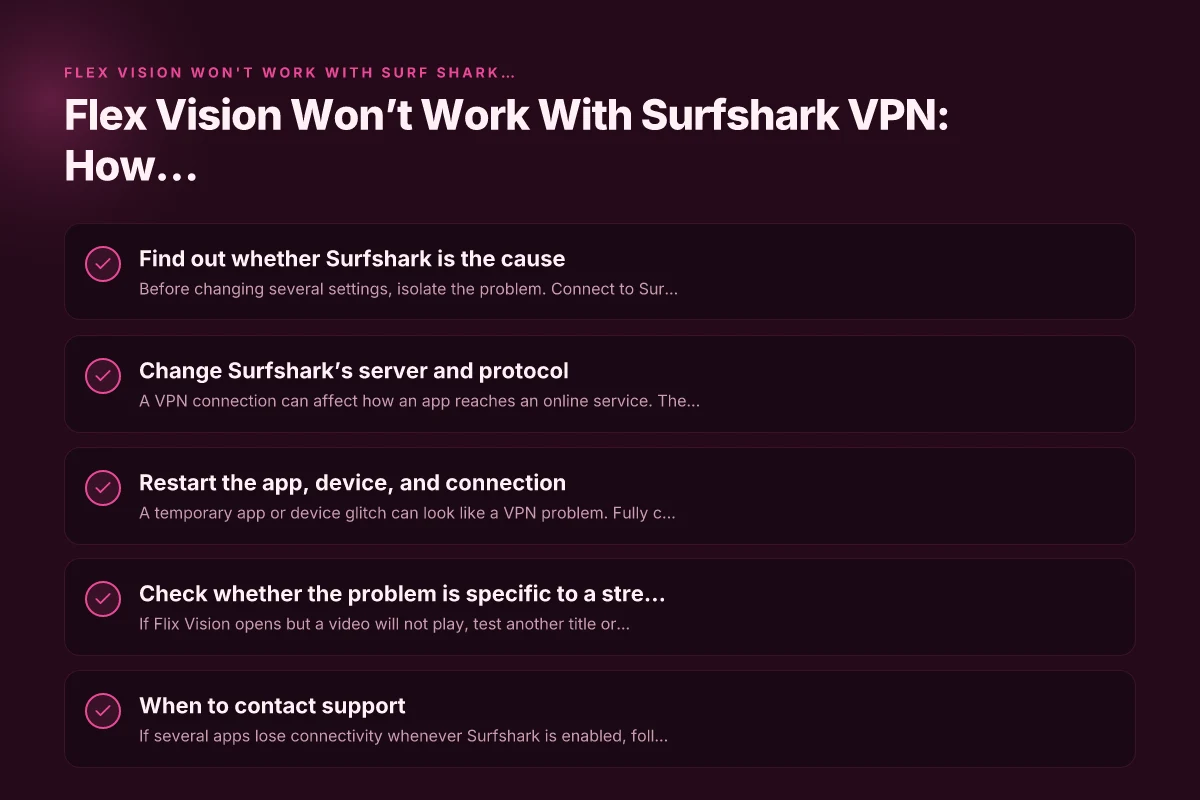
A VPN connection can affect how an app reaches an online service. The server you are using may be slow, temporarily unavailable, or unable to connect to a particular source. Switching servers is a useful first test.
- Disconnect Surfshark.
- Choose another available server location.
- Reconnect and reopen Flix Vision.
- Test more than one stream, if available.
If changing the server does not help, try another protocol in Surfshark’s settings. Surfshark’s Fire TV connection guidance recommends changing the protocol as a troubleshooting step. The exact options shown can depend on the app version and device. What Is My IP NordVPN? How to Check Your IP Address
After changing a setting, disconnect and reconnect the VPN before testing again. Avoid changing multiple settings at once. Testing one change at a time makes it easier to identify what helped.
Restart the app, device, and connection
A temporary app or device glitch can look like a VPN problem. Fully close Flix Vision, then open it again. If that does not work, restart the streaming device. On a Fire TV device, unplugging its power, waiting briefly, and reconnecting it can help clear a temporary fault.
Also try these checks:
- Restart your router if other apps or devices have connection trouble.
- Confirm that the device is connected to the intended Wi-Fi network.
- Open another streaming app while Surfshark is connected.
- Check whether Flix Vision is up to date, using the app’s official update method.
- If the problem began after an app update, restart the device and try clearing the app cache through its settings.
Clearing cache can help when an app becomes unresponsive, but do not clear app data unless you understand the consequences. It may remove saved preferences or require you to set the app up again. Best VPN Extension for Edge Free: Top Options and What to Know
Choose the next step based on what happens
| Test or change | Flex Vision works afterward? | Likely takeaway | Next action |
|---|---|---|---|
| Disconnect Surfshark | Yes | Surfshark may be involved | Try a different server or protocol |
| Disconnect Surfshark | No | The VPN may not be the cause | Restart the app, device, and connection |
| Switch Surfshark server | Yes | The original server may be involved | Continue with the working server |
| Switch Surfshark server | No | A server change did not resolve it | Try another protocol |
| Switch protocol | Yes | The original protocol may be involved | Keep the working protocol |
| Switch protocol | No | The protocol change did not resolve it | Restart the app and device |
| Try a different stream | Yes | The issue may be limited to one stream | Contact Flex Vision about that stream |
| Try a different stream | No | The issue may affect Flex Vision more broadly | Contact support with your test results |
Compiled November 2026; check the provider's site for current details.
Check whether the problem is specific to a stream
If Flix Vision opens but a video will not play, test another title or source. A single stream may be unavailable even when the app and VPN are functioning normally. If Live TV works but movies or shows do not, compare several items in each section rather than assuming Surfshark is blocking all Flix Vision traffic.
A VPN may help with some network or location-related access problems, but it cannot repair a broken stream source or an app-side fault. Likewise, changing VPN locations repeatedly is unlikely to solve a problem that occurs on every network and with Surfshark disconnected. Geo Blocked Hasn’t Worked With NordVPN? Fix It When Only One Application Is Affected
If the app will not open at all, focus on the device and app first:
- Restart the device.
- Check that other apps can connect to the internet.
- Clear Flix Vision’s cache.
- Check for an app update or a known issue with the version you installed.
When to contact support
If several apps lose connectivity whenever Surfshark is enabled, follow Surfshark’s Fire TV troubleshooting guidance. It includes changing the VPN protocol, and it advises checking whether the Web Safe feature, also described as Virgin Media parental controls, is turned off when relevant to the connection.
Contact Surfshark support if the VPN itself will not connect or if other apps consistently lose internet through it. If Surfshark works normally in other apps but Flix Vision alone fails, the issue is more likely to be limited to Flix Vision, a specific stream, or the device setup. Check the app’s official support information for current guidance, and avoid installing updates or copies from untrusted sources.
Decide where to seek help What Antivirus Engine Does NordVPN Use? A Guide to Threat Protection
| What you observe | What it may point to | Useful checks first | Who to contact |
|---|---|---|---|
| Flex Vision works without Surfshark | VPN connection may be involved | Try another server and protocol | Surfshark support if it persists |
| Flex Vision works on a different server | Original server may be involved | Retest the original stream | Surfshark support if needed |
| Flex Vision works with another protocol | Protocol may be involved | Retest after reconnecting | Surfshark support if needed |
| Flex Vision fails after app restart | App or service issue may remain | Restart the device and connection | Flex Vision support |
| Only one stream fails | Stream-specific issue may be involved | Try another stream | Flex Vision support |
| All tested streams fail | Broader app or connection issue may be involved | Test without Surfshark and restart | Flex Vision support |
| Cause remains unclear | More troubleshooting may be needed | Share steps and results | Surfshark or Flex Vision support |
| Changes do not help | The issue persists | Note the device, stream, and tests tried | Relevant support team |
Compiled November 2026; check the provider's site for current details.
Recommendation
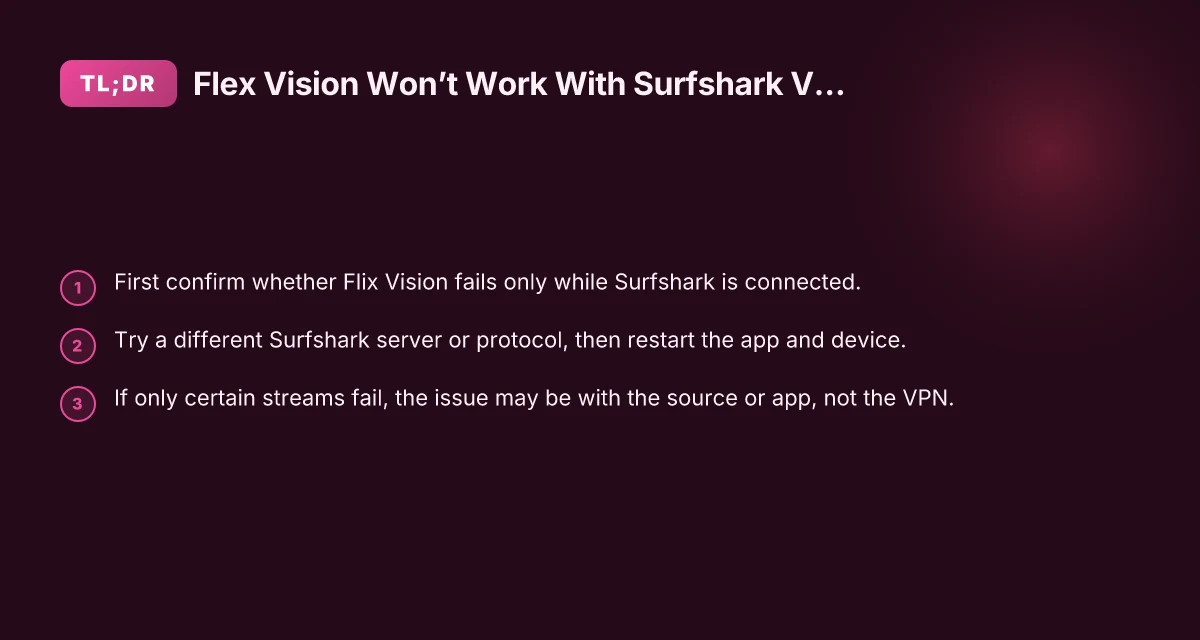
Start with a simple comparison: test Flix Vision with Surfshark on and off, then try a different server and protocol. Restart the app and device, and test more than one stream. If the problem persists only in Flix Vision, treat it as an app or source issue rather than assuming Surfshark is the cause.