Best Free Trial VPN: How to Choose and Test One
Compare free VPN trials, understand the fine print, and test speed, privacy, and streaming before you commit.
The best free trial VPN is one that lets you test the features you actually need without surprising charges or complicated cancellation rules. Start by comparing the length and terms of each provider’s trial or refund period, then check its privacy policy, speed, device support, and performance for activities such as streaming or travel. “Free trial” can mean different things: a no-payment trial, a limited free plan, or a paid subscription with a money-back guarantee.

Editor's pick: NordVPN — fast, secure VPN — Strong encryption, a no-logs policy and apps for every device. 30-day money-back guarantee. Get NordVPN →
Compare VPN trial and free-access offers
| Offer type | Cost to start | Payment details | Access | Main limitation |
|---|---|---|---|---|
| Free trial | Usually $0 | May require payment details | Trial-period access | May renew as a paid plan |
| Money-back guarantee | Pay upfront | Payment details required | Paid-plan access | Refund must be requested |
| Free plan | $0 | Usually no payment details | Ongoing limited access | May restrict features or usage |
| Paid monthly plan | Paid | Payment details required | Full plan access | Costs more over time |
| Paid long-term plan | Paid upfront | Payment details required | Full plan access | Larger upfront commitment |
| App-store trial | Usually $0 | Store account may be billed | Trial-period access | Cancellation may be through the store |
Compiled November 2026; check the provider's site for current details.
| VPN | Obfuscation | From / month | Plan | Free plan | Refund | Alipay | UnionPay | Crypto | Website opens in China | Trustpilot | |
|---|---|---|---|---|---|---|---|---|---|---|---|
 ZoogVPN | Turn on manually Shadow | $2.49/mo | 27 months: $59.99 | Yes | 7 days | ✓ | ✓ | ✓ | ✓ | Official site blocked; our special link opens (4.4 s) | 4.2/5 (195 reviews) |
 NordVPN | Turn on manually Obfuscated Servers / NordWhisper | $3.49/mo | 27 months: $94.23 | No | 30 days | ? | ✗ | ✓ | ✓ | ✗ Blocked | 4.2/5 (51,628 reviews) |
 ExpressVPN | ✓ On by default all servers | $3.00/mo | 28 months: $84 | No | 30 days | ✗ | ✗ | ✓ | ✗ | ✗ Blocked | 4.4/5 (29,706 reviews) |
 Surfshark | ✓ On by default Camouflage, with OpenVPN | See site | See site | No | 30 days | ✗ | ✗ | ✗ | ✓ | ✗ Blocked | 4.3/5 (31,823 reviews) |
 Proton VPN | Turn on manually Stealth, free plan too | $2.99/mo | 12 months: $35.88 | Yes | 30 days | ✗ | ✗ | ✗ | ✓ | ✗ Blocked | 2.1/5 (1,040 reviews) |
 Astrill VPN | Turn on manually StealthVPN / OpenWeb | $12.50/mo | 24 months: $300 | No | See site | ✗ | ✗ | ✗ | ✓ | ✗ Blocked | 1.3/5 (110 reviews) |
 Private Internet Access | Turn on manually Shadowsocks, OpenVPN only | $2.03/mo | 40 months: $81.2 | No | 30 days | ✗ | ✗ | ✗ | ✗ | ✗ Blocked | 4.2/5 (11,033 reviews) |
 CyberGhost | Turn on manually selected servers | $2.19/mo | 28 months: $61.32 | No | 45 days | ✗ | ✗ | ✗ | ✓ | ✗ Blocked | 4.0/5 (24,178 reviews) |
 PureVPN | Turn on manually switch to OpenVPN | $1.69/mo | 60 months: $101.55 | No | 31 days | ? | ? | ✗ | ✓ | ✗ Blocked | 4.4/5 (17,994 reviews) |
 AdGuard VPN | ✓ On by default TrustTunnel | $2.99/mo | 24 months: $71.76 | Yes | 30 days | ✓ | ✗ | ✓ | ✓ | Official site blocked; our special link opens (3.7 s) | 4.3/5 (290 reviews) |
 Mullvad | Turn on manually QUIC / Shadowsocks / LWO | $5.61/mo | €5/mo | No | 14 days | ✗ | ✗ | ✗ | ✓ | ✗ Blocked | 3.2/5 (192 reviews) |
 Windscribe | Turn on manually Stealth / WStunnel | $5.75/mo | 12 months: $69 | Yes | See site | ✗ | ✗ | ✗ | ✓ | ✗ Blocked | 4.7/5 (13,355 reviews) |
 StrongVPN | Turn on manually Scramble, OpenVPN TCP | See site | See site | No | 30 days | ✓ | ✗ | ✗ | ✗ | ✗ Blocked | 4.4/5 (2,695 reviews) |
 LightXtreme 闪连 | Not listed | $7.08/mo | 12 months: $84.99 | Yes | 30 days | ✓ | ✓ | ✓ | ✓ | ✓ Yes (3.5 s) | No page |
Prices checked 2026-11-10 on each vendor's pricing page (cheapest long plan, USD). Check the vendor's checkout for the final price.
Obfuscation checked 2026-11-14 on each vendor's site and help center: "on by default" = nothing to set; "turn on manually" = switch protocol or mode in settings; "not listed" = the vendor describes no obfuscation.
Payment methods checked 2026-11-10 on each vendor's payment pages: all 14 take cards and PayPal; ✗ = not listed, ? = the vendor's own pages disagree.
China access: whether the official website opens from mainland China networks (tests the website only, not the VPN connection). Last checked 2026-11-18 01:02 Beijing time.
Trustpilot score and review count checked 2026-11-10.
What counts as a free VPN trial?
VPN companies use several kinds of offers, and they are not interchangeable.
- Free trial: Temporary access, sometimes with no payment details required. Other trials require a payment method and automatically convert to a paid plan.
- Money-back guarantee: You pay upfront and request a refund within a stated period if you cancel. Read the refund conditions carefully.
- Free plan: Ongoing access to a restricted service, often with limits on data, locations, speed, or features.
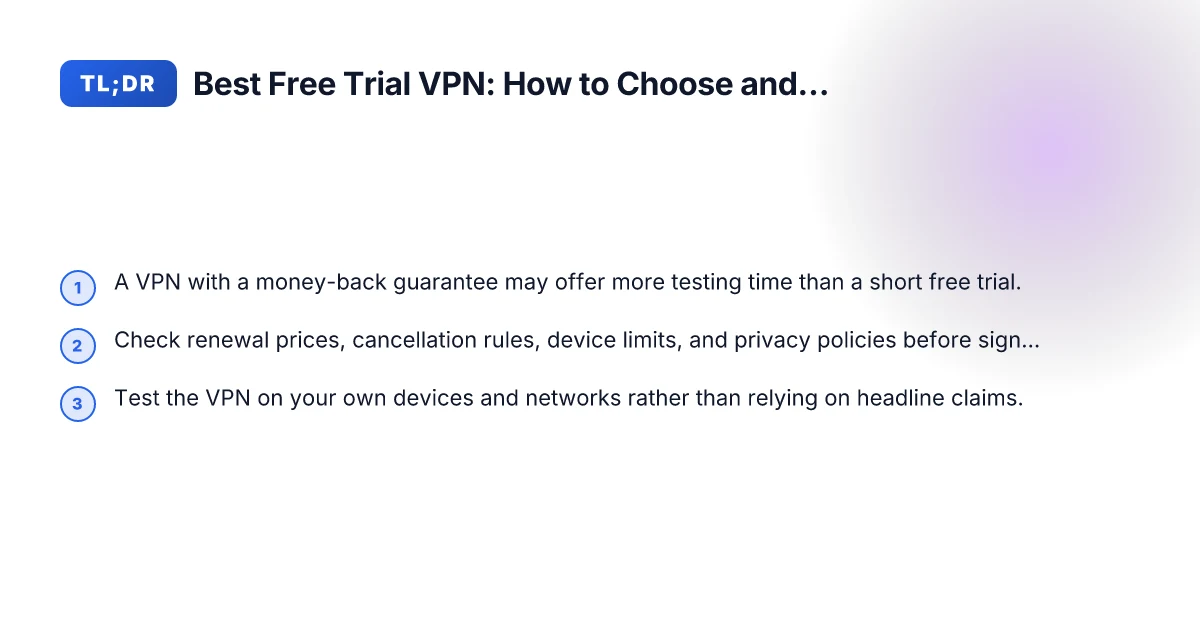
A refund guarantee can be more practical than a short trial because it may give you more time to test the service. But you must be willing to pay initially, and a refund is not the same as a no-cost trial. Eligibility, processing times, and cancellation steps vary by provider and plan.
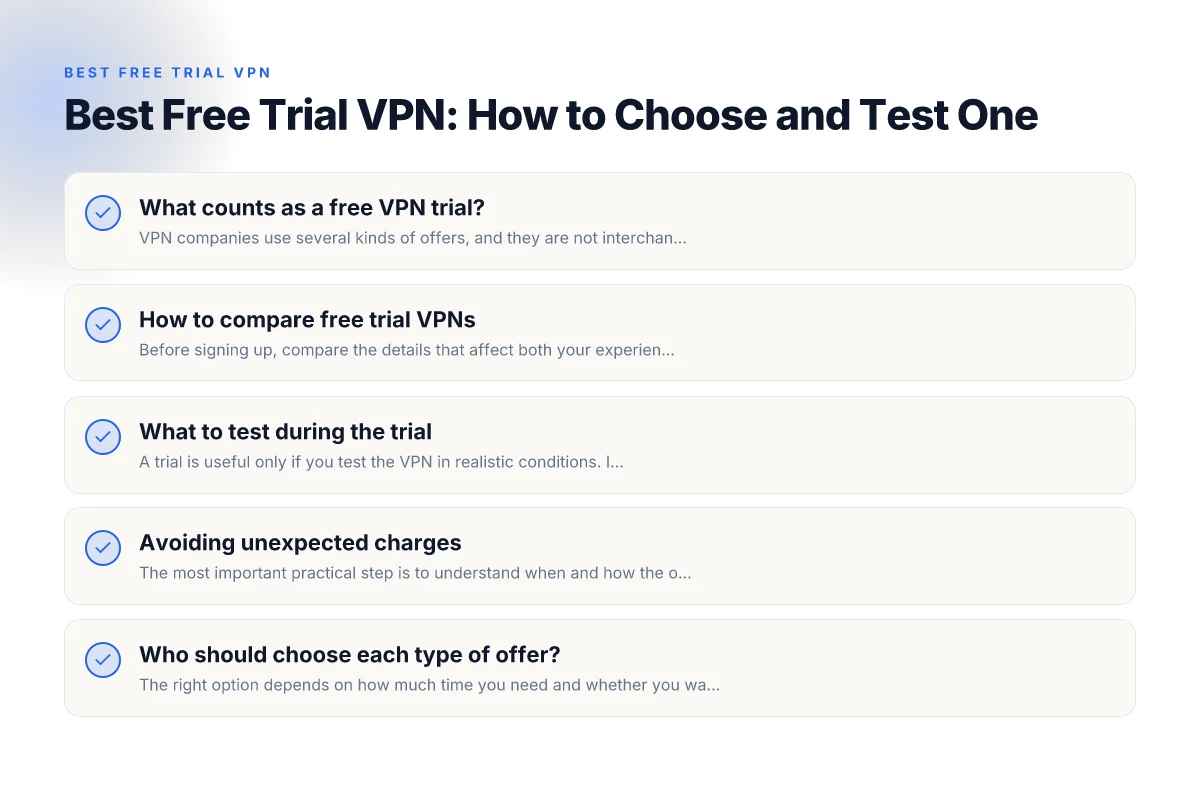
How to compare free trial VPNs
Before signing up, compare the details that affect both your experience and your bill.
| What to check | Why it matters |
|---|---|
| Trial or refund period | Determines how long you can test the service |
| Payment requirements | Shows whether you must pay upfront or provide billing details |
| Renewal price | Reveals what you will be charged after the offer ends |
| Cancellation process | Helps you avoid an unwanted renewal |
| Device and connection limits | Determines whether you can cover your everyday devices |
| Server locations | Affects travel use, latency, and access to regional services |
| Privacy and security policies | Helps you understand what data the provider collects |
| Support availability | Useful if setup or cancellation becomes confusing |
Check the offer on the provider’s own website before you subscribe. Promotions may differ by country, operating system, subscription length, or sign-up route. Also confirm whether the guarantee applies to the exact plan you intend to buy. Where Are the VPN Profile on Windows Located? Find and Manage Your Settings
Features to compare before starting a trial
| Comparison point | What to check | Why it matters | Trial test |
|---|---|---|---|
| Speed | Performance on your usual connection | Affects browsing and streaming | Run the same tasks with VPN on and off |
| Server locations | Locations available on your plan | Affects access and connection options | Test a nearby and a distant location |
| Device support | Apps for your devices | Determines where you can use it | Install and sign in on each intended device |
| Ease of use | App layout and settings | Makes everyday use simpler | Connect, switch servers, and disconnect |
| Privacy information | Data collection and retention terms | Helps you judge the provider’s practices | Read the privacy policy |
| Customer support | Help channels and availability | Useful if setup or billing goes wrong | Ask a basic question |
| Cancellation process | Where and how to cancel | Helps prevent unwanted renewal | Find the cancellation instructions |
Compiled November 2026; check the provider's site for current details.
What to test during the trial
A trial is useful only if you test the VPN in realistic conditions. Install the app on the devices you use most, and try it on both your home network and a mobile connection.
Speed and reliability
Run a speed test with the VPN off, then repeat it while connected to a nearby server. Try a second location if you need one farther away. Compare download speed, upload speed, and latency, but do not judge a VPN from a single result: network congestion and server load can change performance. Best Firestick VPNs: Top Picks for Streaming, Speed, and Privacy
Leave the VPN connected while browsing, making a video call, or downloading a file. Notice whether the connection drops, slows significantly, or requires frequent reconnecting.
Privacy and security features
Look for clear explanations of the VPN’s logging practices, ownership, and security features. A privacy policy should explain what information the company collects and how it uses that data. Consider whether the app offers features such as a kill switch, which is designed to block internet traffic if the VPN connection drops.
No VPN makes you completely anonymous or protects you from every online threat. A VPN mainly encrypts traffic between your device and the VPN server. It does not replace strong passwords, software updates, or safe browsing habits.
Streaming, travel, and everyday use
If you want a VPN for streaming, test the specific services and devices you use. Access can vary by platform and location, and providers cannot guarantee that every server will work with every service at all times. Why Does My VPN Keep Turning On on My iPhone?
For travel, check whether the app is easy to use on your phone and laptop, whether nearby servers are available, and whether the VPN reconnects reliably when you switch between Wi-Fi and mobile data. For general browsing, make sure the apps are intuitive and do not interrupt your routine.
Avoiding unexpected charges
The most important practical step is to understand when and how the offer ends. Before entering payment details, note the renewal date, the regular subscription price, and the cancellation deadline. Save the confirmation email and any receipt.
Set a reminder a few days before the trial or refund period expires. If you decide not to continue, follow the provider’s stated cancellation process and keep a record of the confirmation. Deleting the app usually does not cancel a subscription, especially when billing is managed through an app store.
Be wary of offers that make the renewal price hard to find or describe cancellation rules vaguely. If you are unsure how a refund works, ask customer support before subscribing and keep the response. VPN 360 for Windows 11: Setup, Features, and Safety Checks
Choose an offer by your needs and billing preferences
| Your situation | Offer to consider | Before signing up | During the offer | Before it ends |
|---|---|---|---|---|
| Want to test without paying upfront | Free trial | Check whether payment details are required | Test essential features | Cancel if you do not want a paid plan |
| Prefer not to share payment details | Free plan | Check limits and available features | See whether limits suit your use | Review whether a paid option is worthwhile |
| Need full access before deciding | Money-back guarantee | Check refund conditions and deadlines | Test the service as a regular user | Request a refund in time if needed |
| Need only short-term access | Monthly plan | Check the renewal price | Use the service for your intended period | Cancel before the next billing date if needed |
| Want a lower ongoing rate | Long-term plan | Compare total upfront cost and terms | Confirm it meets your needs | Note the renewal terms |
| Sign up through an app store | App-store trial | Check the store’s billing and cancellation rules | Test the app on your device | Cancel through the required store settings |
Compiled November 2026; check the provider's site for current details.
Who should choose each type of offer?
The right option depends on how much time you need and whether you want to provide payment details.
- Choose a no-payment trial if you want a quick test without paying upfront, and its duration is long enough for your needs.
- Consider a money-back guarantee if you need more time to evaluate performance and are comfortable paying first, provided the refund terms are clear.
- Try a free plan if you want ongoing basic access and can accept limits on data, locations, or features.
Do not choose only by the advertised trial length. A longer offer is less useful if it excludes the features you need, has restrictive device limits, or renews at a price you do not want to pay. Best Fire Stick VPNs: Top Picks for Streaming, Speed, and Privacy
Final recommendation
For most people searching for the best free trial VPN, the best starting point is a reputable provider with transparent privacy information, clear renewal pricing, and a cancellation or refund process you can understand. Compare the exact terms available in your region, then test speed, stability, device support, and any specific use case during the offer period. If you cannot confirm how to stop the subscription or request a refund, choose another option.