What Free VPN Can Select Different Provinces? Your Options Explained
Learn which free VPNs offer location choice, why province-level servers are rare, and how to find the right option.
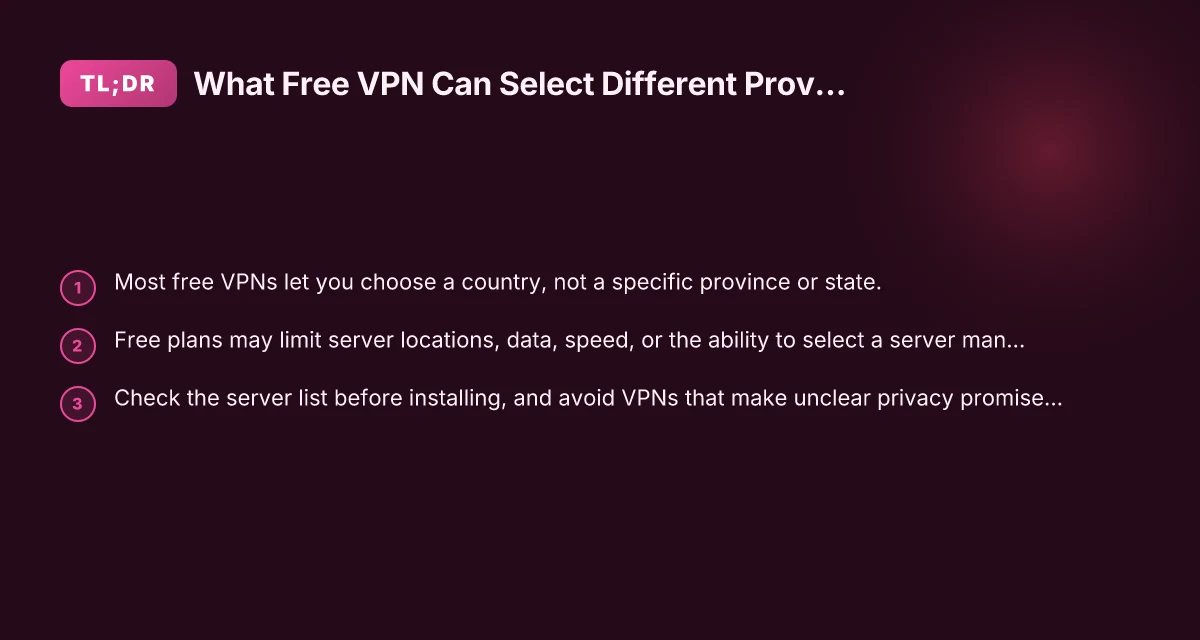
If you’re asking what free VPN can select different provinces, the short answer is that province-level choice is uncommon on free plans. Many free VPNs let you select a country, but they may not show individual provinces, states, or cities. For a specific province, look for a provider that clearly lists that location on its free plan. Otherwise, you may need a paid plan or a different service.
The term “province” can mean different things depending on where you live. A VPN may offer a Canadian server, for example, without letting you choose Ontario, Quebec, or another province. Even when an app displays several locations, confirm that they are included for free and that you can select them yourself rather than being assigned one automatically.
| VPN | Obfuscation | From / month | Plan | Free plan | Refund | Alipay | UnionPay | Crypto | Website opens in China | Trustpilot | |
|---|---|---|---|---|---|---|---|---|---|---|---|
 Proton VPN | Turn on manually Stealth, free plan too | $2.99/mo | 12 months: $35.88 | Yes | 30 days | ✗ | ✗ | ✗ | ✓ | ✗ Blocked | 2.1/5 (1,040 reviews) |
 Windscribe | Turn on manually Stealth / WStunnel | $5.75/mo | 12 months: $69 | Yes | See site | ✗ | ✗ | ✗ | ✓ | ✗ Blocked | 4.7/5 (13,355 reviews) |
 ZoogVPN | Turn on manually Shadow | $2.49/mo | 27 months: $59.99 | Yes | 7 days | ✓ | ✓ | ✓ | ✓ | Official site blocked; our special link opens (4.4 s) | 4.2/5 (195 reviews) |
 NordVPN | Turn on manually Obfuscated Servers / NordWhisper | $3.49/mo | 27 months: $94.23 | No | 30 days | ? | ✗ | ✓ | ✓ | ✗ Blocked | 4.2/5 (51,628 reviews) |
 ExpressVPN | ✓ On by default all servers | $3.00/mo | 28 months: $84 | No | 30 days | ✗ | ✗ | ✓ | ✗ | ✗ Blocked | 4.4/5 (29,706 reviews) |
 Surfshark | ✓ On by default Camouflage, with OpenVPN | See site | See site | No | 30 days | ✗ | ✗ | ✗ | ✓ | ✗ Blocked | 4.3/5 (31,823 reviews) |
 Astrill VPN | Turn on manually StealthVPN / OpenWeb | $12.50/mo | 24 months: $300 | No | See site | ✗ | ✗ | ✗ | ✓ | ✗ Blocked | 1.3/5 (110 reviews) |
 Private Internet Access | Turn on manually Shadowsocks, OpenVPN only | $2.03/mo | 40 months: $81.2 | No | 30 days | ✗ | ✗ | ✗ | ✗ | ✗ Blocked | 4.2/5 (11,033 reviews) |
 CyberGhost | Turn on manually selected servers | $2.19/mo | 28 months: $61.32 | No | 45 days | ✗ | ✗ | ✗ | ✓ | ✗ Blocked | 4.0/5 (24,178 reviews) |
 PureVPN | Turn on manually switch to OpenVPN | $1.69/mo | 60 months: $101.55 | No | 31 days | ? | ? | ✗ | ✓ | ✗ Blocked | 4.4/5 (17,994 reviews) |
 AdGuard VPN | ✓ On by default TrustTunnel | $2.99/mo | 24 months: $71.76 | Yes | 30 days | ✓ | ✗ | ✓ | ✓ | Official site blocked; our special link opens (3.7 s) | 4.3/5 (290 reviews) |
 Mullvad | Turn on manually QUIC / Shadowsocks / LWO | $5.61/mo | €5/mo | No | 14 days | ✗ | ✗ | ✗ | ✓ | ✗ Blocked | 3.2/5 (192 reviews) |
 StrongVPN | Turn on manually Scramble, OpenVPN TCP | See site | See site | No | 30 days | ✓ | ✗ | ✗ | ✗ | ✗ Blocked | 4.4/5 (2,695 reviews) |
 LightXtreme 闪连 | Not listed | $7.08/mo | 12 months: $84.99 | Yes | 30 days | ✓ | ✓ | ✓ | ✓ | ✓ Yes (3.5 s) | No page |
Prices checked 2026-11-10 on each vendor's pricing page (cheapest long plan, USD). Check the vendor's checkout for the final price.
Obfuscation checked 2026-11-14 on each vendor's site and help center: "on by default" = nothing to set; "turn on manually" = switch protocol or mode in settings; "not listed" = the vendor describes no obfuscation.
Payment methods checked 2026-11-10 on each vendor's payment pages: all 14 take cards and PayPal; ✗ = not listed, ? = the vendor's own pages disagree.
China access: whether the official website opens from mainland China networks (tests the website only, not the VPN connection). Last checked 2026-11-18 01:02 Beijing time.
Trustpilot score and review count checked 2026-11-10.

Editor's pick: NordVPN — fast, secure VPN — Strong encryption, a no-logs policy and apps for every device. 30-day money-back guarantee. Get NordVPN →
Free VPN options to investigate
| VPN | Free plan | Province-level selection | What to verify |
|---|---|---|---|
| Proton VPN | Check current plan | Check app locations | Province list |
| Windscribe | Check current plan | Check app locations | Free data allowance |
| PrivadoVPN | Check current plan | Check app locations | Available locations |
| TunnelBear | Check current plan | Check app locations | Free data allowance |
| hide.me | Check current plan | Check app locations | Province list |
| VPN Gate | Volunteer-run service | Check server list | Server reliability |
Compiled November 2026; check the provider's site for current details.
What to expect from a free VPN
VPN apps route your internet connection through a server and show websites an IP address associated with that server. Selecting a server in another region can make it appear that you are browsing from there, but the displayed location is not always precise. IP databases can identify a general area rather than the exact province or city.
Free plans commonly make trade-offs. They may offer fewer locations than paid plans, set data limits, restrict speeds, or choose a server automatically. A provider might advertise access to a country while reserving its individual city or regional servers for subscribers.
Before signing up, check whether the provider’s free plan offers:
- Manual server selection, rather than automatic connection only
- The specific province or state you need
- Enough data for your intended use
- Clear information about privacy and how the service is funded
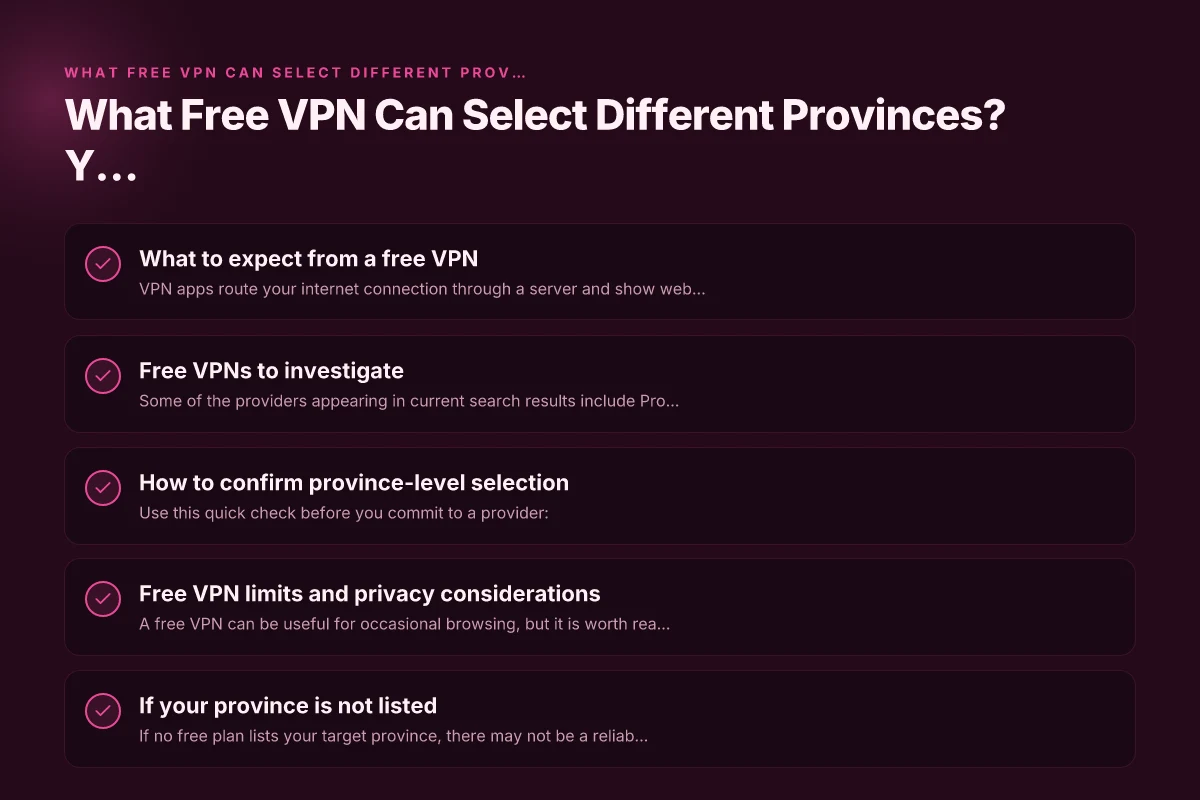
Free VPNs to investigate
Some of the providers appearing in current search results include Proton VPN Free, PrivadoVPN Free, Windscribe Free, and Firefox’s free VPN offering. They have different location and plan arrangements, so none should be assumed to provide every province for free. Server availability can change, and a country-level listing does not guarantee province-level choice. Touch VPN Chrome Extension: Features, Setup, and Safety
| Service mentioned in search results | What to check before relying on it |
|---|---|
| Proton VPN Free | Whether the free plan currently lets you select the location you need |
| PrivadoVPN Free | Which locations and manual server options are included without payment |
| Windscribe Free | Whether your target region is available on its free plan and what limits apply |
| Firefox free VPN | Which overseas server locations are offered and whether province selection is available |
| Urban VPN, Hoxx VPN, Speedify, or 1.1.1.1 | Review current location options, privacy terms, and free-plan restrictions carefully |
This list is a starting point, not a guarantee of availability. Check each provider’s official app or plan page before installing, since free features and server lists may change. Also distinguish a VPN from a browser proxy or other privacy tool: similar-sounding services do not necessarily provide the same protection or location controls.
How to confirm a VPN offers your province
| Check | Where to look | What counts as confirmation | If unclear |
|---|---|---|---|
| Province appears by name | App server list | Exact province is selectable | Contact support |
| City is listed | App server list | City is in the target province | Verify city location |
| Server location details | Provider website | Province or city is stated | Ask provider |
| Free-plan access | App or plan page | Location is available at no cost | Check plan restrictions |
| Connection location | IP lookup after connecting | IP geolocates to the target area | Try another server |
| Consistency | Repeat connection test | Location remains consistent | Treat as unverified |
Compiled November 2026; check the provider's site for current details.
How to confirm province-level selection
Use this quick check before you commit to a provider: VPN to Change the Time Zones Free: What Works and What Doesn’t
- Open the provider’s current server list or free-plan details.
- Look for the province or state name, not just the country.
- Confirm that the location is marked as free and can be selected manually.
- Check whether the app connects to a specific server or only to a broad region.
- After connecting, use a reputable IP-location checker to see what location websites may detect.
An IP-location check is only an estimate. It can show a nearby city or a different region from the server’s physical location. If the service needs to identify your location accurately, for example, for a regional account or website, test the VPN with that service before depending on it.
Free VPN limits and privacy considerations
A free VPN can be useful for occasional browsing, but it is worth reading the terms before sending sensitive traffic through it. A VPN provider handles your connection, so its privacy practices matter. Look for a clear privacy policy that explains what information is collected, how long it is kept, and whether it is shared.
Be cautious if an app:
- Does not explain how it earns money
- Makes sweeping privacy promises without supporting details
- Requests permissions unrelated to its VPN function
- Has no clear information about its operator or support
A free service may also be less suitable for data-heavy activities if it has a data allowance or speed restrictions. Avoid assuming that a “free” label means unlimited use, complete anonymity, or access to every advertised location. TomVPN Download: How to Find and Install the App Safely
Free VPN trade-offs and alternatives
| Option | Province choice | Cost | Main limitation | Privacy check |
|---|---|---|---|---|
| Free VPN plan | May be limited | Free | Locations or data may be restricted | Read privacy policy |
| Paid VPN plan | Often broader | Subscription | Requires payment | Check logging policy |
| Nearby province server | Depends on provider | Free or paid | May not match target province | Confirm IP location |
| Mobile carrier connection | Usually not selectable | Plan-dependent | Location is carrier-assigned | Review carrier privacy terms |
| Public proxy | May offer a location | Free or paid | Limited security and reliability | Avoid sensitive activity |
| No location change | Not selectable | Free | Keeps current network location | Use for ordinary browsing |
Compiled November 2026; check the provider's site for current details.
If your province is not listed
If no free plan lists your target province, there may not be a reliable free option for that exact location. You can try a different provider, but do not assume that selecting the country will place you in the province you want. Some VPN apps also offer a location automatically, which is not the same as province-level control.
If exact regional selection is essential, compare paid plans that explicitly name the province or city. Before paying, verify the server list and refund or trial terms directly with the provider. Do not choose a service based only on a general claim that it has servers in your country. Free VPN Where You Can Pick Location: What to Know
Recommendation
For a free VPN with province-level selection, start by checking the provider’s current free server list and look for the exact province or state. Proton VPN Free, PrivadoVPN Free, Windscribe Free, and Firefox’s offering are options to investigate, but their listed locations may not meet that specific need. If none clearly includes your target province, a free plan may not be the right fit. Choose a provider that explicitly confirms the location you need.