VPN Best in 2026: How to Choose the Right VPN
Find the VPN best suited to your privacy, speed, streaming, and budget needs with this practical selection guide.
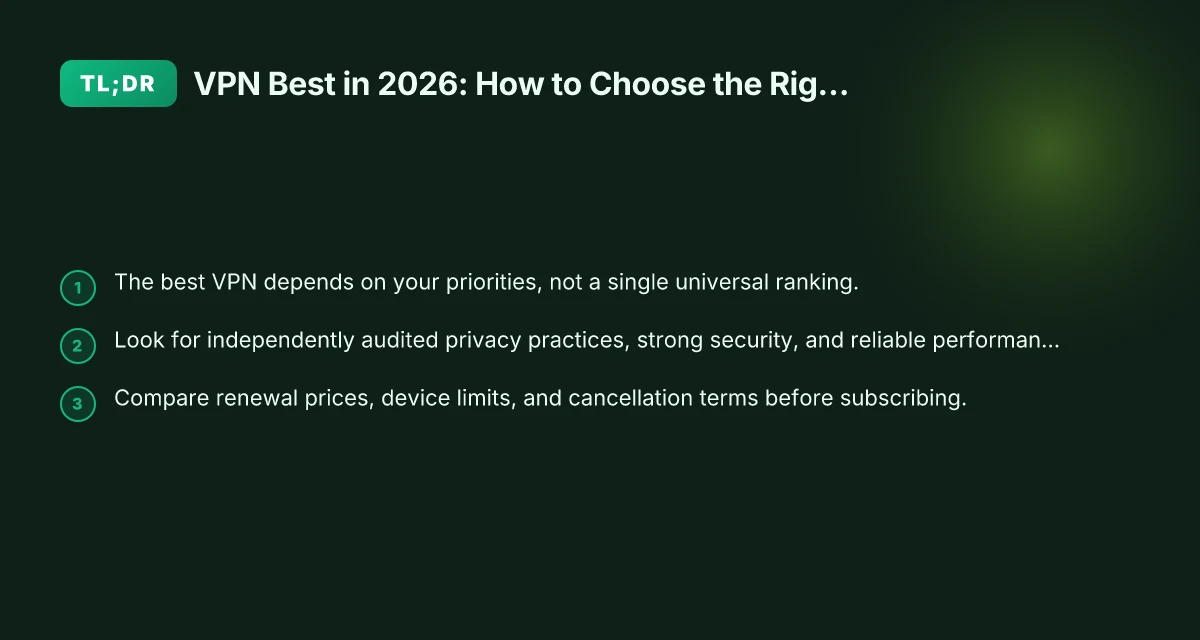
The VPN best for most people is a reputable, independently audited service with strong encryption, a verified no-logs policy, fast nearby servers, and apps for all the devices they use. No single VPN is ideal for everyone: the right choice depends on whether you care most about privacy, streaming, travel, or price. Use the comparison criteria below to find a service that fits your needs rather than choosing on advertising claims alone.

Editor's pick: NordVPN — fast, secure VPN — Strong encryption, a no-logs policy and apps for every device. 30-day money-back guarantee. Get NordVPN →
Compare VPNs by your main use
| Main use | What to look for | How to compare options | Test before choosing |
|---|---|---|---|
| Everyday browsing | Easy-to-use apps | Setup and connection steps | Browse on your usual devices |
| Public Wi-Fi | Automatic protection | Whether protection can start automatically | Connect on a public network |
| Streaming | Support for your services | App and service compatibility | Test the services you use |
| Gaming | Stable, responsive connections | Performance on your usual network | Play during your usual hours |
| Remote work | Reliable connections | Device and network compatibility | Try work apps and calls |
| Travel | Useful locations and simple switching | Coverage where you travel | Test from your destination if possible |
| Privacy-focused use | Clear privacy practices | What data is collected and retained | Read the privacy policy |
| Multiple devices | Support for your devices | Simultaneous connection rules | Set up each device you use |
Compiled November 2026; check the provider's site for current details.
| VPN | Obfuscation | From / month | Plan | Free plan | Refund | Alipay | UnionPay | Crypto | Website opens in China | Trustpilot | |
|---|---|---|---|---|---|---|---|---|---|---|---|
 StrongVPN | Turn on manually Scramble, OpenVPN TCP | See site | See site | No | 30 days | ✓ | ✗ | ✗ | ✗ | ✗ Blocked | 4.4/5 (2,695 reviews) |
 ZoogVPN | Turn on manually Shadow | $2.49/mo | 27 months: $59.99 | Yes | 7 days | ✓ | ✓ | ✓ | ✓ | Official site blocked; our special link opens (4.4 s) | 4.2/5 (195 reviews) |
 NordVPN | Turn on manually Obfuscated Servers / NordWhisper | $3.49/mo | 27 months: $94.23 | No | 30 days | ? | ✗ | ✓ | ✓ | ✗ Blocked | 4.2/5 (51,628 reviews) |
 ExpressVPN | ✓ On by default all servers | $3.00/mo | 28 months: $84 | No | 30 days | ✗ | ✗ | ✓ | ✗ | ✗ Blocked | 4.4/5 (29,706 reviews) |
 Surfshark | ✓ On by default Camouflage, with OpenVPN | See site | See site | No | 30 days | ✗ | ✗ | ✗ | ✓ | ✗ Blocked | 4.3/5 (31,823 reviews) |
 Proton VPN | Turn on manually Stealth, free plan too | $2.99/mo | 12 months: $35.88 | Yes | 30 days | ✗ | ✗ | ✗ | ✓ | ✗ Blocked | 2.1/5 (1,040 reviews) |
 Astrill VPN | Turn on manually StealthVPN / OpenWeb | $12.50/mo | 24 months: $300 | No | See site | ✗ | ✗ | ✗ | ✓ | ✗ Blocked | 1.3/5 (110 reviews) |
 Private Internet Access | Turn on manually Shadowsocks, OpenVPN only | $2.03/mo | 40 months: $81.2 | No | 30 days | ✗ | ✗ | ✗ | ✗ | ✗ Blocked | 4.2/5 (11,033 reviews) |
 CyberGhost | Turn on manually selected servers | $2.19/mo | 28 months: $61.32 | No | 45 days | ✗ | ✗ | ✗ | ✓ | ✗ Blocked | 4.0/5 (24,178 reviews) |
 PureVPN | Turn on manually switch to OpenVPN | $1.69/mo | 60 months: $101.55 | No | 31 days | ? | ? | ✗ | ✓ | ✗ Blocked | 4.4/5 (17,994 reviews) |
 AdGuard VPN | ✓ On by default TrustTunnel | $2.99/mo | 24 months: $71.76 | Yes | 30 days | ✓ | ✗ | ✓ | ✓ | Official site blocked; our special link opens (3.7 s) | 4.3/5 (290 reviews) |
 Mullvad | Turn on manually QUIC / Shadowsocks / LWO | $5.61/mo | €5/mo | No | 14 days | ✗ | ✗ | ✗ | ✓ | ✗ Blocked | 3.2/5 (192 reviews) |
 Windscribe | Turn on manually Stealth / WStunnel | $5.75/mo | 12 months: $69 | Yes | See site | ✗ | ✗ | ✗ | ✓ | ✗ Blocked | 4.7/5 (13,355 reviews) |
 LightXtreme 闪连 | Not listed | $7.08/mo | 12 months: $84.99 | Yes | 30 days | ✓ | ✓ | ✓ | ✓ | ✓ Yes (3.5 s) | No page |
Prices checked 2026-11-10 on each vendor's pricing page (cheapest long plan, USD). Check the vendor's checkout for the final price.
Obfuscation checked 2026-11-14 on each vendor's site and help center: "on by default" = nothing to set; "turn on manually" = switch protocol or mode in settings; "not listed" = the vendor describes no obfuscation.
Payment methods checked 2026-11-10 on each vendor's payment pages: all 14 take cards and PayPal; ✗ = not listed, ? = the vendor's own pages disagree.
China access: whether the official website opens from mainland China networks (tests the website only, not the VPN connection). Last checked 2026-11-18 01:02 Beijing time.
Trustpilot score and review count checked 2026-11-10.
What makes a VPN the best choice?
A virtual private network (VPN) creates an encrypted connection between your device and a VPN server. This can help protect traffic on public Wi-Fi and hide your IP address from websites you visit. The VPN provider, however, becomes an important part of your trust model: it can potentially see connection details, so its privacy practices matter.
A strong VPN should offer:
- Clear privacy policies: Understand what data the service collects, how long it keeps it, and why.
- Independent audits: Look for audits of infrastructure, apps, or no-logs claims, and check when they were conducted.
- Modern security: Support for established protocols such as WireGuard or OpenVPN, plus a kill switch to help prevent traffic leaks if the VPN disconnects.
- Leak protection: DNS and IPv6 protections should work consistently across supported devices.
- Reliable performance: Servers should offer stable speeds for your location and typical activities.
- Transparent ownership: The company should clearly identify its operator and provide accessible support.
A VPN does not make you anonymous or protect against every online threat. It cannot prevent phishing, malware, weak passwords, or tracking through accounts and browser fingerprints.
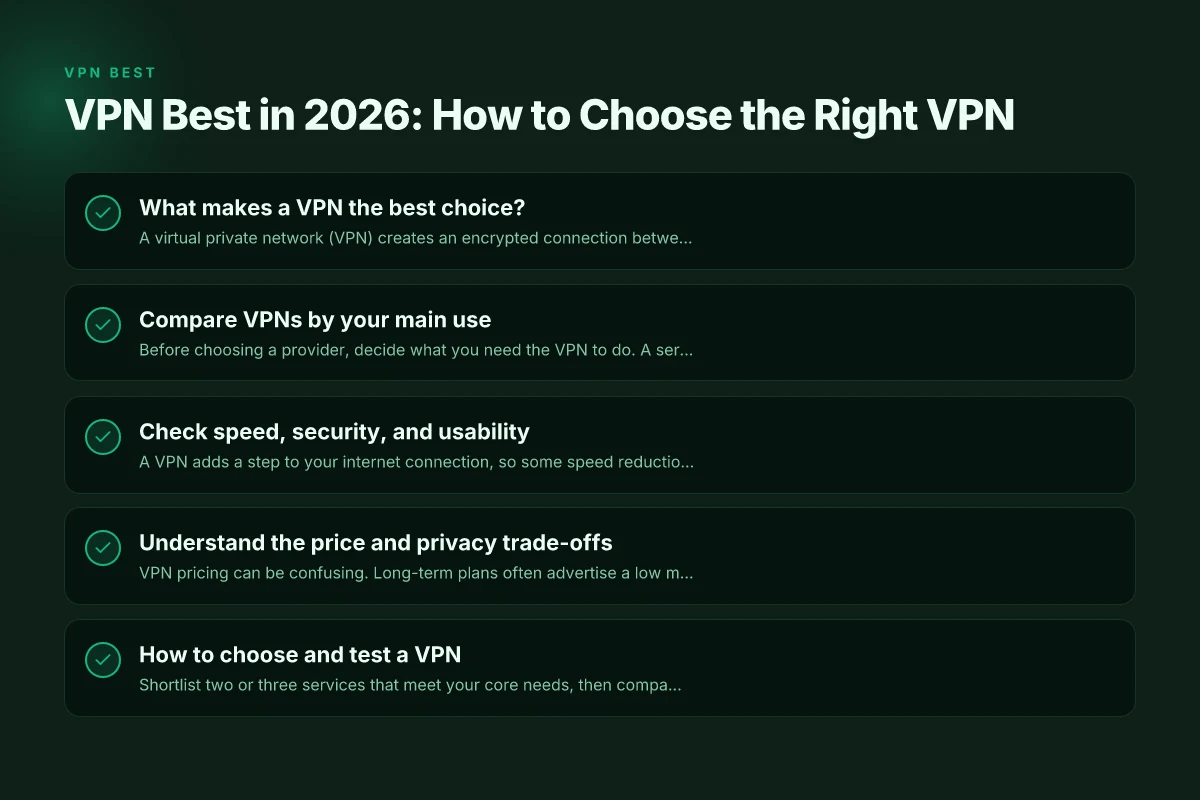
Compare VPNs by your main use
Before choosing a provider, decide what you need the VPN to do. A service that works well for streaming may not be the best fit for restrictive networks or a tight budget. Top VPN for Android: Best Options for Privacy, Speed, and Streaming
| Priority | What to look for | Why it matters |
|---|---|---|
| Everyday privacy | Audited policies, kill switch, leak protection | Helps reduce exposure on untrusted networks |
| Streaming | Consistent access, fast servers, responsive support | Availability can change by service, region, and time |
| Travel | Servers in useful locations, stable connections, dependable apps | Helps you connect more reliably while away from home |
| Low cost | Clear renewal price, useful plan terms, refund policy | Introductory discounts may not reflect long-term cost |
| Multiple devices | Generous connection limit and compatible apps | Covers phones, computers, and other supported devices |
For privacy
Prioritize a provider with a detailed privacy policy and meaningful independent scrutiny. A “no logs” label is not enough on its own. Read what the company means by logs and whether any claims have been audited or tested in real-world situations. Consider the provider’s legal jurisdiction, but do not assume that location alone proves a service is trustworthy or untrustworthy.
For streaming and travel
If you want to watch content while traveling, check whether the VPN works with the specific platforms and countries you care about. Streaming services regularly change how they detect VPN connections, so no provider can promise uninterrupted access everywhere. For travel, test the VPN before leaving and install its apps while you still have access to your usual app stores and support channels.
Check speed, security, and usability
A VPN adds a step to your internet connection, so some speed reduction is normal. The impact depends on your starting connection, distance to the server, network congestion, device, and VPN protocol. A provider with a large server list is not automatically faster. Nearby, well-maintained servers are often more useful than a high advertised count.
To assess performance, test the VPN on your own network: V2Ray Free: What It Is, How to Find It, and What to Check
- Record your normal download speed, upload speed, and latency.
- Connect to a nearby VPN server and repeat the test.
- Try a second server if the connection is slow or unstable.
- Test the activities you actually use, such as video calls or streaming.
Security should be convenient enough that you keep it enabled. Check that the app offers a kill switch, automatically reconnects when appropriate, and makes it clear when the VPN is active. If you use devices that cannot run VPN apps, such as some smart TVs, see whether the provider supports router configuration. Router setup can protect more devices, but it may be harder to manage and can affect the entire home network.
Check speed, security, and usability
| Area | What to check | Questions to ask | Practical test |
|---|---|---|---|
| Speed | Browsing, streaming, and download performance | Does it suit your normal activities? | Compare with and without the VPN |
| Connection stability | Drops and reconnections | Does the connection remain reliable? | Use it over a typical session |
| Encryption | Security features described by the provider | Are the protections explained clearly? | Review the provider’s security information |
| Leak protection | DNS and IP leak safeguards | Are leak protections available? | Check for leaks while connected |
| Kill switch | Protection if the VPN disconnects | Is a kill switch supported? | Test what happens during a drop |
| Apps | Device and operating-system support | Are your devices covered? | Install and navigate the apps |
| Ease of use | Setup and everyday controls | Can you find key settings easily? | Connect and change settings |
| Support | Help options and guidance | Can you get help when needed? | Review support channels and setup guides |
Compiled November 2026; check the provider's site for current details.
Understand the price and privacy trade-offs
VPN pricing can be confusing. Long-term plans often advertise a low monthly equivalent while charging the full term upfront. Before paying, check the total cost, renewal rate, refund window, tax, and whether the plan limits simultaneous connections. A free trial or money-back guarantee can help you test a service, but read its conditions and set a reminder before the deadline. Best VPNs in France: A Clear Guide to Choosing the Right One
Be cautious with free VPNs. Running a secure network costs money, and some free services may rely on advertising, impose strict data limits, or collect more information than you expect. A free plan from a well-established provider can be useful for occasional, low-volume use, but review its limits and privacy policy. Avoid choosing an unknown app solely because it promises unlimited service at no cost.
Also check the VPN’s business model and support options. A trustworthy provider should explain how it earns revenue, make its policies easy to find, and offer a practical way to get help. Do not treat a large server count, bold privacy slogans, or influencer recommendations as substitutes for evidence.
How to choose and test a VPN
Shortlist two or three services that meet your core needs, then compare their policies and terms side by side. Download the official apps, check that they support your devices, and test them during the refund period if one is available.
A practical checklist: Best VPNs in 2026: How to Choose the Right One
- Does the provider explain what data it collects?
- Are relevant privacy or security claims independently audited?
- Does the app include a kill switch and leak protection?
- Can you connect reliably to locations you need?
- Are the speed and stability good enough for your activities?
- Is the renewal price acceptable?
- Can you cancel easily, and are the refund rules clear?
If privacy is your top concern, favor transparency and independent scrutiny over flashy features. If streaming is the priority, test the exact services you use. If cost matters most, compare the full renewal price rather than the introductory offer.
Understand price and privacy trade-offs
| Decision factor | What to compare | Questions to ask | Check before committing |
|---|---|---|---|
| Subscription price | Plans and billing terms | What will you pay for the plan you want? | Review the full checkout price |
| Renewal terms | Renewal timing and price | Does the price change after the first term? | Read the renewal details |
| Refund policy | Eligibility and conditions | Is there a refund option? | Check deadlines and exclusions |
| Free plan | Limits and included features | Does it meet your needs? | Review data, server, and feature limits |
| Privacy policy | Data collection and use | What information is retained? | Read the policy, not just the summary |
| Logging claims | Provider’s stated logging practices | Are the claims specific and clear? | Look for supporting explanations |
| Jurisdiction | Where the provider operates | Is the location relevant to your privacy priorities? | Check the provider’s disclosures |
| Independent reviews | Audits or other verification | Have privacy or security claims been checked? | Review scope, date, and findings |
| Cancellation | How to end the subscription | Is cancellation straightforward? | Check the account and billing instructions |
Compiled November 2026; check the provider's site for current details.
Recommendation
For most people, the VPN best to choose is a well-reviewed provider with audited privacy claims, modern protocols, leak protection, stable speeds, and clear pricing. Pick one that fits your devices and use case, test it before committing long term, and remember that a VPN is one layer of online protection, not a substitute for secure accounts, careful browsing, and updated software. Best VPN Network: How to Choose the Right Service