Virgin Media Issues With OpenVPN: Causes and Fixes

Troubleshoot OpenVPN on Virgin Media with practical checks for router settings, connection profiles, and network restrictions.
If you have Virgin Media issues with OpenVPN, start by finding out whether the problem is your device, VPN configuration, router, or the VPN service itself. Reports of VPN trouble on Virgin Media include older claims of traffic shaping and more recent problems after a new router installation, but these do not prove that OpenVPN is universally blocked. Work through the checks below before changing security settings or replacing your equipment.

Editor's pick: NordVPN — fast, secure VPN — Strong encryption, a no-logs policy and apps for every device. 30-day money-back guarantee. Get NordVPN →
Diagnose the failure by symptom
| Symptom | Likely area | Check first | What the result suggests |
|---|---|---|---|
| OpenVPN will not connect | Profile or app | Confirm the profile is current | Profile may be invalid or outdated |
| Connection fails after a router change | Router settings | Review VPN passthrough or related settings | Router configuration may be involved |
| VPN connects but browsing fails | VPN or network | Test browsing with VPN off | Compare VPN and broadband behaviour |
| Broadband also fails without VPN | Virgin Media service | Check other devices and websites | Problem may be broader than the VPN |
| Only one device has trouble | Device or app | Try another device or reinstall the app | Issue may be device-specific |
| Streaming fails while VPN is connected | Streaming restriction | Test the service without VPN | Service may restrict VPN traffic |
| Connection is intermittent | Broadband or VPN | Compare stability with VPN off | Helps separate network from VPN trouble |
Compiled November 2026; check the provider's site for current details.
| VPN | Obfuscation | From / month | Plan | Free plan | Refund | Alipay | UnionPay | Crypto | Website opens in China | Trustpilot | |
|---|---|---|---|---|---|---|---|---|---|---|---|
 ZoogVPN | Turn on manually Shadow | $2.49/mo | 27 months: $59.99 | Yes | 7 days | ✓ | ✓ | ✓ | ✓ | Official site blocked; our special link opens (4.4 s) | 4.2/5 (195 reviews) |
 NordVPN | Turn on manually Obfuscated Servers / NordWhisper | $3.49/mo | 27 months: $94.23 | No | 30 days | ? | ✗ | ✓ | ✓ | ✗ Blocked | 4.2/5 (51,628 reviews) |
 ExpressVPN | ✓ On by default all servers | $3.00/mo | 28 months: $84 | No | 30 days | ✗ | ✗ | ✓ | ✗ | ✗ Blocked | 4.4/5 (29,706 reviews) |
 Surfshark | ✓ On by default Camouflage, with OpenVPN | See site | See site | No | 30 days | ✗ | ✗ | ✗ | ✓ | ✗ Blocked | 4.3/5 (31,823 reviews) |
 Proton VPN | Turn on manually Stealth, free plan too | $2.99/mo | 12 months: $35.88 | Yes | 30 days | ✗ | ✗ | ✗ | ✓ | ✗ Blocked | 2.1/5 (1,040 reviews) |
 Astrill VPN | Turn on manually StealthVPN / OpenWeb | $12.50/mo | 24 months: $300 | No | See site | ✗ | ✗ | ✗ | ✓ | ✗ Blocked | 1.3/5 (110 reviews) |
 Private Internet Access | Turn on manually Shadowsocks, OpenVPN only | $2.03/mo | 40 months: $81.2 | No | 30 days | ✗ | ✗ | ✗ | ✗ | ✗ Blocked | 4.2/5 (11,033 reviews) |
 CyberGhost | Turn on manually selected servers | $2.19/mo | 28 months: $61.32 | No | 45 days | ✗ | ✗ | ✗ | ✓ | ✗ Blocked | 4.0/5 (24,178 reviews) |
 PureVPN | Turn on manually switch to OpenVPN | $1.69/mo | 60 months: $101.55 | No | 31 days | ? | ? | ✗ | ✓ | ✗ Blocked | 4.4/5 (17,994 reviews) |
 AdGuard VPN | ✓ On by default TrustTunnel | $2.99/mo | 24 months: $71.76 | Yes | 30 days | ✓ | ✗ | ✓ | ✓ | Official site blocked; our special link opens (3.7 s) | 4.3/5 (290 reviews) |
 Mullvad | Turn on manually QUIC / Shadowsocks / LWO | $5.61/mo | €5/mo | No | 14 days | ✗ | ✗ | ✗ | ✓ | ✗ Blocked | 3.2/5 (192 reviews) |
 Windscribe | Turn on manually Stealth / WStunnel | $5.75/mo | 12 months: $69 | Yes | See site | ✗ | ✗ | ✗ | ✓ | ✗ Blocked | 4.7/5 (13,355 reviews) |
 StrongVPN | Turn on manually Scramble, OpenVPN TCP | See site | See site | No | 30 days | ✓ | ✗ | ✗ | ✗ | ✗ Blocked | 4.4/5 (2,695 reviews) |
 LightXtreme 闪连 | Not listed | $7.08/mo | 12 months: $84.99 | Yes | 30 days | ✓ | ✓ | ✓ | ✓ | ✓ Yes (3.5 s) | No page |
Prices checked 2026-11-10 on each vendor's pricing page (cheapest long plan, USD). Check the vendor's checkout for the final price.
Obfuscation checked 2026-11-14 on each vendor's site and help center: "on by default" = nothing to set; "turn on manually" = switch protocol or mode in settings; "not listed" = the vendor describes no obfuscation.
Payment methods checked 2026-11-10 on each vendor's payment pages: all 14 take cards and PayPal; ✗ = not listed, ? = the vendor's own pages disagree.
China access: whether the official website opens from mainland China networks (tests the website only, not the VPN connection). Last checked 2026-11-18 01:02 Beijing time.
Trustpilot score and review count checked 2026-11-10.
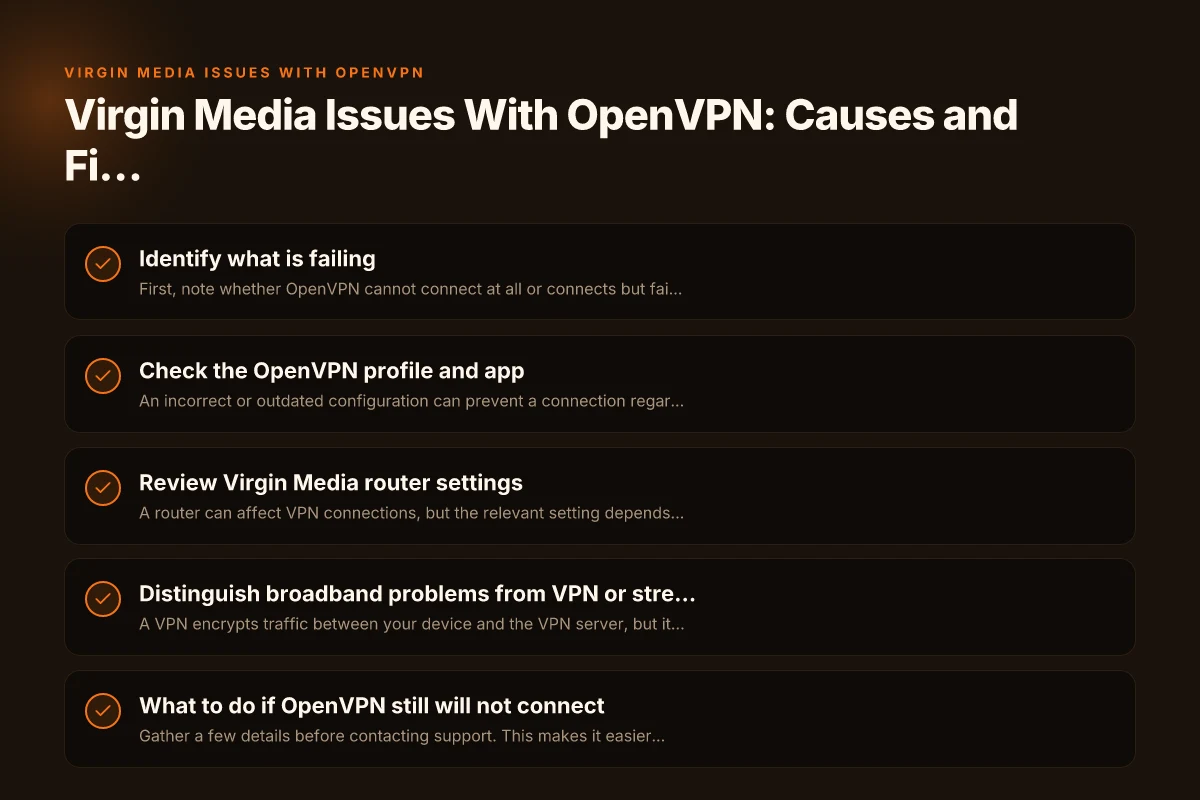
Identify what is failing
First, note whether OpenVPN cannot connect at all or connects but fails to load websites. These symptoms point to different causes.
- The connection will not establish: Check the VPN profile, credentials, app, server, and router.
- The VPN connects, but browsing fails: Check DNS, the VPN server, or the VPN app’s network settings.
- Only one service or app fails: The service may not work through that VPN, even when the tunnel is healthy.
- The problem began after a router change: Check the new router’s settings and contact your VPN provider about compatible profiles.
If possible, test the same device and OpenVPN profile using a different internet connection, such as a mobile hotspot. If it works there but not on Virgin Media, the issue is more likely to involve the Virgin Media router or connection. If it fails on both, focus on the device, profile, or VPN service.
Check the OpenVPN profile and app
An incorrect or outdated configuration can prevent a connection regardless of your broadband provider. Confirm that you are using a current profile supplied by your VPN provider or workplace administrator. Avoid downloading configuration files from unknown sources.
Try these basic checks: NordVPN China: Does It Work, and How to Prepare
- Update the OpenVPN client and restart the device.
- Re-enter your VPN username and password if the service requires them.
- Select another server offered by your provider.
- Check for a refreshed profile, especially if your VPN provider recently changed its service.
- Confirm that your device’s date and time are correct.
- Ask your workplace IT team whether its VPN service has specific connection requirements.
If you use a work VPN, such as a managed service, your employer may restrict which networks, devices, or profiles can connect. Contact the IT team before changing corporate VPN settings.
Check profile and app options
| Option | When to try it | What to check | What it can tell you |
|---|---|---|---|
| Re-import the profile | Profile may be stale | Use the provider’s latest file | Whether profile data was the issue |
| Check profile details | Connection fails repeatedly | Server address and settings | Whether details look incorrect |
| Update the OpenVPN app | App is outdated | Install an available update | Whether app compatibility was involved |
| Restart the app | App appears stuck | Close it fully, then reopen | Whether a temporary app fault clears |
| Try another server | One endpoint fails | Select another available server | Whether the issue is server-specific |
| Test another device | Device-specific fault is possible | Use the same profile if supported | Whether the problem follows the device |
| Contact the VPN provider | Checks do not resolve it | Share the error message and setup details | Whether provider support is needed |
Compiled November 2026; check the provider's site for current details.
Review Virgin Media router settings
A router can affect VPN connections, but the relevant setting depends on the VPN protocol and equipment. “VPN passthrough” is a broad term often associated with protocols such as PPTP or L2TP. It is not a universal switch that fixes every OpenVPN problem. Urban VPN Proxy Extension Edge: Setup, Features, and Safety Guide
Sign in to your router’s settings and check whether any firewall, parental-control, or security feature is blocking the connection. Make one change at a time, and restore the original setting if it makes no difference. Do not disable the router firewall altogether as a troubleshooting shortcut.
If the issue started after a new Virgin Media hub was installed:
- Restart the hub and the device running OpenVPN.
- Check that the device is connected to the expected Wi-Fi network.
- Test using an Ethernet cable, if practical.
- Ask your VPN provider whether the current profile is compatible with your router and connection.
- Contact Virgin Media if ordinary internet access is also unstable.
A VPN provider may be able to suggest an alternate connection profile or server. Use only settings it recommends. Random changes to ports or encryption options may weaken security or stop the connection working.
Distinguish broadband problems from VPN or streaming restrictions
A VPN encrypts traffic between your device and the VPN server, but it does not guarantee access to every website or app. Some services restrict VPN connections, and a player may refuse to sign in or stream while a VPN is active. This is different from OpenVPN failing to connect. OpenVPN Connect ProgramData File Location: Where to Find Profiles on Windows
| What you observe | Likely area to investigate | Useful next step |
|---|---|---|
| OpenVPN fails on Virgin Media and another network | Device, profile, account, or VPN provider | Update the app and contact the VPN provider |
| OpenVPN works on another network only | Router or Virgin Media connection | Test another device and contact the provider or Virgin Media |
| OpenVPN connects, but one streaming app fails | App or service access policy | Test without the VPN and check the service’s support guidance |
| General internet access also drops | Broadband, Wi-Fi, or router | Test a wired connection and report the wider fault |
If your goal is to use Virgin Media Player, try signing in with the VPN disconnected. Search results report that the player may block VPN connections. That does not establish that Virgin Media blocks OpenVPN broadband traffic generally.
Choose the next step
| Situation | Next step | Compare or verify | If it still fails |
|---|---|---|---|
| VPN fails but broadband works | Check profile and app | Test with VPN disconnected | Contact VPN provider |
| Broadband fails with VPN off | Check Virgin Media connection | Test another device or service | Contact Virgin Media |
| Router settings may be involved | Review router configuration | Compare before and after any change | Ask Virgin Media or router support |
| VPN connects but streaming does not | Test streaming without VPN | Check whether the service works directly | Review the service’s VPN restrictions |
| Only one device is affected | Check that device and app | Test another device on the same broadband | Seek device or app support |
| A different server works | Use the working server | Retest the original server later | Report the failing server to the provider |
| No checks identify the cause | Gather error and setup details | Record when and where it fails | Contact the relevant provider |
Compiled November 2026; check the provider's site for current details.
What to do if OpenVPN still will not connect
Gather a few details before contacting support. This makes it easier to identify where the failure occurs: How to Set Up NordVPN Automatically Connect on Any Device
- The OpenVPN app and device you use.
- Whether the VPN works on another network.
- Whether other devices on the Virgin Media connection can connect.
- The VPN provider or workplace service involved.
- Any error message shown by the app.
- Whether the issue began after a router, app, or profile change.
Share those details with your VPN provider first if the error concerns authentication, a server, or a configuration file. Contact Virgin Media if the broadband connection itself is failing or if multiple devices have trouble. For a work VPN, your organisation’s IT team is usually the right contact.
Avoid assuming that an old online report of throttling explains a current problem. A past forum discussion suggested that OpenVPN traffic might have been shaped, but a report from one user is not proof of a general policy or a present-day fault. Testing on another network is a more useful way to narrow down the cause.
Recommendation
For Virgin Media issues with OpenVPN, test the profile on another network, update the OpenVPN app, and check for router or profile changes. Keep the router firewall enabled, and change settings only with guidance from your router or VPN provider. If the VPN works elsewhere, ask Virgin Media and your VPN provider to investigate the connection. If only a streaming app fails, test it without the VPN first.