OpenVPN Connect ProgramData File Location: Where to Find Profiles on Windows

Find where OpenVPN Connect stores profiles on Windows and how that differs from ProgramData and OpenVPN’s config folder.
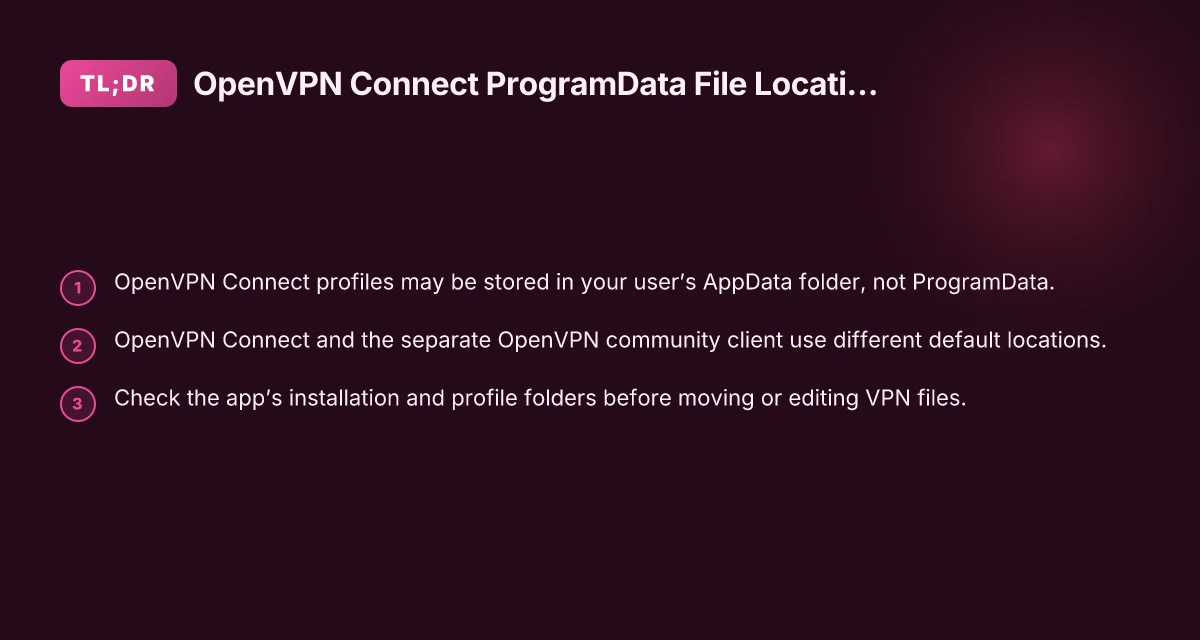
If you’re looking for the OpenVPN Connect ProgramData file location on Windows, note that OpenVPN Connect does not necessarily store imported profiles in ProgramData. A profile for the current user may be found at %APPDATA%\OpenVPN Connect\profiles, which typically resolves to C:\Users\<your-username>\AppData\Roaming\OpenVPN Connect\profiles. This is different from the configuration folder commonly used by the separate OpenVPN community client.

Editor's pick: NordVPN — fast, secure VPN — Strong encryption, a no-logs policy and apps for every device. 30-day money-back guarantee. Get NordVPN →
Where OpenVPN stores profiles and configuration files
| Client or file type | Typical location | In ProgramData? | How it is used | What to check |
|---|---|---|---|---|
| OpenVPN Connect profile | App-managed storage | Not typically | Connect imports and manages the profile | Check the app’s profile list |
| OpenVPN Connect imported file | Original file’s location | Not necessarily | Source file used for import | Look where you saved or downloaded it |
| OpenVPN Connect app data | Windows app-specific storage | May vary | Stores app data and settings | Check the app’s storage location |
| Community client profile | OpenVPN configuration folder | Often, depending on setup | Client reads configuration files | Check the installed client’s config folder |
| `.ovpn` profile | User-selected folder | No fixed location | Contains connection settings | Search for `.ovpn` files |
| Certificate or key file | Profile folder or referenced path | No fixed location | Supports profile authentication | Check paths in the profile |
Compiled November 2026; check the provider's site for current details.
| VPN | Obfuscation | From / month | Plan | Free plan | Refund | Alipay | UnionPay | Crypto | Website opens in China | Trustpilot | |
|---|---|---|---|---|---|---|---|---|---|---|---|
 ZoogVPN | Turn on manually Shadow | $2.49/mo | 27 months: $59.99 | Yes | 7 days | ✓ | ✓ | ✓ | ✓ | Official site blocked; our special link opens (4.4 s) | 4.2/5 (195 reviews) |
 NordVPN | Turn on manually Obfuscated Servers / NordWhisper | $3.49/mo | 27 months: $94.23 | No | 30 days | ? | ✗ | ✓ | ✓ | ✗ Blocked | 4.2/5 (51,628 reviews) |
 ExpressVPN | ✓ On by default all servers | $3.00/mo | 28 months: $84 | No | 30 days | ✗ | ✗ | ✓ | ✗ | ✗ Blocked | 4.4/5 (29,706 reviews) |
 Surfshark | ✓ On by default Camouflage, with OpenVPN | See site | See site | No | 30 days | ✗ | ✗ | ✗ | ✓ | ✗ Blocked | 4.3/5 (31,823 reviews) |
 Proton VPN | Turn on manually Stealth, free plan too | $2.99/mo | 12 months: $35.88 | Yes | 30 days | ✗ | ✗ | ✗ | ✓ | ✗ Blocked | 2.1/5 (1,040 reviews) |
 Astrill VPN | Turn on manually StealthVPN / OpenWeb | $12.50/mo | 24 months: $300 | No | See site | ✗ | ✗ | ✗ | ✓ | ✗ Blocked | 1.3/5 (110 reviews) |
 Private Internet Access | Turn on manually Shadowsocks, OpenVPN only | $2.03/mo | 40 months: $81.2 | No | 30 days | ✗ | ✗ | ✗ | ✗ | ✗ Blocked | 4.2/5 (11,033 reviews) |
 CyberGhost | Turn on manually selected servers | $2.19/mo | 28 months: $61.32 | No | 45 days | ✗ | ✗ | ✗ | ✓ | ✗ Blocked | 4.0/5 (24,178 reviews) |
 PureVPN | Turn on manually switch to OpenVPN | $1.69/mo | 60 months: $101.55 | No | 31 days | ? | ? | ✗ | ✓ | ✗ Blocked | 4.4/5 (17,994 reviews) |
 AdGuard VPN | ✓ On by default TrustTunnel | $2.99/mo | 24 months: $71.76 | Yes | 30 days | ✓ | ✗ | ✓ | ✓ | Official site blocked; our special link opens (3.7 s) | 4.3/5 (290 reviews) |
 Mullvad | Turn on manually QUIC / Shadowsocks / LWO | $5.61/mo | €5/mo | No | 14 days | ✗ | ✗ | ✗ | ✓ | ✗ Blocked | 3.2/5 (192 reviews) |
 Windscribe | Turn on manually Stealth / WStunnel | $5.75/mo | 12 months: $69 | Yes | See site | ✗ | ✗ | ✗ | ✓ | ✗ Blocked | 4.7/5 (13,355 reviews) |
 StrongVPN | Turn on manually Scramble, OpenVPN TCP | See site | See site | No | 30 days | ✓ | ✗ | ✗ | ✗ | ✗ Blocked | 4.4/5 (2,695 reviews) |
 LightXtreme 闪连 | Not listed | $7.08/mo | 12 months: $84.99 | Yes | 30 days | ✓ | ✓ | ✓ | ✓ | ✓ Yes (3.5 s) | No page |
Prices checked 2026-11-10 on each vendor's pricing page (cheapest long plan, USD). Check the vendor's checkout for the final price.
Obfuscation checked 2026-11-14 on each vendor's site and help center: "on by default" = nothing to set; "turn on manually" = switch protocol or mode in settings; "not listed" = the vendor describes no obfuscation.
Payment methods checked 2026-11-10 on each vendor's payment pages: all 14 take cards and PayPal; ✗ = not listed, ? = the vendor's own pages disagree.
China access: whether the official website opens from mainland China networks (tests the website only, not the VPN connection). Last checked 2026-11-18 01:02 Beijing time.
Trustpilot score and review count checked 2026-11-10.
OpenVPN Connect profile location
OpenVPN Connect stores connection profiles separately from its program files. For the current Windows user, check:
%APPDATA%\OpenVPN Connect\profiles
To open the folder, press Windows key + R, enter %APPDATA%\OpenVPN Connect\profiles, and press Enter. You can also paste the path into File Explorer’s address bar.
The %APPDATA% shortcut points to the current user’s roaming AppData directory. The full path usually looks like this:
C:\Users\<your-username>\AppData\Roaming\OpenVPN Connect\profiles
The exact storage behavior can depend on the app version and how the profile was added. If the folder is not present, use OpenVPN Connect to review or export the profile rather than assuming it must be in ProgramData. How to Set Up NordVPN Automatically Connect on Any Device
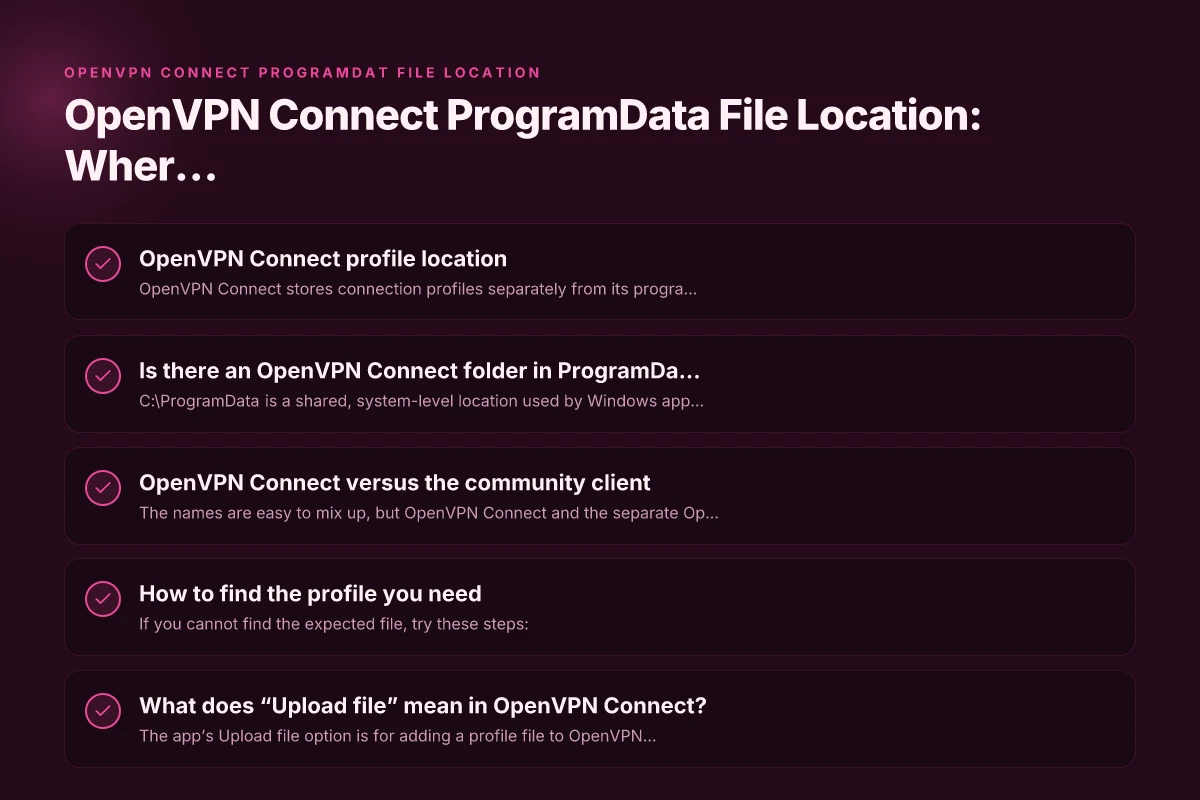
Is there an OpenVPN Connect folder in ProgramData?
C:\ProgramData is a shared, system-level location used by Windows applications. However, the available references do not identify it as the standard location for OpenVPN Connect’s current-user profiles.
You may find OpenVPN-related files elsewhere, including the application installation directory, but that does not mean those files are the profiles you imported. In particular, distinguish among:
- Profile storage: connection profiles associated with a user account.
- Installation files: the OpenVPN Connect application itself.
- Other OpenVPN client configuration: files used by a different Windows OpenVPN program.
If you are following instructions that specifically mention ProgramData, confirm that they apply to your version of OpenVPN Connect and to the same Windows client you have installed.
OpenVPN Connect versus the community client
The names are easy to mix up, but OpenVPN Connect and the separate OpenVPN community client may use different folders. For example, documentation for connecting from Windows to Access Server refers to a configuration directory commonly located at C:\Program Files (x86)\OpenVPN\config. Other OpenVPN Windows guides refer to C:\Program Files\OpenVPN\config. Where Is the OpenVPN Directory Location for a Profile?
Those paths should not be treated as the default profile location for OpenVPN Connect.
| Windows client or file type | Location to check | What it is for |
|---|---|---|
| OpenVPN Connect profile for the current user | %APPDATA%\OpenVPN Connect\profiles |
Profiles imported into OpenVPN Connect |
| OpenVPN community client configuration | Often C:\Program Files\OpenVPN\config or C:\Program Files (x86)\OpenVPN\config |
Configuration files used by that client |
| OpenVPN Connect application | C:\Program Files\OpenVPN Connect |
App installation files and command-line tools |
The installation directory is useful if you need to run OpenVPN Connect’s command-line interface, but it is not the same as the folder where a user’s profile is stored.
OpenVPN Connect and the community client compared
| Comparison point | OpenVPN Connect | Community client |
|---|---|---|
| Profile management | Managed in the app | Usually file-based |
| Import method | Upload or import a profile file | Place or open a configuration file |
| Profile location | App-managed storage | Configuration folder or chosen location |
| ProgramData folder | No standard profile folder to rely on | May use a ProgramData configuration path |
| Profile visibility in Explorer | Not always directly visible | Often accessible as files |
| Best place to check first | OpenVPN Connect profile list | Client configuration folder |
Compiled November 2026; check the provider's site for current details. NordVPN Auto Connect: How It Works and How to Set It Up
How to find the profile you need
If you cannot find the expected file, try these steps:
- Check the current user’s AppData folder. Open
%APPDATA%\OpenVPN Connect\profilesin File Explorer. - Confirm which OpenVPN app you use. OpenVPN Connect and the community client have different configuration conventions.
- Search for the profile file. In File Explorer, search the folders where you store downloads or VPN files for
.ovpnor.conffiles. - Check the original source. If you downloaded a profile from your VPN administrator or provider, it may still be in your Downloads folder or another chosen location.
- Review the profile in OpenVPN Connect. The application can show profiles it has imported even when you do not know where the original file was saved.
A profile that has been imported into the app and the original .ovpn file are not necessarily the same thing. If you need a portable copy, use the app’s available export or download options, or request a fresh profile from the administrator or provider.
What does “Upload file” mean in OpenVPN Connect?
The app’s Upload file option is for adding a profile file to OpenVPN Connect. It does not, by itself, indicate that the app is uploading that file to a public folder or saving it in ProgramData. Select the relevant .ovpn file from its existing location, then check the app to confirm that the profile appears.
If the app does not accept the file, verify that you selected the correct VPN profile and that it is supported by your configuration. For work or organization accounts, an administrator may provide the profile or manage how it is imported. NordVPN Authenticator App: How Two-Factor Authentication Works
Choose the right way to locate or add a profile
| Need | Recommended action | What to look for | Important note |
|---|---|---|---|
| Find a profile already imported | Open OpenVPN Connect | Profile list | The source file may be elsewhere |
| Find a downloaded profile | Search the download location | `.ovpn` file | Check other folders if it was moved |
| Add a profile from a file | Use “Upload file” | Existing profile file | Upload means import, not cloud upload |
| Check a referenced certificate | Open the profile file | Certificate and key paths | Related files may be stored separately |
| Find a community-client profile | Check its configuration folder | Configuration files | Location depends on installation and setup |
| Confirm which client has the profile | Check the app you use to connect | App profile list or config folder | Connect and the community client manage profiles differently |
Compiled November 2026; check the provider's site for current details.
Recommendation
For OpenVPN Connect on Windows, start with %APPDATA%\OpenVPN Connect\profiles when looking for a current-user profile. Do not assume the file is in ProgramData or in the community client’s OpenVPN\config folder. If you need to edit, back up, or share a profile, use the app’s options or obtain the original file from its source rather than changing application data files directly.