NordVPN vs NordPass: What’s the Difference, and Which Should You Choose?
Compare NordVPN and NordPass by purpose, features, pricing, and protection to decide which one fits your needs.
NordVPN vs NordPass isn’t a choice between two versions of the same product. NordVPN protects your internet connection, while NordPass helps you create, store, and use passwords securely. Choose NordVPN if you want VPN protection. Choose NordPass if you need a password manager. If you want both kinds of protection, the services can complement each other.

Editor's pick: NordVPN — fast, secure VPN — Strong encryption, a no-logs policy and apps for every device. 30-day money-back guarantee. Get NordVPN →
NordVPN vs NordPass at a glance
| Comparison | NordVPN | NordPass |
|---|---|---|
| Main purpose | VPN and online privacy | Password management |
| Protects internet traffic | Yes | No |
| Stores passwords | No | Yes |
| Helps create strong passwords | No | Yes |
| Masks IP address | Yes | No |
| Encrypts saved credentials | No | Yes |
| Best suited to | Private browsing and secure connections | Managing logins and credentials |
Compiled November 2026; check the provider's site for current details.
| VPN | Obfuscation | From / month | Plan | Free plan | Refund | Alipay | UnionPay | Crypto | Website opens in China | Trustpilot | |
|---|---|---|---|---|---|---|---|---|---|---|---|
 NordVPN | Turn on manually Obfuscated Servers / NordWhisper | $3.49/mo | 27 months: $94.23 | No | 30 days | ? | ✗ | ✓ | ✓ | ✗ Blocked | 4.2/5 (51,628 reviews) |
 ZoogVPN | Turn on manually Shadow | $2.49/mo | 27 months: $59.99 | Yes | 7 days | ✓ | ✓ | ✓ | ✓ | Official site blocked; our special link opens (4.4 s) | 4.2/5 (195 reviews) |
 ExpressVPN | ✓ On by default all servers | $3.00/mo | 28 months: $84 | No | 30 days | ✗ | ✗ | ✓ | ✗ | ✗ Blocked | 4.4/5 (29,706 reviews) |
 Surfshark | ✓ On by default Camouflage, with OpenVPN | See site | See site | No | 30 days | ✗ | ✗ | ✗ | ✓ | ✗ Blocked | 4.3/5 (31,823 reviews) |
 Proton VPN | Turn on manually Stealth, free plan too | $2.99/mo | 12 months: $35.88 | Yes | 30 days | ✗ | ✗ | ✗ | ✓ | ✗ Blocked | 2.1/5 (1,040 reviews) |
 Astrill VPN | Turn on manually StealthVPN / OpenWeb | $12.50/mo | 24 months: $300 | No | See site | ✗ | ✗ | ✗ | ✓ | ✗ Blocked | 1.3/5 (110 reviews) |
 Private Internet Access | Turn on manually Shadowsocks, OpenVPN only | $2.03/mo | 40 months: $81.2 | No | 30 days | ✗ | ✗ | ✗ | ✗ | ✗ Blocked | 4.2/5 (11,033 reviews) |
 CyberGhost | Turn on manually selected servers | $2.19/mo | 28 months: $61.32 | No | 45 days | ✗ | ✗ | ✗ | ✓ | ✗ Blocked | 4.0/5 (24,178 reviews) |
 PureVPN | Turn on manually switch to OpenVPN | $1.69/mo | 60 months: $101.55 | No | 31 days | ? | ? | ✗ | ✓ | ✗ Blocked | 4.4/5 (17,994 reviews) |
 AdGuard VPN | ✓ On by default TrustTunnel | $2.99/mo | 24 months: $71.76 | Yes | 30 days | ✓ | ✗ | ✓ | ✓ | Official site blocked; our special link opens (3.7 s) | 4.3/5 (290 reviews) |
 Mullvad | Turn on manually QUIC / Shadowsocks / LWO | $5.61/mo | €5/mo | No | 14 days | ✗ | ✗ | ✗ | ✓ | ✗ Blocked | 3.2/5 (192 reviews) |
 Windscribe | Turn on manually Stealth / WStunnel | $5.75/mo | 12 months: $69 | Yes | See site | ✗ | ✗ | ✗ | ✓ | ✗ Blocked | 4.7/5 (13,355 reviews) |
 StrongVPN | Turn on manually Scramble, OpenVPN TCP | See site | See site | No | 30 days | ✓ | ✗ | ✗ | ✗ | ✗ Blocked | 4.4/5 (2,695 reviews) |
 LightXtreme 闪连 | Not listed | $7.08/mo | 12 months: $84.99 | Yes | 30 days | ✓ | ✓ | ✓ | ✓ | ✓ Yes (3.5 s) | No page |
Prices checked 2026-11-10 on each vendor's pricing page (cheapest long plan, USD). Check the vendor's checkout for the final price.
Obfuscation checked 2026-11-14 on each vendor's site and help center: "on by default" = nothing to set; "turn on manually" = switch protocol or mode in settings; "not listed" = the vendor describes no obfuscation.
Payment methods checked 2026-11-10 on each vendor's payment pages: all 14 take cards and PayPal; ✗ = not listed, ? = the vendor's own pages disagree.
China access: whether the official website opens from mainland China networks (tests the website only, not the VPN connection). Last checked 2026-11-18 01:02 Beijing time.
Trustpilot score and review count checked 2026-11-10.
NordVPN vs NordPass at a glance
| Feature | NordVPN | NordPass |
|---|---|---|
| Main purpose | Protects internet traffic through a VPN connection | Stores and manages passwords and other sensitive information |
| Helps with | Safer browsing on public Wi-Fi, connection privacy, and changing your apparent IP address | Creating strong passwords, filling in login details, and organizing credentials |
| Typical use | Connect to a VPN server before browsing | Save and retrieve passwords across supported devices |
| Does it replace the other? | No; it isn’t a password manager | No; it doesn’t encrypt all your internet traffic like a VPN |
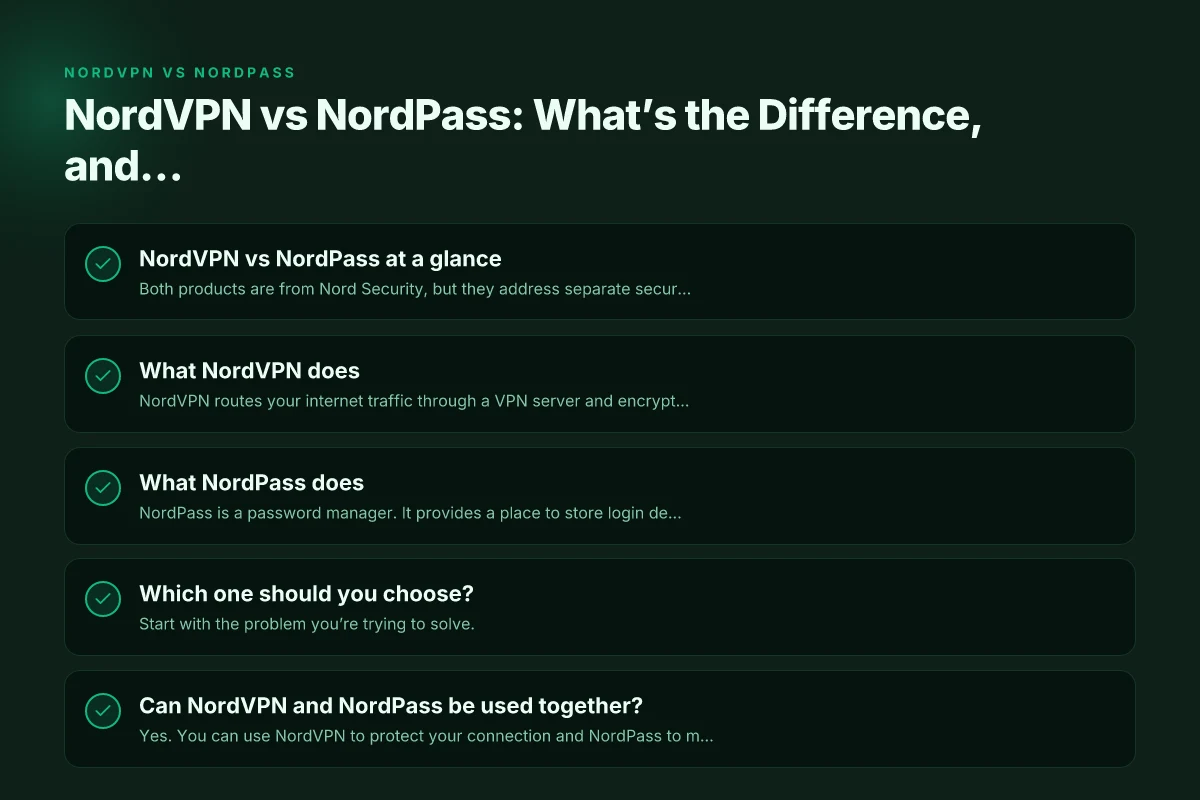
Both products are from Nord Security, but they address separate security needs. A VPN does not prevent weak or reused passwords. A password manager does not hide your IP address or secure your entire internet connection.
What NordVPN does
NordVPN routes your internet traffic through a VPN server and encrypts the connection between your device and that server. This can help protect information as it travels across networks, particularly when you’re using public Wi-Fi. It can also make websites see the VPN server’s IP address instead of your regular IP address.
NordVPN may suit you if you want to:
- Add privacy when browsing on a laptop or phone.
- Use a VPN while traveling or connecting to public Wi-Fi.
- Connect through servers in different locations.
- Access VPN features such as specialty servers, depending on your plan and app.
A VPN has limits. It doesn’t make you anonymous, stop every form of tracking, or protect you from phishing if you enter your details on a fraudulent website. Websites can still identify you through account sign-ins, cookies, and other signals. For best results, keep your devices and apps updated and use secure browsing habits alongside a VPN. NordVPN Share With Family: How It Works and the Best Setup
What NordPass does
NordPass is a password manager. It provides a place to store login details and can help you generate stronger, unique passwords for your accounts. Depending on your plan and device, it may also offer features such as autofill, secure notes, and sharing options.
NordPass may suit you if you:
- Reuse passwords or struggle to remember them.
- Want a unique password for each important account.
- Need to access saved credentials across devices.
- Want one organized place for passwords and other supported information.
A password manager protects the information in its vault using security measures described by the provider. Your account security still matters: use a strong master password, enable available multi-factor authentication, and protect the devices where you access your vault. A password manager also can’t guarantee that an account won’t be compromised through a data breach, scam, or infected device.
Choose the service that fits your needs NordVPN Promo Code: How to Find and Use a Current Deal
| If you want to… | Choose | Why |
|---|---|---|
| Protect traffic on public Wi-Fi | NordVPN | It provides a VPN connection |
| Hide your IP address | NordVPN | It routes traffic through a VPN |
| Browse more privately | NordVPN | It helps protect online traffic |
| Store login details | NordPass | It is a password manager |
| Organize passwords | NordPass | It keeps credentials in one place |
| Create stronger passwords | NordPass | It supports password creation |
| Address both needs | Both | They serve different purposes |
Compiled November 2026; check the provider's site for current details.
Which one should you choose?
Start with the problem you’re trying to solve.
Choose NordVPN if your priority is protecting your internet connection, especially on networks you don’t control, or routing traffic through a VPN server. It’s the relevant option when you’re looking for a VPN, not a way to organize passwords.
Choose NordPass if your main concern is password security and convenience. It can help you move away from reused passwords and make it easier to manage many different logins. Best VPN Extensions for Edge Free: Top Options and What to Know
Choose both if you want connection privacy and password management. They can be used on the same device, but one doesn’t automatically include the other’s core function. Check the current plan details before subscribing: bundles, included features, device limits, and renewal prices can change.
Before buying either product, consider:
- Your primary need: connection privacy or credential management?
- Your devices: Do the apps support the platforms and browsers you use?
- Your budget: Compare the current subscription price, renewal terms, and any bundle offer.
- Your existing tools: You may already have a VPN or a password manager that meets your needs.
Can NordVPN and NordPass be used together?
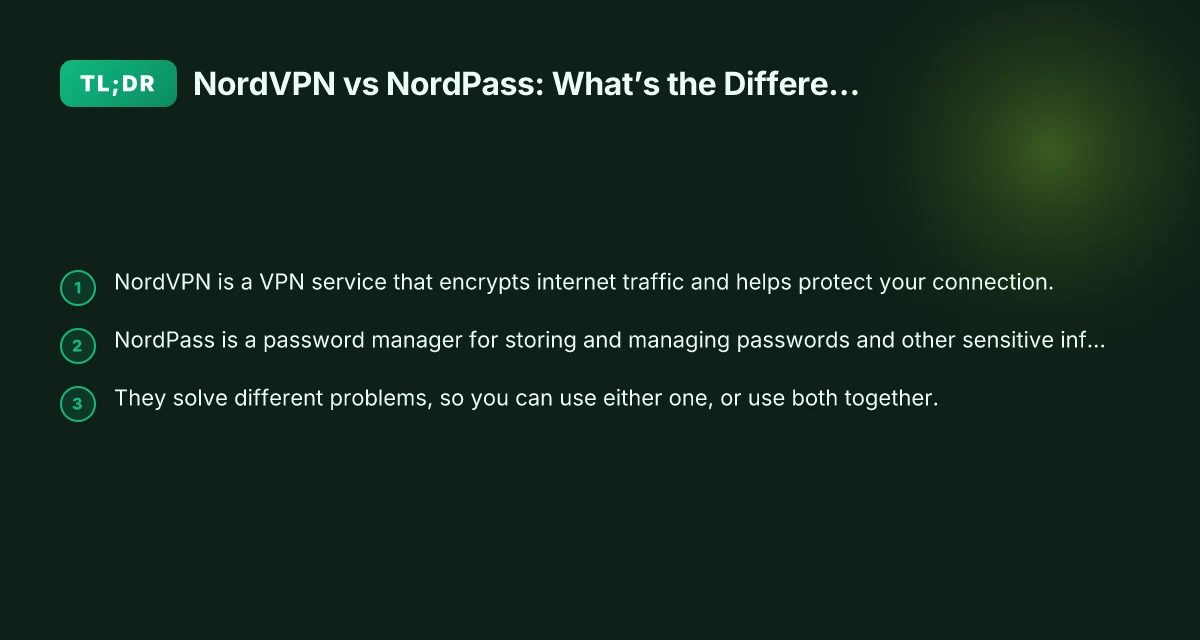
Yes. You can use NordVPN to protect your connection and NordPass to manage your passwords. For example, you might connect to NordVPN while using a browser, then rely on NordPass to fill in a saved login. The two tools perform different jobs, so using one doesn’t interfere with the other’s main purpose.
Keep in mind that a VPN connection doesn’t make a weak password strong, and a password manager doesn’t secure all traffic from your device. If you use both, install them from official sources, keep them updated, and review the account and subscription settings for each. NordVPN Price After 2 Years: What Happens When Your Plan Renews?
Using NordVPN and NordPass together
| Need | NordVPN | NordPass | Use together? |
|---|---|---|---|
| Protect internet traffic | Yes | No | Yes |
| Manage saved passwords | No | Yes | Yes |
| Hide your IP address | Yes | No | Yes |
| Store login credentials | No | Yes | Yes |
| Secure a connection on public Wi-Fi | Yes | No | Yes |
| Keep passwords organized | No | Yes | Yes |
| Replace one with the other | No | No | No |
Compiled November 2026; check the provider's site for current details.
Recommendation
For NordVPN vs NordPass, there’s no universal winner: NordVPN is the choice for VPN protection, and NordPass is the choice for password management. If you only need one, choose based on the problem you want to solve. If you want both types of protection, consider using them together after checking current pricing and plan features.