NordVPN Share With Family: How It Works and the Best Setup
Learn how to share a NordVPN subscription with family, manage device limits, and choose the safest setup for everyone.
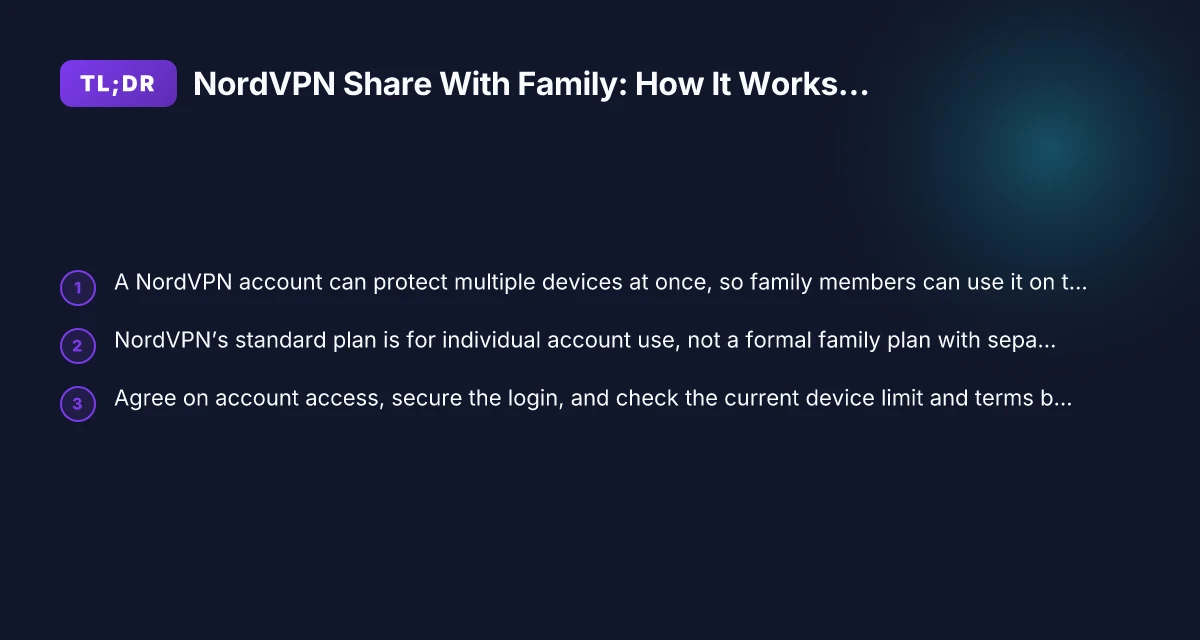
Yes, you can use NordVPN to protect your family’s devices by sharing access to one subscription. NordVPN permits multiple simultaneous connections on a single account, which can cover common household devices. However, sharing a subscription is not the same as creating separate family accounts: members may share the same login and account settings, and the plan may have limits on simultaneous connections. Check NordVPN’s current terms and account details before setting it up.

Editor's pick: NordVPN — fast, secure VPN — Strong encryption, a no-logs policy and apps for every device. 30-day money-back guarantee. Get NordVPN →
NordVPN sharing options at a glance
| Option | Uses one NordVPN account | Works across household devices | Separate account for each person | Main consideration |
|---|---|---|---|---|
| Share one account | Yes | Yes, within the plan’s device limit | No | Account credentials are shared |
| Install the app on a family member’s device | Yes | Yes, on supported devices | No | The account owner manages access |
| Give a family member a separate NordVPN account | No | Yes | Yes | Requires a separate subscription |
| Use a VPN on the household router | Yes, through the router | Yes, for devices using that router | No | Setup and device controls depend on the router |
| Use a separate account for a household member | No | Yes | Yes | Keeps account access separate |
| Share access with someone outside the household | Yes | Yes, within the device limit | No | Sharing credentials gives access to the account |
Compiled November 2026; check the provider's site for current details.
| VPN | Obfuscation | From / month | Plan | Free plan | Refund | Alipay | UnionPay | Crypto | Website opens in China | Trustpilot | |
|---|---|---|---|---|---|---|---|---|---|---|---|
 NordVPN | Turn on manually Obfuscated Servers / NordWhisper | $3.49/mo | 27 months: $94.23 | No | 30 days | ? | ✗ | ✓ | ✓ | ✗ Blocked | 4.2/5 (51,628 reviews) |
 ZoogVPN | Turn on manually Shadow | $2.49/mo | 27 months: $59.99 | Yes | 7 days | ✓ | ✓ | ✓ | ✓ | Official site blocked; our special link opens (4.4 s) | 4.2/5 (195 reviews) |
 ExpressVPN | ✓ On by default all servers | $3.00/mo | 28 months: $84 | No | 30 days | ✗ | ✗ | ✓ | ✗ | ✗ Blocked | 4.4/5 (29,706 reviews) |
 Surfshark | ✓ On by default Camouflage, with OpenVPN | See site | See site | No | 30 days | ✗ | ✗ | ✗ | ✓ | ✗ Blocked | 4.3/5 (31,823 reviews) |
 Proton VPN | Turn on manually Stealth, free plan too | $2.99/mo | 12 months: $35.88 | Yes | 30 days | ✗ | ✗ | ✗ | ✓ | ✗ Blocked | 2.1/5 (1,040 reviews) |
 Astrill VPN | Turn on manually StealthVPN / OpenWeb | $12.50/mo | 24 months: $300 | No | See site | ✗ | ✗ | ✗ | ✓ | ✗ Blocked | 1.3/5 (110 reviews) |
 Private Internet Access | Turn on manually Shadowsocks, OpenVPN only | $2.03/mo | 40 months: $81.2 | No | 30 days | ✗ | ✗ | ✗ | ✗ | ✗ Blocked | 4.2/5 (11,033 reviews) |
 CyberGhost | Turn on manually selected servers | $2.19/mo | 28 months: $61.32 | No | 45 days | ✗ | ✗ | ✗ | ✓ | ✗ Blocked | 4.0/5 (24,178 reviews) |
 PureVPN | Turn on manually switch to OpenVPN | $1.69/mo | 60 months: $101.55 | No | 31 days | ? | ? | ✗ | ✓ | ✗ Blocked | 4.4/5 (17,994 reviews) |
 AdGuard VPN | ✓ On by default TrustTunnel | $2.99/mo | 24 months: $71.76 | Yes | 30 days | ✓ | ✗ | ✓ | ✓ | Official site blocked; our special link opens (3.7 s) | 4.3/5 (290 reviews) |
 Mullvad | Turn on manually QUIC / Shadowsocks / LWO | $5.61/mo | €5/mo | No | 14 days | ✗ | ✗ | ✗ | ✓ | ✗ Blocked | 3.2/5 (192 reviews) |
 Windscribe | Turn on manually Stealth / WStunnel | $5.75/mo | 12 months: $69 | Yes | See site | ✗ | ✗ | ✗ | ✓ | ✗ Blocked | 4.7/5 (13,355 reviews) |
 StrongVPN | Turn on manually Scramble, OpenVPN TCP | See site | See site | No | 30 days | ✓ | ✗ | ✗ | ✗ | ✗ Blocked | 4.4/5 (2,695 reviews) |
 LightXtreme 闪连 | Not listed | $7.08/mo | 12 months: $84.99 | Yes | 30 days | ✓ | ✓ | ✓ | ✓ | ✓ Yes (3.5 s) | No page |
Prices checked 2026-11-10 on each vendor's pricing page (cheapest long plan, USD). Check the vendor's checkout for the final price.
Obfuscation checked 2026-11-14 on each vendor's site and help center: "on by default" = nothing to set; "turn on manually" = switch protocol or mode in settings; "not listed" = the vendor describes no obfuscation.
Payment methods checked 2026-11-10 on each vendor's payment pages: all 14 take cards and PayPal; ✗ = not listed, ? = the vendor's own pages disagree.
China access: whether the official website opens from mainland China networks (tests the website only, not the VPN connection). Last checked 2026-11-18 01:02 Beijing time.
Trustpilot score and review count checked 2026-11-10.
How NordVPN sharing works
A NordVPN subscription is tied to an account, and that account can connect several devices to the VPN at the same time. Family members can install the NordVPN app on their own supported devices and sign in with the account credentials.
The number of permitted simultaneous connections can change, so confirm the current limit on NordVPN’s website or in your account. Count every connected device, including phones, laptops, tablets, and streaming devices. If the household exceeds the limit, some devices may need to disconnect before others can connect.
Sharing a login also means sharing access to the account. Depending on how the account is managed, another person with the credentials may be able to view subscription information or change settings. NordVPN does not provide the same kind of separate member profiles and individual billing controls that a dedicated family plan might offer.
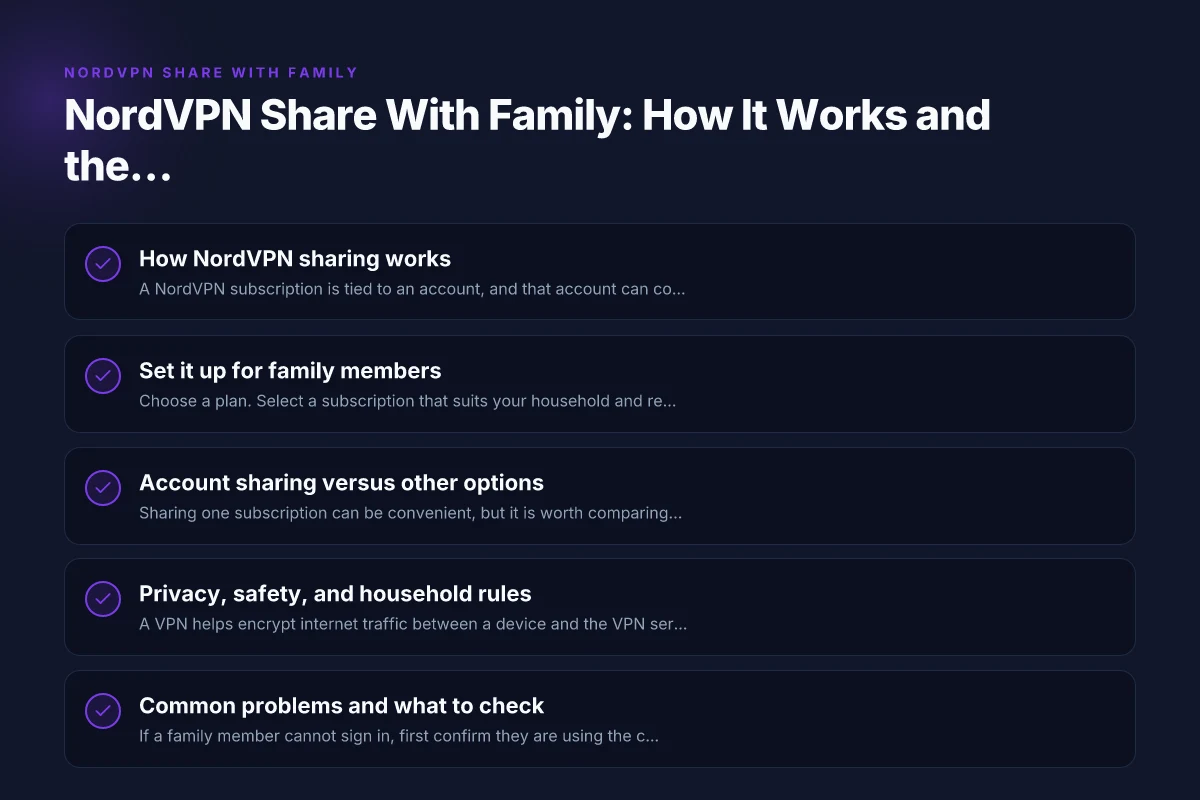
Set it up for family members
- Choose a plan. Select a subscription that suits your household and review its renewal price, billing period, and terms.
- Create or secure the account. Use a strong, unique password and enable any available account-security features.
- Install the app. Each family member should download NordVPN from the official app store or NordVPN’s website for their device.
- Sign in and connect. Enter the shared account credentials, then connect to a recommended server or choose a location.
- Check the connection count. Make sure the number of devices being used at once stays within the account’s current limit.
For family members who are less comfortable with technology, help them install the app and test it before relying on it. Show them how to reconnect if the VPN drops and how to contact NordVPN support if sign-in or connection problems arise. NordVPN Promo Code: How to Find and Use a Current Deal
Choosing a setup for family members
| Setup | Best fit | What family members need | Account access | Setup effort |
|---|---|---|---|---|
| Install NordVPN on each device | People with their own phones or computers | NordVPN app on a supported device | Shared account credentials | Low |
| Set up NordVPN on a router | Devices that connect through the home network | Connection to the configured router | Router-level access | Higher |
| Use individual subscriptions | People who should manage their own accounts | A separate NordVPN account | Separate credentials | Low |
| Combine app and router setups | Homes with varied devices | App or router connection, depending on device | Shared account access | Medium |
| Share only with trusted household members | Families sharing a subscription | Agreement on who can use the account | Shared credentials | Low |
| Keep account access with one organizer | Households that want centralized management | App access or router connection | Organizer retains account control | Low |
Compiled November 2026; check the provider's site for current details.
Account sharing versus other options
Sharing one subscription can be convenient, but it is worth comparing it with alternatives. A router setup may protect several devices through one connection, while separate subscriptions give each person more independence.
| Option | How it works | Best for | Main consideration |
|---|---|---|---|
| Share one NordVPN account | Family members sign in to the same account on their devices | A household that trusts one another and wants a simple setup | Shared credentials and a common connection limit |
| Install NordVPN on a router | The router connects to the VPN, covering devices on that network | Devices that cannot easily run a VPN app | Setup can be more technical, and connected devices may use the same VPN location |
| Get separate subscriptions | Each person has their own account | People who need independent account control | May cost more than sharing, depending on available offers |
A router can be useful for devices that do not support a NordVPN app, but router compatibility and setup vary. It also does not necessarily replace individual apps: family members may want their own VPN settings when they use mobile data or connect away from home. Best VPN Extensions for Edge Free: Top Options and What to Know
Privacy, safety, and household rules
A VPN helps encrypt internet traffic between a device and the VPN server, but it does not make every online activity private or safe. It cannot prevent all tracking, phishing, malware, or account compromise. Keep device software updated and continue using strong passwords and multifactor authentication on important services.
Before sharing account access, agree on a few practical rules:
- Share the password only with people you trust.
- Do not reuse the NordVPN password for email, banking, or other services.
- Avoid sending credentials through public or insecure channels.
- Tell other users before changing the password, since that may sign them out.
- Review the account’s devices or sessions, if those controls are available.
- Do not use the VPN to break laws or violate NordVPN’s terms.
Parents should also remember that a VPN is not a parental-control tool. If your goal is to manage children’s screen time or block particular websites, use appropriate parental controls alongside the VPN.
Account sharing versus alternatives NordVPN Price After 2 Years: What Happens When Your Plan Renews?
| Choice | Separate login for each person | Shared account credentials | Household-wide coverage | Privacy and control |
|---|---|---|---|---|
| Share one NordVPN account | No | Yes | Possible through apps or router setup | Account access is shared |
| Install apps on family devices | No | Yes | Covers devices with the app | Each device uses the shared account |
| Configure a household router | No | Router setup is managed centrally | Covers devices using that router | Router administrator controls setup |
| Buy separate subscriptions | Yes | No | Depends on each person’s devices | Each person controls their account |
| Mix router and app connections | No | Yes | Covers selected devices and router users | Access remains shared |
| Keep sharing within the household | No | Yes | Depends on the chosen setup | Agree on access and account rules |
Compiled November 2026; check the provider's site for current details.
Common problems and what to check
If a family member cannot sign in, first confirm they are using the correct account credentials and the official NordVPN app. If the account is already being used on the maximum number of devices, disconnect a device that is no longer in use, then try again. Restarting the app or updating it may also help.
If the VPN connects but a website or streaming service does not work as expected, try another server or check NordVPN’s troubleshooting guidance. Some services restrict access through VPN connections, and availability can vary by location and over time. A VPN does not guarantee access to a particular streaming catalog.
If account sharing becomes difficult to manage, contact NordVPN support to clarify the current device limit, account controls, and applicable sharing terms. Avoid assuming that a limit or policy described in an older review is still current. NordVPN Price: Plans, Renewal Costs, and What to Check Before You Subscribe
Recommendation
For a trusted household with a modest number of devices, sharing one NordVPN subscription can be a straightforward way to protect family members’ connections. Secure the account, confirm the current simultaneous-connection limit, and make sure everyone understands that the login is shared. If family members need independent accounts, privacy, or control, or if the household regularly exceeds the device limit, compare separate subscriptions or a compatible router setup instead.