Mailcheck for VPN: What It Can and Cannot Tell You
Learn what mailcheck for VPN means, how to check for email leaks, and which tests to use before trusting a VPN.
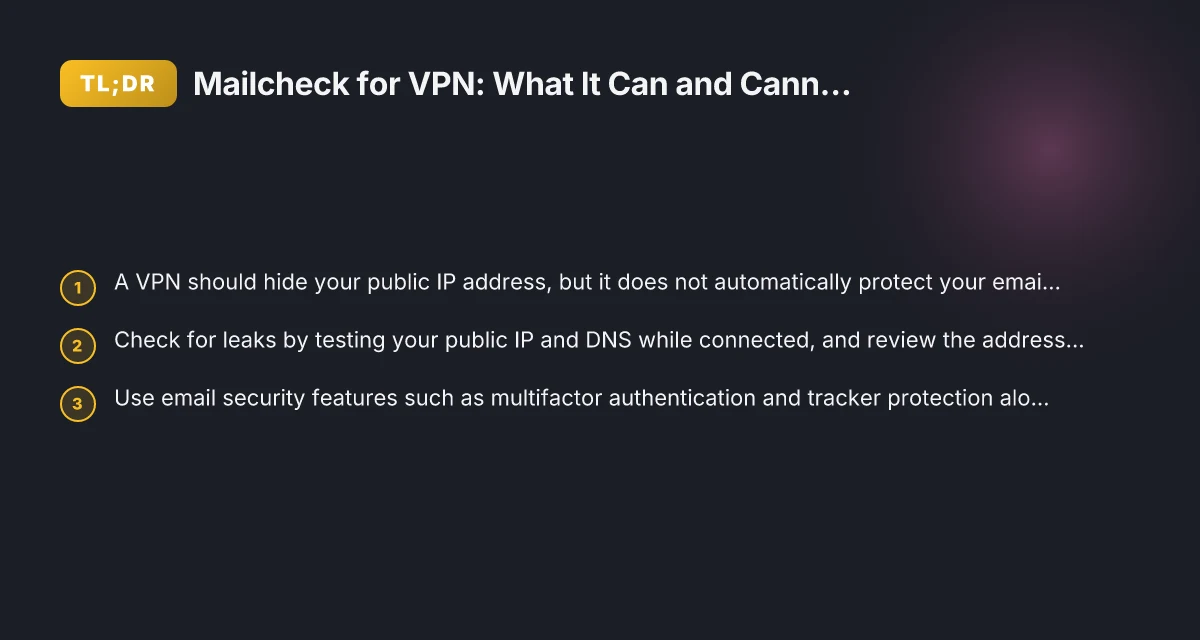
If you searched for “mailcheck for VPN,” you may be looking for a way to find out whether your email address or email activity is exposed when you use a VPN. The key point is that a VPN does not make an email account anonymous or secure by itself. It routes much of your internet traffic through an encrypted tunnel and can replace your visible IP address with the VPN server’s address, but your email provider and message recipients may still identify you through your account, message headers, or other details. To check your setup, test the VPN connection for IP and DNS leaks, then assess your email service and account separately.

Editor's pick: NordVPN — fast, secure VPN — Strong encryption, a no-logs policy and apps for every device. 30-day money-back guarantee. Get NordVPN →
Which kind of “mailcheck for VPN” do you need?
| Check | What it examines | What it can tell you | What it cannot tell you |
|---|---|---|---|
| VPN IP check | Public IP address | Whether the VPN IP appears exposed | Whether email content is private |
| DNS leak check | DNS requests | Whether DNS queries may bypass the VPN | Whether a recipient can identify you |
| WebRTC leak check | Browser network details | Whether WebRTC may reveal an IP address | Whether the VPN protects every app |
| Email account security check | Account settings and activity | Whether security settings need attention | Whether your connection has VPN leaks |
| Email header review | Message routing details | What technical details a message reveals | Whether the sender’s device is secure |
| Test before sending mail | Connection and browser behavior | Whether a leak appears during the test | Whether future sessions will be leak-free |
Compiled November 2026; check the provider's site for current details.
| VPN | Obfuscation | From / month | Plan | Free plan | Refund | Alipay | UnionPay | Crypto | Website opens in China | Trustpilot | |
|---|---|---|---|---|---|---|---|---|---|---|---|
 ZoogVPN | Turn on manually Shadow | $2.49/mo | 27 months: $59.99 | Yes | 7 days | ✓ | ✓ | ✓ | ✓ | Official site blocked; our special link opens (4.4 s) | 4.2/5 (195 reviews) |
 NordVPN | Turn on manually Obfuscated Servers / NordWhisper | $3.49/mo | 27 months: $94.23 | No | 30 days | ? | ✗ | ✓ | ✓ | ✗ Blocked | 4.2/5 (51,628 reviews) |
 ExpressVPN | ✓ On by default all servers | $3.00/mo | 28 months: $84 | No | 30 days | ✗ | ✗ | ✓ | ✗ | ✗ Blocked | 4.4/5 (29,706 reviews) |
 Surfshark | ✓ On by default Camouflage, with OpenVPN | See site | See site | No | 30 days | ✗ | ✗ | ✗ | ✓ | ✗ Blocked | 4.3/5 (31,823 reviews) |
 Proton VPN | Turn on manually Stealth, free plan too | $2.99/mo | 12 months: $35.88 | Yes | 30 days | ✗ | ✗ | ✗ | ✓ | ✗ Blocked | 2.1/5 (1,040 reviews) |
 Astrill VPN | Turn on manually StealthVPN / OpenWeb | $12.50/mo | 24 months: $300 | No | See site | ✗ | ✗ | ✗ | ✓ | ✗ Blocked | 1.3/5 (110 reviews) |
 Private Internet Access | Turn on manually Shadowsocks, OpenVPN only | $2.03/mo | 40 months: $81.2 | No | 30 days | ✗ | ✗ | ✗ | ✗ | ✗ Blocked | 4.2/5 (11,033 reviews) |
 CyberGhost | Turn on manually selected servers | $2.19/mo | 28 months: $61.32 | No | 45 days | ✗ | ✗ | ✗ | ✓ | ✗ Blocked | 4.0/5 (24,178 reviews) |
 PureVPN | Turn on manually switch to OpenVPN | $1.69/mo | 60 months: $101.55 | No | 31 days | ? | ? | ✗ | ✓ | ✗ Blocked | 4.4/5 (17,994 reviews) |
 AdGuard VPN | ✓ On by default TrustTunnel | $2.99/mo | 24 months: $71.76 | Yes | 30 days | ✓ | ✗ | ✓ | ✓ | Official site blocked; our special link opens (3.7 s) | 4.3/5 (290 reviews) |
 Mullvad | Turn on manually QUIC / Shadowsocks / LWO | $5.61/mo | €5/mo | No | 14 days | ✗ | ✗ | ✗ | ✓ | ✗ Blocked | 3.2/5 (192 reviews) |
 Windscribe | Turn on manually Stealth / WStunnel | $5.75/mo | 12 months: $69 | Yes | See site | ✗ | ✗ | ✗ | ✓ | ✗ Blocked | 4.7/5 (13,355 reviews) |
 StrongVPN | Turn on manually Scramble, OpenVPN TCP | See site | See site | No | 30 days | ✓ | ✗ | ✗ | ✗ | ✗ Blocked | 4.4/5 (2,695 reviews) |
 LightXtreme 闪连 | Not listed | $7.08/mo | 12 months: $84.99 | Yes | 30 days | ✓ | ✓ | ✓ | ✓ | ✓ Yes (3.5 s) | No page |
Prices checked 2026-11-10 on each vendor's pricing page (cheapest long plan, USD). Check the vendor's checkout for the final price.
Obfuscation checked 2026-11-14 on each vendor's site and help center: "on by default" = nothing to set; "turn on manually" = switch protocol or mode in settings; "not listed" = the vendor describes no obfuscation.
Payment methods checked 2026-11-10 on each vendor's payment pages: all 14 take cards and PayPal; ✗ = not listed, ? = the vendor's own pages disagree.
China access: whether the official website opens from mainland China networks (tests the website only, not the VPN connection). Last checked 2026-11-18 01:02 Beijing time.
Trustpilot score and review count checked 2026-11-10.
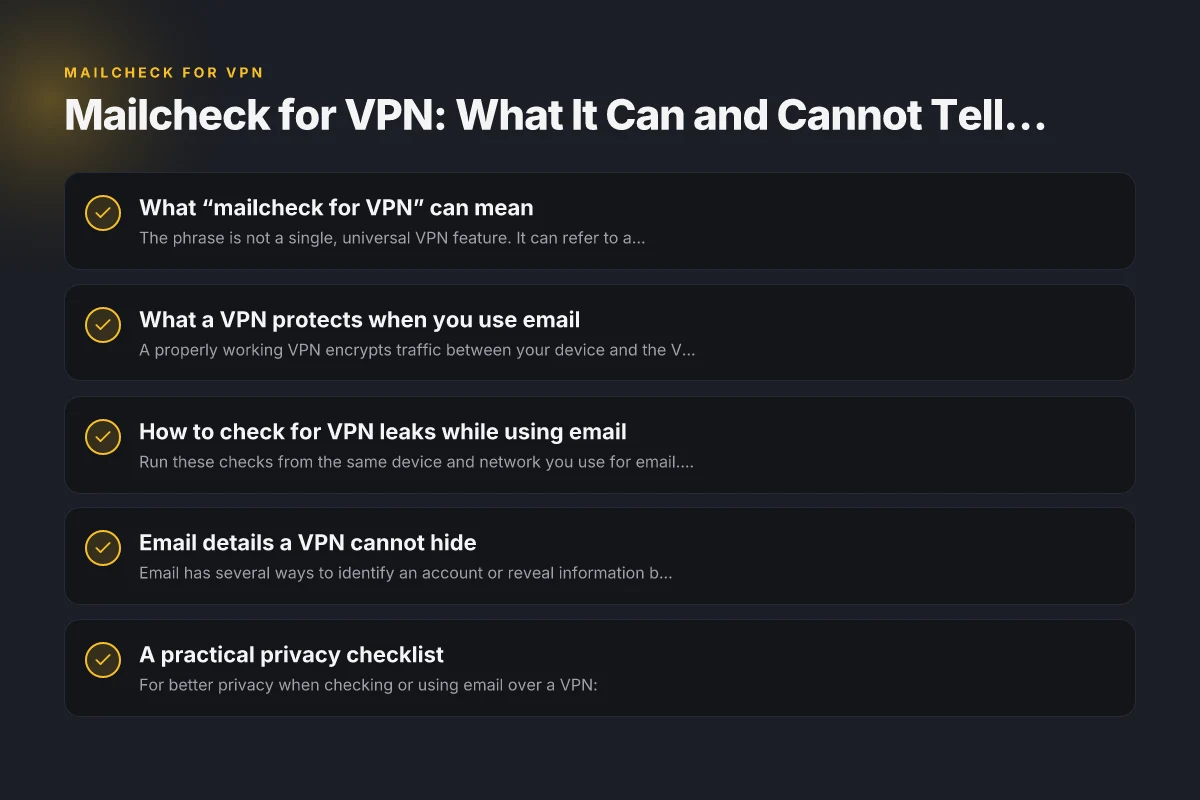
What “mailcheck for VPN” can mean
The phrase is not a single, universal VPN feature. It can refer to a few different checks:
- An email-related privacy check: Does using a VPN expose your real IP address when you access webmail or send a message?
- A VPN leak test: Does your internet traffic reveal your regular IP address or DNS requests while the VPN is on?
- An email address check: Is an address valid, exposed in a data breach, or associated with a particular account?
- A tool or service named Mailcheck: If you mean a specific product, check its own documentation. The name alone does not establish that it is affiliated with a VPN provider or that it can test VPN security.
These checks answer different questions. A VPN leak test will not tell you whether your email address appeared in a breach, and an email verification tool will not show whether your VPN is leaking your IP.
What a VPN protects when you use email
A properly working VPN encrypts traffic between your device and the VPN server. This can make it harder for someone on the same public Wi-Fi network to inspect your connection and can prevent your internet provider from seeing the full contents of your browsing traffic. The provider can generally still see that you connected to a VPN, while the VPN provider may be able to see some connection information.
The websites and services you use can also receive the VPN server’s IP address instead of your normal public IP address. That may reduce exposure of your home or mobile network address, but it does not hide your identity from an email provider where you are signed in. Your provider can still associate activity with your account. NordVPN in China: Does It Work and Is It Worth Trying?
A VPN also does not automatically:
- Encrypt an email from end to end.
- Hide your email address from the person you contact.
- Remove identifying details from an email’s headers or content.
- Prevent phishing, account takeovers, or password reuse.
- Stop tracking pixels or links from reporting activity.
- Protect traffic that bypasses the VPN tunnel.
HTTPS, which most major email services use, protects the connection between your browser or app and the service. That is separate from the VPN tunnel and from end-to-end encryption. For sensitive communications, check what encryption your email service provides and who can access message contents.
What a VPN can and cannot protect when you use email
| Email detail | VPN protection | What may still be visible |
|---|---|---|
| Public IP seen by email service | Can replace it with the VPN server IP | The VPN provider may know the connection IP |
| Connection between device and VPN | Encrypts traffic to the VPN server | Protection depends on the VPN connection staying active |
| Email content in transit | Does not replace email encryption | Email service handling and recipient access still matter |
| Sender address | No | The address remains part of the message |
| Recipient address | No | The address is needed to deliver the message |
| Message timing | No | Services may record when messages are sent |
| Email headers | No | Headers can include routing and technical details |
| Account identity | No | Login details can identify the account holder |
Compiled November 2026; check the provider's site for current details. ContactOut VPN Extension: What It Is and How to Use ContactOut Safely
How to check for VPN leaks while using email
Run these checks from the same device and network you use for email. A result can vary depending on the browser, operating system, VPN settings, and test site.
- Record your normal public IP. Disconnect from the VPN and use a reputable IP-checking site. Note the address and its approximate location.
- Connect to the VPN. Choose a server and wait for the connection to complete.
- Check your public IP again. The displayed address should correspond to the VPN server, not your normal connection. If your regular address appears, disconnect from the internet and review the VPN configuration.
- Run a DNS leak test. DNS translates website names into network addresses. If the test shows DNS servers associated with your internet provider or usual location, your DNS requests may be bypassing the VPN.
- Check for WebRTC exposure. Some browser configurations can reveal network addresses through WebRTC. Test while connected, and use your browser’s privacy settings or a trusted extension if needed.
- Repeat after changing networks or settings. Test again after switching VPN servers, reconnecting, updating software, or moving between Wi-Fi and mobile data.
| Check | What it looks for | What a concerning result may mean |
|---|---|---|
| Public IP | The address websites can see | Your normal IP may be visible instead of the VPN address |
| DNS leak | Which servers resolve website names | DNS requests may be leaving outside the VPN tunnel |
| WebRTC | Addresses exposed by browser features | Browser traffic may reveal more network information than expected |
| Email headers | Technical details attached to a message | A message may contain routing or service information; interpretation depends on the provider |
Do not assume a single test proves that a VPN is completely safe. Tests can miss problems, and some apparent location differences are caused by inaccurate databases. Check your VPN’s kill switch, DNS protection, and split-tunneling settings as well.
Email details a VPN cannot hide
Email has several ways to identify an account or reveal information beyond your IP address. When you sign in to Gmail, Outlook, or another service, the provider knows which account is active, whether or not you use a VPN. Recipients see your sender address and the content you choose to include.
Message headers can include routing details, timestamps, authentication results, and information about the mail servers involved. What they reveal varies by service. Many large providers do not expose the sender’s original IP in ordinary outgoing message headers, but you should not assume that every service handles headers the same way. If this matters, review a test message’s full headers and your provider’s documentation. IPsec VPN connection is down forticlient: Causes and Fixes
Tracking pixels and tracked links are another separate concern. A VPN may hide your usual IP from a tracking service if the content loads through the VPN, but it will not stop the email from signaling that it was opened. Disable automatic image loading where practical, and be cautious with links in unexpected messages.
Practical checklist for safer email over a VPN
| Step | What to do | What it helps with | Limitation |
|---|---|---|---|
| Connect to the VPN | Confirm the VPN is active before opening email | Routes traffic through the VPN | Does not hide account identity |
| Check your public IP | Compare the result with the VPN location | Flags a possible IP leak | A single check is not a guarantee |
| Test DNS leaks | Use a reputable DNS leak test | Checks whether DNS bypasses the VPN | Does not assess email content |
| Test WebRTC leaks | Check browser WebRTC behavior | Flags possible browser IP exposure | Applies to browser behavior |
| Use HTTPS | Access email through a secure connection | Protects the connection to the email service | Does not hide message details from the service |
| Enable account protections | Use strong authentication and review sessions | Helps protect account access | Does not prevent network leaks |
| Review recipients and content | Check addresses and avoid unnecessary sensitive details | Reduces accidental disclosure | Does not change email routing metadata |
| Recheck after changes | Test again after VPN or browser updates | Catches changed behavior | Cannot guarantee future privacy |
Compiled November 2026; check the provider's site for current details.
A practical privacy checklist
For better privacy when checking or using email over a VPN: How Much Does VPN Cost? A Guide to Typical Prices
- Choose a reputable VPN with clear privacy practices, current security features, and leak protection.
- Turn on the kill switch if available, so traffic is blocked if the VPN disconnects unexpectedly.
- Review split tunneling to make sure your email browser or app is not excluded unintentionally.
- Keep your browser, operating system, email app, and VPN software updated.
- Use a unique, strong password and enable multifactor authentication on your email account.
- Avoid entering credentials through links in messages. Open the provider’s website or app directly.
- Consider disabling automatic loading of remote images and use a privacy-focused browser configuration.
- Use end-to-end encrypted email or a suitably encrypted messaging service when your threat model requires it.
- Treat email address breach-checking as a separate task, and use a service with a clear reputation and privacy policy.
Be careful with websites that promise to “check” your email or VPN but ask for your password, recovery codes, or one-time authentication codes. A legitimate leak test does not need your email password.
Recommendation
If by “mailcheck for VPN” you mean checking whether email use reveals your real IP, connect to the VPN and run separate public-IP, DNS, and WebRTC tests. Then review your email provider’s privacy and header behavior. For most people, the strongest practical approach is a reputable VPN with leak protection, a secured email account, and caution around tracking and suspicious messages. A VPN is one layer of privacy, not a complete email security or anonymity solution.