ContactOut VPN Extension: What It Is and How to Use ContactOut Safely
Learn whether ContactOut is a VPN, how its browser extension works, and when a separate VPN may help protect your connection.
If you searched for a “ContactOut VPN extension,” the key point is that ContactOut is not a VPN. ContactOut is a professional contact-discovery and recruiting platform, and its browser extension is designed to help users find contact information and related professional details. A VPN is a separate privacy tool that routes internet traffic through an encrypted connection. You may use both, but they serve different purposes.

Editor's pick: NordVPN — fast, secure VPN — Strong encryption, a no-logs policy and apps for every device. 30-day money-back guarantee. Get NordVPN →
ContactOut vs. a VPN
| Comparison point | ContactOut extension | VPN service |
|---|---|---|
| Main purpose | Professional contact discovery | Network privacy and routing |
| Finds business contact details | Yes, where available | No |
| Routes internet traffic | No | Yes |
| Masks IP address | No | Typically yes |
| Encrypts connection | Not its role | Typically yes |
| Requires browser extension | For extension use | Depends on provider |
| Replaces the other tool | No | No |
| Best suited for | Recruiting and sales research | Privacy on networks and browsing |
Compiled November 2026; check the provider's site for current details.
| VPN | Obfuscation | From / month | Plan | Free plan | Refund | Alipay | UnionPay | Crypto | Website opens in China | Trustpilot | |
|---|---|---|---|---|---|---|---|---|---|---|---|
 ZoogVPN | Turn on manually Shadow | $2.49/mo | 27 months: $59.99 | Yes | 7 days | ✓ | ✓ | ✓ | ✓ | Official site blocked; our special link opens (4.4 s) | 4.2/5 (195 reviews) |
 NordVPN | Turn on manually Obfuscated Servers / NordWhisper | $3.49/mo | 27 months: $94.23 | No | 30 days | ? | ✗ | ✓ | ✓ | ✗ Blocked | 4.2/5 (51,628 reviews) |
 ExpressVPN | ✓ On by default all servers | $3.00/mo | 28 months: $84 | No | 30 days | ✗ | ✗ | ✓ | ✗ | ✗ Blocked | 4.4/5 (29,706 reviews) |
 Surfshark | ✓ On by default Camouflage, with OpenVPN | See site | See site | No | 30 days | ✗ | ✗ | ✗ | ✓ | ✗ Blocked | 4.3/5 (31,823 reviews) |
 Proton VPN | Turn on manually Stealth, free plan too | $2.99/mo | 12 months: $35.88 | Yes | 30 days | ✗ | ✗ | ✗ | ✓ | ✗ Blocked | 2.1/5 (1,040 reviews) |
 Astrill VPN | Turn on manually StealthVPN / OpenWeb | $12.50/mo | 24 months: $300 | No | See site | ✗ | ✗ | ✗ | ✓ | ✗ Blocked | 1.3/5 (110 reviews) |
 Private Internet Access | Turn on manually Shadowsocks, OpenVPN only | $2.03/mo | 40 months: $81.2 | No | 30 days | ✗ | ✗ | ✗ | ✗ | ✗ Blocked | 4.2/5 (11,033 reviews) |
 CyberGhost | Turn on manually selected servers | $2.19/mo | 28 months: $61.32 | No | 45 days | ✗ | ✗ | ✗ | ✓ | ✗ Blocked | 4.0/5 (24,178 reviews) |
 PureVPN | Turn on manually switch to OpenVPN | $1.69/mo | 60 months: $101.55 | No | 31 days | ? | ? | ✗ | ✓ | ✗ Blocked | 4.4/5 (17,994 reviews) |
 AdGuard VPN | ✓ On by default TrustTunnel | $2.99/mo | 24 months: $71.76 | Yes | 30 days | ✓ | ✗ | ✓ | ✓ | Official site blocked; our special link opens (3.7 s) | 4.3/5 (290 reviews) |
 Mullvad | Turn on manually QUIC / Shadowsocks / LWO | $5.61/mo | €5/mo | No | 14 days | ✗ | ✗ | ✗ | ✓ | ✗ Blocked | 3.2/5 (192 reviews) |
 Windscribe | Turn on manually Stealth / WStunnel | $5.75/mo | 12 months: $69 | Yes | See site | ✗ | ✗ | ✗ | ✓ | ✗ Blocked | 4.7/5 (13,355 reviews) |
 StrongVPN | Turn on manually Scramble, OpenVPN TCP | See site | See site | No | 30 days | ✓ | ✗ | ✗ | ✗ | ✗ Blocked | 4.4/5 (2,695 reviews) |
 LightXtreme 闪连 | Not listed | $7.08/mo | 12 months: $84.99 | Yes | 30 days | ✓ | ✓ | ✓ | ✓ | ✓ Yes (3.5 s) | No page |
Prices checked 2026-11-10 on each vendor's pricing page (cheapest long plan, USD). Check the vendor's checkout for the final price.
Obfuscation checked 2026-11-14 on each vendor's site and help center: "on by default" = nothing to set; "turn on manually" = switch protocol or mode in settings; "not listed" = the vendor describes no obfuscation.
Payment methods checked 2026-11-10 on each vendor's payment pages: all 14 take cards and PayPal; ✗ = not listed, ? = the vendor's own pages disagree.
China access: whether the official website opens from mainland China networks (tests the website only, not the VPN connection). Last checked 2026-11-18 01:02 Beijing time.
Trustpilot score and review count checked 2026-11-10.
What the ContactOut extension does
ContactOut offers tools for recruiters and other users who want to find professional contact details, such as work email addresses and phone numbers. Its browser extension can surface information while you view professional profiles or other supported pages. Available features may vary by browser, plan, region, and ContactOut’s current product offering.
The extension is intended to support prospecting and recruiting workflows. Depending on the account and product version, users may be able to:
- Look up contact details associated with a professional profile.
- Save prospects or organize them into lists.
- Use information in a recruiting or outreach workflow.
- Access ContactOut features without repeatedly switching between tabs.
It does not provide the core functions of a VPN. It does not, by itself, create a VPN tunnel, encrypt all traffic between your device and the internet, or hide your public IP address in the way a VPN service is designed to do.
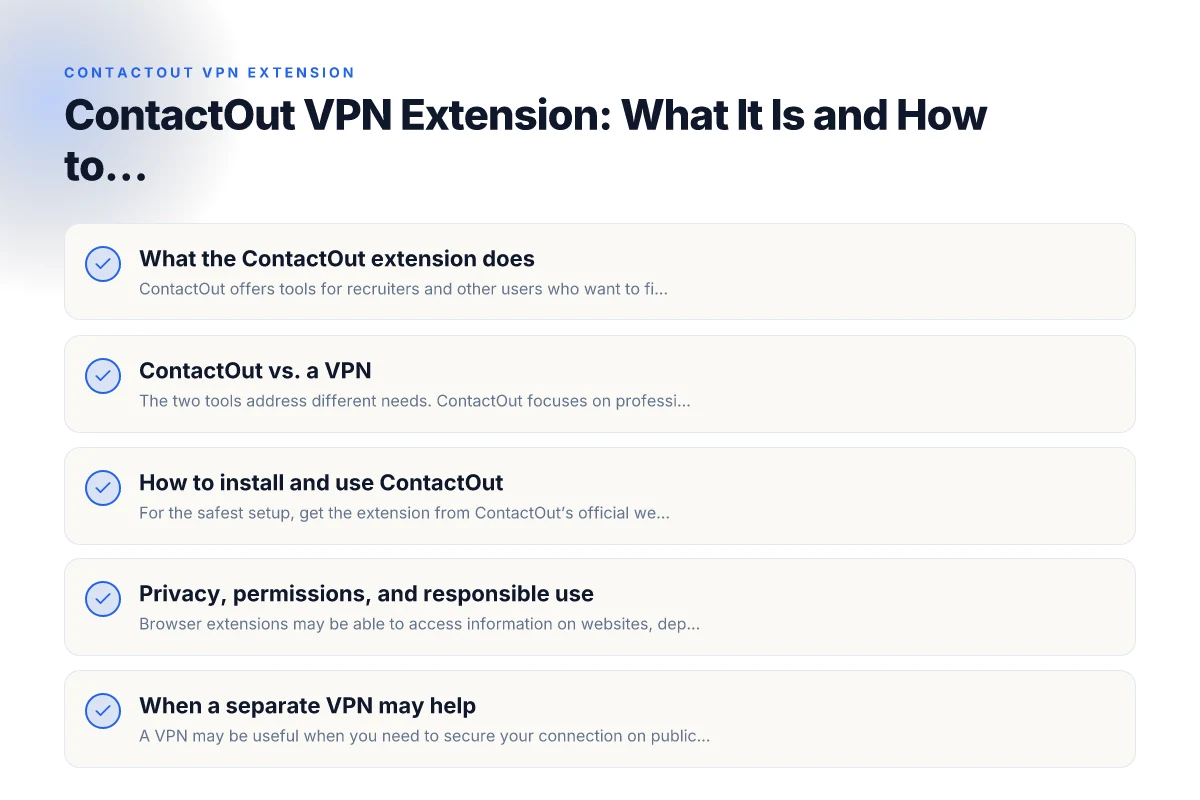
ContactOut vs. a VPN
The two tools address different needs. ContactOut focuses on professional information discovery, while a VPN focuses on connection privacy and security. IPsec VPN connection is down forticlient: Causes and Fixes
| Feature | ContactOut browser extension | VPN app or browser extension |
|---|---|---|
| Primary purpose | Find or manage professional contact information | Route internet traffic through a VPN provider |
| Typical use | Recruiting and business outreach | Protect traffic on public Wi-Fi or change the apparent network location |
| Encrypts all device traffic | No | A full-device VPN generally can |
| Hides your IP from websites | Not as a VPN service | Usually, when connected and configured correctly |
| May request browser permissions | Yes, depending on the extension | Often, depending on the VPN extension |
A VPN can help reduce exposure to certain network observers, especially on untrusted Wi-Fi. However, it does not make every online activity anonymous or guarantee that websites cannot identify you. Websites may still recognize you through account sign-ins, cookies, browser fingerprinting, or information you choose to share.
ContactOut installation and safe-use checklist
| Step | What to do | Why it matters | Decision |
|---|---|---|---|
| Find the extension | Use an official browser store or ContactOut source | Reduces risk of imitation software | Proceed if source is trusted |
| Review permissions | Read requested access before installing | Understand what the extension can access | Pause if unclear |
| Sign in | Use your ContactOut account | Enables the service’s features | Use a secure account |
| Open a relevant profile | Use it for legitimate professional research | Keeps use tied to a clear purpose | Avoid unrelated browsing |
| Check returned details | Verify important information independently | Contact data may be incomplete or outdated | Confirm before relying |
| Handle data carefully | Follow applicable privacy rules and policies | Limits misuse of personal information | Do not share indiscriminately |
| Revisit access | Review or remove the extension when no longer needed | Keeps browser access current | Keep only if useful |
Compiled November 2026; check the provider's site for current details.
How to install and use ContactOut
For the safest setup, get the extension from ContactOut’s official website or your browser’s official extension store. Avoid lookalike downloads, unofficial installers, and links from unexpected messages. How Much Does VPN Cost? A Guide to Typical Prices
A typical setup looks like this:
- Confirm that the extension publisher is the official ContactOut publisher.
- Review the extension’s description, permissions, privacy information, and user feedback.
- Install it through the official source and sign in to your ContactOut account if required.
- Use it only on pages and for purposes permitted by ContactOut’s terms and the website’s rules.
- Check account settings and remove the extension if you no longer use it.
Browser interfaces and installation steps can change, so follow the instructions shown by the official store and ContactOut. If an extension asks for permissions that seem unrelated to its features, pause and verify them with the provider before continuing.
Privacy, permissions, and responsible use
Browser extensions may be able to access information on websites, depending on the permissions they request and how they operate. That does not automatically mean an extension is unsafe, but it does mean you should understand what access you are granting. Check the permissions before installation and revisit them periodically.
When using ContactOut, keep these practices in mind: How to Turn Your VPN Off Safely, and When You Shouldn’t
- Use contact information for legitimate professional purposes.
- Follow applicable privacy, data-protection, and marketing laws.
- Respect opt-out requests and the rules of the platforms where you work.
- Avoid collecting or sharing sensitive personal information without a valid reason and appropriate authorization.
- Use a work account and device controls that meet your organization’s security requirements.
Contact details can be inaccurate, outdated, or associated with the wrong person. Verify important information before relying on it, and avoid treating an extension’s results as guaranteed or permission to contact someone through any channel.
Which option fits your need?
| Need | ContactOut | Separate VPN | Neither may be needed |
|---|---|---|---|
| Find professional contact details | Suitable | Not suitable | If no research is needed |
| Protect traffic on public Wi-Fi | Not designed for this | May help | If the network is trusted |
| Hide your IP from websites | No | Typically helps | If this is not a concern |
| Research business profiles | Suitable | Does not provide this | If there is no research task |
| Reduce exposure from an extension | Review permissions and use carefully | Does not replace this review | If you do not install it |
| Improve general network privacy | Not its purpose | May help, depending on provider | If existing protections are sufficient |
| Decide whether to use both | Use for contact research | Use for a separate privacy need | If neither need applies |
Compiled November 2026; check the provider's site for current details.
When a separate VPN may help
A VPN may be useful when you need to secure your connection on public Wi-Fi or meet an organization’s network-security requirements. Choose a provider carefully: review its privacy policy, security practices, reputation, and the permissions its software requests. A VPN browser extension may protect only browser traffic, while a full VPN application may cover traffic from other apps as well. Check the provider’s documentation to understand the scope. FortiClient IPsec: Setup, Troubleshooting, and Security Guide
A VPN does not secure the ContactOut account itself, prevent every form of tracking, or verify the accuracy of contact information. For a stronger overall setup, combine sensible network protection with account security:
- Use a unique, strong password and enable multifactor authentication where available.
- Keep your browser, operating system, and extensions updated.
- Remove extensions you no longer need.
- Do not enter account credentials on pages reached through suspicious links.
- Follow your employer’s policies for prospect data and approved software.
Recommendation
Treat “ContactOut VPN extension” as a search phrase that combines two different tools: ContactOut is a contact-discovery extension, not a VPN. Install ContactOut only from an official source, review its permissions, and use the information responsibly. If you also need network privacy, choose a reputable VPN separately and confirm whether it protects browser traffic alone or your whole device.