I want to dowload vpnify on Xbox on Microsoft: What You Need to Know
You generally can’t install VPNIFY directly on an Xbox, but you can share a VPN connection through a compatible router or PC.


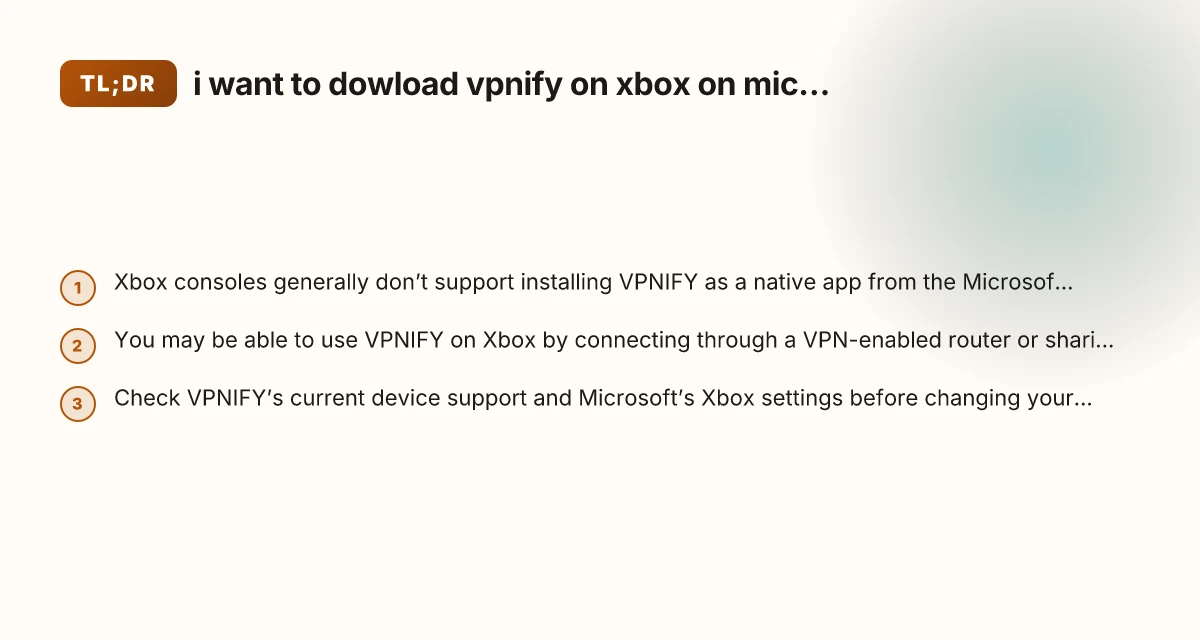
If you’re searching “i want to dowload vpnify on xbox on microsoft,” the short answer is that you generally can’t download and install VPNIFY directly on an Xbox console. Xbox consoles do not typically support third-party VPN apps in the way Windows PCs and phones do. To use a VPN with an Xbox, you’ll usually need to connect the console through a VPN-enabled router or share a VPN connection from a computer.

Editor's pick: NordVPN — fast, secure VPN — Strong encryption, a no-logs policy and apps for every device. 30-day money-back guarantee. Get NordVPN →
VPN options for Xbox compared
| Option | VPNify app on Xbox | Router VPN | Windows PC sharing |
|---|---|---|---|
| Available directly on Xbox | No | No | No |
| Works through another device | No | Yes | Yes |
| VPN runs on | — | Router | Windows PC |
| Covers other devices too | No | Yes | No |
| Requires compatible equipment | — | VPN-compatible router | Windows PC with VPN |
| Setup location | — | Router settings | Windows network settings |
| Best fit | Not available | Whole-home coverage | A single Xbox |
Compiled November 2026; check the provider's site for current details.
| VPN | Obfuscation | From / month | Plan | Free plan | Refund | Alipay | UnionPay | Crypto | Website opens in China | Trustpilot | |
|---|---|---|---|---|---|---|---|---|---|---|---|
 ZoogVPN | Turn on manually Shadow | $2.49/mo | 27 months: $59.99 | Yes | 7 days | ✓ | ✓ | ✓ | ✓ | Official site blocked; our special link opens (4.4 s) | 4.2/5 (195 reviews) |
 NordVPN | Turn on manually Obfuscated Servers / NordWhisper | $3.49/mo | 27 months: $94.23 | No | 30 days | ? | ✗ | ✓ | ✓ | ✗ Blocked | 4.2/5 (51,628 reviews) |
 ExpressVPN | ✓ On by default all servers | $3.00/mo | 28 months: $84 | No | 30 days | ✗ | ✗ | ✓ | ✗ | ✗ Blocked | 4.4/5 (29,706 reviews) |
 Surfshark | ✓ On by default Camouflage, with OpenVPN | See site | See site | No | 30 days | ✗ | ✗ | ✗ | ✓ | ✗ Blocked | 4.3/5 (31,823 reviews) |
 Proton VPN | Turn on manually Stealth, free plan too | $2.99/mo | 12 months: $35.88 | Yes | 30 days | ✗ | ✗ | ✗ | ✓ | ✗ Blocked | 2.1/5 (1,040 reviews) |
 Astrill VPN | Turn on manually StealthVPN / OpenWeb | $12.50/mo | 24 months: $300 | No | See site | ✗ | ✗ | ✗ | ✓ | ✗ Blocked | 1.3/5 (110 reviews) |
 Private Internet Access | Turn on manually Shadowsocks, OpenVPN only | $2.03/mo | 40 months: $81.2 | No | 30 days | ✗ | ✗ | ✗ | ✗ | ✗ Blocked | 4.2/5 (11,033 reviews) |
 CyberGhost | Turn on manually selected servers | $2.19/mo | 28 months: $61.32 | No | 45 days | ✗ | ✗ | ✗ | ✓ | ✗ Blocked | 4.0/5 (24,178 reviews) |
 PureVPN | Turn on manually switch to OpenVPN | $1.69/mo | 60 months: $101.55 | No | 31 days | ? | ? | ✗ | ✓ | ✗ Blocked | 4.4/5 (17,994 reviews) |
 AdGuard VPN | ✓ On by default TrustTunnel | $2.99/mo | 24 months: $71.76 | Yes | 30 days | ✓ | ✗ | ✓ | ✓ | Official site blocked; our special link opens (3.7 s) | 4.3/5 (290 reviews) |
 Mullvad | Turn on manually QUIC / Shadowsocks / LWO | $5.61/mo | €5/mo | No | 14 days | ✗ | ✗ | ✗ | ✓ | ✗ Blocked | 3.2/5 (192 reviews) |
 Windscribe | Turn on manually Stealth / WStunnel | $5.75/mo | 12 months: $69 | Yes | See site | ✗ | ✗ | ✗ | ✓ | ✗ Blocked | 4.7/5 (13,355 reviews) |
 StrongVPN | Turn on manually Scramble, OpenVPN TCP | See site | See site | No | 30 days | ✓ | ✗ | ✗ | ✗ | ✗ Blocked | 4.4/5 (2,695 reviews) |
 LightXtreme 闪连 | Not listed | $7.08/mo | 12 months: $84.99 | Yes | 30 days | ✓ | ✓ | ✓ | ✓ | ✓ Yes (3.5 s) | No page |
Prices checked 2026-11-10 on each vendor's pricing page (cheapest long plan, USD). Check the vendor's checkout for the final price.
Obfuscation checked 2026-11-14 on each vendor's site and help center: "on by default" = nothing to set; "turn on manually" = switch protocol or mode in settings; "not listed" = the vendor describes no obfuscation.
Payment methods checked 2026-11-10 on each vendor's payment pages: all 14 take cards and PayPal; ✗ = not listed, ? = the vendor's own pages disagree.
China access: whether the official website opens from mainland China networks (tests the website only, not the VPN connection). Last checked 2026-11-18 01:02 Beijing time.
Trustpilot score and review count checked 2026-11-10.
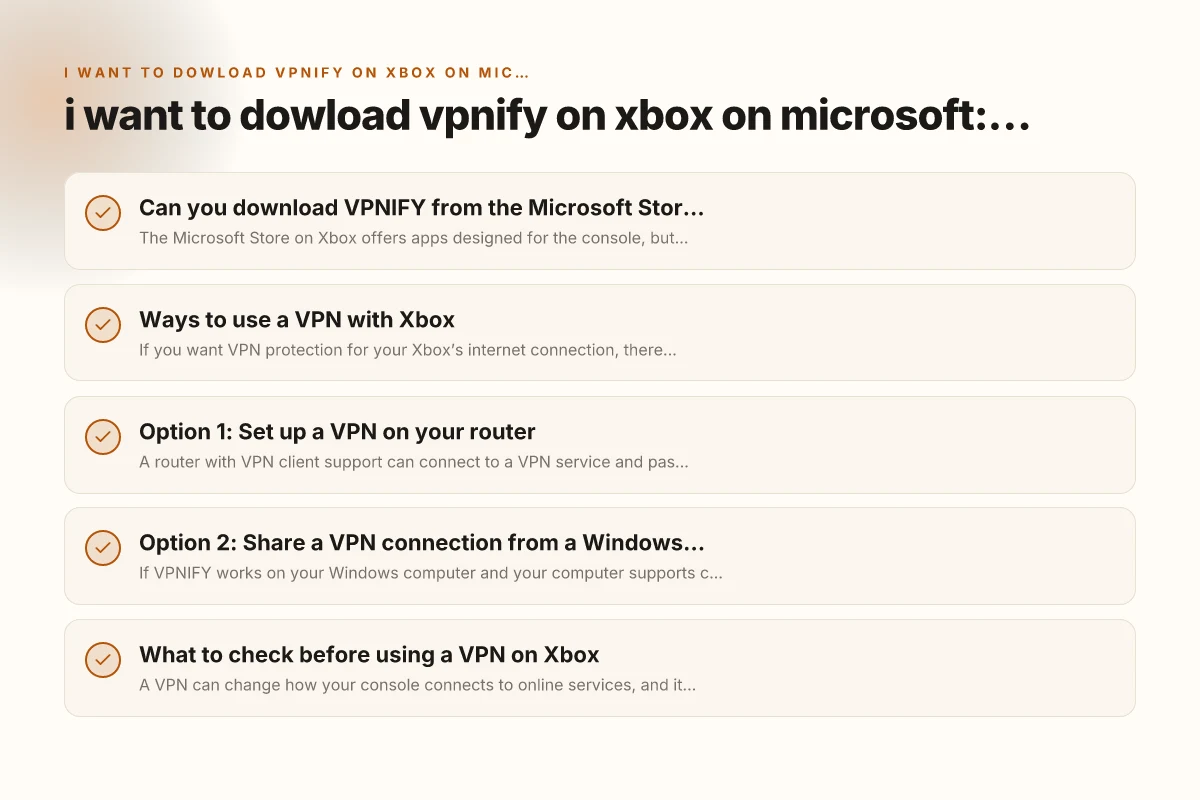
Can you download VPNIFY from the Microsoft Store on Xbox?
The Microsoft Store on Xbox offers apps designed for the console, but a VPN app available on Windows or mobile is not automatically available for Xbox. App availability depends on the specific platform, and VPNIFY may not provide a native Xbox app.
You can check directly on your console:
- Open the Microsoft Store on your Xbox.
- Search for “VPNIFY.”
- Check the listing’s platform and compatibility details, if a result appears.
If there is no compatible listing, don’t try to sideload an app or use an unofficial download. Xbox consoles restrict software installation, and files or instructions from unofficial sources can pose security risks. Also, downloading VPNIFY on a Windows PC does not install it on your Xbox.
Ways to use a VPN with Xbox
If you want VPN protection for your Xbox’s internet connection, there are two common options. Both route the console’s traffic through a VPN connection set up on another device. Best Australian VPN Free: Safe Free VPN Options for Australia
| Method | What you need | Main advantage | Main drawback |
|---|---|---|---|
| VPN-enabled router | A router that supports VPN connections and a compatible VPN service | The Xbox can connect normally over Wi-Fi or Ethernet | Setup can be technical; some routers may not support VPN client mode |
| Windows connection sharing | A Windows PC, a VPN app, and a network connection to share | Avoids changing router settings | The PC must stay on and share its connection correctly |
Before choosing a method, confirm that VPNIFY supports the device or router you plan to use. VPN services differ in their features, setup instructions, and compatibility. If VPNIFY does not support router connections or connection sharing, you may need another VPN service that does.
Option 1: Set up a VPN on your router
A router with VPN client support can connect to a VPN service and pass that connection to devices on your home network, including an Xbox. Not every router supports this, so check the manufacturer’s documentation before making changes.
The general process is:
- Confirm that your router supports VPN client connections.
- Check the VPN provider’s official router setup instructions and supported connection types.
- Configure the router using the provider’s guidance.
- Connect the Xbox to that router by Wi-Fi or Ethernet.
- Test the Xbox connection and confirm that online services work as expected.
Router menus and setup steps vary by model and VPN provider. Avoid entering configuration details from random websites. Use official support instructions instead. If you make a mistake, you could interrupt internet access for other devices, so save your current router settings before changing them. iPhone WiFi Auto VPN: How to Connect Automatically
What to check before choosing a setup
| Check | Router VPN | Windows PC sharing |
|---|---|---|
| VPN service works on the setup device | Yes | Yes |
| Device supports VPN configuration | Router must support it | Windows PC required |
| Xbox can connect through that device | Yes | Yes |
| Setup involves changing device settings | Router settings | Windows network settings |
| Other devices can use the connection | Yes | No |
| VPN app can be installed on Xbox | No | No |
Compiled November 2026; check the provider's site for current details.
Option 2: Share a VPN connection from a Windows PC
If VPNIFY works on your Windows computer and your computer supports connection sharing, you may be able to route the Xbox through it. The exact steps depend on your Windows version, network adapters, and VPN app.
A typical setup involves: My iPhone Shows VPN on When I Didn’t Turn One On: What to Check
- Install VPNIFY on the Windows PC from an official source, if it supports Windows.
- Connect the PC to the VPN and confirm that the connection is active.
- Use Windows network sharing or a supported hotspot feature to share the VPN-connected internet connection.
- Connect the Xbox to the PC’s shared network.
- Test Xbox network access and adjust the setup if the connection does not work.
This method can be less convenient than using a router. The PC usually needs to remain powered on, connected to the internet, and running the VPN. Some VPN apps or Windows configurations may not allow their VPN connection to be shared, so check the provider’s support guidance first.
What to check before using a VPN on Xbox
A VPN can change how your console connects to online services, and it may not improve every gaming setup. Consider these points before configuring one:
- Speed and latency: Routing traffic through a VPN server can add delay or reduce speed, which may affect online gaming.
- Service access: Some games or online services may behave differently depending on your network or location.
- Privacy and terms: Review the VPN provider’s privacy policy and the terms of services you use.
- Account security: Download apps only from official stores or the provider’s official website, and never share your Microsoft account password with an untrusted service.
- Troubleshooting: If Xbox connectivity gets worse, disconnect the VPN or restore your original router or network settings.
A VPN is not a guarantee of better matchmaking, lower ping, or access to every service. For ordinary gaming, your standard home connection may work better.
Quick decision guide Advanced Proxy Settings Edge: How to Configure and Troubleshoot Them
| Your priority | Recommended option | Why |
|---|---|---|
| Install VPNify directly on Xbox | Neither | VPNify is not available as an Xbox app |
| Connect multiple home devices | Router VPN | The router can cover devices on its network |
| Use an existing Windows PC | Windows PC sharing | Share the PC’s VPN connection with Xbox |
| Avoid relying on a PC | Router VPN | The PC does not need to stay involved |
| Avoid router configuration | Windows PC sharing | Configure sharing on Windows instead |
| Choose based on compatibility | Check both first | Router and Windows setup support can vary |
Compiled November 2026; check the provider's site for current details.
Recommendation
You generally can’t download VPNIFY directly onto an Xbox from the Microsoft Store. First, check the Store and VPNIFY’s official compatibility information. If VPNIFY does not offer an Xbox app, use a supported VPN-enabled router or Windows connection sharing only if the provider allows it and you’re comfortable with the setup. Otherwise, keep your Xbox on its regular internet connection rather than using an unofficial workaround.