Best Australian VPN Free: Safe Free VPN Options for Australia
Find the best free VPN options for Australian users, with honest limits on speed, data, privacy, and Australian server access.
If you’re searching for the best Australian VPN free, start with Proton VPN Free for a reputable, privacy-focused option with unlimited data. However, its free plan may not let you connect specifically to an Australian server. If you need an Australian IP address, check Windscribe Free or PrivadoVPN Free for current server availability, or consider a low-cost paid plan with a money-back guarantee. Free plans change, so confirm the location list before installing.
A free VPN can help protect traffic on public Wi-Fi, reduce some forms of tracking, and provide an IP address from a supported location. It does not make you anonymous, guarantee access to Australian streaming services, or replace secure account passwords and device updates.
| VPN | Obfuscation | From / month | Plan | Free plan | Refund | Alipay | UnionPay | Crypto | Website opens in China | Trustpilot | |
|---|---|---|---|---|---|---|---|---|---|---|---|
 Proton VPN | Turn on manually Stealth, free plan too | $2.99/mo | 12 months: $35.88 | Yes | 30 days | ✗ | ✗ | ✗ | ✓ | ✗ Blocked | 2.1/5 (1,040 reviews) |
 Windscribe | Turn on manually Stealth / WStunnel | $5.75/mo | 12 months: $69 | Yes | See site | ✗ | ✗ | ✗ | ✓ | ✗ Blocked | 4.7/5 (13,355 reviews) |
 ZoogVPN | Turn on manually Shadow | $2.49/mo | 27 months: $59.99 | Yes | 7 days | ✓ | ✓ | ✓ | ✓ | Official site blocked; our special link opens (4.4 s) | 4.2/5 (195 reviews) |
 NordVPN | Turn on manually Obfuscated Servers / NordWhisper | $3.49/mo | 27 months: $94.23 | No | 30 days | ? | ✗ | ✓ | ✓ | ✗ Blocked | 4.2/5 (51,628 reviews) |
 ExpressVPN | ✓ On by default all servers | $3.00/mo | 28 months: $84 | No | 30 days | ✗ | ✗ | ✓ | ✗ | ✗ Blocked | 4.4/5 (29,706 reviews) |
 Surfshark | ✓ On by default Camouflage, with OpenVPN | See site | See site | No | 30 days | ✗ | ✗ | ✗ | ✓ | ✗ Blocked | 4.3/5 (31,823 reviews) |
 Astrill VPN | Turn on manually StealthVPN / OpenWeb | $12.50/mo | 24 months: $300 | No | See site | ✗ | ✗ | ✗ | ✓ | ✗ Blocked | 1.3/5 (110 reviews) |
 Private Internet Access | Turn on manually Shadowsocks, OpenVPN only | $2.03/mo | 40 months: $81.2 | No | 30 days | ✗ | ✗ | ✗ | ✗ | ✗ Blocked | 4.2/5 (11,033 reviews) |
 CyberGhost | Turn on manually selected servers | $2.19/mo | 28 months: $61.32 | No | 45 days | ✗ | ✗ | ✗ | ✓ | ✗ Blocked | 4.0/5 (24,178 reviews) |
 PureVPN | Turn on manually switch to OpenVPN | $1.69/mo | 60 months: $101.55 | No | 31 days | ? | ? | ✗ | ✓ | ✗ Blocked | 4.4/5 (17,994 reviews) |
 AdGuard VPN | ✓ On by default TrustTunnel | $2.99/mo | 24 months: $71.76 | Yes | 30 days | ✓ | ✗ | ✓ | ✓ | Official site blocked; our special link opens (3.7 s) | 4.3/5 (290 reviews) |
 Mullvad | Turn on manually QUIC / Shadowsocks / LWO | $5.61/mo | €5/mo | No | 14 days | ✗ | ✗ | ✗ | ✓ | ✗ Blocked | 3.2/5 (192 reviews) |
 StrongVPN | Turn on manually Scramble, OpenVPN TCP | See site | See site | No | 30 days | ✓ | ✗ | ✗ | ✗ | ✗ Blocked | 4.4/5 (2,695 reviews) |
 LightXtreme 闪连 | Not listed | $7.08/mo | 12 months: $84.99 | Yes | 30 days | ✓ | ✓ | ✓ | ✓ | ✓ Yes (3.5 s) | No page |
Prices checked 2026-11-10 on each vendor's pricing page (cheapest long plan, USD). Check the vendor's checkout for the final price.
Obfuscation checked 2026-11-14 on each vendor's site and help center: "on by default" = nothing to set; "turn on manually" = switch protocol or mode in settings; "not listed" = the vendor describes no obfuscation.
Payment methods checked 2026-11-10 on each vendor's payment pages: all 14 take cards and PayPal; ✗ = not listed, ? = the vendor's own pages disagree.
China access: whether the official website opens from mainland China networks (tests the website only, not the VPN connection). Last checked 2026-11-18 01:02 Beijing time.
Trustpilot score and review count checked 2026-11-10.

Editor's pick: NordVPN — fast, secure VPN — Strong encryption, a no-logs policy and apps for every device. 30-day money-back guarantee. Get NordVPN →
Free VPN options at a glance
| Option | Free plan | Australia server access | Data limits | Best for |
|---|---|---|---|---|
| Proton VPN | Check current plan | Check availability | Check current limits | Privacy-focused use |
| Windscribe | Check current plan | Check availability | Check current limits | Flexible settings |
| PrivadoVPN | Check current plan | Check availability | Check current limits | General browsing |
| TunnelBear | Check current plan | Check availability | Check current limits | Simple setup |
| Hide.me | Check current plan | Check availability | Check current limits | Basic VPN use |
| Hotspot Shield | Check current plan | Check availability | Check current limits | Everyday browsing |
Compiled November 2026; check the provider's site for current details.
Best free VPN options for Australian users
The right choice depends on what “Australian VPN” means for you. You might be in Australia and want basic browsing protection, or you might need an Australian IP address while travelling. Those needs are not always met by the same free plan.
| VPN | Free-plan strengths | Main limitations |
|---|---|---|
| Proton VPN Free | Unlimited data; established privacy focus | Free locations are limited, and Australia may not be selectable |
| Windscribe Free | Monthly data allowance; useful configuration options | Data cap; server locations and access can change |
| PrivadoVPN Free | Monthly data allowance; straightforward apps | Data cap; check whether Australia is included on the free tier |
| TunnelBear Free | Simple apps for beginners | Small data allowance; not suited to regular streaming or downloads |
These services are worth comparing, not unconditional recommendations. VPN providers can revise their free tiers, and a provider’s paid Australian server does not mean that the same server is available to free users.
Proton VPN Free: best for regular browsing
Proton VPN Free stands out for people who want a free service without a small monthly data cap. That can make it practical for everyday browsing and occasional use on public networks. Its privacy reputation and clear focus on security are additional strengths.
The trade-off is location choice. Free users typically have access to a limited set of countries, and you may not be able to choose Australia. It is therefore a better fit for general privacy than for getting an Australian IP address. iPhone WiFi Auto VPN: How to Connect Automatically
Windscribe Free: a flexible option with a data cap
Windscribe’s free plan can suit users who want more control over settings and are comfortable keeping an eye on monthly data use. The allowance may be enough for browsing, email, and occasional video calls, but it can run out quickly if you stream or download large files.
Check the app’s free server list before relying on it for an Australian location. The number of locations and the conditions for accessing them can change.
PrivadoVPN Free and TunnelBear Free: alternatives to compare
PrivadoVPN Free may appeal if you want a conventional monthly data allowance and an easy-to-use app. TunnelBear is also known for beginner-friendly software, but its free allowance is generally better for testing than for heavy daily use.
For both, confirm the current data limit, available countries, device support, and terms. A familiar brand name is not a substitute for checking whether the plan actually meets your needs. My iPhone Shows VPN on When I Didn’t Turn One On: What to Check
What to check before choosing
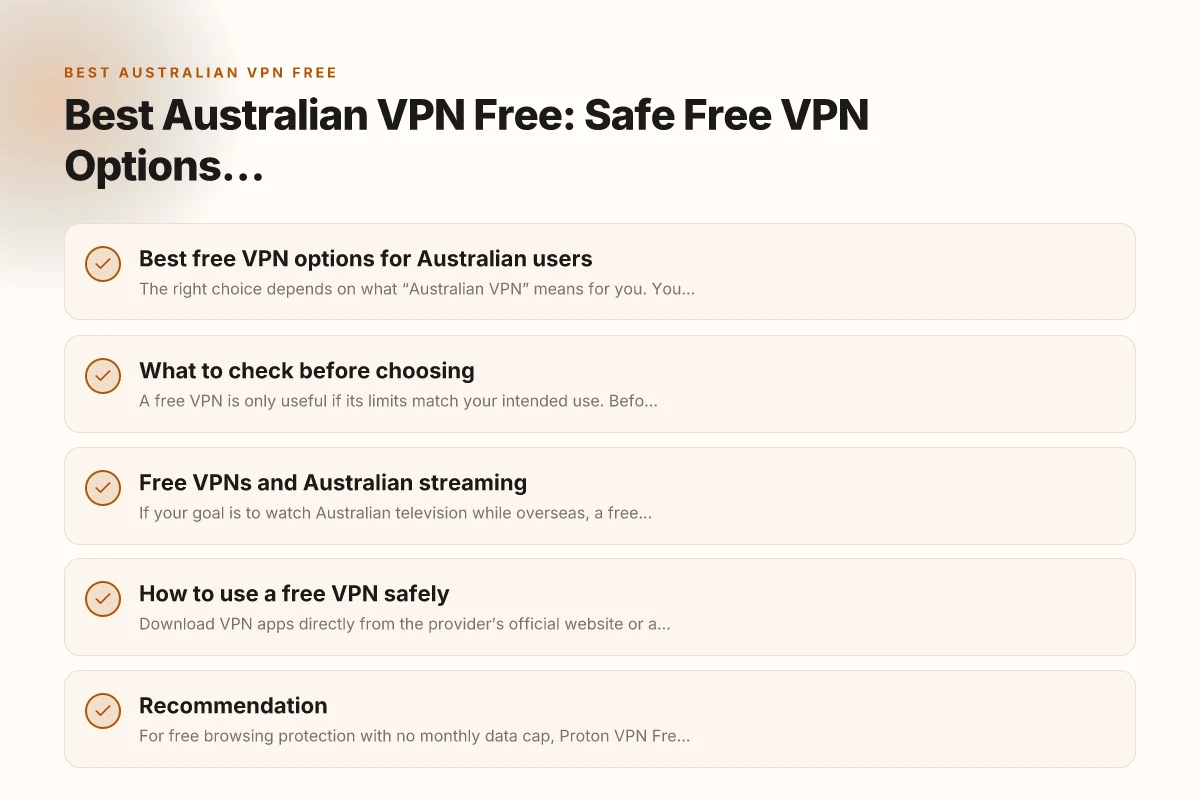
A free VPN is only useful if its limits match your intended use. Before creating an account, check:
- Australian server access: Make sure Australia is listed on the free plan, not just on paid subscriptions.
- Data allowance: Unlimited data is convenient. Capped plans may be enough for light browsing but restrictive for video.
- Speed and congestion: Free servers can be crowded, so connection quality may vary by time and location.
- Privacy policy: Look for a clear explanation of what connection data is collected, how long it is retained, and whether it is shared.
- Security basics: Prefer reputable providers that explain their encryption, leak protection, and independent security reviews.
- Device limits: Confirm that the plan supports your phone, computer, or other devices and allows enough simultaneous connections.
Do not treat a VPN as a complete security solution. It moves your internet traffic through the VPN provider, which means the provider’s privacy practices matter. A VPN also cannot protect you from phishing, malicious downloads, or information you willingly share with websites.
Free VPNs and Australian streaming
If your goal is to watch Australian television while overseas, a free VPN may not be reliable. Streaming platforms often block known VPN addresses, and free servers may be too slow for stable video. Even when a connection works, access depends on the streaming service’s rules and licensing arrangements.
A VPN with an Australian server can give you an Australian IP address, but that does not guarantee that a service will accept it. Avoid choosing a provider solely because it advertises streaming access. Check its current server locations and the service’s terms first. Advanced Proxy Settings Edge: How to Configure and Troubleshoot Them
For occasional viewing, a trial or refundable paid plan may be more practical than a free plan with limited locations and data. Read the cancellation and refund conditions carefully before paying.
What to check before choosing a free VPN
| Check | What to look for | Why it matters | Avoid |
|---|---|---|---|
| Privacy policy | Clear data practices | Shows how activity is handled | Vague logging claims |
| Security | Modern encryption and leak protection | Helps protect traffic | Missing security details |
| Data allowance | A stated free-plan limit | Helps prevent interruptions | Unclear limits |
| Server locations | Locations listed for free users | Determines available connections | Assuming paid locations are included |
| Device support | Apps for your devices | Makes setup easier | Unsupported operating systems |
| Ownership | Identifiable provider | Helps assess accountability | Unknown operators |
Compiled November 2026; check the provider's site for current details.
How to use a free VPN safely
Download VPN apps directly from the provider’s official website or a trusted app store. Avoid unofficial installers and browser extensions that make vague promises of “free unlimited VPN” access. Surfshark VPN Netflix Not Working? 9 Fixes to Try
Once installed:
- Review the privacy settings and enable available leak protection.
- Choose a nearby server for general browsing if you do not need a specific country.
- Use the VPN on public Wi-Fi, but still connect only to websites using HTTPS.
- Check your data usage if the plan has a monthly cap.
- Disconnect or switch providers if the app behaves unexpectedly or its terms are unclear.
A free VPN may also limit peer-to-peer traffic, block certain features, or require an account. Read the plan details rather than assuming that “free” means unrestricted.
Recommendation
For free browsing protection with no monthly data cap, Proton VPN Free is a strong starting point, provided you do not need to select Australia. If you specifically need an Australian IP address, compare the current free location lists for Windscribe and PrivadoVPN before signing up. Free access can vary. For consistent Australian server access, streaming, or frequent use, a reputable low-cost paid VPN is usually the more dependable choice.