How to Use a VPN in China: A Practical Guide
Learn how to prepare, connect, troubleshoot, and use a VPN in China while understanding legal and security limits.
If you’re traveling to China and want to use a VPN, choose a reputable service, install its app before you arrive, and test it on your devices in advance. Once in China, connect to the VPN using the app’s recommended settings and a nearby supported server. Access may be restricted or unreliable, so prepare alternatives and check current legal requirements before you travel.

Editor's pick: NordVPN — fast, secure VPN — Strong encryption, a no-logs policy and apps for every device. 30-day money-back guarantee. Get NordVPN →
Choose a setup for each device
| Device or need | Setup choice | Before arrival | After arrival | Backup |
|---|---|---|---|---|
| iPhone or iPad | Official VPN app | Install and sign in | Try a nearby server | Manual settings |
| Android phone or tablet | Official VPN app | Install and sign in | Test connection | Manual settings |
| Windows laptop | Official VPN app | Install and update | Test connection | Another protocol |
| Mac laptop | Official VPN app | Install and update | Test connection | Another protocol |
| Multiple devices | Router or individual apps | Check device limits | Connect each device | Mobile hotspot |
| Sensitive accounts | VPN plus account protections | Enable multifactor authentication | Verify secure access | Avoid untrusted Wi-Fi |
| Important files | Offline copies | Save needed documents | Use local copies if needed | Secure cloud access |
Compiled November 2026; check the provider's site for current details.
| VPN | Obfuscation | From / month | Plan | Free plan | Refund | Alipay | UnionPay | Crypto | Website opens in China | Trustpilot | |
|---|---|---|---|---|---|---|---|---|---|---|---|
 ZoogVPN | Turn on manually Shadow | $2.49/mo | 27 months: $59.99 | Yes | 7 days | ✓ | ✓ | ✓ | ✓ | Official site blocked; our special link opens (4.4 s) | 4.2/5 (195 reviews) |
 NordVPN | Turn on manually Obfuscated Servers / NordWhisper | $3.49/mo | 27 months: $94.23 | No | 30 days | ? | ✗ | ✓ | ✓ | ✗ Blocked | 4.2/5 (51,628 reviews) |
 ExpressVPN | ✓ On by default all servers | $3.00/mo | 28 months: $84 | No | 30 days | ✗ | ✗ | ✓ | ✗ | ✗ Blocked | 4.4/5 (29,706 reviews) |
 Surfshark | ✓ On by default Camouflage, with OpenVPN | See site | See site | No | 30 days | ✗ | ✗ | ✗ | ✓ | ✗ Blocked | 4.3/5 (31,823 reviews) |
 Proton VPN | Turn on manually Stealth, free plan too | $2.99/mo | 12 months: $35.88 | Yes | 30 days | ✗ | ✗ | ✗ | ✓ | ✗ Blocked | 2.1/5 (1,040 reviews) |
 Astrill VPN | Turn on manually StealthVPN / OpenWeb | $12.50/mo | 24 months: $300 | No | See site | ✗ | ✗ | ✗ | ✓ | ✗ Blocked | 1.3/5 (110 reviews) |
 Private Internet Access | Turn on manually Shadowsocks, OpenVPN only | $2.03/mo | 40 months: $81.2 | No | 30 days | ✗ | ✗ | ✗ | ✗ | ✗ Blocked | 4.2/5 (11,033 reviews) |
 CyberGhost | Turn on manually selected servers | $2.19/mo | 28 months: $61.32 | No | 45 days | ✗ | ✗ | ✗ | ✓ | ✗ Blocked | 4.0/5 (24,178 reviews) |
 PureVPN | Turn on manually switch to OpenVPN | $1.69/mo | 60 months: $101.55 | No | 31 days | ? | ? | ✗ | ✓ | ✗ Blocked | 4.4/5 (17,994 reviews) |
 AdGuard VPN | ✓ On by default TrustTunnel | $2.99/mo | 24 months: $71.76 | Yes | 30 days | ✓ | ✗ | ✓ | ✓ | Official site blocked; our special link opens (3.7 s) | 4.3/5 (290 reviews) |
 Mullvad | Turn on manually QUIC / Shadowsocks / LWO | $5.61/mo | €5/mo | No | 14 days | ✗ | ✗ | ✗ | ✓ | ✗ Blocked | 3.2/5 (192 reviews) |
 Windscribe | Turn on manually Stealth / WStunnel | $5.75/mo | 12 months: $69 | Yes | See site | ✗ | ✗ | ✗ | ✓ | ✗ Blocked | 4.7/5 (13,355 reviews) |
 StrongVPN | Turn on manually Scramble, OpenVPN TCP | See site | See site | No | 30 days | ✓ | ✗ | ✗ | ✗ | ✗ Blocked | 4.4/5 (2,695 reviews) |
 LightXtreme 闪连 | Not listed | $7.08/mo | 12 months: $84.99 | Yes | 30 days | ✓ | ✓ | ✓ | ✓ | ✓ Yes (3.5 s) | No page |
Prices checked 2026-11-10 on each vendor's pricing page (cheapest long plan, USD). Check the vendor's checkout for the final price.
Obfuscation checked 2026-11-14 on each vendor's site and help center: "on by default" = nothing to set; "turn on manually" = switch protocol or mode in settings; "not listed" = the vendor describes no obfuscation.
Payment methods checked 2026-11-10 on each vendor's payment pages: all 14 take cards and PayPal; ✗ = not listed, ? = the vendor's own pages disagree.
China access: whether the official website opens from mainland China networks (tests the website only, not the VPN connection). Last checked 2026-11-18 01:02 Beijing time.
Trustpilot score and review count checked 2026-11-10.
1. Choose a VPN and prepare before your trip
VPN services and their availability can change. Research providers using recent, independent reviews, and check whether the service currently supports connections from China. No provider can guarantee that its VPN will work at all times.
Before choosing, look for:
- Clear privacy and data-retention policies.
- Strong encryption and modern connection protocols.
- Reliable customer support and troubleshooting instructions.
- Apps for every device you plan to use.
- A record of communicating service changes to customers.
Install the official app while you still have dependable access to the provider’s website and app store. Sign in, complete any verification steps, and test the service from your home network. Save the provider’s support details and setup instructions somewhere you can access offline.
Avoid downloading VPN apps or configuration files from unfamiliar websites. Unofficial downloads could contain malware or altered software. Use Proton DNS Outside VPN: What You Need to Know
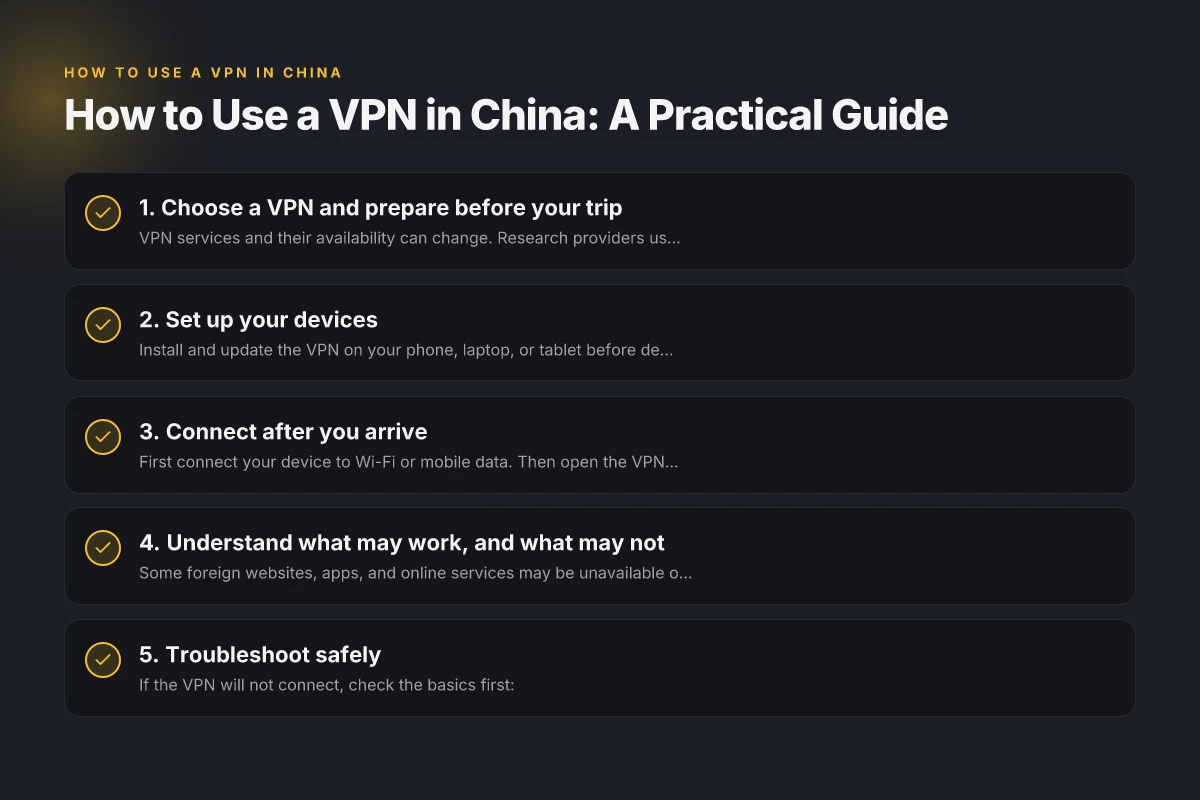
2. Set up your devices
Install and update the VPN on your phone, laptop, or tablet before departure. If you use multiple devices, check how many can connect at once and whether your plan supports them.
Before leaving, make sure you can:
- Sign in without relying on a text message you may not receive abroad.
- Reset your password or complete account verification.
- Switch between the provider’s available connection protocols.
- Contact support through a channel that will be accessible to you.
- Reinstall the app if needed, using a trusted source.
Also save important travel information offline, including hotel details, maps, boarding passes, and emergency contacts. A VPN is not a substitute for these basics: it may fail to connect, or your internet connection may be interrupted.
If you’re traveling for work, ask your employer’s IT team for approved software and setup guidance. Do not install a personal VPN on a work device if your organization prohibits it. How to Uninstall Proton VPN on Windows: A Complete Guide
Decide what to do when a connection fails
| Situation | First check | Safe next step | Avoid | When to stop |
|---|---|---|---|---|
| VPN will not connect | Internet access | Try another offered server | Repeated rapid retries | If access remains blocked |
| Connection is unstable | Wi-Fi or mobile signal | Switch networks if safe | Assuming every network is secure | If service keeps dropping |
| App is unavailable | App installed before travel | Use the provider’s official guidance | Unofficial download links | If source cannot be verified |
| A site still will not load | VPN connection status | Try the site later | Sharing sensitive details | If the site is restricted |
| Work account access fails | Employer or IT requirements | Contact your IT team | Bypassing workplace controls | If access is not approved |
| Local rules are unclear | Current official guidance | Seek qualified advice | Relying on rumors | If legality is uncertain |
Compiled November 2026; check the provider's site for current details.
3. Connect after you arrive
First connect your device to Wi-Fi or mobile data. Then open the VPN app and use the provider’s recommended settings for China. If it offers servers or connection modes specifically intended for restricted networks, follow its current instructions rather than relying on old online guides.
A simple connection routine is: Where to Check the OVPN Certs Saved on Your Local Computer
- Open the official VPN app.
- Select a nearby server that the provider recommends.
- Tap Connect and wait for the app to confirm the connection.
- Check that your intended website or service loads.
- Disconnect when you no longer need the VPN, especially on shared or untrusted devices.
If the first server does not connect, try another server or connection option recommended by the provider. Avoid rapidly switching settings based on random instructions. Outdated advice may waste time or create security risks.
A VPN routes your internet traffic through an encrypted connection to a VPN server. It can help protect traffic between your device and that server, particularly on public Wi-Fi, but it does not make you anonymous. Websites can still identify you through account logins, cookies, or other signals.
4. Understand what may work, and what may not
Some foreign websites, apps, and online services may be unavailable or unreliable in China, and access can vary by location, network, and time. A VPN may help you reach services through its server, but it cannot guarantee access. Some services also block VPN traffic themselves.
| Option | Potential benefit | Limitation |
|---|---|---|
| VPN app | Encrypts the connection to the VPN server and may help reach some services | Can be blocked, slow, or unavailable |
| Mobile data | Provides an alternative to hotel or public Wi-Fi | Coverage, cost, and access restrictions vary |
| Local Wi-Fi | Convenient and often included at hotels or venues | Network rules and reliability differ |
| Offline downloads | Keeps essential information available without a connection | Content must be saved in advance and may become outdated |
Before traveling, check whether your mobile provider offers international roaming and what it costs. Do not assume roaming will work exactly like it does at home. Availability, routing, charges, and service conditions vary. NordVPN Not Working in China? Causes, Fixes, and Alternatives
5. Troubleshoot safely
If the VPN will not connect, check the basics first:
- Confirm that your device has working internet without the VPN.
- Restart the app and, if necessary, your device.
- Try a different server or provider-recommended protocol.
- Check the provider’s official support page for current service notices.
- Contact support through a saved, trusted channel.
If a connection is slow, try a nearer server recommended by the provider and close apps using large amounts of data. Video calls and streaming can be demanding, so performance may differ from what you’re used to at home.
Do not install unverified profiles, certificates, or “special VPN” apps offered by strangers. Do not enter account details on unofficial login pages. If a workaround involves bypassing a device’s security protections, consider the risk carefully and seek guidance from your provider or IT team instead.
6. Check rules and protect your privacy
VPN rules and enforcement can be complex and may change. Requirements can differ for individuals, businesses, and approved providers. Before your trip, consult current government travel advice and, if relevant, your employer or legal adviser. This guide is general information, not legal advice. How to Uninstall NordVPN on Mac: A Complete Guide
Use a VPN only in ways allowed by applicable laws, your organization’s policies, and the terms of the services you access. A VPN cannot protect you from every threat, prevent account tracking, or guarantee that your activity is private from all parties.
Recommendation
Install and test a reputable VPN before traveling, follow its current China-specific guidance, and keep essential information available offline. Treat the VPN as one useful tool, not a guaranteed connection or a substitute for checking the rules that apply to your trip.