Where to Check the OVPN Certs Saved on Your Local Computer
Find OpenVPN certificates and profiles by checking your app, download folder, and common system locations.
If you’re wondering where to check the OVPN certs saved on your local computer, first look in the folder where you downloaded or imported your OpenVPN profile, then check the OpenVPN app’s profile details. Certificates may be separate files, or they may be embedded in the .ovpn configuration. Their exact location depends on your operating system, client, and how the VPN was set up.

Editor's pick: NordVPN — fast, secure VPN — Strong encryption, a no-logs policy and apps for every device. 30-day money-back guarantee. Get NordVPN →
Quick guide to where to look for saved OVPN certificates
| Location | What to check | Separate certificate likely? | Best next step |
|---|---|---|---|
| Profile folder | Files beside the `.ovpn` profile | Possibly | Look for `.crt`, `.pem`, or `.key` files |
| Downloads folder | Recent VPN configuration downloads | Possibly | Sort by date and inspect related files |
| `.ovpn` file | Open the profile in a text editor | Not always | Search for certificate blocks or file paths |
| OpenVPN app | Imported profile details or settings | Depends on app | Check how the profile references certificates |
| Provider instructions | Setup guide for your VPN service | Depends on provider | Follow its stated file locations |
| Windows folders | Profile and download folders | Possibly | Search for the profile name and certificate extensions |
| macOS folders | Profile and download folders | Possibly | Check the folders used when importing the profile |
| Linux folders | Profile and download folders | Possibly | Check the profile’s directory and referenced paths |
Compiled November 2026; check the provider's site for current details.
| VPN | Obfuscation | From / month | Plan | Free plan | Refund | Alipay | UnionPay | Crypto | Website opens in China | Trustpilot | |
|---|---|---|---|---|---|---|---|---|---|---|---|
 ZoogVPN | Turn on manually Shadow | $2.49/mo | 27 months: $59.99 | Yes | 7 days | ✓ | ✓ | ✓ | ✓ | Official site blocked; our special link opens (4.4 s) | 4.2/5 (195 reviews) |
 NordVPN | Turn on manually Obfuscated Servers / NordWhisper | $3.49/mo | 27 months: $94.23 | No | 30 days | ? | ✗ | ✓ | ✓ | ✗ Blocked | 4.2/5 (51,628 reviews) |
 ExpressVPN | ✓ On by default all servers | $3.00/mo | 28 months: $84 | No | 30 days | ✗ | ✗ | ✓ | ✗ | ✗ Blocked | 4.4/5 (29,706 reviews) |
 Surfshark | ✓ On by default Camouflage, with OpenVPN | See site | See site | No | 30 days | ✗ | ✗ | ✗ | ✓ | ✗ Blocked | 4.3/5 (31,823 reviews) |
 Proton VPN | Turn on manually Stealth, free plan too | $2.99/mo | 12 months: $35.88 | Yes | 30 days | ✗ | ✗ | ✗ | ✓ | ✗ Blocked | 2.1/5 (1,040 reviews) |
 Astrill VPN | Turn on manually StealthVPN / OpenWeb | $12.50/mo | 24 months: $300 | No | See site | ✗ | ✗ | ✗ | ✓ | ✗ Blocked | 1.3/5 (110 reviews) |
 Private Internet Access | Turn on manually Shadowsocks, OpenVPN only | $2.03/mo | 40 months: $81.2 | No | 30 days | ✗ | ✗ | ✗ | ✗ | ✗ Blocked | 4.2/5 (11,033 reviews) |
 CyberGhost | Turn on manually selected servers | $2.19/mo | 28 months: $61.32 | No | 45 days | ✗ | ✗ | ✗ | ✓ | ✗ Blocked | 4.0/5 (24,178 reviews) |
 PureVPN | Turn on manually switch to OpenVPN | $1.69/mo | 60 months: $101.55 | No | 31 days | ? | ? | ✗ | ✓ | ✗ Blocked | 4.4/5 (17,994 reviews) |
 AdGuard VPN | ✓ On by default TrustTunnel | $2.99/mo | 24 months: $71.76 | Yes | 30 days | ✓ | ✗ | ✓ | ✓ | Official site blocked; our special link opens (3.7 s) | 4.3/5 (290 reviews) |
 Mullvad | Turn on manually QUIC / Shadowsocks / LWO | $5.61/mo | €5/mo | No | 14 days | ✗ | ✗ | ✗ | ✓ | ✗ Blocked | 3.2/5 (192 reviews) |
 Windscribe | Turn on manually Stealth / WStunnel | $5.75/mo | 12 months: $69 | Yes | See site | ✗ | ✗ | ✗ | ✓ | ✗ Blocked | 4.7/5 (13,355 reviews) |
 StrongVPN | Turn on manually Scramble, OpenVPN TCP | See site | See site | No | 30 days | ✓ | ✗ | ✗ | ✗ | ✗ Blocked | 4.4/5 (2,695 reviews) |
 LightXtreme 闪连 | Not listed | $7.08/mo | 12 months: $84.99 | Yes | 30 days | ✓ | ✓ | ✓ | ✓ | ✓ Yes (3.5 s) | No page |
Prices checked 2026-11-10 on each vendor's pricing page (cheapest long plan, USD). Check the vendor's checkout for the final price.
Obfuscation checked 2026-11-14 on each vendor's site and help center: "on by default" = nothing to set; "turn on manually" = switch protocol or mode in settings; "not listed" = the vendor describes no obfuscation.
Payment methods checked 2026-11-10 on each vendor's payment pages: all 14 take cards and PayPal; ✗ = not listed, ? = the vendor's own pages disagree.
China access: whether the official website opens from mainland China networks (tests the website only, not the VPN connection). Last checked 2026-11-18 01:02 Beijing time.
Trustpilot score and review count checked 2026-11-10.
Check the profile and download folders first
Search the folders where you usually save files, especially Downloads, Documents, and any folder you created for VPN files. Look for the profile and certificate extensions below:
.ovpn, OpenVPN connection profile.crtor.cer, certificate file.pem, certificate or key file.key, private key file.p12or.pfx, a bundle that may contain a certificate and private key
The files may have been downloaded together in a ZIP archive. If so, check the archive or the folder where you extracted it. Search your computer by filename or file extension if you are unsure where you saved them.
A profile filename such as work-vpn.ovpn can provide a useful clue: related certificate files may have similar names, but they are not guaranteed to be stored beside it.
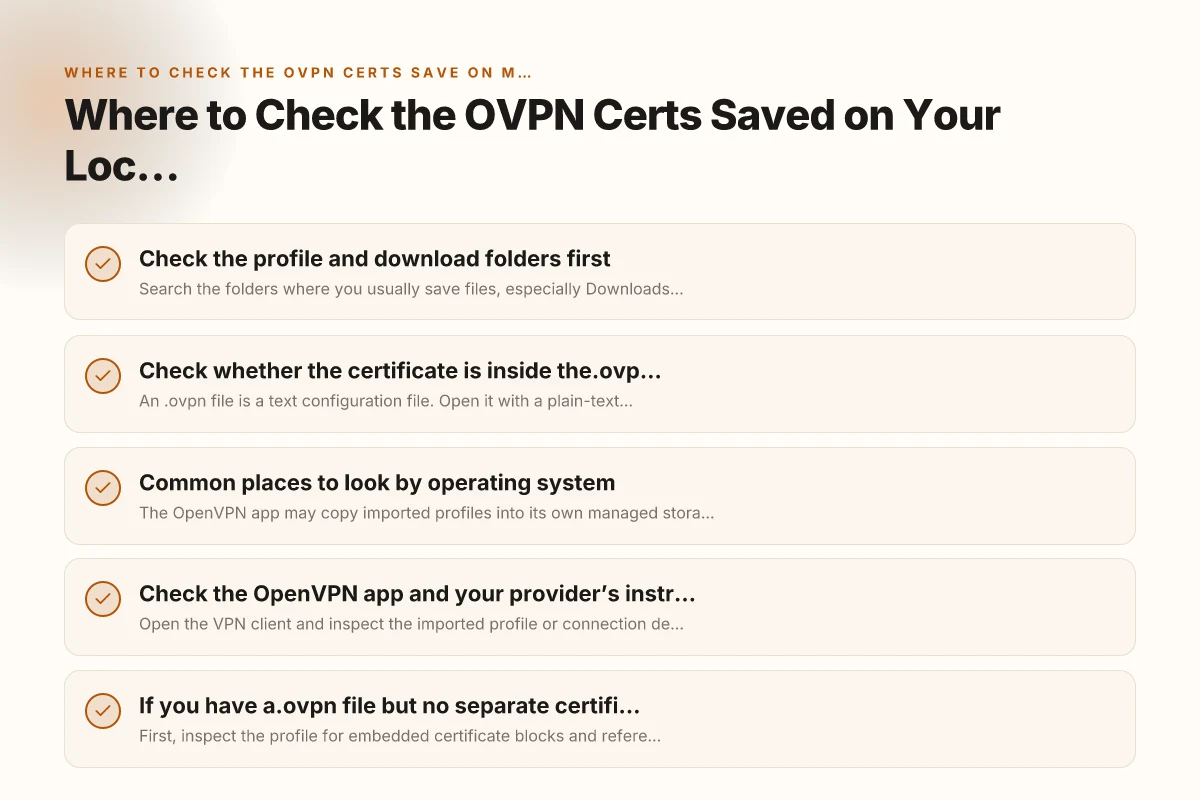
Check whether the certificate is inside the.ovpn file
An .ovpn file is a text configuration file. Open it with a plain-text editor, such as Notepad on Windows or TextEdit in plain-text mode on macOS. Avoid changing or resaving it unless you know what the configuration requires. NordVPN Not Working in China? Causes, Fixes, and Alternatives
Look for directives that refer to certificate files, for example:
ca ca.crtcert client.crtkey client.key
These entries point to separate files. The referenced files may be in the same folder as the .ovpn profile or at a path specified in the configuration.
Alternatively, the profile may contain blocks such as <ca>. </ca>, <cert>. </cert>, or <key>. </key>. These indicate that the corresponding material is embedded in the profile. Some setups use a .p12 or .pfx bundle instead, so you may not see a separate client certificate file.
A profile containing a CA certificate does not necessarily contain your personal client certificate. The CA is used to verify certificates. Client authentication may require additional material or a separate login method. How to Uninstall NordVPN on Mac: A Complete Guide
How to tell whether certificates are bundled in an `.ovpn` file
| What you find | What it suggests | Separate file needed? | What to do |
|---|---|---|---|
| Embedded certificate block | Certificate is inside the profile | Usually no | Keep the `.ovpn` file intact |
| Embedded private-key block | Key material is inside the profile | Usually no | Store the profile securely |
| `ca` file path | Profile references a separate CA certificate | Yes, if path is required | Find the named file |
| `cert` file path | Profile references a separate client certificate | Yes, if path is required | Find the named file |
| `key` file path | Profile references a separate key | Yes, if path is required | Find the named file |
| No visible certificate block | Certificate may be external or handled by the app | Unclear | Check referenced paths and provider guidance |
| Referenced file is missing | Profile may not be complete or files moved | Likely | Recheck downloads or obtain the provider’s complete configuration |
Compiled November 2026; check the provider's site for current details.
Common places to look by operating system
The OpenVPN app may copy imported profiles into its own managed storage. Those folders can vary by app version and installation method, so the app’s profile list is often more reliable than guessing a system path. Check the original download location before searching application folders.
| System | First places to check | Useful search approach |
|---|---|---|
| Windows | Downloads, Documents, the folder used for the VPN profile, and the OpenVPN app | Search File Explorer for .ovpn, .crt, .pem, .key, or .p12 |
| macOS | Downloads, Documents, the folder used for the VPN profile, and the VPN app | Use Finder search for the same extensions |
| Linux | Downloads, Documents, and the directory where the profile was placed | Search your home folder by filename or extension |
Some VPN clients import the profile and keep a managed copy that is not easy to browse directly. If you can connect but cannot find separate certificate files, the client may be managing them internally or the profile may contain the required data. Does Edge Have a VPN on iOS App? What iPhone and iPad Users Need to Know
Check the OpenVPN app and your provider’s instructions
Open the VPN client and inspect the imported profile or connection details. Depending on the client, you may see the profile name, authentication method, or a prompt to select a certificate. Check the app’s import or export options as well, but avoid exporting sensitive material to a shared location.
If this is a work or school VPN, ask the IT administrator which files your setup should include. If it is a commercial VPN, consult the provider’s setup instructions or support team. The required files vary: one provider may supply a single self-contained .ovpn profile, while another may provide separate certificate and key files.
Do not assume that every OpenVPN connection uses a separate client certificate. Some configurations authenticate with a username and password, while others use certificates, a bundled file, or a combination.
Which next step fits your situation? FortiGate IPsec: Setup, Configuration, and Troubleshooting
| Situation | First place to check | Useful clue | Recommended action |
|---|---|---|---|
| You downloaded several VPN files | Downloads folder | Matching names or dates | Keep related files together |
| You have an `.ovpn` file only | Open the profile | Embedded blocks or file paths | Check whether credentials are bundled |
| The profile names a certificate file | Folder containing the profile | `ca`, `cert`, or `key` path | Locate the exact referenced file |
| The profile was already imported | OpenVPN app | Profile details or import behavior | Check the app’s guidance |
| You cannot identify the certificate | Provider instructions | Provider-specific setup steps | Follow the provider’s directions |
| A referenced file cannot be found | Profile and download folders | Missing path target | Re-download the configuration if needed |
| You are unsure whether a file is sensitive | Any certificate or key file | Private-key content | Avoid sharing it and store it securely |
Compiled November 2026; check the provider's site for current details.
If you have a.ovpn file but no separate certificate
First, inspect the profile for embedded certificate blocks and references to external files. If it names files such as ca.crt, client.crt, or client.key, check whether those files were included in the download or archive. Do not create replacement certificates yourself: certificates must be issued and configured by the VPN administrator or provider.
If the referenced files are missing, contact the person or organization that supplied the profile. Ask them to confirm whether the .ovpn file is intended to work by itself or whether they need to provide a complete profile bundle or separate authentication files. Do not send them your password or private key through an insecure channel.
Keep any .key, .p12, or .pfx file private. These may contain sensitive credentials. Avoid posting them in support forums, email attachments to unknown recipients, or screenshots that expose their contents. How Much Is NordVPN per Month? Plans, Pricing, and What to Check
Recommendation
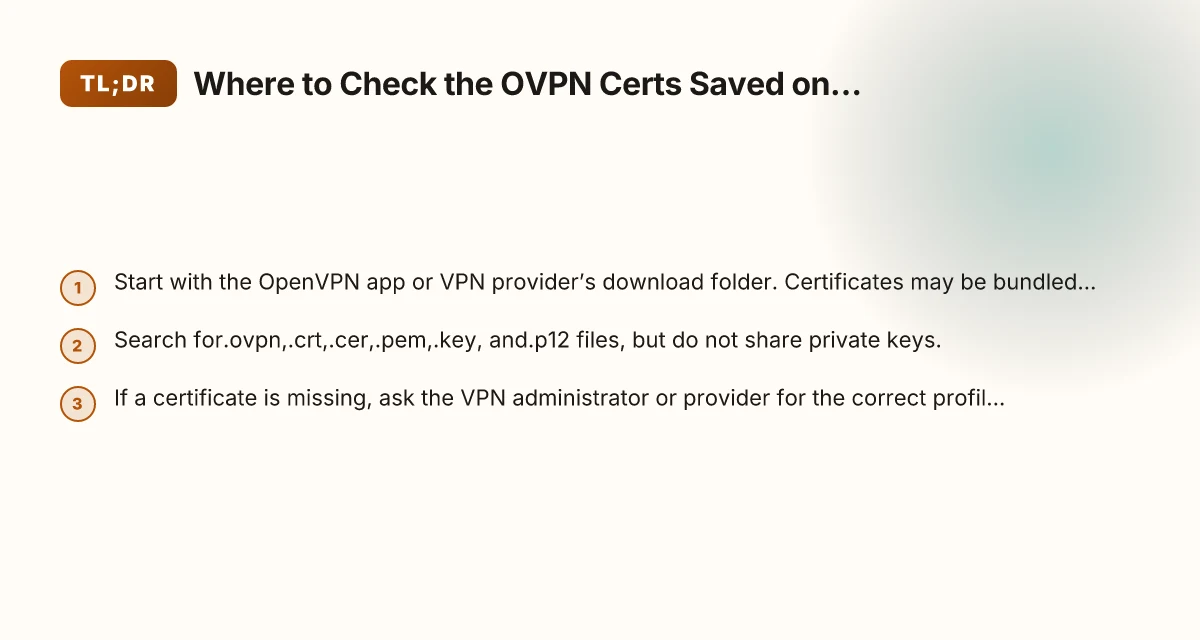
Start by checking your Downloads folder and searching for the profile’s certificate-related file extensions. Then inspect the .ovpn file in a text editor to see whether certificate data is embedded or referenced externally. If the needed files are not present, request the correct profile or certificates from your VPN provider or administrator rather than trying to generate or substitute them yourself.