How to Embed ta.key in an OpenVPN.ovpn File
Add your OpenVPN static TLS key inline with the correct tags and key-direction setting.


To embed a ta.key file in an OpenVPN .ovpn file, copy its complete contents into a <tls-auth> block and add the correct key-direction directive. This creates a unified profile that does not need to load ta.key from a separate path. The direction must match the server configuration. Do not guess it.

Editor's pick: NordVPN — fast, secure VPN — Strong encryption, a no-logs policy and apps for every device. 30-day money-back guarantee. Get NordVPN →
Choose how to provide the OpenVPN `ta.key`
| Option | Key location | `.ovpn` change | Separate key file needed | Main consideration |
|---|---|---|---|---|
| Inline key block | Inside `.ovpn` | Add `<tls-auth>` block | No | One profile to manage |
| External key file | Separate file | Reference key path | Yes | Keep files together |
| Check existing profile | Current configuration | No change if already present | Depends | Avoid duplicate key blocks |
| Use `tls-auth` | Inline or external | Match directive to key | Depends | Use when profile specifies it |
| Use `tls-crypt` | Inline or external | Match directive to key | Depends | Do not substitute for `tls-auth` |
| Copy key content | From `ta.key` | Preserve complete contents | No, if inline | Avoid omissions or edits |
| Keep key external | Separate file | Retain file reference | Yes | Protect and transfer both files |
Compiled November 2026; check the provider's site for current details.
| VPN | Obfuscation | From / month | Plan | Free plan | Refund | Alipay | UnionPay | Crypto | Website opens in China | Trustpilot | |
|---|---|---|---|---|---|---|---|---|---|---|---|
 ZoogVPN | Turn on manually Shadow | $2.49/mo | 27 months: $59.99 | Yes | 7 days | ✓ | ✓ | ✓ | ✓ | Official site blocked; our special link opens (4.4 s) | 4.2/5 (195 reviews) |
 NordVPN | Turn on manually Obfuscated Servers / NordWhisper | $3.49/mo | 27 months: $94.23 | No | 30 days | ? | ✗ | ✓ | ✓ | ✗ Blocked | 4.2/5 (51,628 reviews) |
 ExpressVPN | ✓ On by default all servers | $3.00/mo | 28 months: $84 | No | 30 days | ✗ | ✗ | ✓ | ✗ | ✗ Blocked | 4.4/5 (29,706 reviews) |
 Surfshark | ✓ On by default Camouflage, with OpenVPN | See site | See site | No | 30 days | ✗ | ✗ | ✗ | ✓ | ✗ Blocked | 4.3/5 (31,823 reviews) |
 Proton VPN | Turn on manually Stealth, free plan too | $2.99/mo | 12 months: $35.88 | Yes | 30 days | ✗ | ✗ | ✗ | ✓ | ✗ Blocked | 2.1/5 (1,040 reviews) |
 Astrill VPN | Turn on manually StealthVPN / OpenWeb | $12.50/mo | 24 months: $300 | No | See site | ✗ | ✗ | ✗ | ✓ | ✗ Blocked | 1.3/5 (110 reviews) |
 Private Internet Access | Turn on manually Shadowsocks, OpenVPN only | $2.03/mo | 40 months: $81.2 | No | 30 days | ✗ | ✗ | ✗ | ✗ | ✗ Blocked | 4.2/5 (11,033 reviews) |
 CyberGhost | Turn on manually selected servers | $2.19/mo | 28 months: $61.32 | No | 45 days | ✗ | ✗ | ✗ | ✓ | ✗ Blocked | 4.0/5 (24,178 reviews) |
 PureVPN | Turn on manually switch to OpenVPN | $1.69/mo | 60 months: $101.55 | No | 31 days | ? | ? | ✗ | ✓ | ✗ Blocked | 4.4/5 (17,994 reviews) |
 AdGuard VPN | ✓ On by default TrustTunnel | $2.99/mo | 24 months: $71.76 | Yes | 30 days | ✓ | ✗ | ✓ | ✓ | Official site blocked; our special link opens (3.7 s) | 4.3/5 (290 reviews) |
 Mullvad | Turn on manually QUIC / Shadowsocks / LWO | $5.61/mo | €5/mo | No | 14 days | ✗ | ✗ | ✗ | ✓ | ✗ Blocked | 3.2/5 (192 reviews) |
 Windscribe | Turn on manually Stealth / WStunnel | $5.75/mo | 12 months: $69 | Yes | See site | ✗ | ✗ | ✗ | ✓ | ✗ Blocked | 4.7/5 (13,355 reviews) |
 StrongVPN | Turn on manually Scramble, OpenVPN TCP | See site | See site | No | 30 days | ✓ | ✗ | ✗ | ✗ | ✗ Blocked | 4.4/5 (2,695 reviews) |
 LightXtreme 闪连 | Not listed | $7.08/mo | 12 months: $84.99 | Yes | 30 days | ✓ | ✓ | ✓ | ✓ | ✓ Yes (3.5 s) | No page |
Prices checked 2026-11-10 on each vendor's pricing page (cheapest long plan, USD). Check the vendor's checkout for the final price.
Obfuscation checked 2026-11-14 on each vendor's site and help center: "on by default" = nothing to set; "turn on manually" = switch protocol or mode in settings; "not listed" = the vendor describes no obfuscation.
Payment methods checked 2026-11-10 on each vendor's payment pages: all 14 take cards and PayPal; ✗ = not listed, ? = the vendor's own pages disagree.
China access: whether the official website opens from mainland China networks (tests the website only, not the VPN connection). Last checked 2026-11-18 01:02 Beijing time.
Trustpilot score and review count checked 2026-11-10.
Check the existing configuration
Before editing the profile, identify how the server uses the static key. The common OpenVPN directive is tls-auth, which uses a shared static key to help protect the TLS control channel.
Look in the existing client configuration for a line like:
tls-auth ta.key 1
The final value indicates the key direction. In this example, it is 1. If the directive instead uses a different value, preserve that value. The server and client must be configured with compatible directions.
If the profile uses tls-crypt rather than tls-auth, do not replace it with a <tls-auth> block. These directives serve different configuration modes and use different inline tags. IPsec Over TCP: How It Works, Benefits, and Limitations
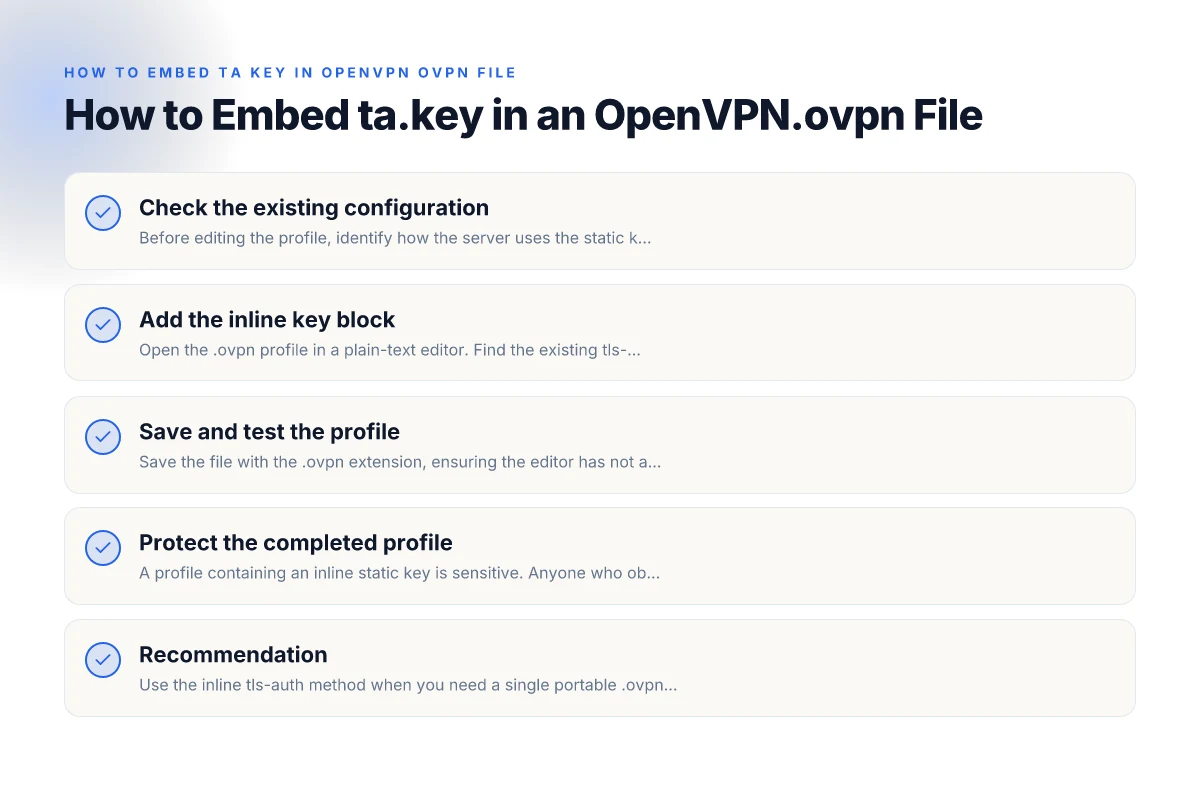
Add the inline key block
Open the .ovpn profile in a plain-text editor. Find the existing tls-auth line and note its direction value. Remove the file-based directive, then add the inline block and the direction setting.
For example, if the original line is tls-auth ta.key 1, use:
key-direction 1

<tls-auth>
-----BEGIN OpenVPN Static key V1-----
[Paste the complete contents of ta.key here]
-----END OpenVPN Static key V1-----
</tls-auth>
The bracketed text is an instruction, not literal key content. Replace it with the entire contents of your actual ta.key file, including its header and footer. Do not add quotation marks, indent the key lines, or leave the old tls-auth ta.key 1 line in place.
A unified profile may also contain inline certificate and client key blocks, such as <ca>, <cert>, and <key>. Those are separate items. Embedding ta.key does not automatically embed the certificates or client private key. V2Ray QR Code: How to Create, Scan, and Use One Safely
Key direction: inline and file-based forms
| Configuration form | Example | What to check |
|---|---|---|
| Separate key file | tls-auth ta.key 1 |
Keep the key path and its direction value |
| Inline key | key-direction 1 plus <tls-auth>.</tls-auth> |
Use the same direction value as the original configuration |
For the inline form, put key-direction outside the <tls-auth> block. Do not put the direction number inside the key block.
Save and test the profile
Save the file with the .ovpn extension, ensuring the editor has not added a different extension or changed the key text. Import the profile into your OpenVPN client and attempt to connect.
If the client reports a TLS or authentication error, check these points:
- The key block includes every line from
ta.key, including both marker lines. - The
key-directionvalue matches the client configuration supplied by the VPN administrator. - The old file-based
tls-authdirective has been removed. - The profile uses the correct inline tag for its directive:
<tls-auth>fortls-auth. - The key has not been altered by formatting, line wrapping, or accidental deletion.
If you are unsure which direction to use, ask the VPN administrator or consult the server configuration. Changing the value at random can prevent the connection from working. How to Turn Off Microsoft Edge VPN: Disable Secure Network
Choose a way to save and protect the completed profile
| Choice | Convenience | Portability | Key exposure | Best suited for |
|---|---|---|---|---|
| Inline key in `.ovpn` | High | High | Key travels with profile | Moving one profile |
| Separate `ta.key` file | Medium | Lower | Key remains separate | Managing files separately |
| Store in a protected folder | Medium | Depends on device | Reduced casual access | Local storage |
| Restrict file permissions | Medium | Depends on device | Limits access | Shared or multi-user devices |
| Send profile through a trusted channel | Medium | High | Depends on channel security | Profile transfer |
| Test before distribution | Medium | Not applicable | Helps catch configuration issues | Verifying the profile |
| Keep a protected backup | Medium | Depends on backup method | Depends on backup security | Recovery |
Compiled November 2026; check the provider's site for current details.
Protect the completed profile
A profile containing an inline static key is sensitive. Anyone who obtains it may gain access to authentication material, especially if it also contains a client certificate and private key.
- Store the profile somewhere access-controlled.
- Do not post it publicly or send it through an untrusted channel.
- Use a secure transfer method when sharing it with an authorized user.
- If the key or profile is exposed, contact the VPN administrator about replacing or revoking the affected credentials.
Keeping the key in a separate file can make it easier to manage permissions independently. Embedding it is convenient for portability, but it does not make the key safer or change how the server authenticates the connection. VPN That Changes Location Free: What Works and What to Check
Recommendation
Use the inline <tls-auth> method when you need a single portable .ovpn profile. Copy the complete ta.key contents, preserve the configured key direction, and protect the finished file as carefully as you would the original key.