Free VPN Choose Location: What to Look For and How to Pick Safely
Learn how free VPNs handle server locations, what limits to expect, and how to choose a safer option.
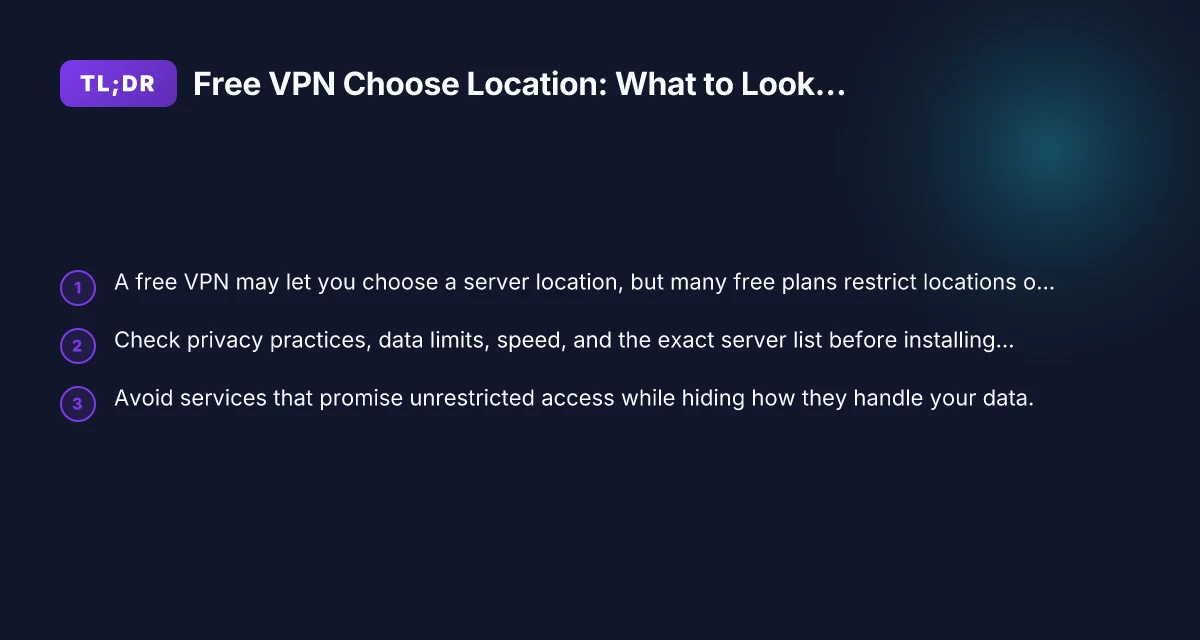
If you want a free VPN that lets you choose a location, look for a provider that explicitly includes manual server selection on its free plan. Many free VPNs limit the countries available, cap data or speed, or connect you automatically. Check the provider’s current plan details before signing up, because features can change and a location shown in an advertisement may be available only to paying subscribers.

Editor's pick: NordVPN — fast, secure VPN — Strong encryption, a no-logs policy and apps for every device. 30-day money-back guarantee. Get NordVPN →
Compare location-selection features across free VPN options
| Feature | What to check | Good sign | Watch out for |
|---|---|---|---|
| Country selection | Which countries are listed | Clear, current list | Vague or outdated list |
| City selection | Whether cities can be chosen | City options are named | Country only, despite city claims |
| Server selection | Whether individual servers are selectable | Server choices are explained | “Choose a location” means one fixed server |
| Location changes | How often you can switch | Limits are disclosed | Restrictions are hidden |
| Availability | Whether listed locations are currently usable | Status is shown | Unavailable locations stay listed |
| App support | Which devices offer location choice | Supported devices are named | Feature varies without explanation |
| Connection behavior | Whether the app confirms the connected location | Connection details are visible | No clear location confirmation |
Compiled November 2026; check the provider's site for current details.
| VPN | Obfuscation | From / month | Plan | Free plan | Refund | Alipay | UnionPay | Crypto | Website opens in China | Trustpilot | |
|---|---|---|---|---|---|---|---|---|---|---|---|
 ZoogVPN | Turn on manually Shadow | $2.49/mo | 27 months: $59.99 | Yes | 7 days | ✓ | ✓ | ✓ | ✓ | Official site blocked; our special link opens (4.4 s) | 4.2/5 (195 reviews) |
 NordVPN | Turn on manually Obfuscated Servers / NordWhisper | $3.49/mo | 27 months: $94.23 | No | 30 days | ? | ✗ | ✓ | ✓ | ✗ Blocked | 4.2/5 (51,628 reviews) |
 ExpressVPN | ✓ On by default all servers | $3.00/mo | 28 months: $84 | No | 30 days | ✗ | ✗ | ✓ | ✗ | ✗ Blocked | 4.4/5 (29,706 reviews) |
 Surfshark | ✓ On by default Camouflage, with OpenVPN | See site | See site | No | 30 days | ✗ | ✗ | ✗ | ✓ | ✗ Blocked | 4.3/5 (31,823 reviews) |
 Proton VPN | Turn on manually Stealth, free plan too | $2.99/mo | 12 months: $35.88 | Yes | 30 days | ✗ | ✗ | ✗ | ✓ | ✗ Blocked | 2.1/5 (1,040 reviews) |
 Astrill VPN | Turn on manually StealthVPN / OpenWeb | $12.50/mo | 24 months: $300 | No | See site | ✗ | ✗ | ✗ | ✓ | ✗ Blocked | 1.3/5 (110 reviews) |
 Private Internet Access | Turn on manually Shadowsocks, OpenVPN only | $2.03/mo | 40 months: $81.2 | No | 30 days | ✗ | ✗ | ✗ | ✗ | ✗ Blocked | 4.2/5 (11,033 reviews) |
 CyberGhost | Turn on manually selected servers | $2.19/mo | 28 months: $61.32 | No | 45 days | ✗ | ✗ | ✗ | ✓ | ✗ Blocked | 4.0/5 (24,178 reviews) |
 PureVPN | Turn on manually switch to OpenVPN | $1.69/mo | 60 months: $101.55 | No | 31 days | ? | ? | ✗ | ✓ | ✗ Blocked | 4.4/5 (17,994 reviews) |
 AdGuard VPN | ✓ On by default TrustTunnel | $2.99/mo | 24 months: $71.76 | Yes | 30 days | ✓ | ✗ | ✓ | ✓ | Official site blocked; our special link opens (3.7 s) | 4.3/5 (290 reviews) |
 Mullvad | Turn on manually QUIC / Shadowsocks / LWO | $5.61/mo | €5/mo | No | 14 days | ✗ | ✗ | ✗ | ✓ | ✗ Blocked | 3.2/5 (192 reviews) |
 Windscribe | Turn on manually Stealth / WStunnel | $5.75/mo | 12 months: $69 | Yes | See site | ✗ | ✗ | ✗ | ✓ | ✗ Blocked | 4.7/5 (13,355 reviews) |
 StrongVPN | Turn on manually Scramble, OpenVPN TCP | See site | See site | No | 30 days | ✓ | ✗ | ✗ | ✗ | ✗ Blocked | 4.4/5 (2,695 reviews) |
 LightXtreme 闪连 | Not listed | $7.08/mo | 12 months: $84.99 | Yes | 30 days | ✓ | ✓ | ✓ | ✓ | ✓ Yes (3.5 s) | No page |
Prices checked 2026-11-10 on each vendor's pricing page (cheapest long plan, USD). Check the vendor's checkout for the final price.
Obfuscation checked 2026-11-14 on each vendor's site and help center: "on by default" = nothing to set; "turn on manually" = switch protocol or mode in settings; "not listed" = the vendor describes no obfuscation.
Payment methods checked 2026-11-10 on each vendor's payment pages: all 14 take cards and PayPal; ✗ = not listed, ? = the vendor's own pages disagree.
China access: whether the official website opens from mainland China networks (tests the website only, not the VPN connection). Last checked 2026-11-18 01:02 Beijing time.
Trustpilot score and review count checked 2026-11-10.
What “choose a location” means
A VPN routes your internet traffic through a server operated by the VPN provider. When you connect to a server in another country or region, websites generally see that server’s IP address rather than your usual public IP address. This can help protect traffic on untrusted networks and may make your connection appear to come from a different place.
Location choice can mean different things:
- Country selection: You pick a country, but the app chooses a specific server for you.
- City selection: You select a city within a country, if the provider offers that level of detail.
- Automatic connection: The VPN chooses a server based on availability or performance.
- Paid-only selection: The free plan connects to a limited server, while a larger location list requires an upgrade.
A country appearing on a provider’s website does not necessarily mean free users can access it. Look for a clearly labeled free-server list in the app or plan description.
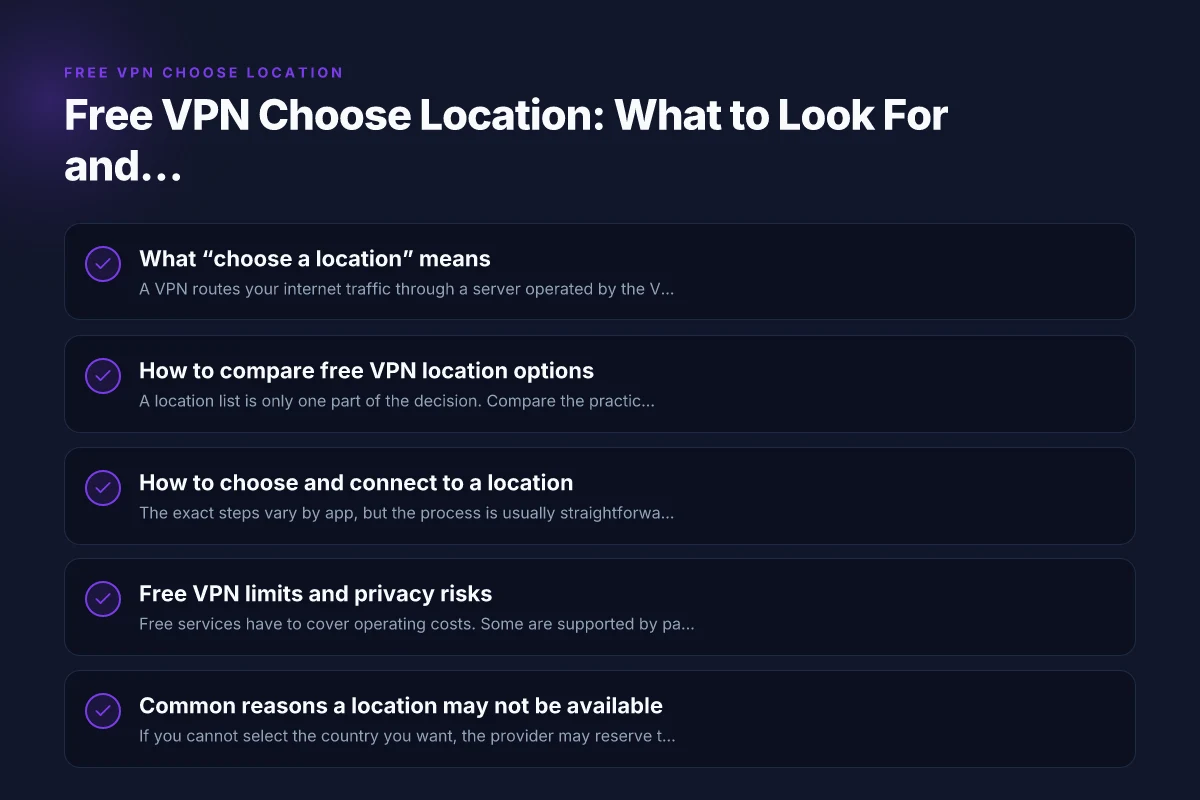
How to compare free VPN location options
A location list is only one part of the decision. Compare the practical limits and privacy terms too. Free VPN for Linux Mint: Safe Options, Setup, and Limitations
| Feature | What to check | Why it matters |
|---|---|---|
| Free locations | Which countries and cities are included without payment? | Prevents surprises after installation |
| Server selection | Can you choose manually, or does the app assign a location? | Determines how much control you have |
| Data allowance | Is there a monthly cap or daily limit? | Affects browsing, streaming, and downloads |
| Speed limits | Does the provider restrict free-server speeds? | Can make video and large downloads difficult |
| Privacy policy | What data is collected, stored, and shared? | A VPN handles sensitive connection information |
| Device support | Does the free plan work on your operating system? | Some features differ between apps |
Read the fine print for the specific platform you use. A provider’s free plan may offer different locations or limits on desktop and mobile.
Check free VPN limits and privacy before choosing a location
| Check | Safer sign | Risk or limitation |
|---|---|---|
| Data allowance | A clear limit is disclosed | Allowance is unclear |
| Speed | Expected limits are explained | Speed restrictions are hidden |
| Server capacity | Free-server availability is described | Crowding may affect connections |
| Logging policy | Data collection is explained plainly | Logging details are vague |
| Sharing practices | Data sharing is disclosed | Third-party sharing is unclear |
| Advertising | Ad use is explained | Ads or tracking are undisclosed |
| Permissions | App permissions match its purpose | Excessive access is requested |
| Ownership | Provider identity is easy to verify | Operator is difficult to identify |
Compiled November 2026; check the provider's site for current details.
How to choose and connect to a location
The exact steps vary by app, but the process is usually straightforward: Free ProtonVPN: What You Get and Whether It’s Right for You
- Choose a reputable VPN provider and confirm that its free plan supports manual selection.
- Download the official app from the provider’s website or your device’s trusted app store.
- Review the permissions and privacy policy before creating an account or connecting.
- Open the location list and look for countries marked “Free” or included in the free plan.
- Select a location and connect. If the app only offers an automatic option, it may not meet your need for manual choice.
- Check the connection status in the app. If you need to confirm your apparent IP location, use a trusted IP-checking service.
If a connection is slow, try another free location if available. The nearest server may perform better, but distance is not the only factor: server load, routing, and your own internet connection can also affect speed.
Free VPN limits and privacy risks
Free services have to cover operating costs. Some are supported by paid upgrades, while others may use advertising or collect data. That does not automatically make a free VPN unsafe, but it does make the provider’s business model and privacy policy important.
Before installing, check whether the provider:
- Explains what connection or device data it collects.
- States how long it retains that data and whether it shares it.
- Publishes independent security audits or other verifiable information.
- Offers a clear way to contact support and report problems.
- Describes whether the free plan includes ads, data caps, or speed limits.
Be cautious of apps that claim to offer unlimited access to every location without providing transparent ownership or privacy details. A VPN also does not make you anonymous: websites can still identify you through account logins, cookies, browser settings, or other information you share. OVPN Explained: What It Is and How to Use an.ovpn File
Common reasons a location may not be available
If you cannot select the country you want, the provider may reserve that location for paid users, have temporarily removed a server, or offer only automatic connections on its free plan. App versions can also differ, and a location may disappear during maintenance.
Try these checks:
- Confirm that you are viewing the free-server list, not the full paid network.
- Update the app and review the provider’s current plan page.
- Check whether the country is available on your particular device.
- Disconnect and reconnect if the app reports a temporary server issue.
- Contact the provider’s support team rather than installing an unofficial app.
A VPN location does not guarantee access to a particular website or service. Online platforms may use their own rules and detection systems, and their terms may restrict certain uses. Follow applicable laws and the service’s terms.
Troubleshoot a missing or unavailable VPN location How to Connect Cloudflare VPN Faster: Practical Steps to Try
| What you see | Possible reason | What to try | Safety note |
|---|---|---|---|
| Country is not listed | Free plan has fewer locations | Check plan details | Do not assume paid access is necessary |
| Location is greyed out | Server is temporarily unavailable | Try again later | Avoid unofficial app downloads |
| City is missing | Only country-level choice is offered | Check location details | Do not treat a country choice as city control |
| Connection does not complete | Server may be busy | Try another listed location | Use the provider’s official app |
| Location choice is absent | App or device version may differ | Check supported features | Avoid apps from unknown sources |
| Location changes are blocked | Free-plan switching may be limited | Review plan terms | Do not use workarounds that weaken security |
Compiled November 2026; check the provider's site for current details.
Recommendation
Choose a free VPN only if it clearly names its free locations, allows the level of selection you need, and explains its privacy practices and limitations. If the country you want is not included, do not assume an app can unlock it safely. Compare reputable providers or consider a paid plan with a transparent refund policy.