How to Connect Cloudflare VPN Faster: Practical Steps to Try
Improve Cloudflare WARP connection speed with targeted checks for your network, app settings, and DNS configuration.
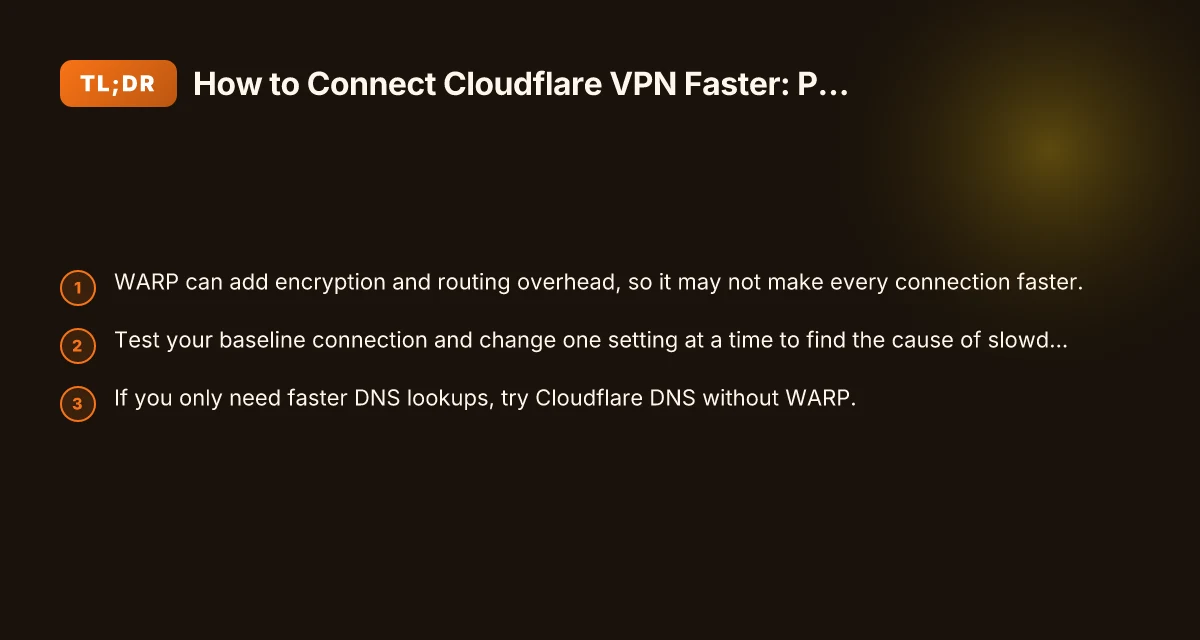
If you’re wondering how to connect Cloudflare VPN faster, first check whether WARP is actually the source of the slowdown. Cloudflare’s 1.1.1.1 app offers WARP, which routes traffic through Cloudflare, and a DNS-only mode. WARP can improve privacy and sometimes routing, but it cannot increase the speed supplied by your internet plan and may add overhead. Compare your connection with WARP on and off, then use the steps below to identify what helps on your device.

Editor's pick: NordVPN — fast, secure VPN — Strong encryption, a no-logs policy and apps for every device. 30-day money-back guarantee. Get NordVPN →
| VPN | Obfuscation | From / month | Plan | Free plan | Refund | Alipay | UnionPay | Crypto | Website opens in China | Trustpilot | |
|---|---|---|---|---|---|---|---|---|---|---|---|
 ZoogVPN | Turn on manually Shadow | $2.49/mo | 27 months: $59.99 | Yes | 7 days | ✓ | ✓ | ✓ | ✓ | Official site blocked; our special link opens (4.4 s) | 4.2/5 (195 reviews) |
 NordVPN | Turn on manually Obfuscated Servers / NordWhisper | $3.49/mo | 27 months: $94.23 | No | 30 days | ? | ✗ | ✓ | ✓ | ✗ Blocked | 4.2/5 (51,628 reviews) |
 ExpressVPN | ✓ On by default all servers | $3.00/mo | 28 months: $84 | No | 30 days | ✗ | ✗ | ✓ | ✗ | ✗ Blocked | 4.4/5 (29,706 reviews) |
 Surfshark | ✓ On by default Camouflage, with OpenVPN | See site | See site | No | 30 days | ✗ | ✗ | ✗ | ✓ | ✗ Blocked | 4.3/5 (31,823 reviews) |
 Proton VPN | Turn on manually Stealth, free plan too | $2.99/mo | 12 months: $35.88 | Yes | 30 days | ✗ | ✗ | ✗ | ✓ | ✗ Blocked | 2.1/5 (1,040 reviews) |
 Astrill VPN | Turn on manually StealthVPN / OpenWeb | $12.50/mo | 24 months: $300 | No | See site | ✗ | ✗ | ✗ | ✓ | ✗ Blocked | 1.3/5 (110 reviews) |
 Private Internet Access | Turn on manually Shadowsocks, OpenVPN only | $2.03/mo | 40 months: $81.2 | No | 30 days | ✗ | ✗ | ✗ | ✗ | ✗ Blocked | 4.2/5 (11,033 reviews) |
 CyberGhost | Turn on manually selected servers | $2.19/mo | 28 months: $61.32 | No | 45 days | ✗ | ✗ | ✗ | ✓ | ✗ Blocked | 4.0/5 (24,178 reviews) |
 PureVPN | Turn on manually switch to OpenVPN | $1.69/mo | 60 months: $101.55 | No | 31 days | ? | ? | ✗ | ✓ | ✗ Blocked | 4.4/5 (17,994 reviews) |
 AdGuard VPN | ✓ On by default TrustTunnel | $2.99/mo | 24 months: $71.76 | Yes | 30 days | ✓ | ✗ | ✓ | ✓ | Official site blocked; our special link opens (3.7 s) | 4.3/5 (290 reviews) |
 Mullvad | Turn on manually QUIC / Shadowsocks / LWO | $5.61/mo | €5/mo | No | 14 days | ✗ | ✗ | ✗ | ✓ | ✗ Blocked | 3.2/5 (192 reviews) |
 Windscribe | Turn on manually Stealth / WStunnel | $5.75/mo | 12 months: $69 | Yes | See site | ✗ | ✗ | ✗ | ✓ | ✗ Blocked | 4.7/5 (13,355 reviews) |
 StrongVPN | Turn on manually Scramble, OpenVPN TCP | See site | See site | No | 30 days | ✓ | ✗ | ✗ | ✗ | ✗ Blocked | 4.4/5 (2,695 reviews) |
 LightXtreme 闪连 | Not listed | $7.08/mo | 12 months: $84.99 | Yes | 30 days | ✓ | ✓ | ✓ | ✓ | ✓ Yes (3.5 s) | No page |
Prices checked 2026-11-10 on each vendor's pricing page (cheapest long plan, USD). Check the vendor's checkout for the final price.
Obfuscation checked 2026-11-14 on each vendor's site and help center: "on by default" = nothing to set; "turn on manually" = switch protocol or mode in settings; "not listed" = the vendor describes no obfuscation.
Payment methods checked 2026-11-10 on each vendor's payment pages: all 14 take cards and PayPal; ✗ = not listed, ? = the vendor's own pages disagree.
China access: whether the official website opens from mainland China networks (tests the website only, not the VPN connection). Last checked 2026-11-18 01:02 Beijing time.
Trustpilot score and review count checked 2026-11-10.
1. Check whether WARP is slowing you down
Run the same speed test with WARP enabled and disabled. Keep the device, location, Wi-Fi network, and test server consistent, and repeat each test to account for normal variation. Check more than download speed: latency, upload speed, and whether pages or apps feel responsive also matter.
If the connection is slow with WARP off, troubleshoot your internet or Wi-Fi first. If it becomes slower only when WARP is on, focus on the app, network conditions, or whether you need WARP at all.
| What you observe | What to try |
|---|---|
| Slow with WARP on and off | Check Wi-Fi, the router, and your internet service |
| Slow only with WARP on | Restart the app, test another network, or switch to DNS-only |
| Web pages take time to begin loading, but downloads are normal | Compare DNS-only mode with your usual DNS |
| Speed varies between tests | Repeat tests under the same conditions before changing settings |
A speed test is a useful clue, not a guarantee of how every app will perform. Video calls, gaming, and large downloads can respond differently to latency and routing.
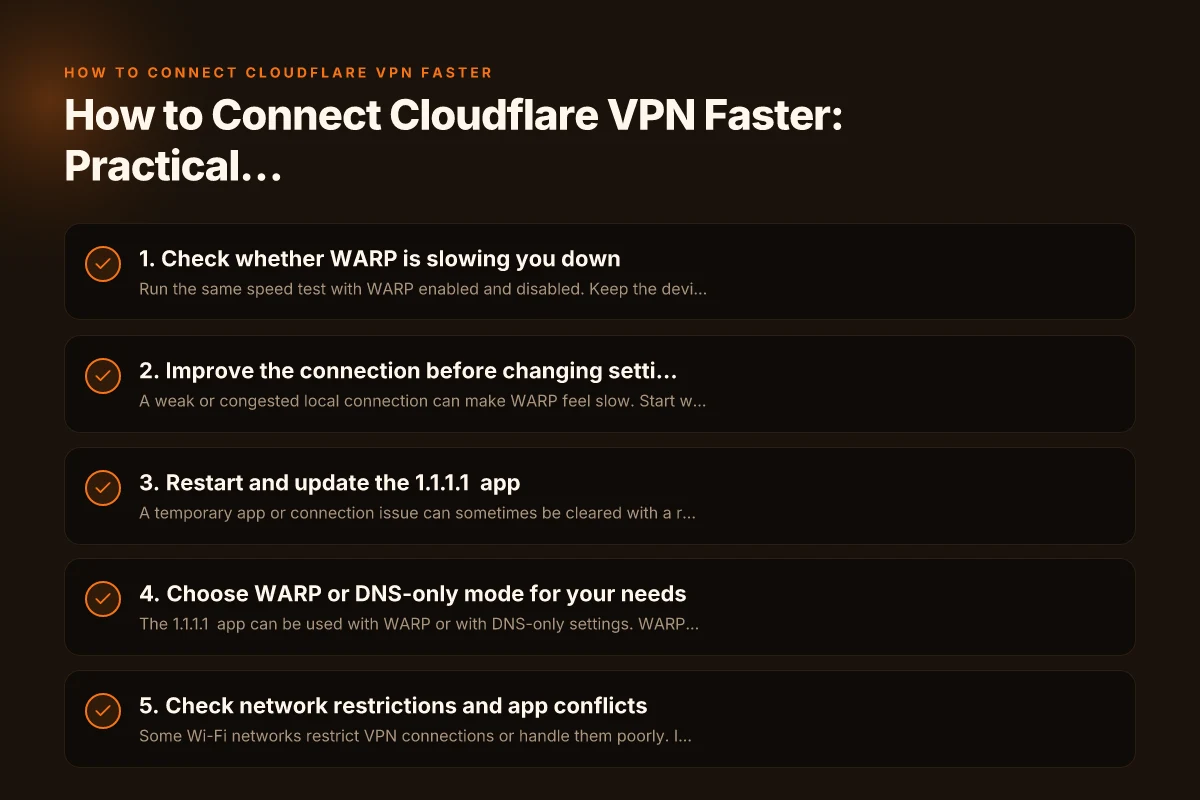
2. Improve the connection before changing settings
A weak or congested local connection can make WARP feel slow. Start with simple checks: Free NordVPN Accounts: What’s Legitimate and What to Avoid
- Move closer to your Wi-Fi router, or test with a wired connection if available.
- Pause large downloads, cloud backups, and streaming on other devices.
- Restart your router and device if the connection has been unstable.
- Compare Wi-Fi with mobile data, or try another trusted network.
- Turn off other VPN or proxy apps while testing. Overlapping network tools can interfere.
If WARP works well on one network but not another, the difference may be the network’s signal, congestion, or routing. That does not necessarily mean the app itself needs a setting change.
3. Restart and update the 1.1.1.1 app
A temporary app or connection issue can sometimes be cleared with a restart. Disconnect WARP, close the 1.1.1.1 app, open it again, and reconnect. Also install available updates for the app and your device’s operating system.
Check that your device’s date and time are set correctly and that the app has permission to create a VPN connection. On mobile, the system may allow only one active VPN connection at a time, so disconnect another VPN before testing Cloudflare WARP.
Avoid repeatedly changing settings at random. Change one thing, test the result, and keep the setting only if it improves the connection without disrupting apps you rely on. Proton Free VPN: What You Get and Whether It’s Worth Using
4. Choose WARP or DNS-only mode for your needs
The 1.1.1.1 app can be used with WARP or with DNS-only settings. WARP routes device traffic through Cloudflare. DNS-only changes the service used to look up domain names. It does not provide the same traffic routing as WARP.
If your main complaint is that websites take a while to start loading, DNS response time may be relevant. Try DNS-only mode and compare it with WARP and your normal connection. If DNS lookups are not the bottleneck, switching DNS will not make downloads or your internet plan faster.
| Mode | What it does | When to test it |
|---|---|---|
| WARP | Routes traffic through Cloudflare | When you want WARP’s traffic handling and privacy features |
| DNS-only | Uses Cloudflare DNS without routing all traffic through WARP | When you want to test whether DNS lookup speed is the issue |
| Off | Uses your device or network’s usual configuration | As a baseline for comparison |
The app’s settings and labels can vary by device and version. On Android, Cloudflare’s setup instructions describe opening the 1.1.1.1 app menu and going to Advanced > Connection options to review connection options and DNS settings. Use the equivalent controls shown in your version of the app.
5. Check network restrictions and app conflicts
Some Wi-Fi networks restrict VPN connections or handle them poorly. If WARP connects but performs badly on one network, test it on another trusted connection. A workplace, school, hotel, or public network may also have its own access rules. Follow those rules rather than trying to bypass them. Free NordVPN Account: What You Can, and Can’t, Get
Other device settings can affect the result. Temporarily check whether a firewall, security app, private DNS setting, proxy, or another VPN is interfering. If you change a setting for diagnosis, restore it afterward if it does not solve the problem. Avoid installing unofficial profiles or configuration files from untrusted sources.
If the app will not connect at all, confirm that your internet works without WARP and review any error message. A connection failure and a slow connection are different issues, so note which one you are experiencing before troubleshooting further.
Recommendation
To connect Cloudflare VPN faster, establish a speed baseline, improve the underlying Wi-Fi or mobile connection, restart and update the app, then compare WARP with DNS-only mode. Keep WARP enabled if it gives you the privacy or routing benefits you want and its performance is acceptable. If speed is your only goal and WARP consistently slows your connection, use DNS-only or turn it off. Neither Cloudflare DNS nor a VPN can overcome a slow or congested internet connection.