Free V2Ray: What It Is, Where to Find It, and How to Choose Safely
Learn what free V2Ray offers, its risks and limits, and how to evaluate a provider before connecting.
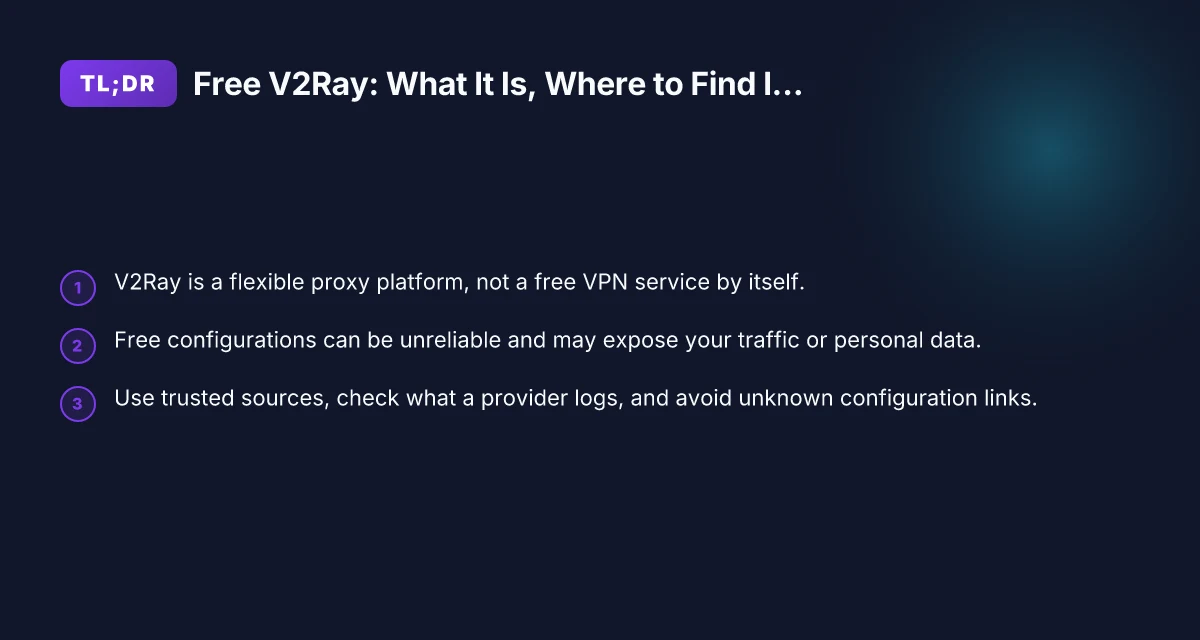
Free V2Ray usually means a no-cost V2Ray-compatible server or configuration that lets a compatible client connect to a proxy. V2Ray itself is software, not a subscription service or a list of guaranteed-free servers. Whether a free setup is useful depends on who operates the server, what it can access, how much traffic it allows, and how it handles your data.

Free V2Ray access options at a glance
| Option | What it may include | Cost | Main limitation | Best suited to |
|---|---|---|---|---|
| Public free server | Shared server access | No subscription fee | Variable availability | Brief testing |
| Community-provided configuration | A connection profile | Usually free | Source may be hard to verify | Experienced users |
| Free tier from a provider | Limited provider access | No-cost tier | Restrictions may apply | Occasional use |
| Free trial | Temporary access to a paid service | No cost during trial | Ends after a set period | Evaluating a provider |
| Self-hosted setup | User-managed server and configuration | May involve hosting costs | Requires setup and maintenance | Users with technical skills |
| Paid provider plan | Provider-managed access | Subscription fee | Ongoing cost | Regular use and support |
Compiled November 2026; check the provider's site for current details.
What V2Ray is
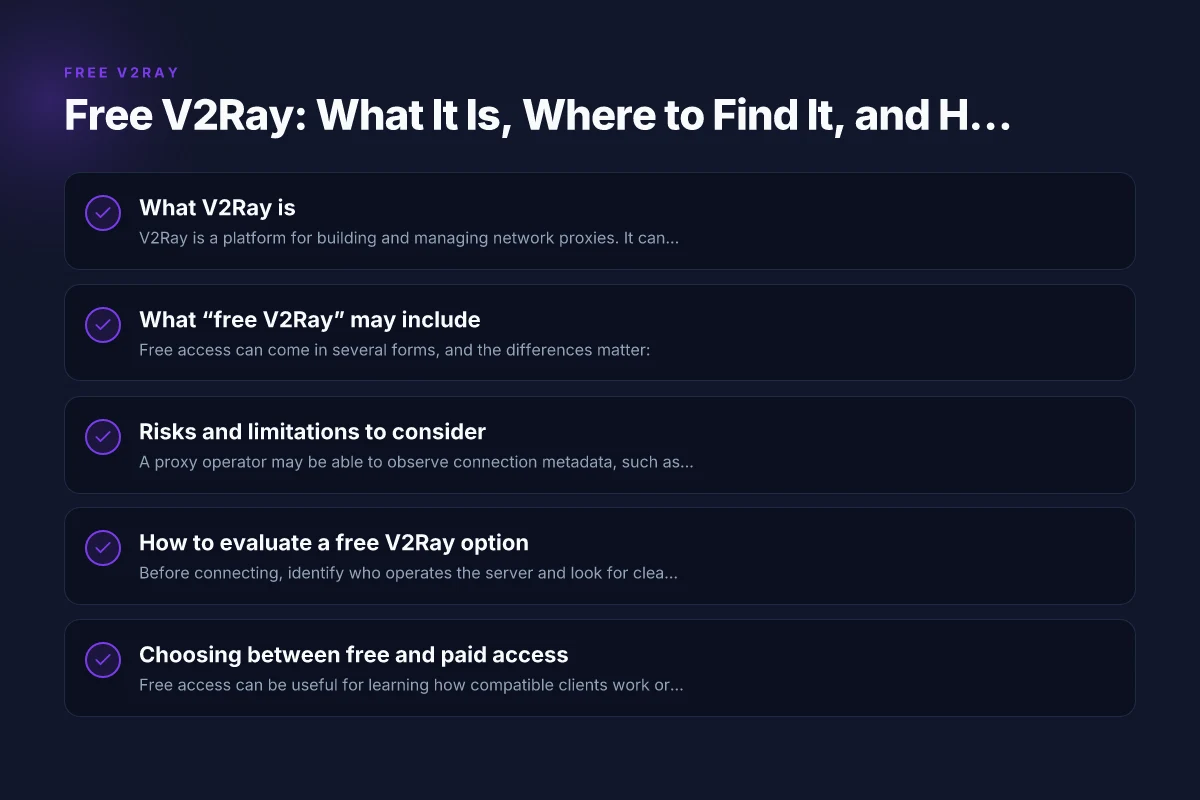
V2Ray is a platform for building and managing network proxies. It can support different protocols and connection settings, so the term “V2Ray” is often used loosely to describe both the software and services that work with it. Xray-core is a related project that is also commonly used with compatible clients.
To connect, you generally need two parts:
- A client app that supports the relevant protocol and settings.
- Access to a server, often provided as a configuration or subscription link.
The configuration tells the client how to reach the server. A working configuration may include an address, port, protocol, and security options. These details must match the server’s setup.
Unlike a conventional VPN app, V2Ray does not automatically provide a server network, customer support, or a privacy policy. Those come from the operator of the server you use. How to Change VPN Location for Free: A Safe, Simple Guide
What “free V2Ray” may include
Free access can come in several forms, and the differences matter:
- Public configuration files: Shared by individuals or communities, often with no uptime or privacy guarantees.
- Free provider tiers: Accounts from a service that may offer limited data, speed, or connection time.
- Temporary trials: Short-term access intended to let users test a paid service.
- Self-hosted servers: A server you manage yourself. The software may be free, but hosting, setup, and maintenance can cost money.
| Option | Cost | Typical reliability | Main consideration |
|---|---|---|---|
| Public configuration | Usually free | Often unpredictable | Unknown operator and data practices |
| Provider free tier | Free within limits | Varies by provider | Read its privacy policy and restrictions |
| Trial account | Free for a limited period | Often more consistent during the trial | May require signup or payment details |
| Self-hosted server | Software is free; hosting may cost money | Depends on your setup | You are responsible for security and upkeep |
A configuration advertised as free may stop working without notice. Servers can fill up, change settings, reach data limits, or be taken offline. A free listing is not proof that the operator is trustworthy.
How to evaluate a free V2Ray option
| Check | Positive sign | Warning sign | Why it matters |
|---|---|---|---|
| Provider identity | Clear operator information | Anonymous or unclear source | Helps assess trust |
| Configuration source | Shared through an official channel | Unverified links or files | Reduces configuration risks |
| Privacy information | Plain-language privacy policy | No meaningful privacy details | Clarifies data handling |
| Security practices | Clear connection and security guidance | Vague security claims | Helps judge protection |
| Service limits | Limits explained in advance | Restrictions are unclear | Sets realistic expectations |
| Reliability | Availability is described honestly | No information about uptime | Free access may be inconsistent |
| Support | A clear way to get help | No support or contact details | Important when connections fail |
| Device compatibility | Supported devices are listed | Compatibility is uncertain | Avoids setup surprises |
Compiled November 2026; check the provider's site for current details. Proton VPN for iPad: Setup, Features, and What to Know
Risks and limitations to consider
A proxy operator may be able to observe connection metadata, such as when you connect and how much data you use. Depending on your apps, settings, and the services you visit, they may also be in a position to handle or inspect some traffic. Encryption between your device and a destination can protect content in transit, but it does not make the proxy operator automatically trustworthy.
Be cautious about these common risks:
- Unknown logging practices: The operator may record connection details or other information without clearly explaining it.
- Unreliable access: Free servers can be slow, crowded, blocked, or short-lived.
- Misleading claims: “Unlimited,” “private,” or “secure” may be marketing language without evidence.
- Unsafe configuration links: Importing a configuration from an unknown source can send your traffic through a server you did not intend to trust.
- Unexpected restrictions: Some providers prohibit certain uses, impose data caps, or require an account.
Do not use an unverified proxy for banking, work accounts, sensitive communications, or other high-risk activity. A proxy does not guarantee anonymity, bypass every network restriction, or protect a device from malware and phishing.
How to evaluate a free V2Ray option
Before connecting, identify who operates the server and look for clear, consistent information about its service. A reputable provider should explain its limits, privacy practices, supported clients, and contact or support options. If these details are missing, treat the service as untrusted. Free VPN Country Change Free: How to Choose a VPN That Lets You Switch Locations
Use this checklist:
- Check the source. Get software from its official project or a reputable app store. Avoid repackaged installers and unsolicited downloads.
- Read the privacy policy. Look for what data is collected, why it is collected, how long it is kept, and whether it is shared.
- Understand the limits. Confirm data allowances, speed restrictions, server availability, and whether access expires.
- Review permissions. A client should request permissions that make sense for its function. Be wary of unrelated access requests.
- Protect your accounts. Use HTTPS websites and multi-factor authentication where available. Do not assume a proxy replaces these safeguards.
- Remove access you no longer need. Delete expired configurations and subscriptions, and disconnect when you are not using the service.
A trustworthy source matters more than a long list of servers. If a provider makes sweeping privacy promises but gives no explanation of its operation, choose another option.
Choosing between free and paid access
Free access can be useful for learning how compatible clients work or for occasional, low-risk testing. It is less suitable when you need stable performance, predictable support, or clear accountability. Paid access is not automatically safe, either: compare policies and reputation rather than assuming that a subscription guarantees privacy.
For a more dependable setup, prioritize: Polymarket VPN Not Working? Causes and Fixes to Try
- A provider with a published privacy policy and clear service limits.
- A reputable client compatible with the provider’s configuration.
- Transparent support and a process for reporting problems.
- A connection that you can test without entering sensitive credentials.
If your goal is to protect traffic on public Wi-Fi, compare services that explicitly explain their security features and logging practices. If your goal is to access a network or service, make sure doing so follows local law and the relevant terms of service.
Choosing free or paid V2Ray access
| Decision factor | Free access may fit | Paid access may fit | Consider |
|---|---|---|---|
| Usage frequency | Occasional testing | Regular connection needs | How often access is needed |
| Reliability needs | Interruptions are acceptable | Consistency matters | Whether downtime is disruptive |
| Support needs | Self-troubleshooting is fine | Help is important | Available support channels |
| Privacy confidence | Provider is verifiable | More provider transparency is needed | Review policies and reputation |
| Service limits | Restrictions are acceptable | Fewer limits are preferred | Check plan terms |
| Setup effort | Technical setup is manageable | Convenience is a priority | Time available for configuration |
| Budget | Avoiding a subscription is essential | A fee is affordable for added service | Compare cost with actual needs |
Compiled November 2026; check the provider's site for current details.
Recommendation
Free V2Ray can be useful for testing, but it is not a guaranteed free VPN or a privacy solution on its own. Start with a trusted provider or a server you control, verify the configuration source, and avoid sending sensitive traffic through unknown operators. If you need reliable access and meaningful support, choose a transparent service rather than relying on random free configurations. What Is an Obfuscated Server on NordVPN?