Polymarket VPN Not Working? Causes and Fixes to Try
Learn why a Polymarket VPN may fail, how to troubleshoot connection issues, and what to check before accessing your account.
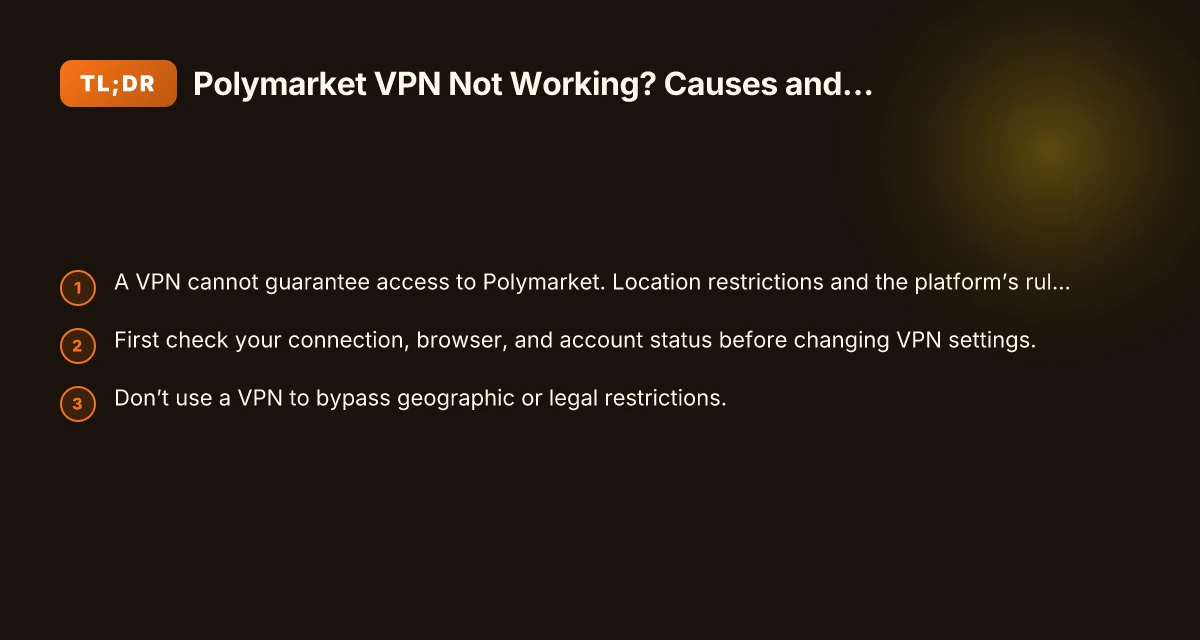
If your Polymarket VPN is not working, the issue may be a network or browser problem, a VPN server that Polymarket does not accept, or a location restriction that a VPN cannot resolve. Start by checking Polymarket’s current eligibility rules and your local requirements. If access is permitted where you are, troubleshoot the connection without trying to disguise your location or bypass the platform’s controls.

Editor's pick: NordVPN — fast, secure VPN — Strong encryption, a no-logs policy and apps for every device. 30-day money-back guarantee. Get NordVPN →
Match the symptom to a safe next step
| Symptom | Possible cause | What to check | Safe next step |
|---|---|---|---|
| Site will not load | Connection or browser issue | Whether other sites load | Check the connection and retry |
| Access-denied message | Location or eligibility restriction | Error wording and account eligibility | Review Polymarket’s current rules |
| VPN connection drops | Unstable VPN connection | Whether the VPN stays connected | Restore a stable connection before retrying |
| Login does not complete | Account or session issue | Whether the issue persists without the VPN | Use official account recovery if needed |
| Page loads but features are unavailable | Eligibility or product limitation | The specific feature and location rules | Check official help or eligibility guidance |
| Error appears on multiple networks | Service or account issue | Whether Polymarket reports an outage | Contact Polymarket support if it continues |
Compiled November 2026; check the provider's site for current details.
| VPN | Obfuscation | From / month | Plan | Free plan | Refund | Alipay | UnionPay | Crypto | Website opens in China | Trustpilot | |
|---|---|---|---|---|---|---|---|---|---|---|---|
 ZoogVPN | Turn on manually Shadow | $2.49/mo | 27 months: $59.99 | Yes | 7 days | ✓ | ✓ | ✓ | ✓ | Official site blocked; our special link opens (4.4 s) | 4.2/5 (195 reviews) |
 NordVPN | Turn on manually Obfuscated Servers / NordWhisper | $3.49/mo | 27 months: $94.23 | No | 30 days | ? | ✗ | ✓ | ✓ | ✗ Blocked | 4.2/5 (51,628 reviews) |
 ExpressVPN | ✓ On by default all servers | $3.00/mo | 28 months: $84 | No | 30 days | ✗ | ✗ | ✓ | ✗ | ✗ Blocked | 4.4/5 (29,706 reviews) |
 Surfshark | ✓ On by default Camouflage, with OpenVPN | See site | See site | No | 30 days | ✗ | ✗ | ✗ | ✓ | ✗ Blocked | 4.3/5 (31,823 reviews) |
 Proton VPN | Turn on manually Stealth, free plan too | $2.99/mo | 12 months: $35.88 | Yes | 30 days | ✗ | ✗ | ✗ | ✓ | ✗ Blocked | 2.1/5 (1,040 reviews) |
 Astrill VPN | Turn on manually StealthVPN / OpenWeb | $12.50/mo | 24 months: $300 | No | See site | ✗ | ✗ | ✗ | ✓ | ✗ Blocked | 1.3/5 (110 reviews) |
 Private Internet Access | Turn on manually Shadowsocks, OpenVPN only | $2.03/mo | 40 months: $81.2 | No | 30 days | ✗ | ✗ | ✗ | ✗ | ✗ Blocked | 4.2/5 (11,033 reviews) |
 CyberGhost | Turn on manually selected servers | $2.19/mo | 28 months: $61.32 | No | 45 days | ✗ | ✗ | ✗ | ✓ | ✗ Blocked | 4.0/5 (24,178 reviews) |
 PureVPN | Turn on manually switch to OpenVPN | $1.69/mo | 60 months: $101.55 | No | 31 days | ? | ? | ✗ | ✓ | ✗ Blocked | 4.4/5 (17,994 reviews) |
 AdGuard VPN | ✓ On by default TrustTunnel | $2.99/mo | 24 months: $71.76 | Yes | 30 days | ✓ | ✗ | ✓ | ✓ | Official site blocked; our special link opens (3.7 s) | 4.3/5 (290 reviews) |
 Mullvad | Turn on manually QUIC / Shadowsocks / LWO | $5.61/mo | €5/mo | No | 14 days | ✗ | ✗ | ✗ | ✓ | ✗ Blocked | 3.2/5 (192 reviews) |
 Windscribe | Turn on manually Stealth / WStunnel | $5.75/mo | 12 months: $69 | Yes | See site | ✗ | ✗ | ✗ | ✓ | ✗ Blocked | 4.7/5 (13,355 reviews) |
 StrongVPN | Turn on manually Scramble, OpenVPN TCP | See site | See site | No | 30 days | ✓ | ✗ | ✗ | ✗ | ✗ Blocked | 4.4/5 (2,695 reviews) |
 LightXtreme 闪连 | Not listed | $7.08/mo | 12 months: $84.99 | Yes | 30 days | ✓ | ✓ | ✓ | ✓ | ✓ Yes (3.5 s) | No page |
Prices checked 2026-11-10 on each vendor's pricing page (cheapest long plan, USD). Check the vendor's checkout for the final price.
Obfuscation checked 2026-11-14 on each vendor's site and help center: "on by default" = nothing to set; "turn on manually" = switch protocol or mode in settings; "not listed" = the vendor describes no obfuscation.
Payment methods checked 2026-11-10 on each vendor's payment pages: all 14 take cards and PayPal; ✗ = not listed, ? = the vendor's own pages disagree.
China access: whether the official website opens from mainland China networks (tests the website only, not the VPN connection). Last checked 2026-11-18 01:02 Beijing time.
Trustpilot score and review count checked 2026-11-10.
Why a VPN may not work with Polymarket
A VPN routes your internet traffic through a server in another location. That can affect how a website handles your connection, but it does not change your legal location or guarantee that a service will allow access.
Polymarket may restrict access based on applicable laws, platform policies, or location checks. It may also identify connections associated with VPNs, shared servers, proxies, or data centers. If you see a restriction message, changing servers repeatedly is unlikely to solve the underlying eligibility issue.
Other causes are less specific to Polymarket. A VPN app may be disconnected, your internet connection may be unstable, or your browser may be holding outdated site data. The error message and whether the site works without the VPN can help narrow down the cause.
Troubleshoot the connection safely
If you are in a location where you are permitted to use the service, try these basic checks: What Is an Obfuscated Server on NordVPN?
- Confirm that your internet works by opening another trusted website.
- Check the VPN app’s status and reconnect if it shows a dropped connection.
- Update your browser and VPN app, then restart both.
- Try a private browsing window to determine whether an extension or stored session is causing the problem.
- Temporarily disable nonessential browser extensions, especially other VPN, proxy, or privacy tools.
- Clear Polymarket’s site data and sign in again if the page loads but behaves incorrectly.
- Check Polymarket’s official channels for service notices or maintenance updates.
If the site works when your VPN is off, that does not necessarily mean you should keep using it with the VPN disabled. It may simply indicate that the VPN connection is being blocked or treated differently. Follow the platform’s rules and local requirements rather than testing ways around a restriction.
Identify the kind of error
The wording of the message can point to different causes. It may not reveal the precise reason, so use it as a starting point rather than proof.
| What you see | Possible explanation | Safe next step |
|---|---|---|
| A geographic or eligibility notice | Access may be restricted for your location or account | Review Polymarket’s current rules and contact support if you believe the notice is mistaken |
| The page will not load | VPN, browser, DNS, or general network trouble | Test another site, restart the browser, and check the VPN connection |
| A sign-in loop or repeated verification | Cookies, extensions, or a security check may be interfering | Enable required site settings, clear site data, and try a clean browser session |
| A connection or service error | Temporary outage or unstable internet | Check official service updates and try again later |
| An account-specific warning | The issue may relate to your account, not your VPN | Use Polymarket’s official support channel |
Avoid sharing passwords, recovery phrases, identity documents, or other sensitive details with anyone who contacts you outside Polymarket’s official support process.
Compare troubleshooting options by safety and usefulness NordVPN Yearly Price: What You’ll Pay and Which Plan to Choose
| Option | Use when | Safety | Likely value |
|---|---|---|---|
| Check the exact error | Any error appears | Safe | Helps narrow the cause |
| Confirm account eligibility | Access is denied | Safe | Clarifies whether access is permitted |
| Check connection stability | Pages fail to load | Safe | Rules out basic connectivity problems |
| Retry after a short wait | A temporary failure seems possible | Safe | May resolve a brief service issue |
| Review official help | Rules or access are unclear | Safe | Provides authoritative guidance |
| Contact support | The issue persists or involves the account | Safe | Can clarify account-specific problems |
| Change VPN servers repeatedly | Access remains blocked | Not recommended | Often wastes time and may not address restrictions |
| Use false account details | Eligibility is unclear | Unsafe | Can create account or compliance problems |
Compiled November 2026; check the provider's site for current details.
Check your location and account eligibility
Before spending time on technical fixes, confirm that Polymarket is available to you under its current terms and the laws that apply where you are. Availability can change, and rules may differ depending on the product, account, or jurisdiction.
A VPN does not make an otherwise restricted activity permitted. Attempting to bypass geographic controls may violate platform terms, lead to account limitations, or create legal and financial risks. Do not switch VPN servers, use a proxy, or provide misleading location information to get around a restriction.
If you believe the platform has identified your location incorrectly, contact Polymarket support through its official website. Explain the problem and include the exact error message, your device and browser, and the steps you already tried. Do not send more personal information than support requests through a verified channel. NordVPN What Is My IP: Check Your Address and Understand It
Common fixes that usually waste time
Some popular suggestions can make the problem worse or put your account at risk. Avoid:
- Downloading unofficial “Polymarket VPN” apps or browser extensions.
- Using free proxies or unfamiliar VPN services to get past a location block.
- Repeatedly changing servers to search for one that avoids a restriction.
- Sharing account credentials with someone who promises to restore access.
- Assuming that a successful page load means your use is allowed.
- Ignoring warnings or account notices because the site appears to work.
A reputable VPN may be useful for privacy on public Wi-Fi, but it is not a guarantee of compatibility or eligibility. If you use one for general security, follow Polymarket’s terms and stop if the service says your connection or location is not supported.
Sort common fixes by whether they address the likely issue
| Fix | Connection problem | Eligibility restriction | Account issue | Recommendation |
|---|---|---|---|---|
| Check whether other sites load | Useful | No | No | Try first |
| Read the full error message | Sometimes useful | Useful | Useful | Try first |
| Review location and account rules | No | Useful | Sometimes useful | Check before retrying |
| Verify the account through official channels | No | No | Useful | Use if login is affected |
| Wait and retry once | Sometimes useful | No | Sometimes useful | Reasonable for a temporary error |
| Keep switching VPN locations | Unlikely | Does not resolve eligibility | Unlikely | Usually wastes time |
| Reinstall the VPN immediately | Rarely useful | No | No | Do not start here |
| Contact Polymarket support | Sometimes useful | Useful | Useful | Use when safe checks do not resolve it |
Compiled November 2026; check the provider's site for current details. NordVPN vs Surfshark for public Wi-Fi protection in 2026: Which VPN Is Safer?
Recommendation
If Polymarket VPN is not working, first check whether you are eligible to access the service from your actual location. If you are, try a clean browser session, update your apps, and check for outages. If you see a location or account restriction, do not try to bypass it. Contact official support for clarification.