Free Trial VPN Australia: How to Test a VPN Safely
Compare free VPN trials for Australia, understand the terms, and choose a service that protects your privacy.
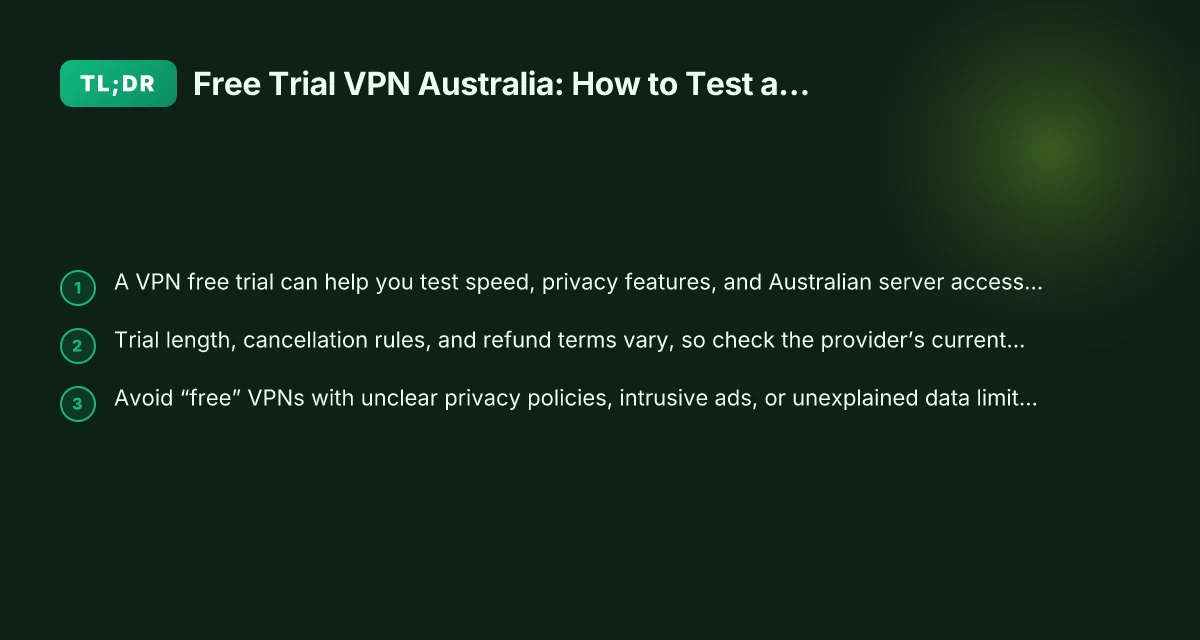
If you’re looking for a free trial VPN in Australia, choose a reputable provider that lets you test its service without committing to a long-term plan. A trial can help you check whether Australian servers are available, how well the VPN performs on your devices, and whether its apps are easy to use. Before signing up, confirm whether the offer is a no-cost trial, a money-back guarantee, or a limited free plan, these options have different terms.

Editor's pick: NordVPN — fast, secure VPN — Strong encryption, a no-logs policy and apps for every device. 30-day money-back guarantee. Get NordVPN →
Trial checklist for comparing VPNs
| Check | What to look for | Why it matters | How to test |
|---|---|---|---|
| Trial terms | Length and eligibility | Avoid assumptions | Read the offer details |
| Upfront cost | Payment or authorization hold | Spot possible charges | Review checkout screen |
| Renewal price | Price after trial | Understand ongoing cost | Check billing terms |
| Cancellation | Method and deadline | Reduce renewal risk | Find the cancellation instructions |
| Australia access | Australian server availability | Test local connection options | Connect to an Australian server |
| Privacy | Clear privacy policy | Understand data handling | Review the policy |
| Performance | Stable speed and connection | Judge everyday usability | Test common activities |
| Support | Contact options and response | Get help if billing issues arise | Check support channels |
Compiled November 2026; check the provider's site for current details.
| VPN | Obfuscation | From / month | Plan | Free plan | Refund | Alipay | UnionPay | Crypto | Website opens in China | Trustpilot | |
|---|---|---|---|---|---|---|---|---|---|---|---|
 ZoogVPN | Turn on manually Shadow | $2.49/mo | 27 months: $59.99 | Yes | 7 days | ✓ | ✓ | ✓ | ✓ | Official site blocked; our special link opens (4.4 s) | 4.2/5 (195 reviews) |
 NordVPN | Turn on manually Obfuscated Servers / NordWhisper | $3.49/mo | 27 months: $94.23 | No | 30 days | ? | ✗ | ✓ | ✓ | ✗ Blocked | 4.2/5 (51,628 reviews) |
 ExpressVPN | ✓ On by default all servers | $3.00/mo | 28 months: $84 | No | 30 days | ✗ | ✗ | ✓ | ✗ | ✗ Blocked | 4.4/5 (29,706 reviews) |
 Surfshark | ✓ On by default Camouflage, with OpenVPN | See site | See site | No | 30 days | ✗ | ✗ | ✗ | ✓ | ✗ Blocked | 4.3/5 (31,823 reviews) |
 Proton VPN | Turn on manually Stealth, free plan too | $2.99/mo | 12 months: $35.88 | Yes | 30 days | ✗ | ✗ | ✗ | ✓ | ✗ Blocked | 2.1/5 (1,040 reviews) |
 Astrill VPN | Turn on manually StealthVPN / OpenWeb | $12.50/mo | 24 months: $300 | No | See site | ✗ | ✗ | ✗ | ✓ | ✗ Blocked | 1.3/5 (110 reviews) |
 Private Internet Access | Turn on manually Shadowsocks, OpenVPN only | $2.03/mo | 40 months: $81.2 | No | 30 days | ✗ | ✗ | ✗ | ✗ | ✗ Blocked | 4.2/5 (11,033 reviews) |
 CyberGhost | Turn on manually selected servers | $2.19/mo | 28 months: $61.32 | No | 45 days | ✗ | ✗ | ✗ | ✓ | ✗ Blocked | 4.0/5 (24,178 reviews) |
 PureVPN | Turn on manually switch to OpenVPN | $1.69/mo | 60 months: $101.55 | No | 31 days | ? | ? | ✗ | ✓ | ✗ Blocked | 4.4/5 (17,994 reviews) |
 AdGuard VPN | ✓ On by default TrustTunnel | $2.99/mo | 24 months: $71.76 | Yes | 30 days | ✓ | ✗ | ✓ | ✓ | Official site blocked; our special link opens (3.7 s) | 4.3/5 (290 reviews) |
 Mullvad | Turn on manually QUIC / Shadowsocks / LWO | $5.61/mo | €5/mo | No | 14 days | ✗ | ✗ | ✗ | ✓ | ✗ Blocked | 3.2/5 (192 reviews) |
 Windscribe | Turn on manually Stealth / WStunnel | $5.75/mo | 12 months: $69 | Yes | See site | ✗ | ✗ | ✗ | ✓ | ✗ Blocked | 4.7/5 (13,355 reviews) |
 StrongVPN | Turn on manually Scramble, OpenVPN TCP | See site | See site | No | 30 days | ✓ | ✗ | ✗ | ✗ | ✗ Blocked | 4.4/5 (2,695 reviews) |
 LightXtreme 闪连 | Not listed | $7.08/mo | 12 months: $84.99 | Yes | 30 days | ✓ | ✓ | ✓ | ✓ | ✓ Yes (3.5 s) | No page |
Prices checked 2026-11-10 on each vendor's pricing page (cheapest long plan, USD). Check the vendor's checkout for the final price.
Obfuscation checked 2026-11-14 on each vendor's site and help center: "on by default" = nothing to set; "turn on manually" = switch protocol or mode in settings; "not listed" = the vendor describes no obfuscation.
Payment methods checked 2026-11-10 on each vendor's payment pages: all 14 take cards and PayPal; ✗ = not listed, ? = the vendor's own pages disagree.
China access: whether the official website opens from mainland China networks (tests the website only, not the VPN connection). Last checked 2026-11-18 01:02 Beijing time.
Trustpilot score and review count checked 2026-11-10.
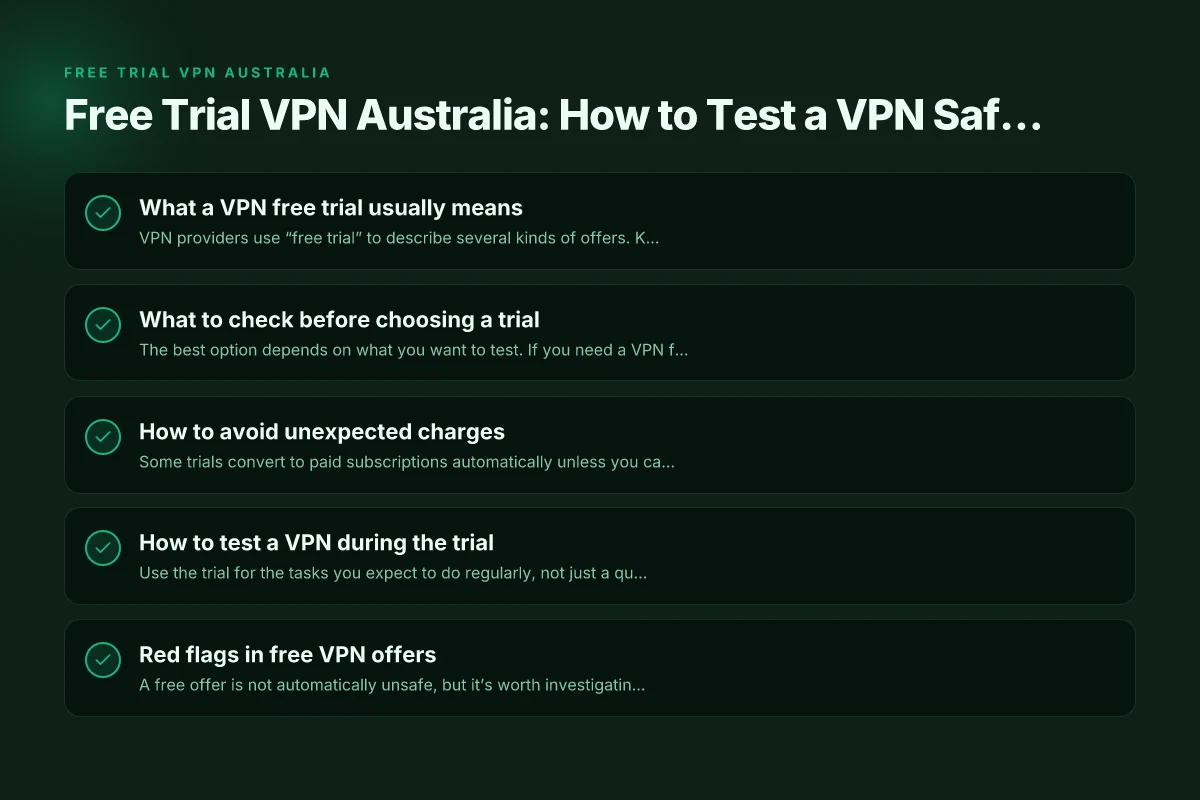
What a VPN free trial usually means
VPN providers use “free trial” to describe several kinds of offers. Knowing the difference helps you avoid surprise charges and choose the right way to test a service.
- Free trial: Temporary access to a paid plan, sometimes with payment details required at signup.
- Money-back guarantee: You pay upfront and can request a refund within a stated period if you meet the provider’s conditions.
- Free plan: Ongoing access at no charge, often with restrictions on data, locations, speed, or features.
A money-back guarantee isn’t the same as a free trial: you may need to pay first and then request a refund. Likewise, a free plan may not include the same server selection or performance as a paid subscription. Read the current offer’s terms rather than relying on an old review or advertisement.
What to check before choosing a trial
The best option depends on what you want to test. If you need a VPN for everyday use in Australia, focus on the practical details that affect your connection and privacy.
Australian servers and performance
Check whether the provider offers servers in Australia and whether the locations suit you. If you’re connecting from Australia to overseas services, also check the countries available. A trial is useful for testing performance on your own home or mobile connection. Results can vary depending on your internet provider, device, server load, and distance. Cisco AnyConnect VPN Download: Safe Options and Setup Guide
Privacy and security
Look for clear explanations of the provider’s logging practices, encryption, and security features. Useful features may include a kill switch, which can block internet traffic if the VPN connection drops. No single label guarantees privacy, so read the privacy policy and check how the provider handles account details and connection data.
Device support and ease of use
Make sure the trial works on the devices you actually use, such as a Windows PC, Mac, phone, or tablet. Check how many simultaneous connections are allowed and whether setup is straightforward. If you use a router or smart TV, verify compatibility before subscribing.
| Option | What you get | What to check |
|---|---|---|
| Free trial | Temporary access to a paid service | Trial length, payment requirements, automatic renewal |
| Money-back guarantee | A paid subscription with a possible refund | Refund deadline, eligibility, and request process |
| Free plan | Ongoing access with possible limits | Data allowance, speed, server locations, and features |
How to avoid unexpected charges
Some trials convert to paid subscriptions automatically unless you cancel before the renewal date. Others require no payment details and simply end when the trial expires. Check the signup screen and the provider’s terms for the exact arrangement.
Before starting a trial: Why Is It That My VPN Turns On Automatically? Common Causes and Fixes
- Note the start date and cancellation or refund deadline.
- Check the price that applies after the offer ends.
- Confirm how to cancel and whether cancellation must be completed through an app store or the provider’s website.
- Save the confirmation email and any relevant terms.
- Set a reminder a few days before the deadline if you don’t want the plan to renew.
If you paid through Apple or Google, cancellation and refund requests may be managed through the relevant store. Follow the instructions shown for your purchase method rather than assuming that deleting the VPN app cancels your subscription.
How to test a VPN during the trial
Use the trial for the tasks you expect to do regularly, not just a quick connection check. Try different servers at different times of day and compare how browsing, video calls, downloads, and other everyday activities feel with the VPN on and off.
Check that the app connects reliably and that the kill switch behaves as described. Review the available settings, test the supported devices, and see whether the service provides help when you need it. If a particular website or app matters to you, test it directly. Access can vary, and no VPN can guarantee that every service will work.
Be cautious of any provider that promises complete anonymity or guaranteed access to every streaming service. A VPN can help protect traffic between your device and the VPN server, but it does not make you invisible online or replace safe browsing habits. Fastest VPN Server in India: How to Find the Best Connection
Trial safety and decision guide
| Situation | Risk or signal | Safer action | Decision |
|---|---|---|---|
| Card required to start | Renewal may follow | Note the deadline and price | Continue only if terms are clear |
| Cancellation terms are vague | Hard to stop billing | Ask support before signup | Avoid if unanswered |
| Trial requires payment upfront | Refund may depend on conditions | Check eligibility and steps | Proceed only if acceptable |
| Australia servers are unavailable | Local access may not meet needs | Confirm server locations | Choose another option |
| Offer promises unlimited free access | Claim may hide restrictions | Check limits and conditions | Treat unclear claims cautiously |
| App-store subscription is offered | Store billing rules may apply | Check subscriptions in account settings | Cancel through the correct channel |
| Connection drops during testing | Reliability may be poor | Test across networks and times | Compare with another option |
| Support cannot explain charges | Billing help may be inadequate | Save written terms and replies | Prefer clearer support |
Compiled November 2026; check the provider's site for current details.
Red flags in free VPN offers
A free offer is not automatically unsafe, but it’s worth investigating providers that make unclear or exaggerated claims. Look closely if a service has no understandable privacy policy, hides how it earns money, or requests permissions that don’t seem necessary for its VPN functions.
Be wary of: Cisco Secure VPN: How It Works, Features, and What to Choose
- Unlimited service advertised with no clear explanation of costs or restrictions.
- Aggressive advertising or unexplained data collection.
- Vague company ownership or missing customer support information.
- Pressure to install apps from unofficial websites.
- Claims that a VPN prevents all tracking, scams, or cyberattacks.
A reputable provider should explain its terms, privacy practices, and cancellation process in plain language. Download apps through the provider’s official website or a trusted app store, and avoid entering payment details on pages you can’t verify.
Recommendation
For most people searching for a free trial VPN in Australia, the safest approach is to compare a reputable provider’s current trial or money-back terms, then test its Australian servers, device support, and connection reliability before the deadline. Choose a free plan only if its limits meet your needs, and avoid offers that obscure renewal charges or privacy practices.