Is a Mobile Hotspot With VPN Automatically Providing VPN?
A VPN on your phone usually protects the phone, not every device using its hotspot. Here’s how to check and secure connected devices.


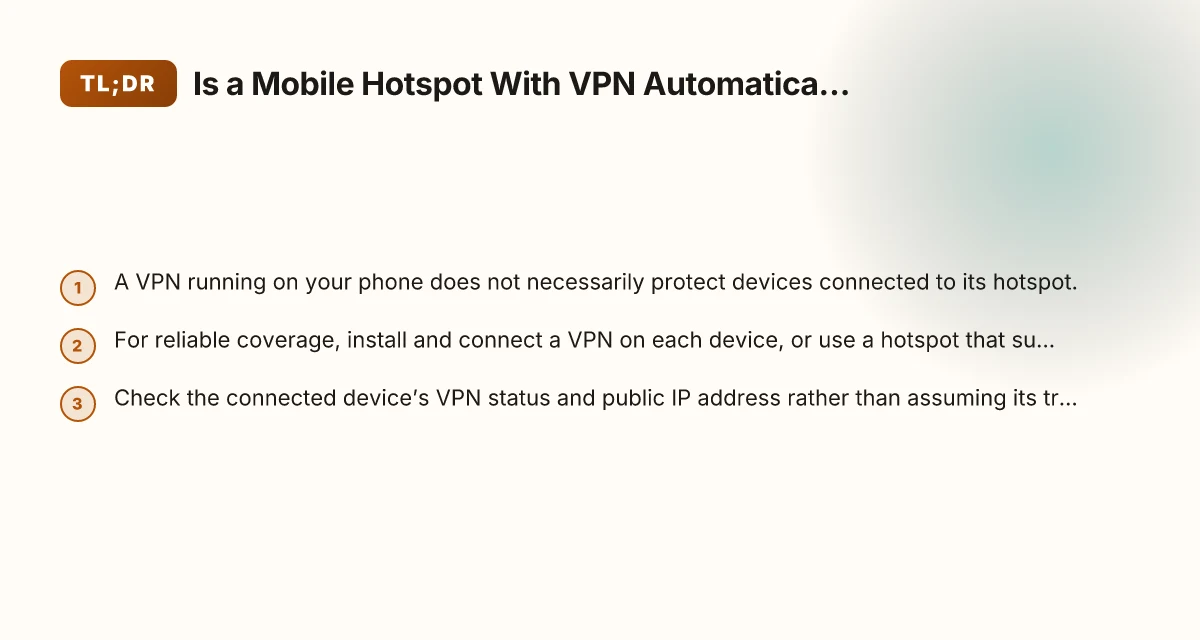
A mobile hotspot with a VPN is not automatically providing VPN protection to every connected device. In most cases, the VPN app protects traffic from the phone itself, while a laptop, tablet, or other device using the phone’s hotspot sends its traffic through the hotspot without the phone’s VPN. Whether hotspot traffic passes through the phone’s VPN depends on the phone, operating system, VPN app, and configuration.

Editor's pick: NordVPN — fast, secure VPN — Strong encryption, a no-logs policy and apps for every device. 30-day money-back guarantee. Get NordVPN →
How VPN coverage varies by hotspot setup
| Setup | Phone’s traffic protected? | Connected device protected? | What the connected device uses | Main limitation |
|---|---|---|---|---|
| Phone VPN, standard hotspot | Yes | Not necessarily | May use the carrier connection directly | Hotspot traffic may bypass the phone VPN |
| Phone VPN, VPN-sharing support | Yes | Yes, when supported | The phone’s VPN tunnel | Depends on the phone and VPN app |
| Connected device VPN | Yes, if enabled | Yes | Its own VPN tunnel | Requires VPN software on that device |
| VPN on both devices | Yes | Yes | Its own VPN tunnel; phone also uses VPN | May add complexity or affect performance |
| No VPN on either device | No | No | The regular mobile connection | Traffic is not covered by a VPN |
Compiled November 2026; check the provider's site for current details.
| VPN | Obfuscation | From / month | Plan | Free plan | Refund | Alipay | UnionPay | Crypto | Website opens in China | Trustpilot | |
|---|---|---|---|---|---|---|---|---|---|---|---|
 ZoogVPN | Turn on manually Shadow | $2.49/mo | 27 months: $59.99 | Yes | 7 days | ✓ | ✓ | ✓ | ✓ | Official site blocked; our special link opens (4.4 s) | 4.2/5 (195 reviews) |
 NordVPN | Turn on manually Obfuscated Servers / NordWhisper | $3.49/mo | 27 months: $94.23 | No | 30 days | ? | ✗ | ✓ | ✓ | ✗ Blocked | 4.2/5 (51,628 reviews) |
 ExpressVPN | ✓ On by default all servers | $3.00/mo | 28 months: $84 | No | 30 days | ✗ | ✗ | ✓ | ✗ | ✗ Blocked | 4.4/5 (29,706 reviews) |
 Surfshark | ✓ On by default Camouflage, with OpenVPN | See site | See site | No | 30 days | ✗ | ✗ | ✗ | ✓ | ✗ Blocked | 4.3/5 (31,823 reviews) |
 Proton VPN | Turn on manually Stealth, free plan too | $2.99/mo | 12 months: $35.88 | Yes | 30 days | ✗ | ✗ | ✗ | ✓ | ✗ Blocked | 2.1/5 (1,040 reviews) |
 Astrill VPN | Turn on manually StealthVPN / OpenWeb | $12.50/mo | 24 months: $300 | No | See site | ✗ | ✗ | ✗ | ✓ | ✗ Blocked | 1.3/5 (110 reviews) |
 Private Internet Access | Turn on manually Shadowsocks, OpenVPN only | $2.03/mo | 40 months: $81.2 | No | 30 days | ✗ | ✗ | ✗ | ✗ | ✗ Blocked | 4.2/5 (11,033 reviews) |
 CyberGhost | Turn on manually selected servers | $2.19/mo | 28 months: $61.32 | No | 45 days | ✗ | ✗ | ✗ | ✓ | ✗ Blocked | 4.0/5 (24,178 reviews) |
 PureVPN | Turn on manually switch to OpenVPN | $1.69/mo | 60 months: $101.55 | No | 31 days | ? | ? | ✗ | ✓ | ✗ Blocked | 4.4/5 (17,994 reviews) |
 AdGuard VPN | ✓ On by default TrustTunnel | $2.99/mo | 24 months: $71.76 | Yes | 30 days | ✓ | ✗ | ✓ | ✓ | Official site blocked; our special link opens (3.7 s) | 4.3/5 (290 reviews) |
 Mullvad | Turn on manually QUIC / Shadowsocks / LWO | $5.61/mo | €5/mo | No | 14 days | ✗ | ✗ | ✗ | ✓ | ✗ Blocked | 3.2/5 (192 reviews) |
 Windscribe | Turn on manually Stealth / WStunnel | $5.75/mo | 12 months: $69 | Yes | See site | ✗ | ✗ | ✗ | ✓ | ✗ Blocked | 4.7/5 (13,355 reviews) |
 StrongVPN | Turn on manually Scramble, OpenVPN TCP | See site | See site | No | 30 days | ✓ | ✗ | ✗ | ✗ | ✗ Blocked | 4.4/5 (2,695 reviews) |
 LightXtreme 闪连 | Not listed | $7.08/mo | 12 months: $84.99 | Yes | 30 days | ✓ | ✓ | ✓ | ✓ | ✓ Yes (3.5 s) | No page |
Prices checked 2026-11-10 on each vendor's pricing page (cheapest long plan, USD). Check the vendor's checkout for the final price.
Obfuscation checked 2026-11-14 on each vendor's site and help center: "on by default" = nothing to set; "turn on manually" = switch protocol or mode in settings; "not listed" = the vendor describes no obfuscation.
Payment methods checked 2026-11-10 on each vendor's payment pages: all 14 take cards and PayPal; ✗ = not listed, ? = the vendor's own pages disagree.
China access: whether the official website opens from mainland China networks (tests the website only, not the VPN connection). Last checked 2026-11-18 01:02 Beijing time.
Trustpilot score and review count checked 2026-11-10.
What a VPN on your phone protects
A VPN creates an encrypted connection between a device and a VPN server. When you turn on a VPN app on your phone, it generally routes the phone’s own internet traffic through that connection. This can help shield that traffic from observation on the local network and change the public IP address websites see.
A hotspot performs a different job: it shares the phone’s internet connection with other devices. Sharing that connection does not necessarily mean sharing the phone’s VPN tunnel. The phone can be using a VPN for its own apps while a connected laptop sends traffic directly through the phone’s mobile-data connection.
So, if your phone says the VPN is connected, that alone does not confirm that your laptop or tablet is protected.
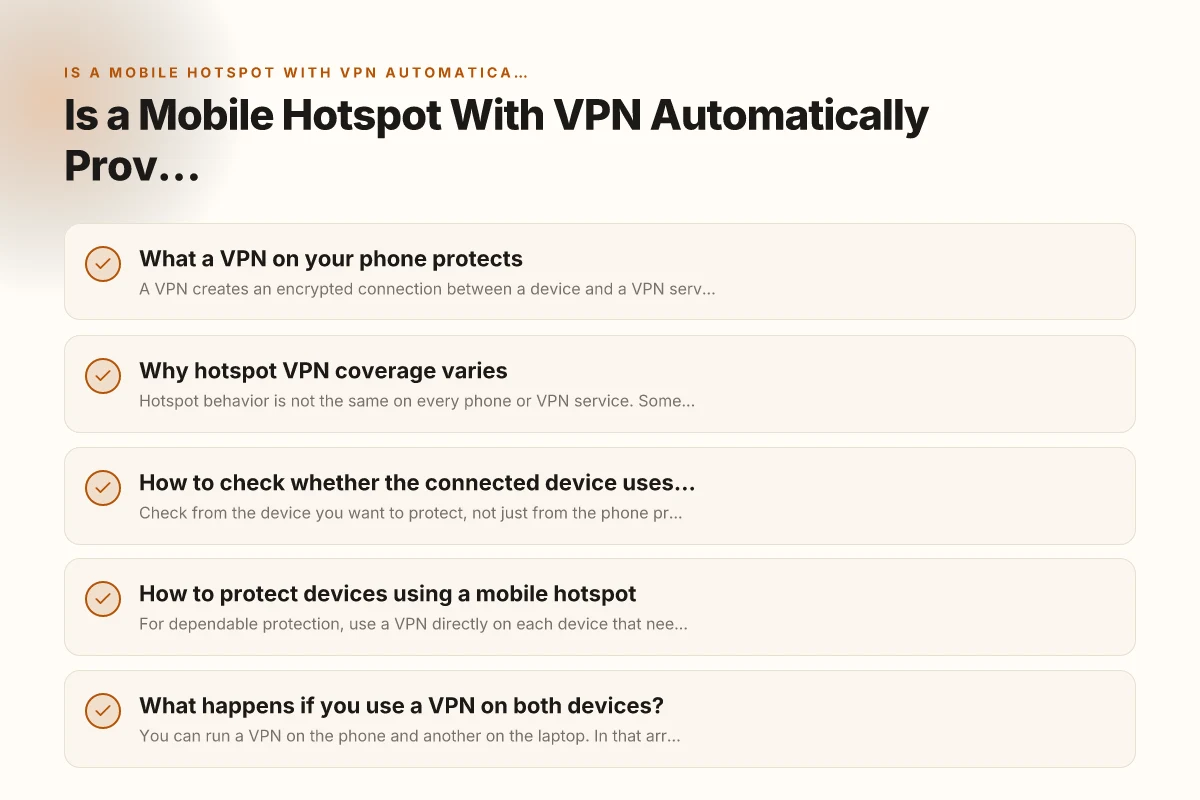
Why hotspot VPN coverage varies
Hotspot behavior is not the same on every phone or VPN service. Some combinations may route tethered traffic through the VPN. Others may not. Operating-system restrictions, the VPN app’s features, and how the hotspot connection is implemented can all matter. Free Trial VPN for PC: How to Choose and Test One
A separate mobile hotspot device has the same basic consideration. Having a VPN app on a phone that connects to the hotspot does not automatically put the hotspot itself or every connected device behind that VPN. The VPN must be active on the relevant device or supported by the hotspot’s network setup.
| Setup | Is the connected device protected automatically? |
|---|---|
| VPN app running on the phone, with a laptop connected to its hotspot | Not necessarily |
| VPN app installed and connected on the laptop | The laptop’s traffic is routed through its VPN |
| VPN-capable router or hotspot configured to use a VPN | Devices routed through that setup may use its VPN |
| Phone connected to a VPN, with no check on the tethered device | Protection is unconfirmed |
How to check whether the connected device uses a VPN
Check from the device you want to protect, not just from the phone providing the hotspot.
- Connect the laptop or tablet to the hotspot.
- Check that device’s VPN app or network settings. Confirm the VPN shows as connected.
- If you are relying on the phone’s VPN to cover hotspot traffic, check the connected device’s public IP address before and after enabling the phone’s VPN. If the address and VPN location do not reflect the VPN connection, the device may be bypassing it.
- For a stronger check, use a reputable IP-checking service and, if available, a DNS leak test. These checks can help reveal whether the device’s traffic appears to use the VPN, though results depend on the service and setup.
A connected device that has its own active VPN is usually the clearest way to confirm coverage for that device. Avoid treating the VPN icon on the phone as proof that all hotspot users are protected.
Ways to check whether a connected device uses a VPN VPN Extension Microsoft Edge Free: What to Choose and How to Use It
| Check | What to do | What indicates VPN use | What it tells you | Limitation |
|---|---|---|---|---|
| Check the device’s VPN status | Open its network settings | VPN is shown as connected | A VPN is active on that device | Does not confirm every app uses it |
| Check the VPN app | Open the app on the connected device | It reports an active connection | The app says its tunnel is connected | App status alone may not verify routing |
| Check the device’s public IP | Use an IP-check service | IP matches the VPN location or provider | Traffic appears to exit through the VPN | Results can vary by service |
| Compare with VPN off | Check the IP, then disconnect the VPN and check again | The IP changes when VPN is enabled | Suggests traffic is using the VPN | A location change is not proof of full protection |
| Check phone hotspot behavior | Consult phone and VPN app documentation | Hotspot sharing is explicitly supported | The phone may pass hotspot traffic through VPN | Support varies by device and app |
Compiled November 2026; check the provider's site for current details.
How to protect devices using a mobile hotspot
For dependable protection, use a VPN directly on each device that needs it. Install the VPN app on the laptop, tablet, or phone, connect it, and check its status before sending sensitive traffic.
Other options include:
- Use a VPN-capable router or hotspot: Configure the device to route connected traffic through a VPN, if its features support this.
- Check your VPN provider’s setup guidance: Providers may explain whether their app supports tethered traffic on your specific platform.
- Test after changes: Recheck the connected device’s VPN status and public IP address if you change phones, apps, settings, or hotspot hardware.
A VPN does not make a device completely secure. Keep software updated, use secure websites and apps, and avoid sharing sensitive information with services you do not trust. Under the VLESS VPN Protocol Connection, Roblox Can't Connect: Causes and Fixes
What happens if you use a VPN on both devices?
You can run a VPN on the phone and another on the laptop. In that arrangement, the laptop’s VPN is the one you should rely on to protect the laptop’s traffic. The phone’s VPN may add another layer or affect how the laptop connects, but using two VPNs can also cause connection problems or make troubleshooting harder.
If the laptop’s VPN is active, check that it remains connected while using the hotspot. If the connection drops, the laptop may send traffic outside the VPN unless its settings include a feature such as a kill switch. The exact behavior depends on the VPN app and device.
Choosing how to protect devices on a mobile hotspot
| Option | Protects phone traffic | Protects connected-device traffic | Setup needed | Best fit |
|---|---|---|---|---|
| Phone VPN only | Yes | Not guaranteed | Install and connect VPN on phone | Protecting the phone itself |
| Phone VPN with supported sharing | Yes | Yes, when supported | Enable VPN sharing if available | Devices without their own VPN app |
| VPN on each connected device | Yes, if phone VPN is active | Yes | Install and connect VPN per device | Direct protection for each device |
| VPN on phone and connected device | Yes | Yes | Connect both VPNs | Separate VPN coverage on both devices |
| No VPN | No | No | None | When VPN protection is not needed |
Compiled November 2026; check the provider's site for current details. Free Trial VPN for Firestick: How to Choose and Test One
Recommendation
Do not assume a phone’s VPN automatically protects devices connected to its mobile hotspot. For the most reliable coverage, install and connect a VPN on each device you want to protect, or configure a VPN-capable hotspot to route connected traffic through a VPN. Verify the result on the connected device before relying on it.