Does Microsoft Edge Have a Built-In VPN? What You Need to Know
Microsoft Edge includes a limited Secure Network feature in some regions, but it is not a full VPN for all your device traffic.


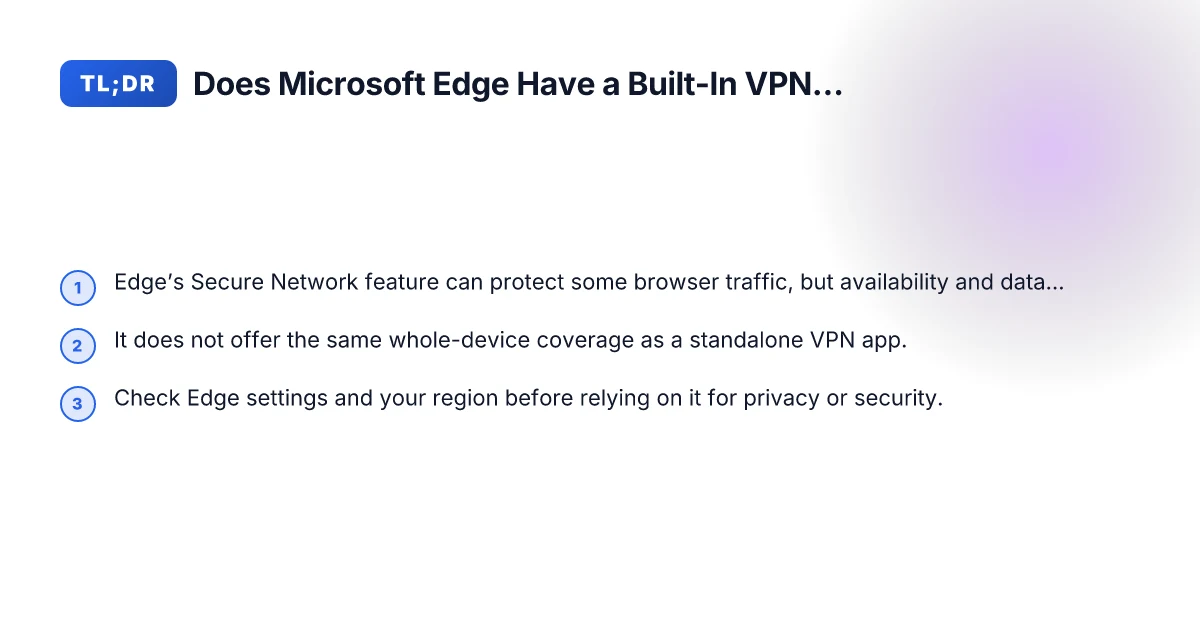
Microsoft Edge has a built-in VPN-like feature called Microsoft Edge Secure Network, but it is not a full VPN in the usual sense. Where available, it encrypts eligible traffic in the Edge browser and routes it through a service powered by Cloudflare. It does not automatically protect every app or connection on your device, and access may depend on your location, Edge version, and account.

Editor's pick: NordVPN — fast, secure VPN — Strong encryption, a no-logs policy and apps for every device. 30-day money-back guarantee. Get NordVPN →
Quick comparison: Edge Secure Network and a standalone VPN
| Feature | Edge Secure Network | Standalone VPN |
|---|---|---|
| Built into Edge | Yes, when available | No |
| Full VPN protection | No | Yes, depending on provider |
| Scope of protection | Edge browser traffic | Often device-wide |
| Availability | May vary by account or region | Depends on provider |
| Best for | Basic protection while browsing in Edge | Broader privacy and connection needs |
| Works outside Edge | No | Often yes |
| Settings and controls | Limited | Usually more options |
Compiled November 2026; check the provider's site for current details.
| VPN | Obfuscation | From / month | Plan | Free plan | Refund | Alipay | UnionPay | Crypto | Website opens in China | Trustpilot | |
|---|---|---|---|---|---|---|---|---|---|---|---|
 ZoogVPN | Turn on manually Shadow | $2.49/mo | 27 months: $59.99 | Yes | 7 days | ✓ | ✓ | ✓ | ✓ | Official site blocked; our special link opens (4.4 s) | 4.2/5 (195 reviews) |
 NordVPN | Turn on manually Obfuscated Servers / NordWhisper | $3.49/mo | 27 months: $94.23 | No | 30 days | ? | ✗ | ✓ | ✓ | ✗ Blocked | 4.2/5 (51,628 reviews) |
 ExpressVPN | ✓ On by default all servers | $3.00/mo | 28 months: $84 | No | 30 days | ✗ | ✗ | ✓ | ✗ | ✗ Blocked | 4.4/5 (29,706 reviews) |
 Surfshark | ✓ On by default Camouflage, with OpenVPN | See site | See site | No | 30 days | ✗ | ✗ | ✗ | ✓ | ✗ Blocked | 4.3/5 (31,823 reviews) |
 Proton VPN | Turn on manually Stealth, free plan too | $2.99/mo | 12 months: $35.88 | Yes | 30 days | ✗ | ✗ | ✗ | ✓ | ✗ Blocked | 2.1/5 (1,040 reviews) |
 Astrill VPN | Turn on manually StealthVPN / OpenWeb | $12.50/mo | 24 months: $300 | No | See site | ✗ | ✗ | ✗ | ✓ | ✗ Blocked | 1.3/5 (110 reviews) |
 Private Internet Access | Turn on manually Shadowsocks, OpenVPN only | $2.03/mo | 40 months: $81.2 | No | 30 days | ✗ | ✗ | ✗ | ✗ | ✗ Blocked | 4.2/5 (11,033 reviews) |
 CyberGhost | Turn on manually selected servers | $2.19/mo | 28 months: $61.32 | No | 45 days | ✗ | ✗ | ✗ | ✓ | ✗ Blocked | 4.0/5 (24,178 reviews) |
 PureVPN | Turn on manually switch to OpenVPN | $1.69/mo | 60 months: $101.55 | No | 31 days | ? | ? | ✗ | ✓ | ✗ Blocked | 4.4/5 (17,994 reviews) |
 AdGuard VPN | ✓ On by default TrustTunnel | $2.99/mo | 24 months: $71.76 | Yes | 30 days | ✓ | ✗ | ✓ | ✓ | Official site blocked; our special link opens (3.7 s) | 4.3/5 (290 reviews) |
 Mullvad | Turn on manually QUIC / Shadowsocks / LWO | $5.61/mo | €5/mo | No | 14 days | ✗ | ✗ | ✗ | ✓ | ✗ Blocked | 3.2/5 (192 reviews) |
 Windscribe | Turn on manually Stealth / WStunnel | $5.75/mo | 12 months: $69 | Yes | See site | ✗ | ✗ | ✗ | ✓ | ✗ Blocked | 4.7/5 (13,355 reviews) |
 StrongVPN | Turn on manually Scramble, OpenVPN TCP | See site | See site | No | 30 days | ✓ | ✗ | ✗ | ✗ | ✗ Blocked | 4.4/5 (2,695 reviews) |
 LightXtreme 闪连 | Not listed | $7.08/mo | 12 months: $84.99 | Yes | 30 days | ✓ | ✓ | ✓ | ✓ | ✓ Yes (3.5 s) | No page |
Prices checked 2026-11-10 on each vendor's pricing page (cheapest long plan, USD). Check the vendor's checkout for the final price.
Obfuscation checked 2026-11-14 on each vendor's site and help center: "on by default" = nothing to set; "turn on manually" = switch protocol or mode in settings; "not listed" = the vendor describes no obfuscation.
Payment methods checked 2026-11-10 on each vendor's payment pages: all 14 take cards and PayPal; ✗ = not listed, ? = the vendor's own pages disagree.
China access: whether the official website opens from mainland China networks (tests the website only, not the VPN connection). Last checked 2026-11-18 01:02 Beijing time.
Trustpilot score and review count checked 2026-11-10.
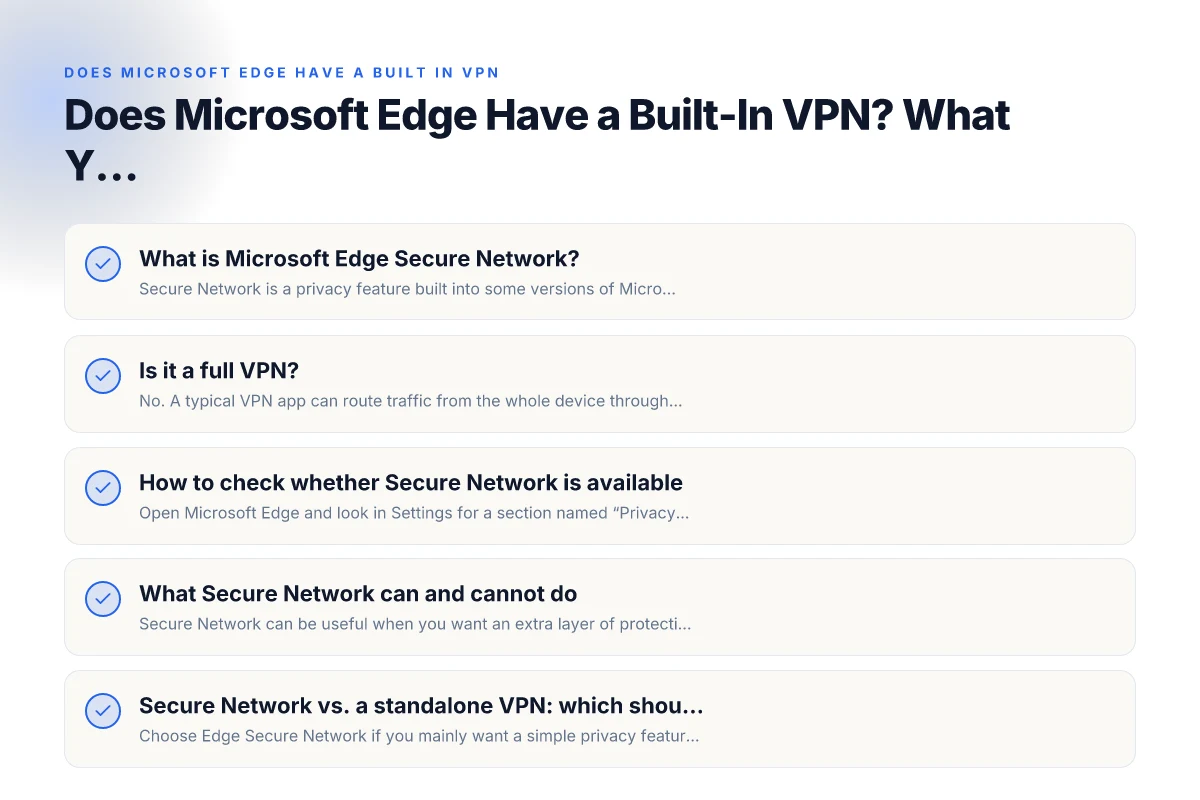
What is Microsoft Edge Secure Network?
Secure Network is a privacy feature built into some versions of Microsoft Edge. It is designed to make certain browser connections more private, particularly when you are using an unsecured public Wi-Fi network. It can also help limit the information that websites and network operators can see about your browsing connection.
When enabled, eligible traffic is routed through an encrypted connection. This can make it harder for someone sharing a public network to observe the details of that traffic. However, Secure Network should not be treated as an anonymity tool or as a replacement for every security measure.
Microsoft has offered the feature with regional and usage restrictions. Its availability, data allowance, and setup requirements can change, so check the current details shown in your Edge browser rather than assuming it is included for every user.
Is it a full VPN?
No. A typical VPN app can route traffic from the whole device through a VPN server, depending on its settings. Edge Secure Network is limited to supported traffic in the Edge browser. Other browsers, games, messaging apps, and background services may continue using your regular internet connection. Does Edge Have a Built-In VPN? What Microsoft Edge Secure Network Does
| Feature | Edge Secure Network | Typical standalone VPN |
|---|---|---|
| Protects traffic in Edge | Yes, where supported | Yes, if the device VPN is connected |
| Protects other apps | No, not as a browser feature | Usually, depending on settings |
| Changes apparent IP address | May do so for eligible browser traffic | Usually does so for routed device traffic |
| Server and location choices | Limited or unavailable | Often offers multiple locations |
| Availability | Depends on region and Edge support | Depends on provider and plan |
| Data limits | May apply | Depends on the provider and plan |
The exact behavior of any VPN depends on its configuration and provider. A VPN also does not make you completely anonymous: websites may still identify you through account logins, cookies, browser fingerprinting, or other information.
How to check whether Secure Network is available
Open Microsoft Edge and look in Settings for a section named “Privacy, search, and services.” If Secure Network is available to you, its controls or setup information may appear there. You can also search Edge settings for “Secure Network.”
If you do not see the feature, it may not be available in your region or current version, or it may require an update or account sign-in. Availability and terms can change, so consult the in-browser information or Microsoft’s current support documentation.
If the feature is available, review its data allowance and activation options before using it. Depending on the version, Edge may let you choose when it turns on, such as for selected sites or when connected to public Wi-Fi. The available controls can differ. VPN FortiGate: How It Works, Setup Options, and Best Practices
Check whether Edge Secure Network is available
| Check | What to look for | If present | If absent |
|---|---|---|---|
| Update Edge | The latest available browser version | Continue checking | Update and check again |
| Open Edge settings | Settings and more menu | Find privacy settings | Confirm you are in Edge |
| Look for Secure Network | A Secure Network setting or control | Feature may be available | It may not be available to you |
| Check sign-in status | Your Microsoft account | Follow any sign-in prompt | Sign in if requested |
| Review the feature prompt | Setup or activation instructions | Follow the on-screen steps | Availability may be limited |
| Test the control | A way to turn Secure Network on | Check its status in Edge | Do not assume it is active |
Compiled November 2026; check the provider's site for current details.
What Secure Network can and cannot do
Secure Network can be useful when you want an extra layer of protection for supported browsing in Edge. Encryption helps protect traffic while it travels across a network, which can be valuable on public Wi-Fi.
It is important to understand its limits: Does Edge Have a VPN Built In? What Microsoft Edge Secure Network Does
- It does not cover every app on your computer or phone.
- It does not guarantee that websites cannot identify you.
- It does not replace antivirus software, strong passwords, or multi-factor authentication.
- It cannot prevent tracking based on cookies, accounts, or information you choose to share.
- It may have a usage limit or other conditions.
A VPN also does not make an unsafe website safe. Continue to check website addresses, avoid suspicious downloads, and use secure sign-in practices.
Secure Network vs. a standalone VPN: which should you use?
Choose Edge Secure Network if you mainly want a simple privacy feature for browsing in Edge and it is available under terms that suit you. It can be convenient because it is integrated into the browser and may not require installing a separate VPN app.
Choose a reputable standalone VPN if you need protection for multiple browsers and apps, want more control over server locations, or need coverage for your whole device. Before subscribing, check the provider’s privacy policy, independent security assessments, data limits, supported devices, and cancellation terms. A VPN provider can handle your traffic, so trust and transparency matter.
For occasional public Wi-Fi use, Secure Network may be a helpful extra for Edge traffic. For broader coverage, a device-level VPN is generally the more appropriate option. What Is com.NordVPN.Android? A Guide to NordVPN for Android
Choose the option that fits your needs
| Need | Edge Secure Network | Standalone VPN |
|---|---|---|
| Basic protection in Edge | Suitable when available | Also an option |
| Protection in other apps | Not designed for this | Often supported |
| More VPN controls | Limited | Typically offers more |
| Use across devices | Limited to the Edge feature | Depends on provider and plan |
| Broader VPN coverage | Not a full VPN | Better fit |
| Simplicity within Edge | Convenient | Requires separate setup |
| Recommendation | Use for basic Edge browsing protection | Choose for broader VPN needs |
Compiled November 2026; check the provider's site for current details.
Recommendation
Microsoft Edge does have a built-in VPN-like option in some regions, but Secure Network is limited to eligible browser traffic and may have restrictions. Check whether it appears in your Edge settings and review its current terms. If you need all-device protection or more VPN controls, use a reputable standalone VPN instead.