Best VPNs for Roblox: Reliable Picks for Safer, Smoother Play

Compare leading VPNs for Roblox, learn what to look for, and choose a service that fits your speed, privacy, and budget needs.
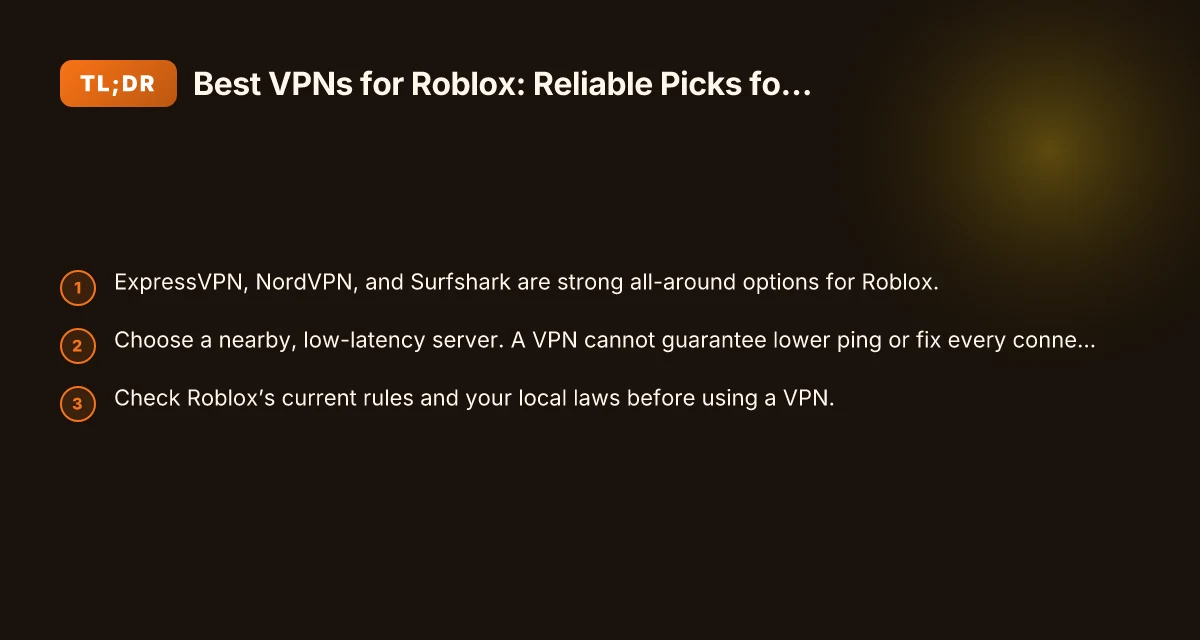
If you’re looking for the best VPNs for Roblox, start with ExpressVPN for ease of use, NordVPN for a strong balance of speed and features, or Surfshark for value and unlimited simultaneous connections. A VPN can encrypt traffic between your device and its server and change the IP address Roblox sees, but it may also increase latency. For most players, the best choice is the one with a nearby server, reliable connections, and clear privacy protections, not simply the biggest server count.

Editor's pick: NordVPN — fast, secure VPN — Strong encryption, a no-logs policy and apps for every device. 30-day money-back guarantee. Get NordVPN →
Roblox VPN options at a glance
| VPN | Roblox device support | Server choice | Speed considerations | Privacy features |
|---|---|---|---|---|
| ExpressVPN | Router or supported device | Broad network | Designed for fast connections | Encryption and no-logs policy |
| NordVPN | Router or supported device | Broad network | NordLynx protocol | Encryption and no-logs policy |
| Surfshark | Router or supported device | Broad network | WireGuard protocol | Encryption and no-logs policy |
| Proton VPN | Router or supported device | Broad network | WireGuard protocol | Privacy-focused features |
| CyberGhost | Router or supported device | Broad network | Designed for streaming and gaming | Encryption and no-logs policy |
| Private Internet Access | Router or supported device | Broad network | WireGuard protocol | Customizable privacy settings |
Compiled November 2026; check the provider's site for current details.
| VPN | Obfuscation | From / month | Plan | Free plan | Refund | Alipay | UnionPay | Crypto | Website opens in China | Trustpilot | |
|---|---|---|---|---|---|---|---|---|---|---|---|
 ExpressVPN | ✓ On by default all servers | $3.00/mo | 28 months: $84 | No | 30 days | ✗ | ✗ | ✓ | ✗ | ✗ Blocked | 4.4/5 (29,706 reviews) |
 NordVPN | Turn on manually Obfuscated Servers / NordWhisper | $3.49/mo | 27 months: $94.23 | No | 30 days | ? | ✗ | ✓ | ✓ | ✗ Blocked | 4.2/5 (51,628 reviews) |
 Surfshark | ✓ On by default Camouflage, with OpenVPN | See site | See site | No | 30 days | ✗ | ✗ | ✗ | ✓ | ✗ Blocked | 4.3/5 (31,823 reviews) |
 Proton VPN | Turn on manually Stealth, free plan too | $2.99/mo | 12 months: $35.88 | Yes | 30 days | ✗ | ✗ | ✗ | ✓ | ✗ Blocked | 2.1/5 (1,040 reviews) |
 CyberGhost | Turn on manually selected servers | $2.19/mo | 28 months: $61.32 | No | 45 days | ✗ | ✗ | ✗ | ✓ | ✗ Blocked | 4.0/5 (24,178 reviews) |
 Private Internet Access | Turn on manually Shadowsocks, OpenVPN only | $2.03/mo | 40 months: $81.2 | No | 30 days | ✗ | ✗ | ✗ | ✗ | ✗ Blocked | 4.2/5 (11,033 reviews) |
 ZoogVPN | Turn on manually Shadow | $2.49/mo | 27 months: $59.99 | Yes | 7 days | ✓ | ✓ | ✓ | ✓ | Official site blocked; our special link opens (4.4 s) | 4.2/5 (195 reviews) |
 Astrill VPN | Turn on manually StealthVPN / OpenWeb | $12.50/mo | 24 months: $300 | No | See site | ✗ | ✗ | ✗ | ✓ | ✗ Blocked | 1.3/5 (110 reviews) |
 PureVPN | Turn on manually switch to OpenVPN | $1.69/mo | 60 months: $101.55 | No | 31 days | ? | ? | ✗ | ✓ | ✗ Blocked | 4.4/5 (17,994 reviews) |
 AdGuard VPN | ✓ On by default TrustTunnel | $2.99/mo | 24 months: $71.76 | Yes | 30 days | ✓ | ✗ | ✓ | ✓ | Official site blocked; our special link opens (3.7 s) | 4.3/5 (290 reviews) |
 Mullvad | Turn on manually QUIC / Shadowsocks / LWO | $5.61/mo | €5/mo | No | 14 days | ✗ | ✗ | ✗ | ✓ | ✗ Blocked | 3.2/5 (192 reviews) |
 Windscribe | Turn on manually Stealth / WStunnel | $5.75/mo | 12 months: $69 | Yes | See site | ✗ | ✗ | ✗ | ✓ | ✗ Blocked | 4.7/5 (13,355 reviews) |
 StrongVPN | Turn on manually Scramble, OpenVPN TCP | See site | See site | No | 30 days | ✓ | ✗ | ✗ | ✗ | ✗ Blocked | 4.4/5 (2,695 reviews) |
 LightXtreme 闪连 | Not listed | $7.08/mo | 12 months: $84.99 | Yes | 30 days | ✓ | ✓ | ✓ | ✓ | ✓ Yes (3.5 s) | No page |
Prices checked 2026-11-10 on each vendor's pricing page (cheapest long plan, USD). Check the vendor's checkout for the final price.
Obfuscation checked 2026-11-14 on each vendor's site and help center: "on by default" = nothing to set; "turn on manually" = switch protocol or mode in settings; "not listed" = the vendor describes no obfuscation.
Payment methods checked 2026-11-10 on each vendor's payment pages: all 14 take cards and PayPal; ✗ = not listed, ? = the vendor's own pages disagree.
China access: whether the official website opens from mainland China networks (tests the website only, not the VPN connection). Last checked 2026-11-18 01:02 Beijing time.
Trustpilot score and review count checked 2026-11-10.
Best VPNs for Roblox at a glance
These services are established VPN providers with broad device support. Performance varies by location, internet provider, device, and server load, so treat any speed advantage as something to test rather than a guarantee.
| VPN | Best for | Roblox-friendly strengths | Potential drawback |
|---|---|---|---|
| ExpressVPN | Simple setup | Easy-to-use apps and a wide server network | Often costs more than budget options |
| NordVPN | Speed and features | Large network, fast protocols, and configurable apps | Some advanced settings may take time to learn |
| Surfshark | Value | Unlimited simultaneous connections and flexible plans | Busy servers may perform differently by region |
| Proton VPN | Privacy-focused users | Strong privacy reputation and a useful free plan | Free servers may be limited or congested |
| CyberGhost | Beginners | Straightforward apps and a broad server selection | Not every server is equally suitable for gaming |
VPN plans and features change, so review the provider’s current terms, supported devices, and refund policy before paying.
1. ExpressVPN: best for a straightforward experience
ExpressVPN is a good fit if you want a VPN that is simple to install and operate. Its apps cover common platforms, including Windows, macOS, Android, and iOS, making it practical for players who switch between a computer and a phone or tablet.
Its main appeal for Roblox is convenience. You can choose a nearby server without spending much time adjusting settings. However, the service is typically priced above some competitors, and a VPN will not necessarily make a slow or unstable connection faster. VPN Extension for Edge Free: How to Choose One Safely
2. NordVPN: best balance of speed and features
NordVPN offers a large server network and a choice of connection settings. Its NordLynx protocol is designed for fast connections, while its apps include additional privacy and security tools. That combination makes it a versatile option for people who want one VPN for gaming and everyday browsing.
For Roblox, connect to a nearby location first and compare your experience with the VPN switched off. If you notice longer loading times, lag, or disconnections, try another nearby server or protocol. More features do not automatically mean better gameplay, so keep the setup simple unless you have a specific reason to change it.
3. Surfshark: best value for multiple devices
Surfshark is worth considering if you want to protect several devices under one subscription. It allows unlimited simultaneous connections under its service terms, which can be useful for households where players use PCs, phones, and tablets.
Its lower-cost plans can make it appealing, but check renewal pricing and plan conditions carefully. As with any VPN, the closest available server is often a better starting point for Roblox than a distant location chosen to change your apparent region. Urban VPN Proxy Extension: Features, Safety, and How to Use It
4. Proton VPN and CyberGhost: alternatives to consider
Proton VPN stands out for users who put privacy first. It also offers a free plan, but free servers can have restrictions or higher demand, which may make them less suitable for latency-sensitive play. A paid plan may provide more locations and flexibility. Check the current plan details before deciding.
CyberGhost is another approachable option, particularly if you prefer a simple interface and a large selection of locations. It can be useful for general VPN use, but compare nearby servers in practice rather than relying on a provider’s gaming-related marketing.
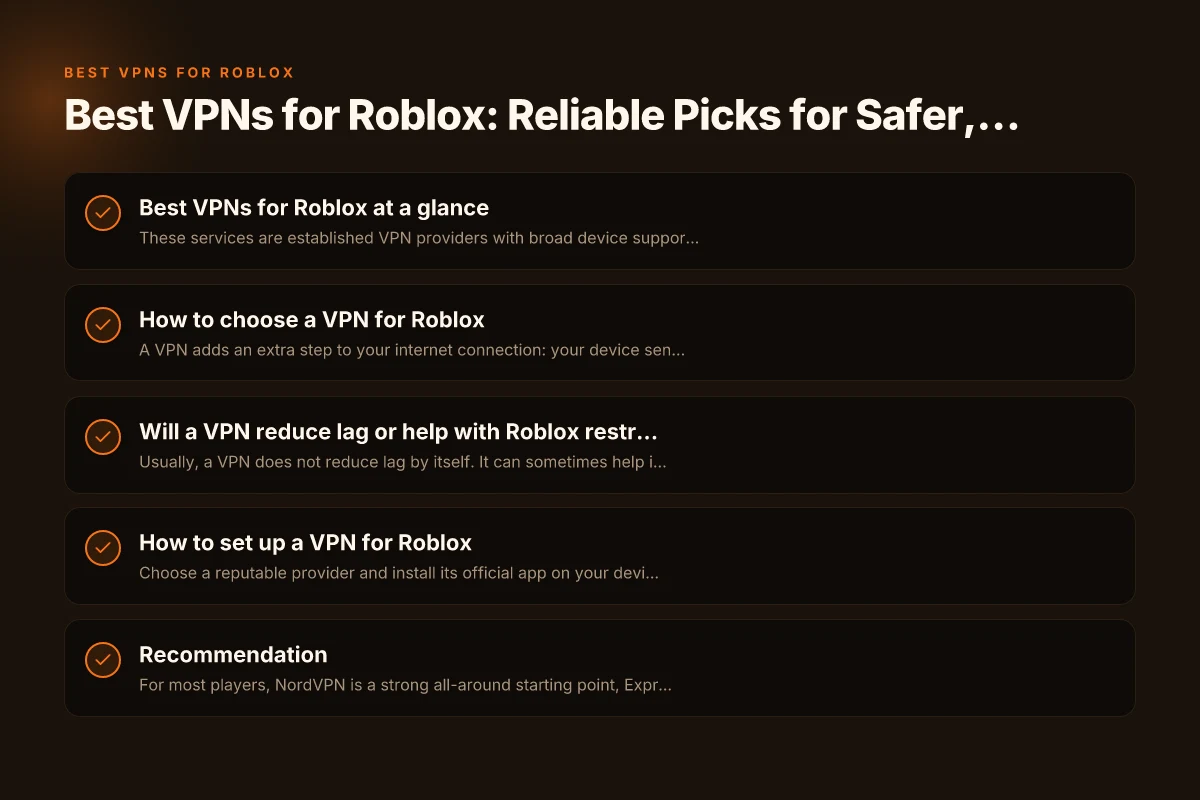
How to choose a VPN for Roblox
A VPN adds an extra step to your internet connection: your device sends traffic to a VPN server, which then connects to Roblox. That can improve privacy on some networks, but it can also add distance and processing time. Focus on these factors:
- Latency: Look for a nearby server and test the connection at the times you usually play. Lower ping generally means less delay, but results depend on your route and network.
- Reliability: A stable connection matters more than occasional peak speeds. Check whether the VPN stays connected during longer sessions.
- Privacy: Read the provider’s privacy policy and look for clear information about logging, data handling, and independent audits.
- Device support: Confirm that the VPN has an app for your device. If you play on a console, check whether the provider supports a compatible router setup. Consoles may not run VPN apps directly.
- Price and terms: Compare the full subscription cost, renewal rate, refund window, and simultaneous-connection limit.
Avoid choosing a server on another continent just to appear to be somewhere else. A longer route can increase ping and make gameplay less responsive. Best VPN for Roblox: Top Picks for Safer, Smoother Play
Will a VPN reduce lag or help with Roblox restrictions?
Usually, a VPN does not reduce lag by itself. It can sometimes help if your internet provider is routing traffic poorly or if a specific network is interfering with your connection. But it can also make latency worse, because your data travels through the VPN server before reaching Roblox.
A VPN is also not a substitute for fixing common connection problems. Before subscribing, try restarting your router, using a wired connection where possible, closing bandwidth-heavy apps, and checking whether Roblox or your internet provider is experiencing an outage.
A VPN may change the IP address Roblox sees, but it does not guarantee access to a particular experience, account, or region. Roblox’s policies and availability can change, and using a VPN to bypass restrictions may conflict with service rules or local requirements. Review Roblox’s current terms and any applicable rules before relying on one.
What to compare when choosing a VPN for Roblox Android VPN Split Tunneling: How It Works and When to Use It
| Criterion | Why it matters | What to look for | Potential trade-off |
|---|---|---|---|
| Connection speed | VPN routing can add delay | Nearby servers and modern protocols | Results vary by network |
| Server locations | A nearby server may reduce extra routing | Servers near your location | More locations do not guarantee lower ping |
| Device compatibility | Roblox runs on different platforms | App support or router setup | Router setup can take more effort |
| Privacy policy | A VPN handles your connection data | Clear data practices and encryption | Policies differ by provider |
| Reliability | Disconnects can interrupt play | Stable connections and support | Performance can vary over time |
| Cost and plan terms | Plans differ in price and duration | Clear renewal and refund terms | Long plans may require upfront payment |
Compiled November 2026; check the provider's site for current details.
How to set up a VPN for Roblox
- Choose a reputable provider and install its official app on your device.
- Sign in and connect to a server near your actual location.
- Open Roblox and test a familiar game for a few minutes.
- Compare latency and stability with your usual connection.
- If performance is worse, try another nearby server or disconnect the VPN.
Do not download unofficial VPN apps or share account credentials with third parties. A VPN cannot protect you from every online risk, so use a unique password, enable available account security features, and avoid suspicious links or downloads.
Recommendation
For most players, NordVPN is a strong all-around starting point, ExpressVPN is a good choice if you prioritize simplicity, and Surfshark offers attractive value for households with several devices. Choose based on your device, budget, and privacy needs, then test a nearby server before committing long term. If the VPN increases lag, disconnect it: a VPN is optional for Roblox, and a stable direct connection may be the better experience.