VPN Speed: What to Expect and How to Improve It

Learn what affects VPN speed, how to test it accurately, and which settings can help you get a faster connection.
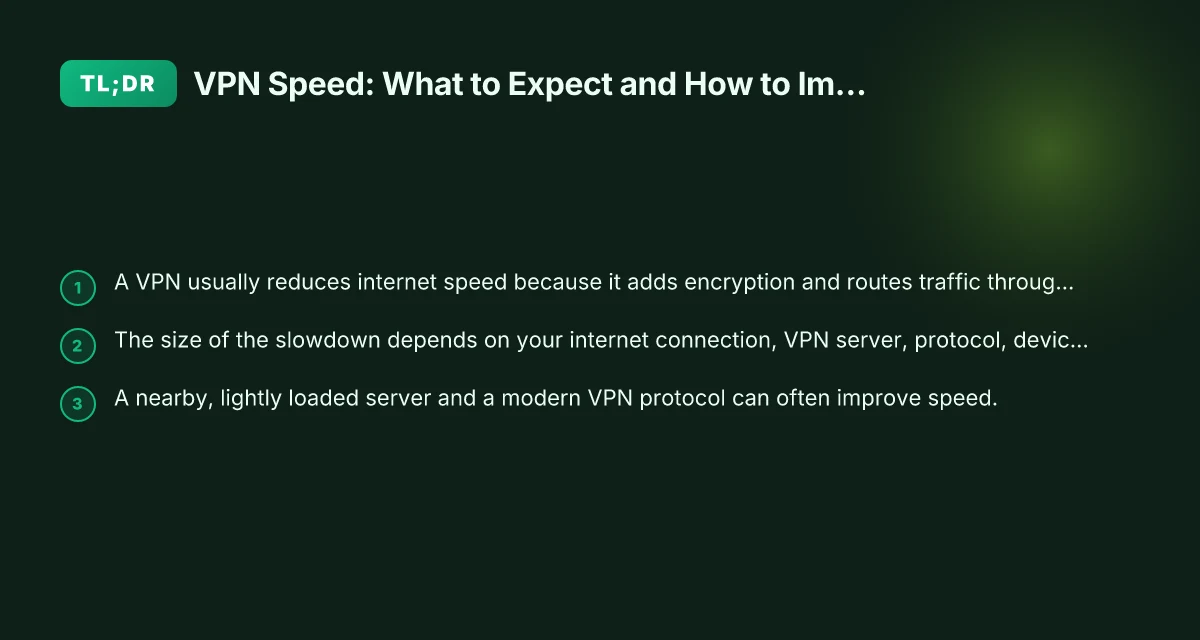
VPN speed is the internet performance you get while connected to a virtual private network. It is usually lower than your speed without a VPN, because your traffic has to travel through a VPN server and be encrypted. The difference may be barely noticeable for everyday browsing, but it can matter for large downloads, video calls, online gaming, or high-resolution streaming. To get the best results, compare speeds under consistent conditions, connect to a suitable server, and choose settings that balance speed with privacy.

Editor's pick: NordVPN — fast, secure VPN — Strong encryption, a no-logs policy and apps for every device. 30-day money-back guarantee. Get NordVPN →
Compare common VPN speed factors and practical responses
| Factor | Possible speed effect | What to check | Practical response |
|---|---|---|---|
| VPN server distance | Farther servers may add delay | Server location | Try a closer server |
| Server load | Busy servers may be slower | Load indicator, if available | Switch to a less busy server |
| VPN protocol | Protocols can differ in speed | Protocol settings | Test available protocols |
| Encryption overhead | Encryption can add processing time | Device and VPN performance | Use a supported, efficient protocol |
| Internet connection | The VPN cannot exceed the underlying connection | Speed without VPN | Check your connection first |
| Wi-Fi quality | Weak or congested Wi-Fi can slow performance | Signal and network congestion | Move closer to the router or use wired internet |
| Device performance | Limited processing power may affect speed | Device activity and capabilities | Close unnecessary apps |
| VPN server capacity | Limited capacity may affect performance | Results across servers | Try another server |
Compiled November 2026; check the provider's site for current details.
| VPN | Obfuscation | From / month | Plan | Free plan | Refund | Alipay | UnionPay | Crypto | Website opens in China | Trustpilot | |
|---|---|---|---|---|---|---|---|---|---|---|---|
 ZoogVPN | Turn on manually Shadow | $2.49/mo | 27 months: $59.99 | Yes | 7 days | ✓ | ✓ | ✓ | ✓ | Official site blocked; our special link opens (4.4 s) | 4.2/5 (195 reviews) |
 NordVPN | Turn on manually Obfuscated Servers / NordWhisper | $3.49/mo | 27 months: $94.23 | No | 30 days | ? | ✗ | ✓ | ✓ | ✗ Blocked | 4.2/5 (51,628 reviews) |
 ExpressVPN | ✓ On by default all servers | $3.00/mo | 28 months: $84 | No | 30 days | ✗ | ✗ | ✓ | ✗ | ✗ Blocked | 4.4/5 (29,706 reviews) |
 Surfshark | ✓ On by default Camouflage, with OpenVPN | See site | See site | No | 30 days | ✗ | ✗ | ✗ | ✓ | ✗ Blocked | 4.3/5 (31,823 reviews) |
 Proton VPN | Turn on manually Stealth, free plan too | $2.99/mo | 12 months: $35.88 | Yes | 30 days | ✗ | ✗ | ✗ | ✓ | ✗ Blocked | 2.1/5 (1,040 reviews) |
 Astrill VPN | Turn on manually StealthVPN / OpenWeb | $12.50/mo | 24 months: $300 | No | See site | ✗ | ✗ | ✗ | ✓ | ✗ Blocked | 1.3/5 (110 reviews) |
 Private Internet Access | Turn on manually Shadowsocks, OpenVPN only | $2.03/mo | 40 months: $81.2 | No | 30 days | ✗ | ✗ | ✗ | ✗ | ✗ Blocked | 4.2/5 (11,033 reviews) |
 CyberGhost | Turn on manually selected servers | $2.19/mo | 28 months: $61.32 | No | 45 days | ✗ | ✗ | ✗ | ✓ | ✗ Blocked | 4.0/5 (24,178 reviews) |
 PureVPN | Turn on manually switch to OpenVPN | $1.69/mo | 60 months: $101.55 | No | 31 days | ? | ? | ✗ | ✓ | ✗ Blocked | 4.4/5 (17,994 reviews) |
 AdGuard VPN | ✓ On by default TrustTunnel | $2.99/mo | 24 months: $71.76 | Yes | 30 days | ✓ | ✗ | ✓ | ✓ | Official site blocked; our special link opens (3.7 s) | 4.3/5 (290 reviews) |
 Mullvad | Turn on manually QUIC / Shadowsocks / LWO | $5.61/mo | €5/mo | No | 14 days | ✗ | ✗ | ✗ | ✓ | ✗ Blocked | 3.2/5 (192 reviews) |
 Windscribe | Turn on manually Stealth / WStunnel | $5.75/mo | 12 months: $69 | Yes | See site | ✗ | ✗ | ✗ | ✓ | ✗ Blocked | 4.7/5 (13,355 reviews) |
 StrongVPN | Turn on manually Scramble, OpenVPN TCP | See site | See site | No | 30 days | ✓ | ✗ | ✗ | ✗ | ✗ Blocked | 4.4/5 (2,695 reviews) |
 LightXtreme 闪连 | Not listed | $7.08/mo | 12 months: $84.99 | Yes | 30 days | ✓ | ✓ | ✓ | ✓ | ✓ Yes (3.5 s) | No page |
Prices checked 2026-11-10 on each vendor's pricing page (cheapest long plan, USD). Check the vendor's checkout for the final price.
Obfuscation checked 2026-11-14 on each vendor's site and help center: "on by default" = nothing to set; "turn on manually" = switch protocol or mode in settings; "not listed" = the vendor describes no obfuscation.
Payment methods checked 2026-11-10 on each vendor's payment pages: all 14 take cards and PayPal; ✗ = not listed, ? = the vendor's own pages disagree.
China access: whether the official website opens from mainland China networks (tests the website only, not the VPN connection). Last checked 2026-11-18 01:02 Beijing time.
Trustpilot score and review count checked 2026-11-10.
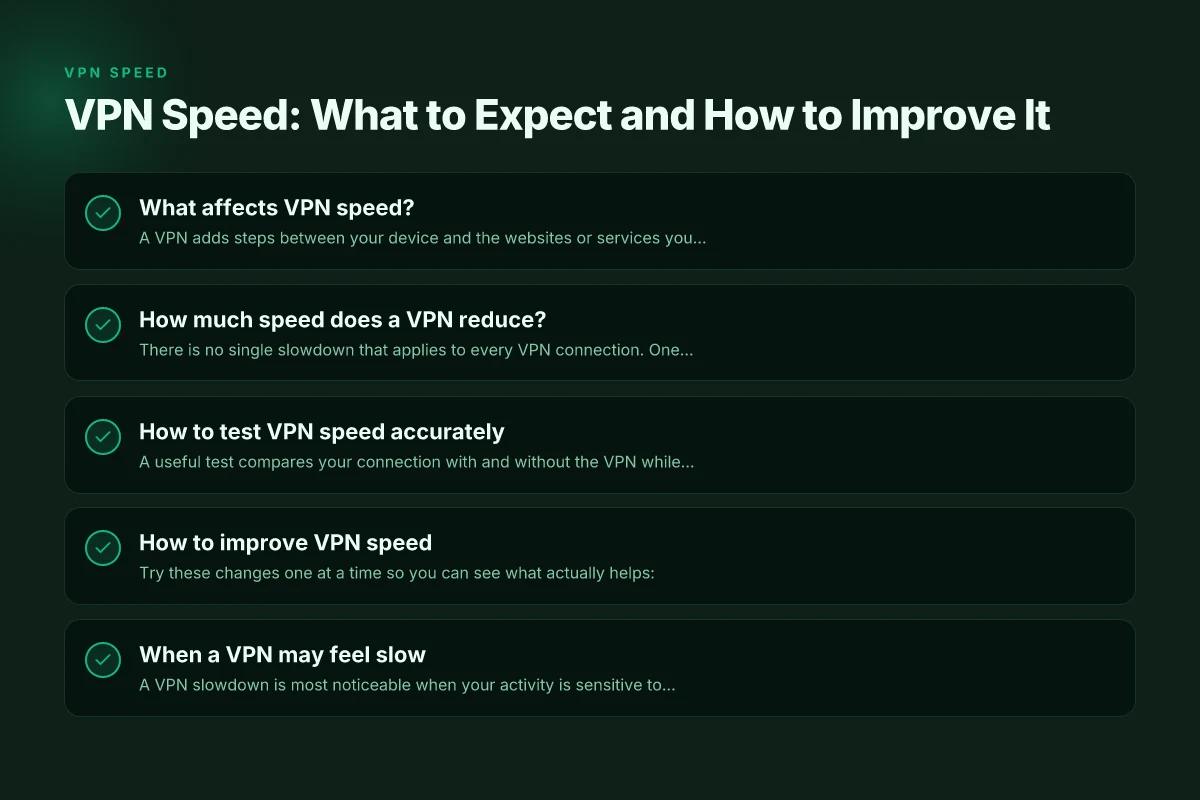
What affects VPN speed?
A VPN adds steps between your device and the websites or services you use. Each step can influence performance, though the impact varies by provider, location, device, and time of day.
The main factors include:
- Server distance: Data generally takes longer to travel to a server that is far from you. A nearby server is often faster, although routing and congestion can make exceptions.
- Server load: A busy server may have limited capacity for each connected user. Switching to a less crowded server can help.
- VPN protocol: Protocols differ in how they handle encryption and connection management. Modern options such as WireGuard are often designed for strong performance, but results depend on the service and device.
- Your base connection: A VPN cannot make an already slow or unstable internet connection faster. It may also expose performance limits in your router, device, or service plan.
- Encryption and processing: Encrypting traffic requires computing resources. Older devices or less efficient VPN apps may struggle more, especially during demanding tasks.
- Network conditions and routing: Wi-Fi interference, peak-hour congestion, and the route between your internet provider and the VPN server can all affect results.
How much speed does a VPN reduce?
There is no single slowdown that applies to every VPN connection. One test may show only a small change, while another may show a substantial drop. A fast home connection, nearby server, and capable device can produce a different result from a distant server over congested public Wi-Fi.
| Connection or condition | Likely effect on VPN speed |
|---|---|
| Nearby server with light load | Often a smaller slowdown |
| Distant or congested server | Often slower, with higher latency |
| Modern protocol and updated app | May improve performance |
| Weak Wi-Fi or older device | Can limit speed regardless of VPN provider |
| High-latency route | May make gaming and calls feel less responsive |
Speed is only one part of the experience. Download speed affects how quickly you receive files and video. Upload speed matters for sending files and video calls. Latency, often measured in milliseconds, affects how quickly your device gets a response. Lower latency is especially useful for gaming and interactive applications. A connection can have high download speed but still feel sluggish if latency is high. Fortigate IPsec Debug: A Practical Guide to Finding VPN Problems
Compare VPN speed tests for a more reliable result
| Test choice | Recommended approach | Why it matters | Keep consistent |
|---|---|---|---|
| Baseline | Test with VPN off | Shows your underlying connection | Use the same device |
| VPN connection | Test with VPN on | Shows performance through the VPN | Use the same test |
| Server location | Choose a nearby server | Reduces distance as a variable | Keep the location fixed |
| Protocol | Note the active protocol | Protocol can affect results | Change only when comparing |
| Network | Use the same internet connection | Different networks can change results | Avoid switching between Wi-Fi and mobile data |
| Timing | Repeat tests at different times | Network and server load can vary | Record the time |
| Test conditions | Pause downloads and streaming | Other activity can affect results | Keep background use similar |
| Results | Compare download, upload, and latency | A single measure may not reflect your needs | Record all three |
Compiled November 2026; check the provider's site for current details.
How to test VPN speed accurately
A useful test compares your connection with and without the VPN while keeping other conditions as similar as possible.
- Choose a trusted speed-testing service.
- Pause downloads, video streams, cloud backups, and other heavy network activity.
- Test your internet speed with the VPN disconnected.
- Connect to the VPN server and location you normally use.
- Run the same test again, preferably using the same test server.
- Repeat each test a few times and compare the results.
Record download speed, upload speed, and latency. Testing once is not enough to judge a VPN: internet conditions and speed-test servers can fluctuate. For a fair comparison, use the same device and network, test close together in time, and try a few VPN servers. Could Virgin Be Blocking My VPN? How to Find Out and Fix It
Keep in mind that a speed-test result is not a guarantee of performance for every website or app. Different services use different routes and servers, so a video stream or download may behave differently from a test.
How to improve VPN speed
Try these changes one at a time so you can see what actually helps:
- Choose a closer server. Start with a server in your country or nearby. If it is slow, try another location in the same region.
- Try a different server in the same location. The first server may be busy, while another nearby option has more capacity.
- Check your protocol settings. If your VPN app offers a modern protocol such as WireGuard, test it against the default. Keep the option that gives you the right balance of speed and security.
- Update the VPN app and device. Updates can improve stability, compatibility, and performance.
- Use a stronger local connection. Move closer to your Wi-Fi router, switch to a less congested Wi-Fi band, or connect by Ethernet if practical.
- Close unnecessary network activity. Large downloads and background syncing can reduce the bandwidth available to the VPN.
- Restart the app or router if performance changes suddenly. This can resolve temporary connection problems, though it will not fix ongoing congestion or a slow plan.
Avoid changing security settings without understanding the trade-off. Disabling encryption or using an outdated protocol may increase speed in some cases, but it can weaken protection. For most users, changing servers or protocols is a better first step.
When a VPN may feel slow
A VPN slowdown is most noticeable when your activity is sensitive to speed or delay. Large file transfers may take longer, while online games can feel less responsive if the VPN adds latency. Video calls may stutter when upload speed is low or the connection is unstable. Why Will Virgin Internet Not Allow Cisco VPN Connect Client?
If only one site or service is slow, the VPN may not be the cause. The service itself, its content-delivery network, or the route from the VPN server may be responsible. Test a different server and compare the same activity with the VPN on and off, where appropriate.
A VPN can sometimes appear to improve speed if your internet provider is limiting a particular type of traffic. This is not guaranteed, and a VPN cannot overcome the limits of your plan or a congested connection.
Choose a VPN speed fix based on what feels slow
| What you notice | First check | Try this | Best suited for |
|---|---|---|---|
| Slow browsing | Distance to server | Connect to a closer server | Everyday web use |
| High latency | Server distance and route | Try a nearby location | Calls and responsive browsing |
| Slow downloads | Server load | Switch to a less busy server | Large file transfers |
| Slow streaming | Connection speed and server | Test another nearby server | Video playback |
| Speed drops at busy times | Time and server load | Retest later or change servers | Variable performance |
| Slow speed on every server | Baseline speed without VPN | Check the underlying connection | Diagnosing connection issues |
| Slow speed on one device | Device activity | Close unnecessary apps | Resource-limited devices |
| Inconsistent results | Test conditions | Repeat tests consistently | Comparing VPN settings |
Compiled November 2026; check the provider's site for current details. VPN Security Solution: How to Choose the Right Protection
Recommendation
For a good mix of VPN speed and privacy, begin with a nearby server, use a modern protocol supported by your VPN app, and test performance on your normal network. Compare more than one server and measure latency as well as download and upload speeds. If the connection remains much slower than expected, check your base internet speed and device before assuming the VPN itself is the problem.